
XVX Video Player para PC
XVX Video Player
Descarga XVX Video Player en PC con GameLoop Emulator
XVX Video Player en PC
XVX Video Player, proveniente del desarrollador XVX Video Player, se ejecuta en el sistema Android en el pasado.
Ahora, puedes jugar XVX Video Player en PC con GameLoop sin problemas.
Descárgalo en la biblioteca de GameLoop o en los resultados de búsqueda. No más mirar la batería o llamadas frustrantes en el momento equivocado nunca más.
Simplemente disfrute de XVX Video Player PC en la pantalla grande de forma gratuita!
XVX Video Player Introducción
XVX Video Player is for playing all media formats including 4K, 4K Ultra HD, Full HD, 1080p HD media files. It has small installation size. This Ultra HD Video Player is full of Unique Features, Catchy UI & Support faster HD player streaming, XVX Video Player is using most of the tools to support All formats of videos media visibility & enhance quality of videos for Smoothly playing 1080p HD resolution & Playback experience.
Key function points:
● XVX Video Player support 4K, 4K Ultra HD, Full HD and all types of video formats.
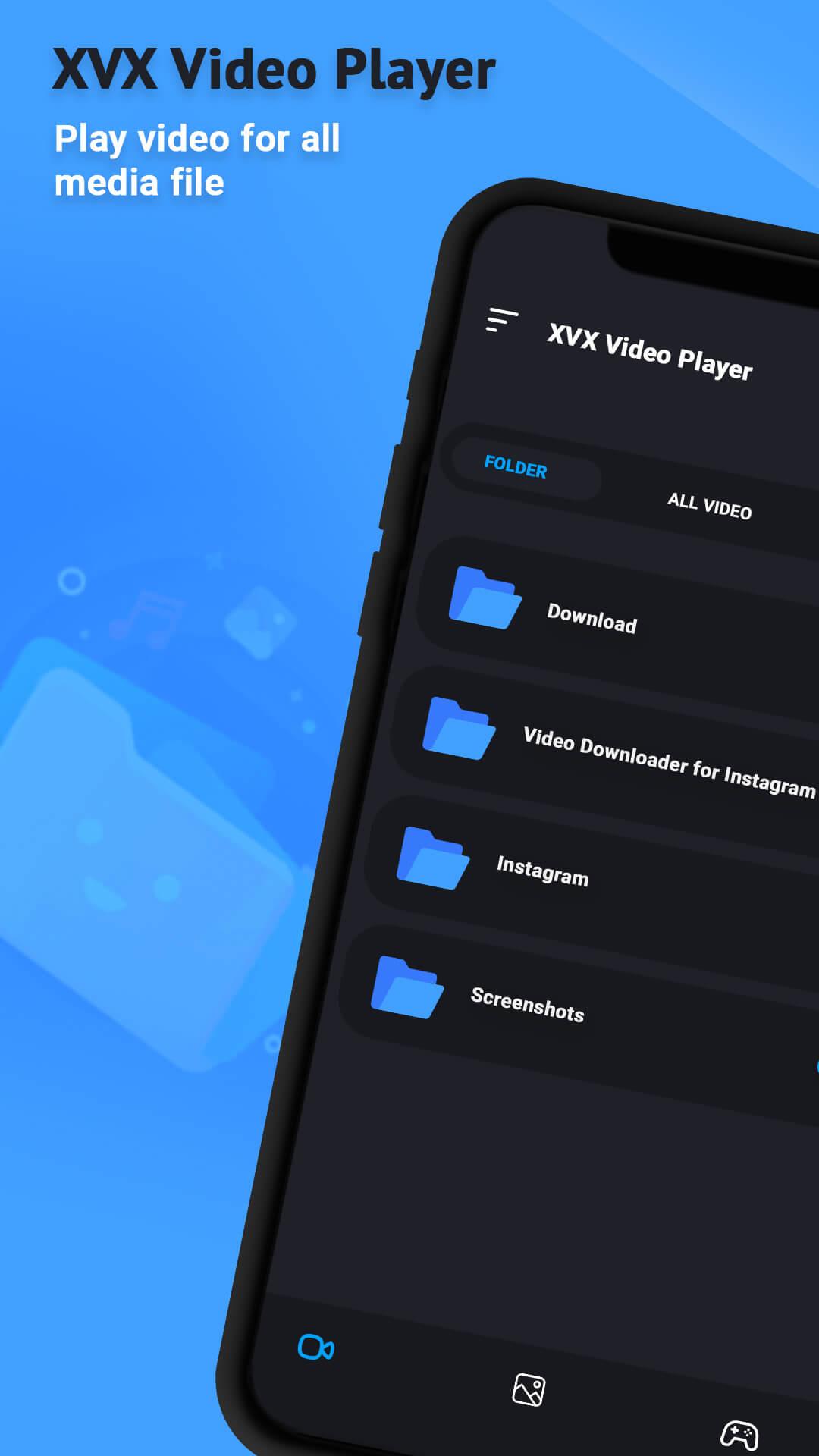
● Identify all video files on your device and scan the SD Card automatically.
● Play the video in a pop-up window, split-screen and Play-In background as an audio file.
● Hardware acceleration with the new HW+ decoder and Extension mode
● HD playback your video files
● Playback Speed and Dual Audio support in the MP3 player and mp4 player
● Smart playback options like Pinch to zoom, auto-rotation, aspect-ratio, and screen-lock.
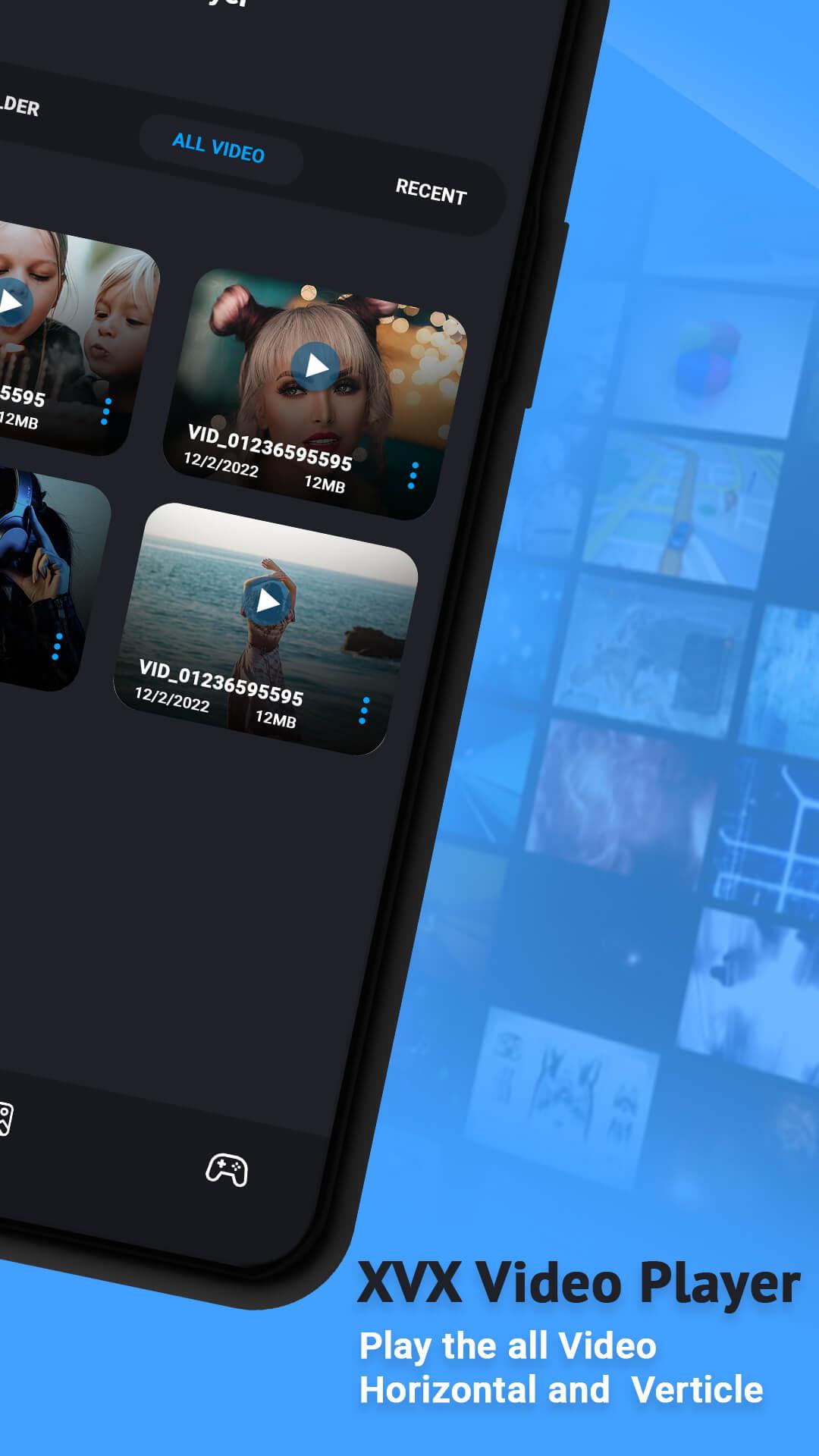
● Thumbnail display the contents of the video file
● Delete files, rename, play pause operation
● Powerful Equalizer with Bass Boost and Virtualizer in mp3 player.
● Smart gestures to control volume, playing progress, and brightness.
● Easily manage or share videos, songs, and photos.
● Smooth playback of FLV files
● Quick browser your video folder
💓Support Formats
-Play all video formats like MKV, MP4, M4V, AVI, MOV, 3GP, FLV, WMV, RMVB, TS, MP3, MPG, etc.
- Support multiple subtitle formats, subtitle download and subtitle automatic synchronization.
🚀Video player with complete control in media files
-Enjoy full HD playback with slow motion & fast motion advanced settings and change media speed from 0.5 to 2.0 easily.
-Recently played video queue, create playlist, filter duplicate media files, search video and songs, manage photo albums.
🎁Full HD Video Player
-Play HD, Full HD, Ultra HD, 4k, 1080p, and all types of video files smoothly in Video Player, mp4 player and download all files through video downloader.
💓Amazing sound effects
-HD Video Player with the equalizer, bass booster, and stereo surround sound effect, Make you feel like being in the cinema
🌼Background Video Player
-Play videos in the background option in the video player. You can play the video in the background like music playback and you can watch a video in the way of multi-tasking.
🌸Floating Video Player All Format
-The floating Player helps you watch videos when you are doing another task. Enjoy video on the split-screen and use other apps as usual.
🌟File Explorer, Files manager
-Identify all video files and music files on your device and SD-Card automatically. In addition, download videos or share easily.
XVX Video Player is Video Player for android, simple, tiny and powerful. Any Video formats are supported. Full Ultra HD Video Player is All-in-one playit media Player for different formats.
Avance
Etiquetas
EntretenimientoInformación
Desarrollador
XVX Video Player
La última versión
1.1.3
Última actualización
2024-01-16
Categoría
Entretenimiento
Disponible en
Google Play
Mostrar más
Cómo jugar XVX Video Player con GameLoop en PC
1. Descargue GameLoop desde el sitio web oficial, luego ejecute el archivo exe para instalar GameLoop.
2. Abra GameLoop y busque "XVX Video Player", busque XVX Video Player en los resultados de búsqueda y haga clic en "Instalar".
3. Disfruta jugando XVX Video Player en GameLoop.
Minimum requirements
OS
Windows 8.1 64-bit or Windows 10 64-bit
GPU
GTX 1050
CPU
i3-8300
Memory
8GB RAM
Storage
1GB available space
Recommended requirements
OS
Windows 8.1 64-bit or Windows 10 64-bit
GPU
GTX 1050
CPU
i3-9320
Memory
16GB RAM
Storage
1GB available space