
Roulette Solveder - spin bottl para PC
Kraist
Descarga Roulette Solveder - spin bottl en PC con GameLoop Emulator
Roulette Solveder - spin bottl en PC
Roulette Solveder - spin bottl, proveniente del desarrollador Kraist, se ejecuta en el sistema Android en el pasado.
Ahora, puedes jugar Roulette Solveder - spin bottl en PC con GameLoop sin problemas.
Descárgalo en la biblioteca de GameLoop o en los resultados de búsqueda. No más mirar la batería o llamadas frustrantes en el momento equivocado nunca más.
Simplemente disfrute de Roulette Solveder - spin bottl PC en la pantalla grande de forma gratuita!
Roulette Solveder - spin bottl Introducción
Do not want to make a decision yourself or decided to trust the fate?
Solveder will help, you can create a roulette yourself with your answer choices.
Games:
- Twister (with automatic mode and voice acting moves)
- Slime Challenge (to select slime ingredients)
- Spin the bottle
Roulettes:
- Daily "How will the day go?"
- Actual "What to see in cinema?"
- What to do?
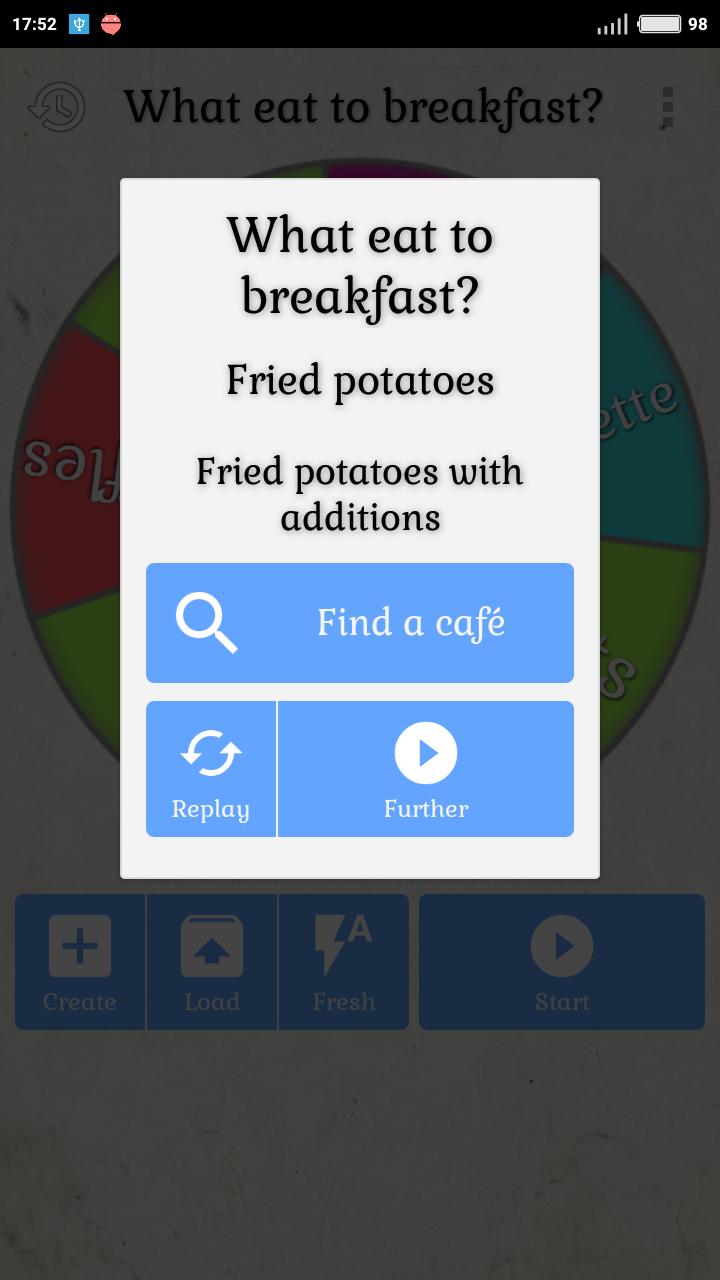
- What eat to breakfast?
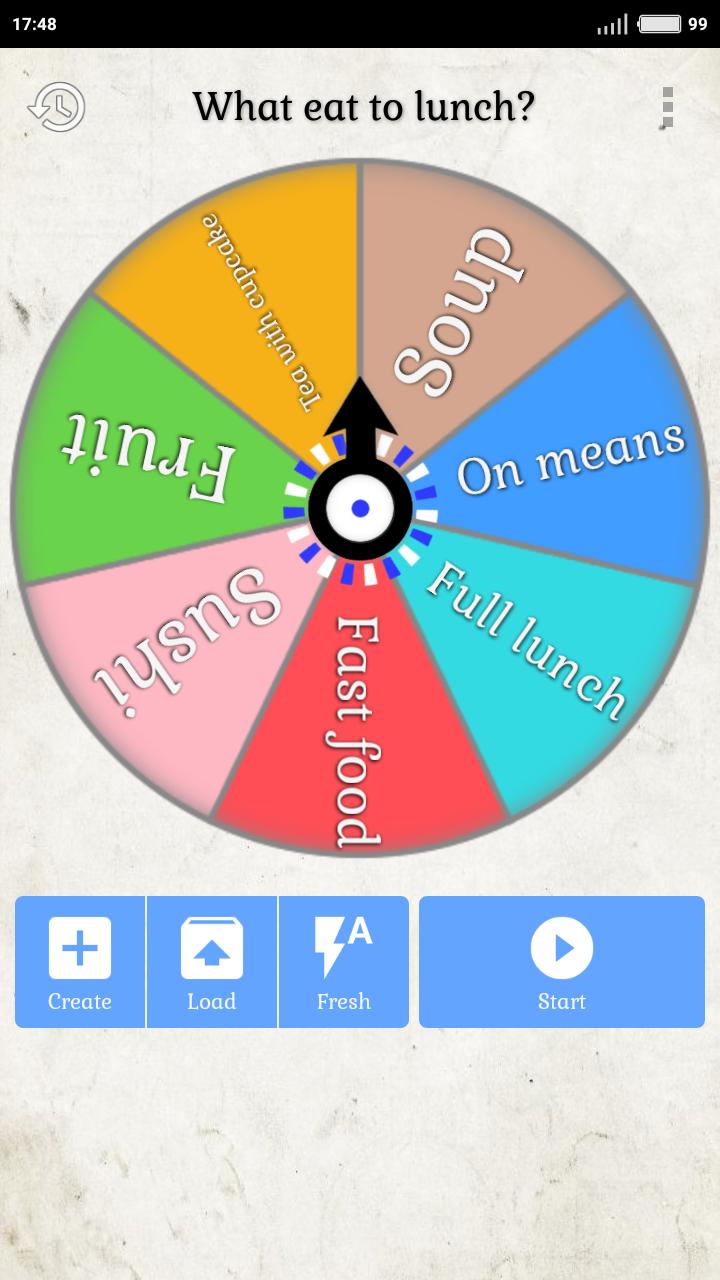
- What eat to lunch?
- Choose tv series?
- What to cook?
- What to gift?
- Choose color?
- Man's name?
- Woman name?
Choose the item “Not enough roulette” in the menu and write what options or whole roulette you add.
And also:
- 4 pointer options (2 bottles, 2 arrows);
- Create roulette manually;
- Save the last fallen options;
- Ability to share with friends.
This free application will help answer any question, quickly and completely by accident!
Avance
Etiquetas
EntretenimientoInformación
Desarrollador
Kraist
La última versión
1.0
Última actualización
2022-10-12
Categoría
Entretenimiento
Disponible en
Google Play
Mostrar más
Cómo jugar Roulette Solveder - spin bottl con GameLoop en PC
1. Descargue GameLoop desde el sitio web oficial, luego ejecute el archivo exe para instalar GameLoop.
2. Abra GameLoop y busque "Roulette Solveder - spin bottl", busque Roulette Solveder - spin bottl en los resultados de búsqueda y haga clic en "Instalar".
3. Disfruta jugando Roulette Solveder - spin bottl en GameLoop.
Minimum requirements
OS
Windows 8.1 64-bit or Windows 10 64-bit
GPU
GTX 1050
CPU
i3-8300
Memory
8GB RAM
Storage
1GB available space
Recommended requirements
OS
Windows 8.1 64-bit or Windows 10 64-bit
GPU
GTX 1050
CPU
i3-9320
Memory
16GB RAM
Storage
1GB available space