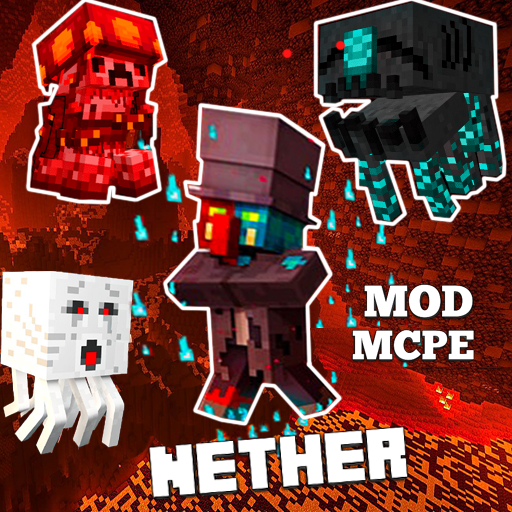
Mod Nether for Minecraft PE para PC
Tytar Mods Studio
Descarga Mod Nether for Minecraft PE en PC con GameLoop Emulator
Mod Nether for Minecraft PE en PC
Mod Nether for Minecraft PE, proveniente del desarrollador Tytar Mods Studio, se ejecuta en el sistema Android en el pasado.
Ahora, puedes jugar Mod Nether for Minecraft PE en PC con GameLoop sin problemas.
Descárgalo en la biblioteca de GameLoop o en los resultados de búsqueda. No más mirar la batería o llamadas frustrantes en el momento equivocado nunca más.
Simplemente disfrute de Mod Nether for Minecraft PE PC en la pantalla grande de forma gratuita!
Mod Nether for Minecraft PE Introducción
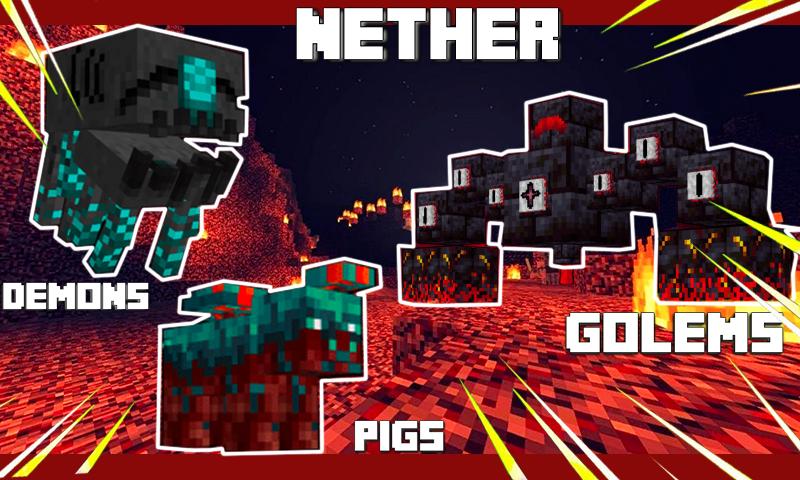
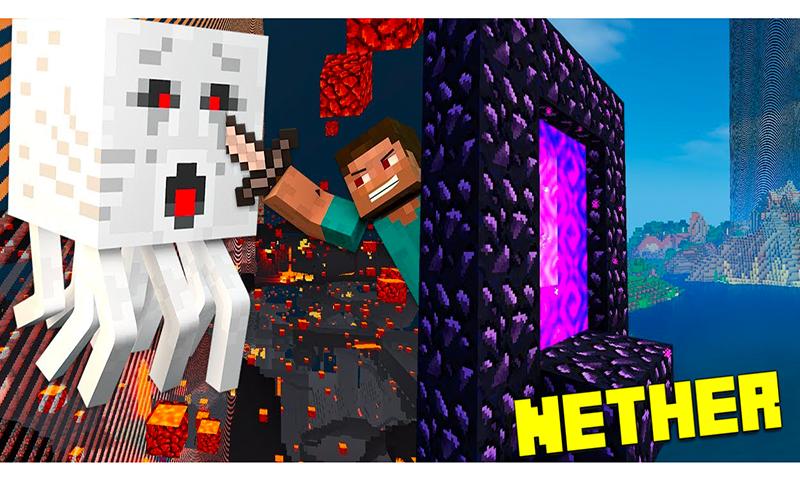
Allows you to introduce an update to the Nether Craft mod, which includes several types of new creatures in the Minecraft Nether. Each of them received a corresponding biome and a unique behavior. In addition to products, mobs will also appear in the game. There are no friendly creatures in the Mod lower world, survival will become much more difficult.
DISCLAIMER
This Mods Nether Craft is an unofficial application for minecraft pocket edition. This application is not affiliated with Mojang AB, the Minecraft name, the MCPE brand, and all Minecraft property is the property of Mojang AB or a respected owner. According to http://account.mojang.com/documents/brand_guidelines
Avance
Etiquetas
EntretenimientoInformación
Desarrollador
Tytar Mods Studio
La última versión
1
Última actualización
2022-06-11
Categoría
Entretenimiento
Disponible en
Google Play
Mostrar más
Cómo jugar Mod Nether for Minecraft PE con GameLoop en PC
1. Descargue GameLoop desde el sitio web oficial, luego ejecute el archivo exe para instalar GameLoop.
2. Abra GameLoop y busque "Mod Nether for Minecraft PE", busque Mod Nether for Minecraft PE en los resultados de búsqueda y haga clic en "Instalar".
3. Disfruta jugando Mod Nether for Minecraft PE en GameLoop.
Minimum requirements
OS
Windows 8.1 64-bit or Windows 10 64-bit
GPU
GTX 1050
CPU
i3-8300
Memory
8GB RAM
Storage
1GB available space
Recommended requirements
OS
Windows 8.1 64-bit or Windows 10 64-bit
GPU
GTX 1050
CPU
i3-9320
Memory
16GB RAM
Storage
1GB available space