
Mimic - AI Photo Face Animator para PC
ScaleUp
Descarga Mimic - AI Photo Face Animator en PC con GameLoop Emulator
Mimic - AI Photo Face Animator en PC
Mimic - AI Photo Face Animator, proveniente del desarrollador ScaleUp, se ejecuta en el sistema Android en el pasado.
Ahora, puedes jugar Mimic - AI Photo Face Animator en PC con GameLoop sin problemas.
Descárgalo en la biblioteca de GameLoop o en los resultados de búsqueda. No más mirar la batería o llamadas frustrantes en el momento equivocado nunca más.
Simplemente disfrute de Mimic - AI Photo Face Animator PC en la pantalla grande de forma gratuita!
Mimic - AI Photo Face Animator Introducción
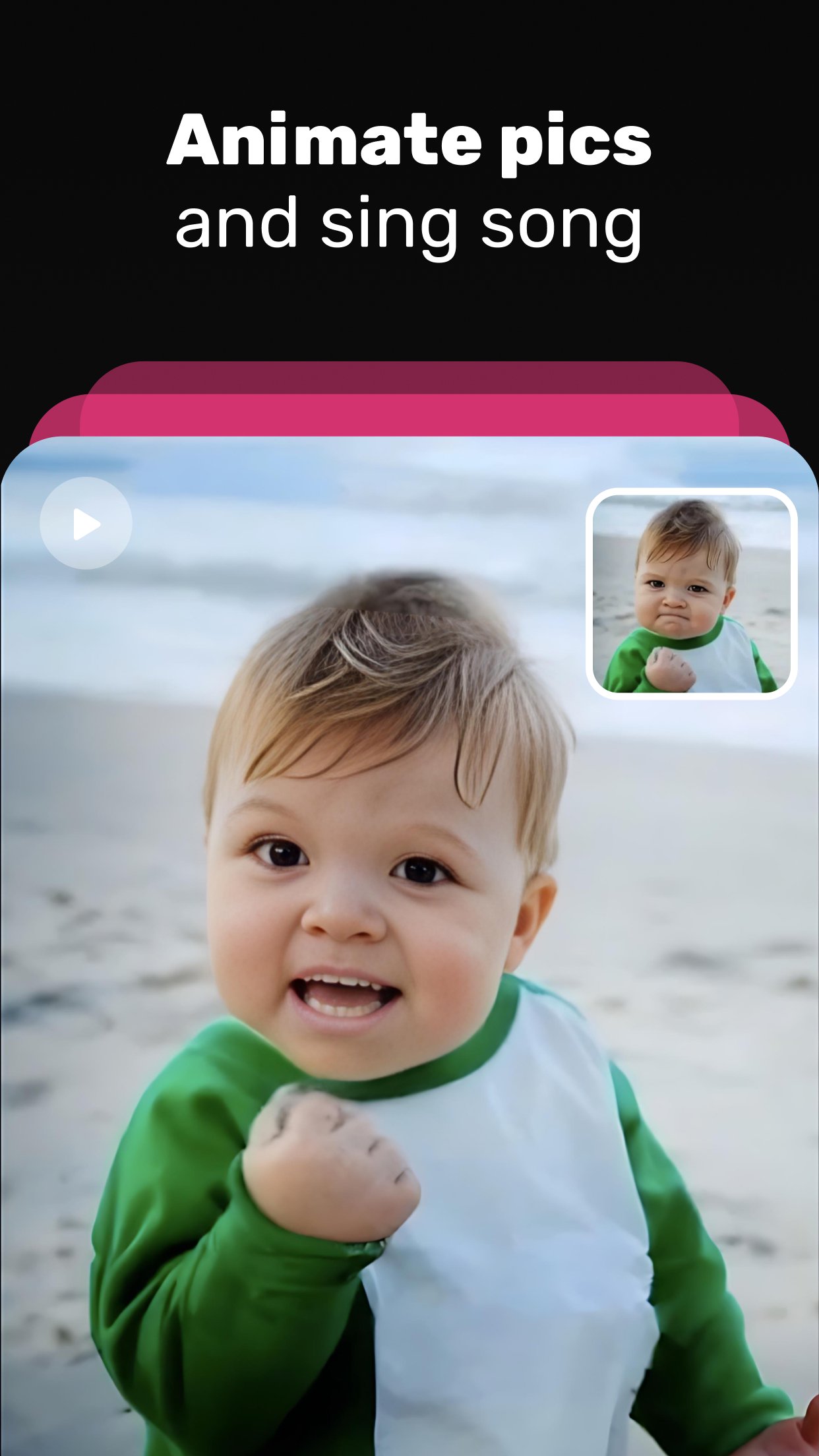
Choose a photo, pick a song, and make it dance!🕺🏾
The result? Videos that are hilarious, bizarre, fun, and ready to go viral. No dancing lessons are required.
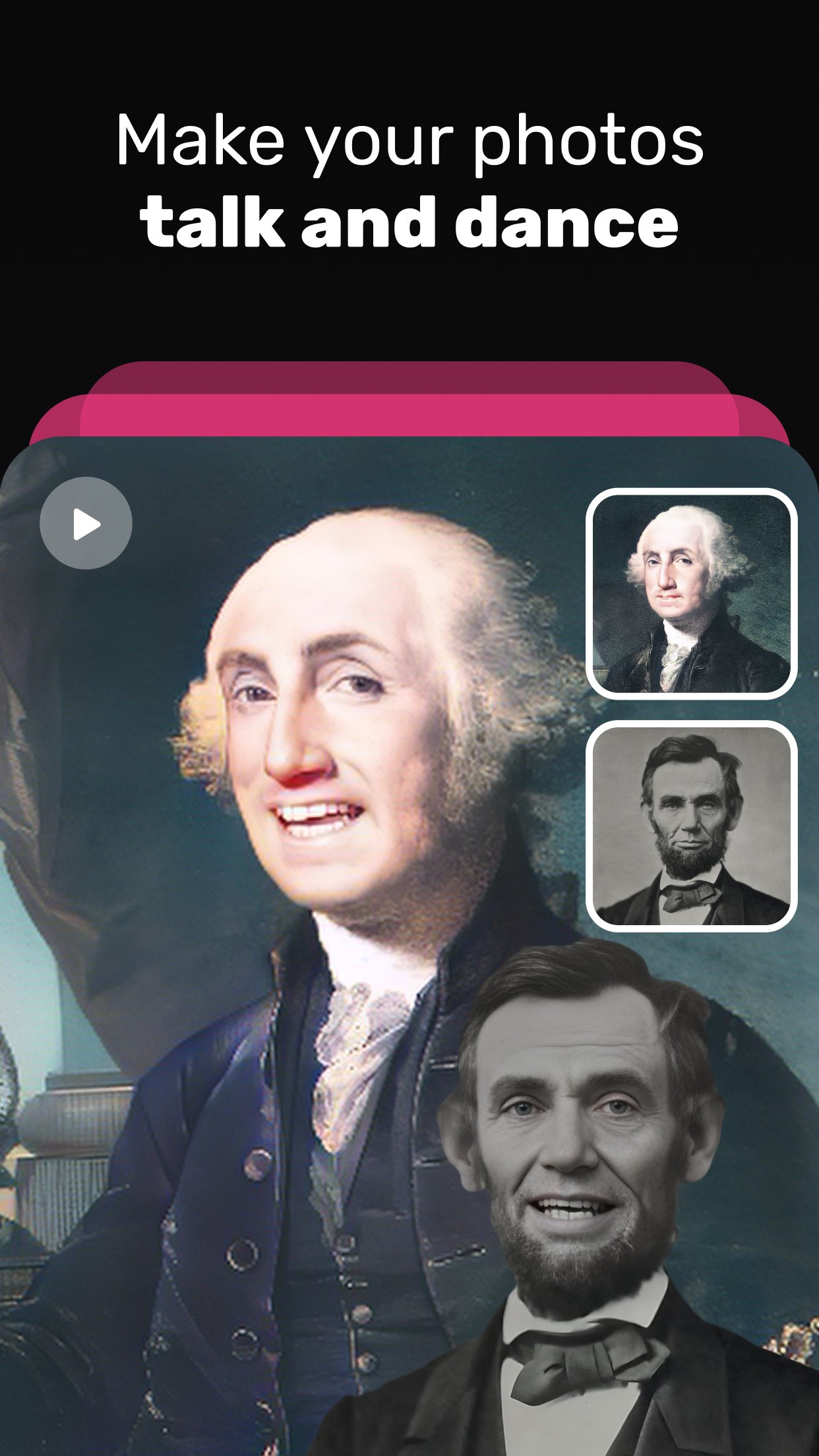
Mimic is the world’s most powerful AI-powered photo animating app that turns any picture into fun, lively, and unforgettable videos. With our advanced AI technology, even a single selfie can transform into a fully animated lip-sync performance, a duet with your favorite song, or a funny speaking portrait.
Don’t limit yourself to boring selfies!😜 With Mimic, the possibilities are endless. You can:
Make your baby say their first words in a magical video 👶
Animate your pet and let your dog or cat talk 🐶🐱
Watch your boss dance to a hilarious song 💼
Make your boyfriend sing a romantic love song 💕
Turn your friends into a viral meme sensation 🎉
Create duets by pairing two photos singing together 🎤🎤
Generate lip-sync videos where your photo perfectly matches the music
It’s simple to use:
1. Take or choose a photo from your gallery
2. Pick a track from our extensive music library – from pop hits to classics
3. Choose lip-sync or duet mode for extra fun
4. Let our AI animate the photo into a funny, viral-ready video
5. Share your magical creation instantly with friends and followers
✨ Key Features of Mimic
AI Lip Sync Generator – Your photo will move its lips in perfect sync with the music or voiceover.
Duet Mode – Select two faces and create a duet performance, turning your photos into a fun music video.
Animate Babies & Pets – Make your baby smile, talk, or sing. Animate your pets and give them hilarious voices.
Photo to Video Magic – Instantly transform any static picture into a lively, animated video.
Viral Meme Maker – Perfect for social media engagement and creating sharable fun content.
Massive Music Library – Find the perfect track for any mood or joke.
One-Tap Sharing – Instantly post on TikTok, Instagram, or send to friends in seconds.
Mimic is not just an app—it’s your new viral content generator. Whether you want to surprise your family with a baby saying “I love you,” give your pet a voice, or just have fun making hilarious lip-sync duets, Mimic has everything you need.
🎉 Why Users Love Mimic
It’s the easiest way to make creative and funny content without needing editing skills.
Baby and pet animations melt hearts and get tons of engagement.
Duet feature makes two photos interact in a way you’ve never seen before.
Lip-sync is so realistic that it looks like the person is truly performing the song.
Every video is unique, fun, and ready to go viral.
Why are you still waiting? You can experience our magical photo animation technologies right now. All you have to do is download the app, take or choose a photo, and watch yourself, your baby, your pet, or even your boss sing, dance, and entertain like never before. 😍 🥰
Create hilarious memes, heartfelt singing portraits, and unforgettable duet videos that everyone will love. With Mimic, every photo has a voice, every face can perform, and every moment can turn into a viral video.
Mimic – Turn Any Photo into Fun!
Privacy Policy: https://mimicapp.co/privacy.html
Terms of Service: https://mimicapp.co/terms
Avance
Etiquetas
EntretenimientoInformación
Desarrollador
ScaleUp
La última versión
2.1.4
Última actualización
2026-06-07
Categoría
Entretenimiento
Disponible en
Google Play
Mostrar más
Cómo jugar Mimic - AI Photo Face Animator con GameLoop en PC
1. Descargue GameLoop desde el sitio web oficial, luego ejecute el archivo exe para instalar GameLoop.
2. Abra GameLoop y busque "Mimic - AI Photo Face Animator", busque Mimic - AI Photo Face Animator en los resultados de búsqueda y haga clic en "Instalar".
3. Disfruta jugando Mimic - AI Photo Face Animator en GameLoop.
Minimum requirements
OS
Windows 8.1 64-bit or Windows 10 64-bit
GPU
GTX 1050
CPU
i3-8300
Memory
8GB RAM
Storage
1GB available space
Recommended requirements
OS
Windows 8.1 64-bit or Windows 10 64-bit
GPU
GTX 1050
CPU
i3-9320
Memory
16GB RAM
Storage
1GB available space