LE SSERAFIM Light Stick para PC
HYBE Co., Ltd.
Descarga LE SSERAFIM Light Stick en PC con GameLoop Emulator
LE SSERAFIM Light Stick en PC
LE SSERAFIM Light Stick, proveniente del desarrollador HYBE Co., Ltd., se ejecuta en el sistema Android en el pasado.
Ahora, puedes jugar LE SSERAFIM Light Stick en PC con GameLoop sin problemas.
Descárgalo en la biblioteca de GameLoop o en los resultados de búsqueda. No más mirar la batería o llamadas frustrantes en el momento equivocado nunca más.
Simplemente disfrute de LE SSERAFIM Light Stick PC en la pantalla grande de forma gratuita!
LE SSERAFIM Light Stick Introducción
[Key Features]
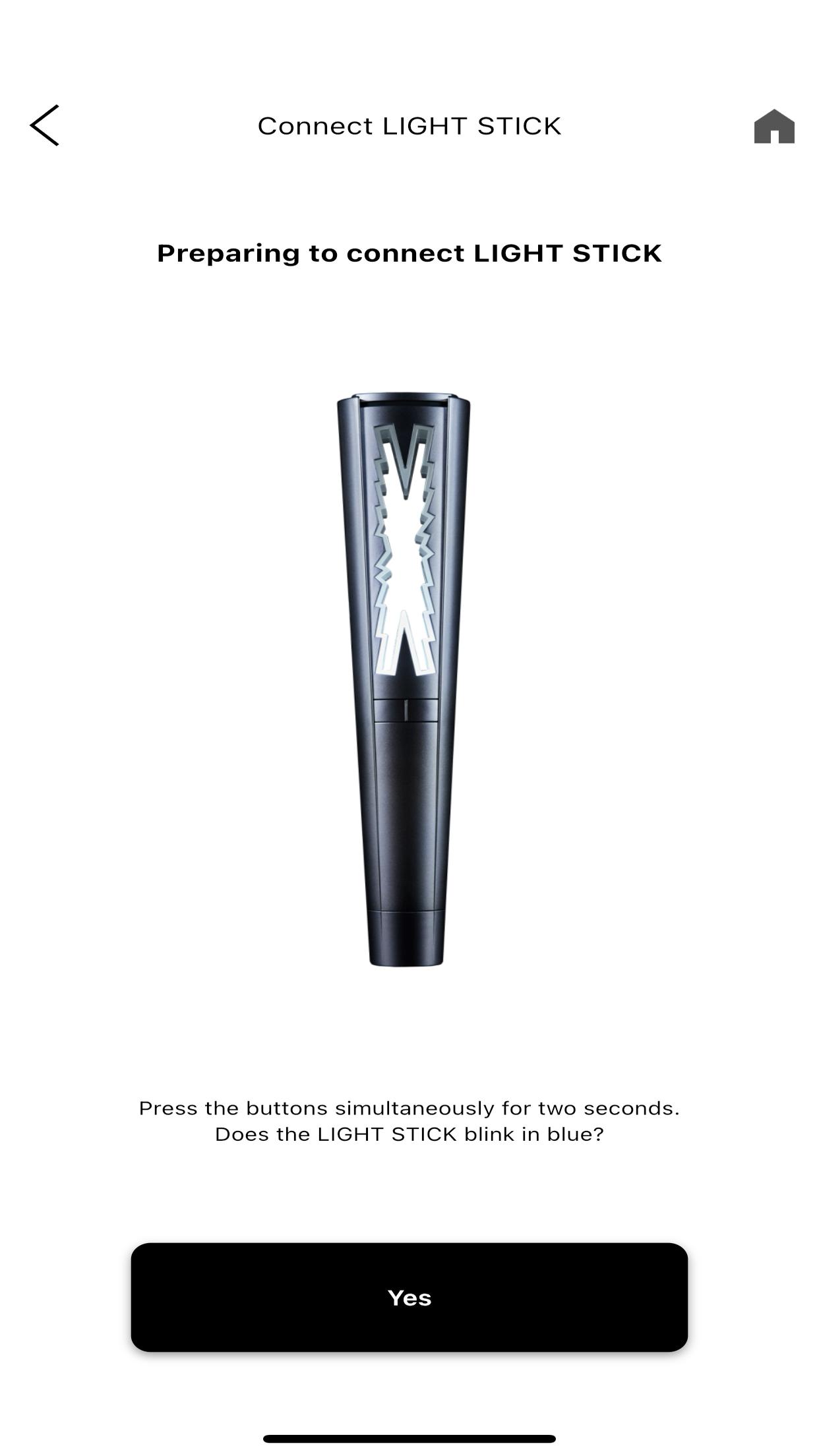
1. Smartphone Bluetooth Connection
With the Light Stick turned off, Press the buttons of the Light Stick simultaneously for 2 seconds to enter Bluetooth mode. (It will blink in blue)
Turn on your smartphone’s Bluetooth mode and pair it with the Light Stick.
2. Concert mode
Enter your concert ticket information and pair your Light Stick.
You can enjoy various stage effects during the concert.
This menu will be enabled several days prior to a concert.
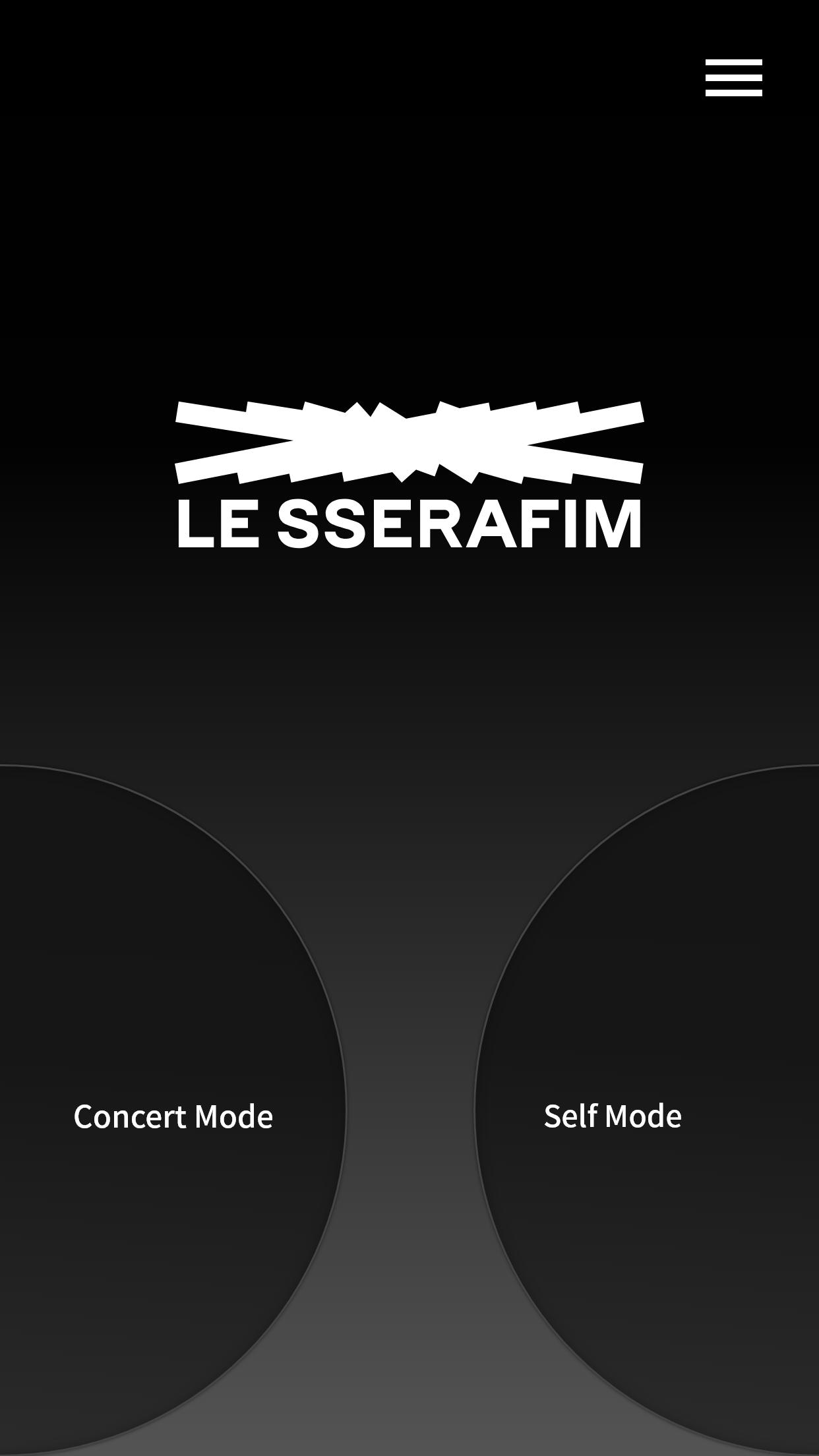
3. Self mode
After pressing the "Self Mode" button on the home screen of the app, connect the smartphone and the Light Stick with Bluetooth.
You can change the color, brightness, and blinking effect of your Light Stick from the app.
[Important Pre-Concert Information]
- Pairing using the app can be done approximately one or two days before the concert. Please check your ticket before pairing your Light Stick.
- You can proceed with concert pairing by tapping [Concert Mode] in the latest version of the Light Stick app.
- Please keep the Light Stick firmware updated to the latest version. If there is an update, a separate notice will be posted on the official channel.
- On-site congestion on the day of the concert may delay the firmware update and pairing speed or cause them to fail. Please complete the firmware update and pairing before coming to the concert venue.
- Replace old batteries with new alkaline batteries before using your Light Stick. (three AAA batteries)
- Using old batteries without replacing them with new ones may cause the Light Stick to fade, or flash in different colors then go off during the concert. Please prepare extra batteries.
- The Light Stick will remain paired during the concert even if the batteries are replaced, and the light effect will continue automatically.
※ Required access permission
To use the app and the Light Stick, the following permissions are required:
• Location : Required for Bluetooth connection on some OS versions. Location information is not stored or used separately.
• Storage : Required to save the app's essential information.
• NFC : Required to check ticket information.
• Bluetooth : Required to connect to the Light Stick.
keyword: lightstick, 응원봉, HYBE, 하이브, LE SSERAFIM, 르세라핌, Le Sserafim, LESSERAFIM, Lesserafim
Avance
Etiquetas
EntretenimientoInformación
Desarrollador
HYBE Co., Ltd.
La última versión
1.8
Última actualización
2025-11-13
Categoría
Entretenimiento
Disponible en
Google Play
Mostrar más
Cómo jugar LE SSERAFIM Light Stick con GameLoop en PC
1. Descargue GameLoop desde el sitio web oficial, luego ejecute el archivo exe para instalar GameLoop.
2. Abra GameLoop y busque "LE SSERAFIM Light Stick", busque LE SSERAFIM Light Stick en los resultados de búsqueda y haga clic en "Instalar".
3. Disfruta jugando LE SSERAFIM Light Stick en GameLoop.
Minimum requirements
OS
Windows 8.1 64-bit or Windows 10 64-bit
GPU
GTX 1050
CPU
i3-8300
Memory
8GB RAM
Storage
1GB available space
Recommended requirements
OS
Windows 8.1 64-bit or Windows 10 64-bit
GPU
GTX 1050
CPU
i3-9320
Memory
16GB RAM
Storage
1GB available space