
Fake Call with Leeteuk para PC
MURID DEVELOPER
Descarga Fake Call with Leeteuk en PC con GameLoop Emulator
Fake Call with Leeteuk en PC
Fake Call with Leeteuk, proveniente del desarrollador MURID DEVELOPER, se ejecuta en el sistema Android en el pasado.
Ahora, puedes jugar Fake Call with Leeteuk en PC con GameLoop sin problemas.
Descárgalo en la biblioteca de GameLoop o en los resultados de búsqueda. No más mirar la batería o llamadas frustrantes en el momento equivocado nunca más.
Simplemente disfrute de Fake Call with Leeteuk PC en la pantalla grande de forma gratuita!
Fake Call with Leeteuk Introducción
Park Jung-soo, better known by his stage name Leeteuk, is a South Korean actor, singer, and presenter. He is the leader of the boy band Super Junior. His stage name means "special". On November 6, 2005, Leeteuk as part of Super Junior officially debuted on SBS's Popular Songs performing the group's first single TWINS (Knock Out).
Being the oldest of the group, Leeteuk was chosen to be the leader of Super Junior, leading and guiding the group in media interviews and schedules. Since debuting with Super Junior, Leeteuk has been the MC for MNET's M! Countdown along with Super Junior members, Kangin and Shindong. However, since late 2006, Eunhyuk took his place. Together with Eunhyuk, Leeteuk has also been a DJ for KBS Super Junior Kiss the Radio since August 21, 2006.
How to use this application are:
1. Select your favorite artist photo
2. Select Video or Voice Call
3. Select Whatsapp, telegram, or Facebook video call display
4. select the time to run (select now - recommendation)
5. Start Fake
6. Wait 2 seconds then the fake call will run.
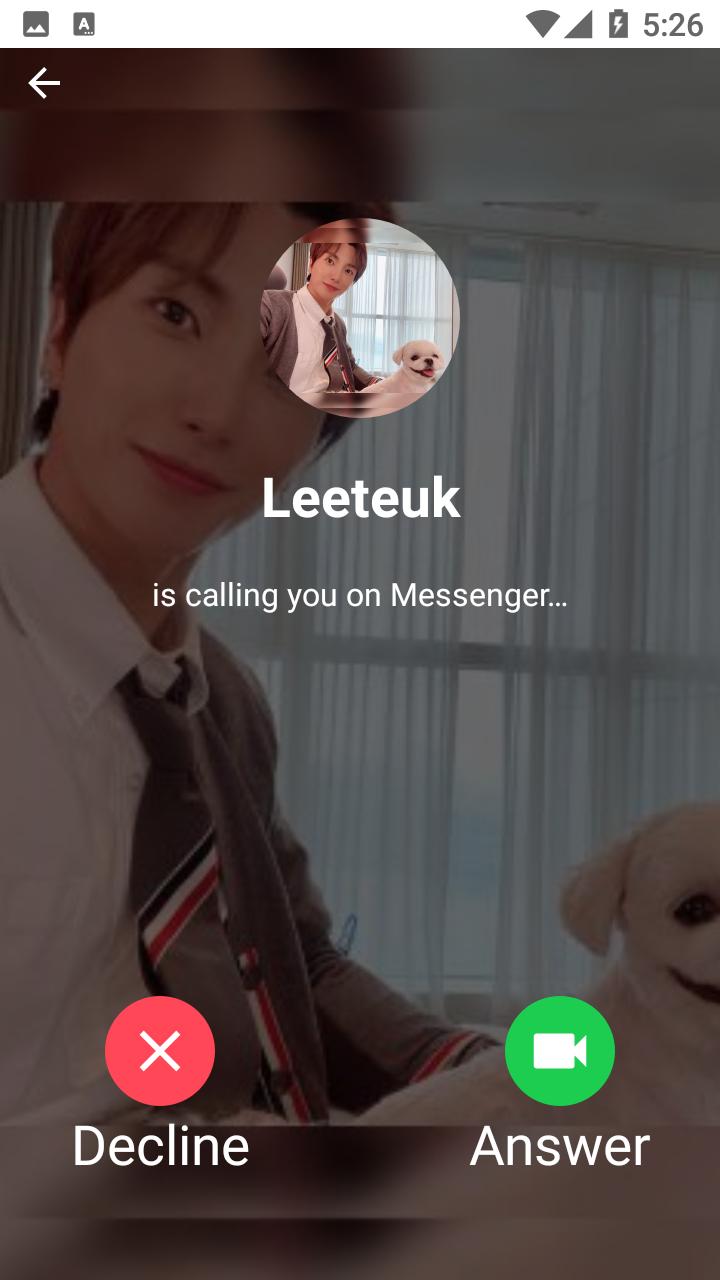
With this application, you can prank your friends as if you were on the phone with your favorite artist, Leeteuk. You can also show off with your friends by taking screenshots during a video call and then sharing them on your social media such as Facebook, Instagram, WhatsApp, Twitter, and others.
How? Cool, right?
This application is made with a theme similar to Instagram so that it looks cooler, easier to use, and there are 3 video and voice call themes, namely the WhatsApp, Telegram, and Facebook themes.
Avance

Etiquetas
EntretenimientoInformación
Desarrollador
MURID DEVELOPER
La última versión
5.1.0
Última actualización
2021-06-20
Categoría
Entretenimiento
Disponible en
Google Play
Mostrar más
Cómo jugar Fake Call with Leeteuk con GameLoop en PC
1. Descargue GameLoop desde el sitio web oficial, luego ejecute el archivo exe para instalar GameLoop.
2. Abra GameLoop y busque "Fake Call with Leeteuk", busque Fake Call with Leeteuk en los resultados de búsqueda y haga clic en "Instalar".
3. Disfruta jugando Fake Call with Leeteuk en GameLoop.
Minimum requirements
OS
Windows 8.1 64-bit or Windows 10 64-bit
GPU
GTX 1050
CPU
i3-8300
Memory
8GB RAM
Storage
1GB available space
Recommended requirements
OS
Windows 8.1 64-bit or Windows 10 64-bit
GPU
GTX 1050
CPU
i3-9320
Memory
16GB RAM
Storage
1GB available space