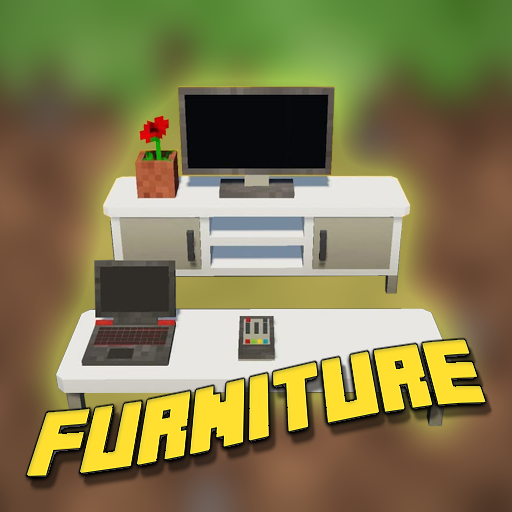
Furniture mod for Minecraft PE para PC
PenCraft App Mods
Descarga Furniture mod for Minecraft PE en PC con GameLoop Emulator
Furniture mod for Minecraft PE en PC
Furniture mod for Minecraft PE, proveniente del desarrollador PenCraft App Mods, se ejecuta en el sistema Android en el pasado.
Ahora, puedes jugar Furniture mod for Minecraft PE en PC con GameLoop sin problemas.
Descárgalo en la biblioteca de GameLoop o en los resultados de búsqueda. No más mirar la batería o llamadas frustrantes en el momento equivocado nunca más.
Simplemente disfrute de Furniture mod for Minecraft PE PC en la pantalla grande de forma gratuita!
Furniture mod for Minecraft PE Introducción
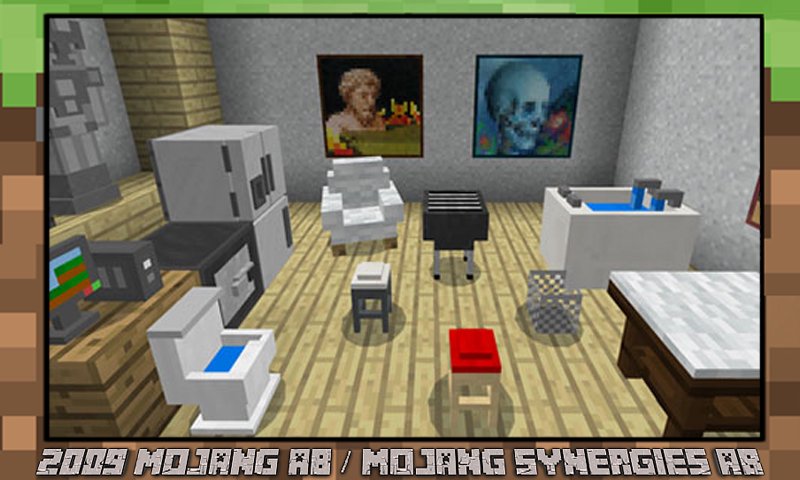
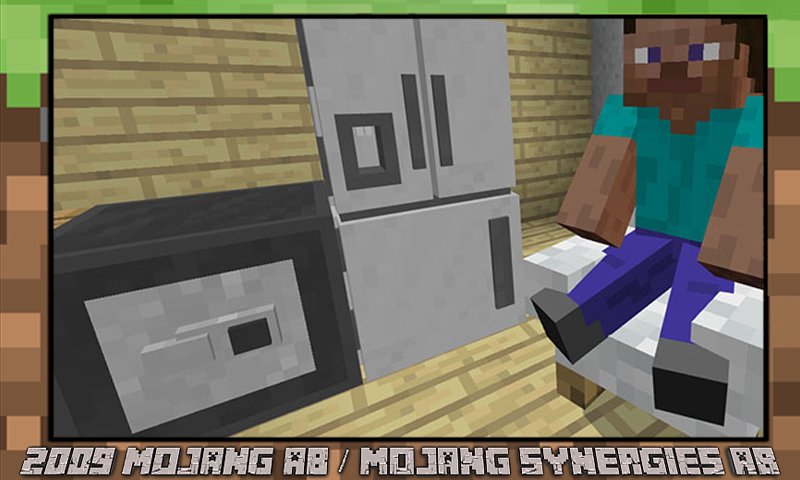
The Furniture Mod includes over 20 different cool block pieces of furniture. A new furniture addon that allows you to create impressive decorations both indoors and outdoors. Having installed a mod for furniture for minecraft pe, you can safely equip your kitchen by equipping it with a kitchen set. Addon for furniture gives you the opportunity to realize your ideas, to realize yourself creatively.
Build new rooms, living and non-living quarters. Build rooms and start equipping them right after installing the furniture mod. By downloading new addons for minecraft, you can create whatever you want, from the kitchen, bedroom and ending with an office or playroom. Beds, tables, chairs, sofas, armchairs, toilets, sinks, stoves, etc.
The application has maps with furnture for minecraft pe. Install a card with furniture with ready-made decorations and play with your friends. And if you install a map and mod with furniture, it will be even cooler and more fun.
Most of the following furniture have unique features but they are also great just to use as decorations. Some of the pieces can be rotated.
DLBox (Undyed Shulker) – Unboxes the furnture which you want to get
Drum (Purple Shulker) – You can play this Drum by long pressing on it with a stick
Computer (Black Shulker) – Turn it on so you can store your written and enchanted books (With 3 Slots only), and by turning it off, you need to use some Bit-Emerald by interacting to the computer. You can earn emeralds every 5 to 6 Minutes.+
Statue (White Shulker) – You can upgrade it into a Statue Guard by long pressing with Golden Pickaxe, and Trophy Statue by long pressing with Stone Pickaxe
Radio (Red Shulker) – You can play songs by using the CDs (Pop, Rock, Blues Songs)
Table (Orange Shulker) – You can store 2 Food Items, drop items on table, then long press on it to access the items
Chair (Yellow Shulker) – Sittable, and can change size by long pressing on it with Golden Pickaxe. You can change it back by long pressing with a Chair
Home design is an important part of the gameplay. Build and decorate your house in MCPE however you want and share the results with your friends. And when one of the this addon gets bored, do not forget to return to the application, because it includes many new furniture app and maps.
Decor Addon
It's the perfect addition if you want to decorate your home with some furniture to make it look more realistic. Most of them are used for decoration but some of them have uses too.
Addon Painting
This texture pack changes the look of all the paintings in game! Some are hand made, some are taken from images & further modified. If you want to change how default paintings look in Mincraft, this pack is for you! The paintings stay true to multicraft's pixely look, and don't go for an HD look.
Statues
This add-on adds 53 statues that are based on the vanilla minecraft mobs! You can use a chisel to rotate them and a pickaxe to remove them. They're great for decorations, especially entrances, rooftops, rooms, and wherever you want them to be!
Disclaimer: This application is not approved nor affiliated with Mojang AB, its name, commercial brand and other aspects of the application are registered brands and the property of their respective owners. This app adheres to the terms set out by Mojang. All items, names, places and other aspects of the game described within this application are trademarked and owned by their respective owners. We make no claim to and do not have any rights to any of the foregoing.
Avance
Etiquetas
EntretenimientoInformación
Desarrollador
PenCraft App Mods
La última versión
1.40
Última actualización
2022-07-10
Categoría
Entretenimiento
Disponible en
Google Play
Mostrar más
Cómo jugar Furniture mod for Minecraft PE con GameLoop en PC
1. Descargue GameLoop desde el sitio web oficial, luego ejecute el archivo exe para instalar GameLoop.
2. Abra GameLoop y busque "Furniture mod for Minecraft PE", busque Furniture mod for Minecraft PE en los resultados de búsqueda y haga clic en "Instalar".
3. Disfruta jugando Furniture mod for Minecraft PE en GameLoop.
Minimum requirements
OS
Windows 8.1 64-bit or Windows 10 64-bit
GPU
GTX 1050
CPU
i3-8300
Memory
8GB RAM
Storage
1GB available space
Recommended requirements
OS
Windows 8.1 64-bit or Windows 10 64-bit
GPU
GTX 1050
CPU
i3-9320
Memory
16GB RAM
Storage
1GB available space