
Cốc Cốc: Browser & Adblock para PC
Cốc Cốc
Descarga Cốc Cốc: Browser & Adblock en PC con GameLoop Emulator
Cốc Cốc: Browser & Adblock en PC
Cốc Cốc: Browser & Adblock, proveniente del desarrollador Cốc Cốc, se ejecuta en el sistema Android en el pasado.
Ahora, puedes jugar Cốc Cốc: Browser & Adblock en PC con GameLoop sin problemas.
Descárgalo en la biblioteca de GameLoop o en los resultados de búsqueda. No más mirar la batería o llamadas frustrantes en el momento equivocado nunca más.
Simplemente disfrute de Cốc Cốc: Browser & Adblock PC en la pantalla grande de forma gratuita!
Cốc Cốc: Browser & Adblock Introducción
Cốc Cốc: Safe & fast browser
🚫 Ad blocker | 🎬 Video downloader | 🕵️ Private browser
Cốc Cốc is a web browser that delivers a nimble, smooth, and ad-free browsing experience on Android.
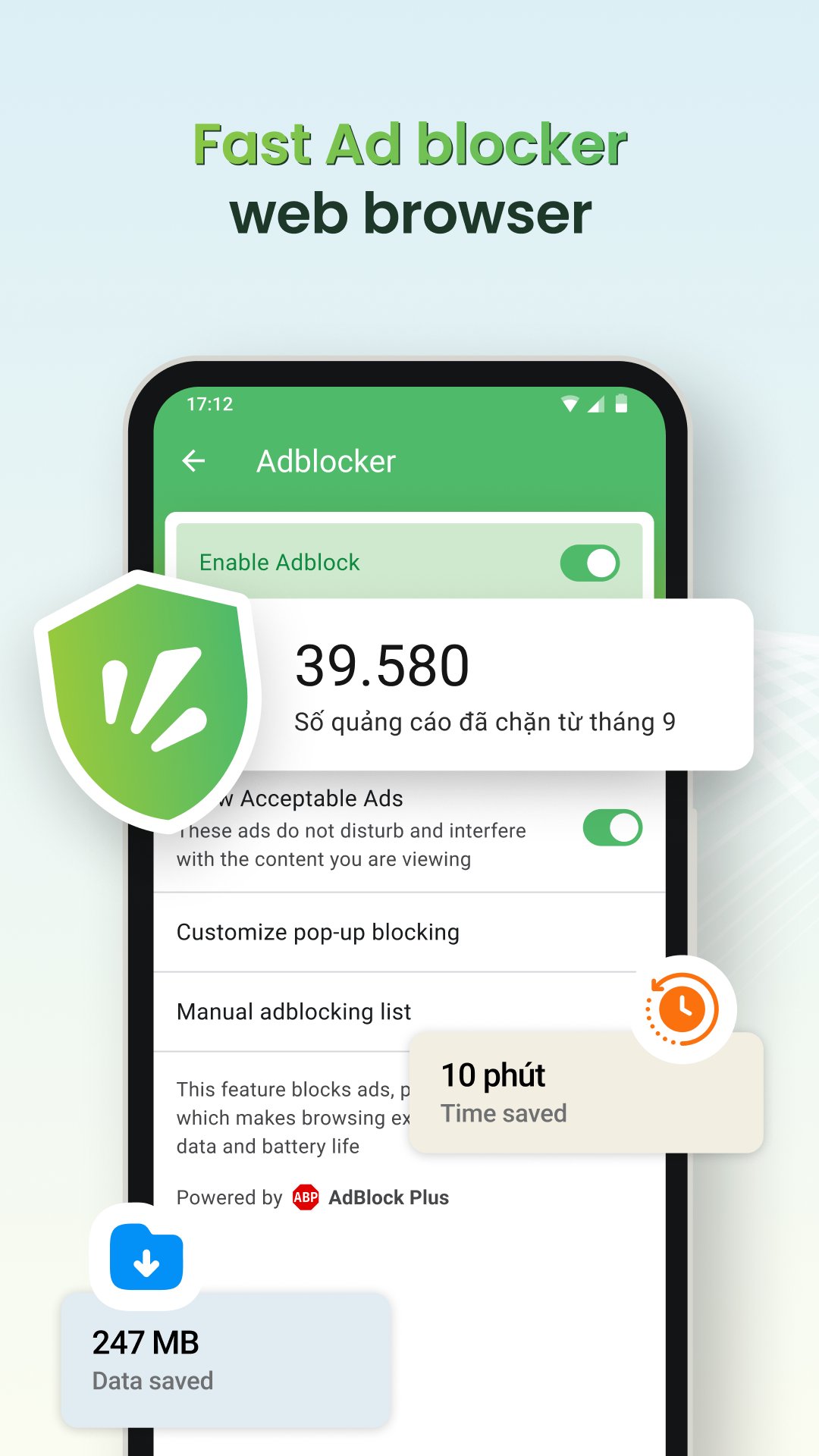
🚫 Ad blocker
- Integrated free Adblock Plus technology, blocking ads on phones and websites
- Block pop-up ads, redirect ads, and video interruption ads
- Block ad trackers, protecting privacy while browsing
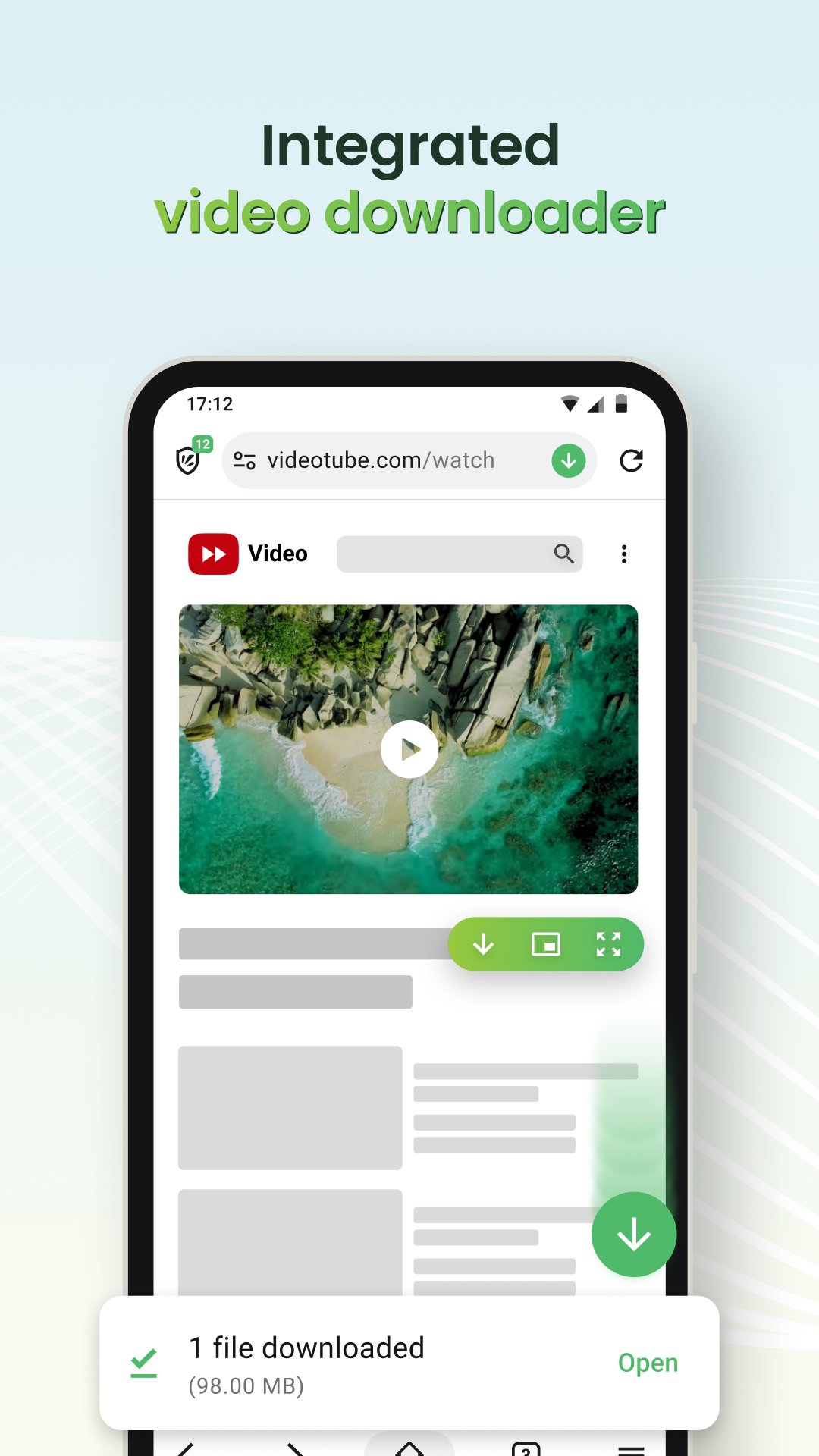
🎬 Video downloader
- Download any video, including private videos, from popular websites
- Supports downloading both music and movies
🎧 Background play
- Listen to music without ads even when the screen is turned off or switching to another app
🕵️ Private browser
- Incognito mode does not save browsing history
- Lock the app with fingerprint, PIN, or Face ID
- Block third-party cookies and trackers
- Quickly clear sensitive history by shaking the phone
▶️ Video player
- PiP mode: Pin videos in a floating window when using other apps
- Movie mode: Watch movies in full screen, adjust volume/brightness using gestures, select playback speed, subtitles, and sleep timer
⚙️ Browser utilities
- Dark mode: Save battery, reduce eye strain
- Synchronization: Bookmarks, passwords, and history across devices
- Cốc Cốc Points: Earn rewards while browsing the web, redeem attractive gifts
🔍 Search & AI Search
- More than 20 vertical searches about news, entertainment, and education
- AI Search: Summarize information from multiple sources, give accurate answers right at the top of the search results page
Follow Cốc Cốc:
- Website: https://www.coccoc.com/
- YouTube: https://www.youtube.com/@CocCocCom
- Facebook: https://facebook.com/CocCocTrinhDuyet/
- Blog: https://blog.coccoc.com/
- Community: https://facebook.com/groups/CocCocGroup/
Avance
Etiquetas
EntretenimientoComunicacionesInformación
Desarrollador
Cốc Cốc
La última versión
155.0.373
Última actualización
2026-09-04
Categoría
Entretenimiento
Disponible en
Google Play
Mostrar más
Cómo jugar Cốc Cốc: Browser & Adblock con GameLoop en PC
1. Descargue GameLoop desde el sitio web oficial, luego ejecute el archivo exe para instalar GameLoop.
2. Abra GameLoop y busque "Cốc Cốc: Browser & Adblock", busque Cốc Cốc: Browser & Adblock en los resultados de búsqueda y haga clic en "Instalar".
3. Disfruta jugando Cốc Cốc: Browser & Adblock en GameLoop.
Minimum requirements
OS
Windows 8.1 64-bit or Windows 10 64-bit
GPU
GTX 1050
CPU
i3-8300
Memory
8GB RAM
Storage
1GB available space
Recommended requirements
OS
Windows 8.1 64-bit or Windows 10 64-bit
GPU
GTX 1050
CPU
i3-9320
Memory
16GB RAM
Storage
1GB available space