
Write Urdu Alphabets para PC
Sathish Shanmugam
Descarga Write Urdu Alphabets en PC con GameLoop Emulator
Write Urdu Alphabets en PC
Write Urdu Alphabets, proveniente del desarrollador Sathish Shanmugam, se ejecuta en el sistema Android en el pasado.
Ahora, puedes jugar Write Urdu Alphabets en PC con GameLoop sin problemas.
Descárgalo en la biblioteca de GameLoop o en los resultados de búsqueda. No más mirar la batería o llamadas frustrantes en el momento equivocado nunca más.
Simplemente disfrute de Write Urdu Alphabets PC en la pantalla grande de forma gratuita!
Write Urdu Alphabets Introducción
Write Urdu Alphabets – Learn to Write & Speak Urdu (Offline Supported)
Learn to read, write, and pronounce Urdu – the complete offline learning app.
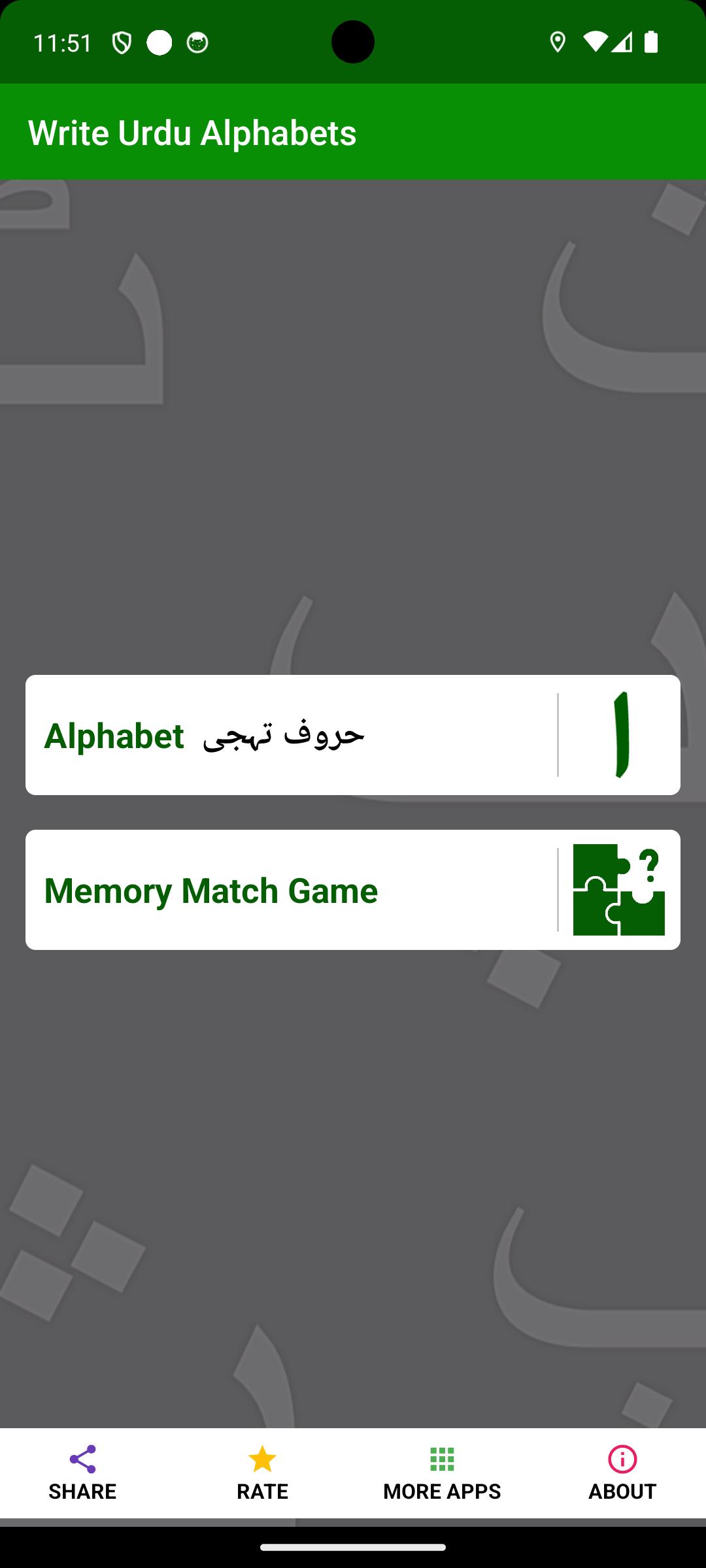
Write Urdu Alphabets is a free app who want to master Urdu script and pronunciation at their own pace. Whether you're starting fresh or revisiting your roots, this app provides an intuitive way to practice Urdu letters — all offline and at no cost.
No internet required after installation.
What You’ll Learn:
1. Urdu Alphabets.
2. Remember and Match Game – Practice through interactive learning.
Key Features:
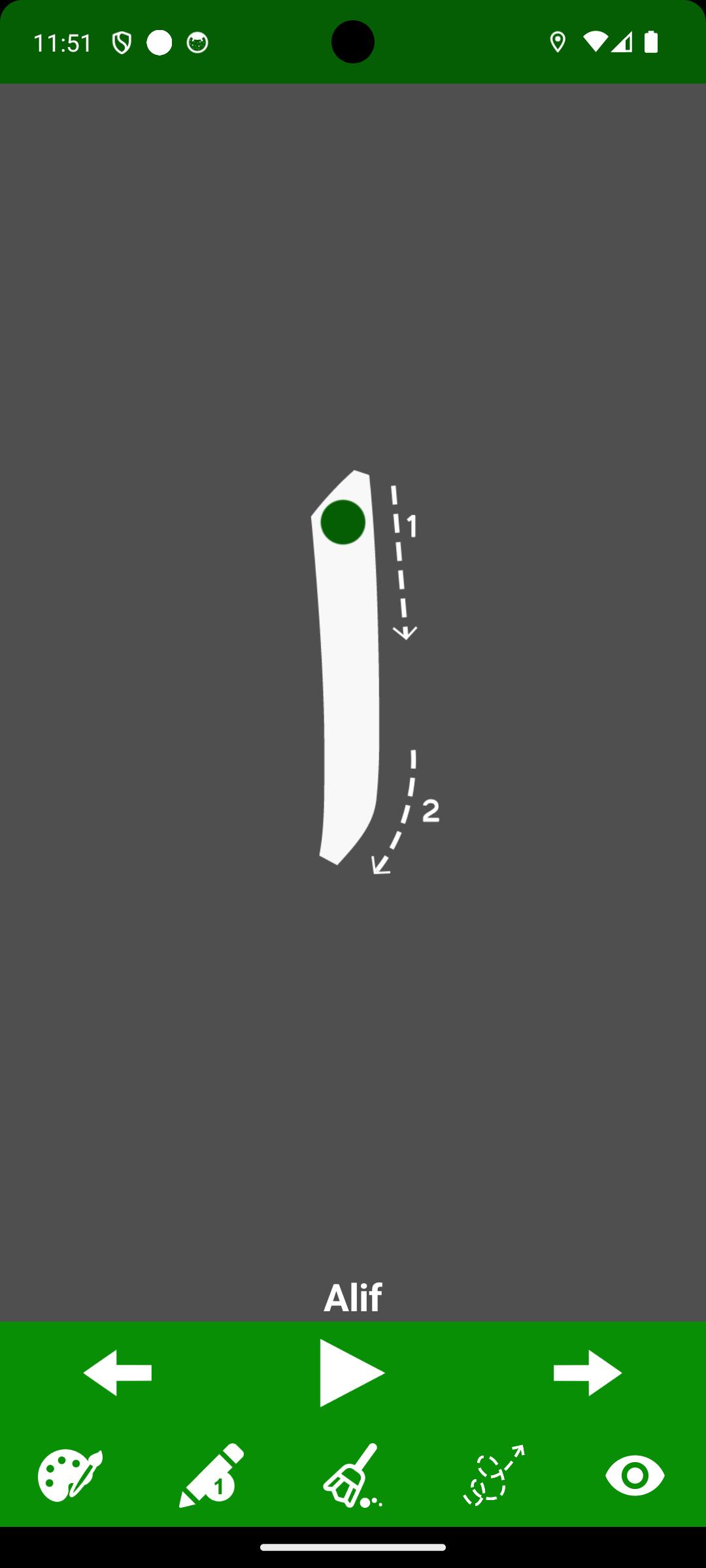
- Trace and practice writing each Urdu letter.
- Audio support for correct pronunciation of all letters.
- Choose your favorite color and from 5 pencil sizes.
- Easy-to-use erase tool for corrections.
- Tap Play to hear the pronunciation of any letter.
- Use Next / Previous buttons for quick navigation.
- Fully usable offline after first install — no data needed.
Who Is It For?
- Learners seeking to read and write Urdu.
- Learners who prefer offline, self-paced education.
Learn Urdu easily — anytime, anywhere. No internet required!
Avance
Etiquetas
EducaciónInformación
Desarrollador
Sathish Shanmugam
La última versión
2.3
Última actualización
2025-09-18
Categoría
Educación
Disponible en
Google Play
Mostrar más
Cómo jugar Write Urdu Alphabets con GameLoop en PC
1. Descargue GameLoop desde el sitio web oficial, luego ejecute el archivo exe para instalar GameLoop.
2. Abra GameLoop y busque "Write Urdu Alphabets", busque Write Urdu Alphabets en los resultados de búsqueda y haga clic en "Instalar".
3. Disfruta jugando Write Urdu Alphabets en GameLoop.
Minimum requirements
OS
Windows 8.1 64-bit or Windows 10 64-bit
GPU
GTX 1050
CPU
i3-8300
Memory
8GB RAM
Storage
1GB available space
Recommended requirements
OS
Windows 8.1 64-bit or Windows 10 64-bit
GPU
GTX 1050
CPU
i3-9320
Memory
16GB RAM
Storage
1GB available space