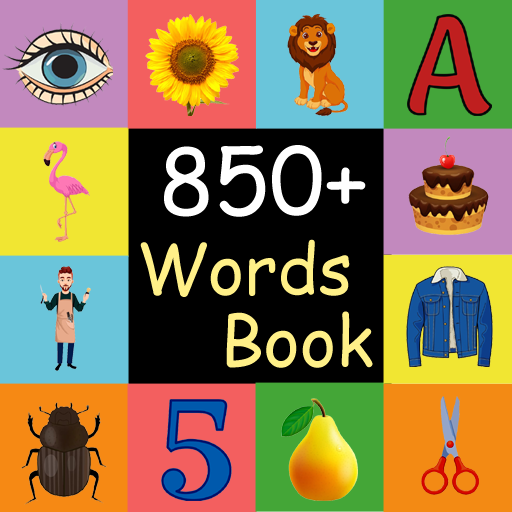
Words Learning Game para PC
DSTOC Apps
Descarga Words Learning Game en PC con GameLoop Emulator
Words Learning Game en PC
Words Learning Game, proveniente del desarrollador DSTOC Apps, se ejecuta en el sistema Android en el pasado.
Ahora, puedes jugar Words Learning Game en PC con GameLoop sin problemas.
Descárgalo en la biblioteca de GameLoop o en los resultados de búsqueda. No más mirar la batería o llamadas frustrantes en el momento equivocado nunca más.
Simplemente disfrute de Words Learning Game PC en la pantalla grande de forma gratuita!
Words Learning Game Introducción
First words Learning game is to understand the commonly used English words. You enjoy by looking at colorful pictures. you can also learn how to pronounce the words in English. This helps you for home learning. This This learning application is designed for you.
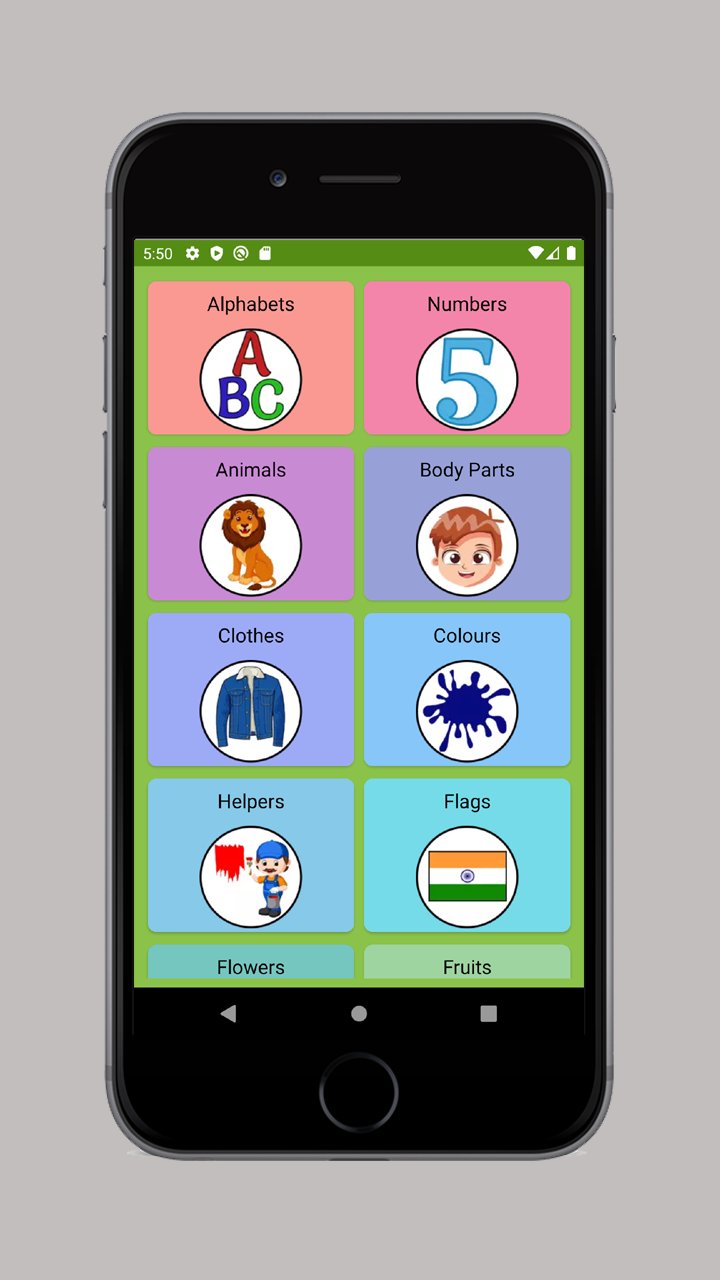
There are 28 different categories included like alphabets, numbers, food, flowers, cloths and many more. Each category has 40 pictures with sound and its spelling. You can learn English first words yourself without any help. You will really enjoy this application.
This application can help to improve the word vocabulary and helps them to understand common words. You can learn words by looking at pictures. It has many pictures like animals, sports, fruits, shapes and colors.
You can listen same word audio many times as they want by clicking on sound button. You can change the picture by next and previous buttons.
You will learn to recognize the different category pictures like helpers, body parts, vegetables, insects, transportation, birds, kitchen tools and sea animals.
Picture Quiz:
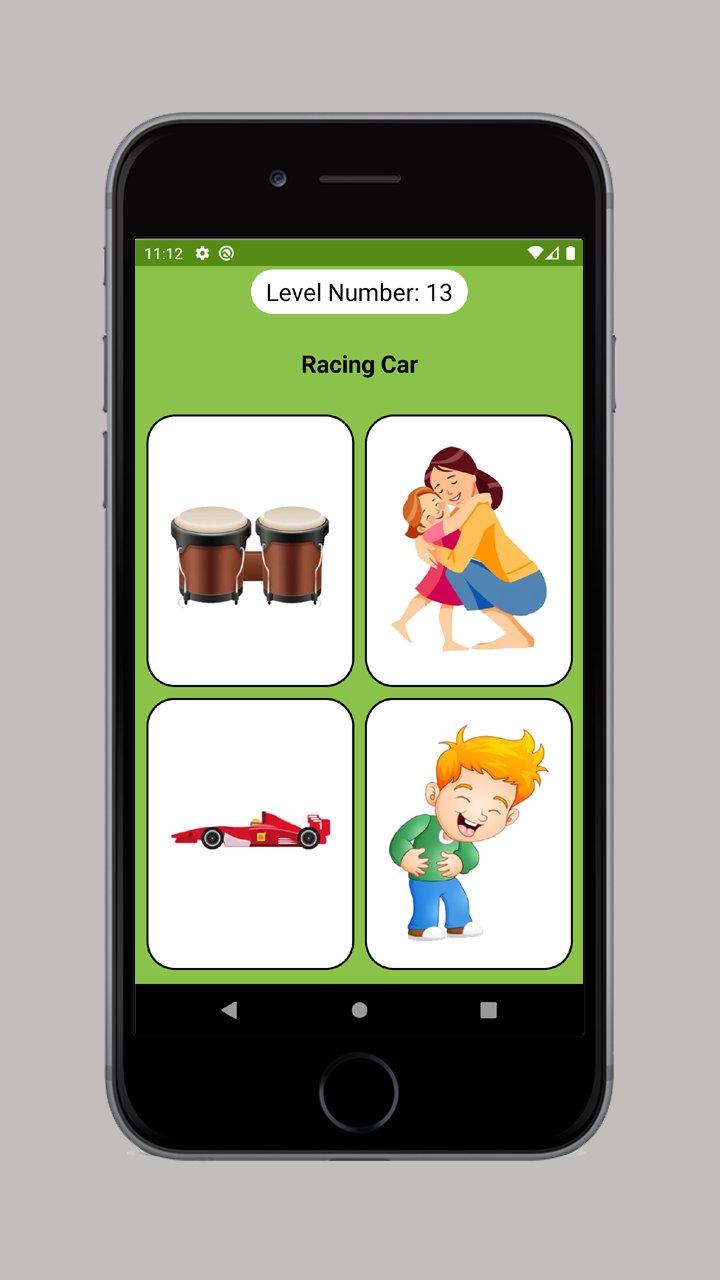
This is guessing the picture quiz. There more then 850+ Quiz added where you just need to choose the correct picture of given spelling. This will help them to remember picture and its spelling.
Spelling Quiz:
This is guessing the spelling quiz. Choose the correct spelling of given picture. This will help you to remember spelling of given picture. There will be four options and select the correct option.
Categories:
- Action Verbs (cook, sing, jump, etc.).
- Alphabets (A to Z).
- Animals (lion, panther, horse, etc.).
- Birds (sparrow, crow, eagle, etc.).
- Body Parts (ear, palms, thumb, etc.).
- clothes (socks, gloves, shirt, etc.).
- Colours (red, orange, pink, etc.).
- Flags (India, America, Russia, etc.).
- Flowers (sunflower, rose, marigold, etc.).
- Foods (burger, taco, sandwich, etc.).
- Fruits (apple, banana, strawberry, etc.).
- Helpers (barber, doctor and trace collector, etc.).
- Insects (butterfly, caterpillar, ant, etc.).
- Kitchen (apron, ladle, oven gloves, etc.).
- Music (violin, trombone, Saxophone, etc.).
- Natural Disasters (earthquake, flood, tsunami, etc.).
- Nature (earth, volcano, river, etc).
- Numbers (1 to 10).
- Places (airport, bank, school, etc.).
- School (pencil, scale, bag, etc.).
- Sea Animals (starfish, octopus, dolphin, etc.).
- Shapes (circle, rectangle, pentagon, etc.).
- Sports (badminton, baseball, football, etc.).
- Technology (camera, microphone, laptop, etc.).
- Toys (abacus, blocks, trampoline, etc.).
- Transports (car, bicycle, ambulance, etc.).
- Travel (compass, guidebook, tent, etc.).
- Vegetables (Eggplant, Okra, cauliflower, etc.).
Features:
- 28 Categories with 850 pictures.
- Audio supported to listen the spelling.
- Very simple and easy to use design.
- Change the pictures by next and previous buttons.
- Learn first words easily.
- Play picture quiz by choosing correct picture of given spelling.
- Play spelling quiz by choosing correct spelling of given picture.
- Four options quiz.
Avance
Etiquetas
EducaciónInformación
Desarrollador
DSTOC Apps
La última versión
3.5
Última actualización
2025-07-13
Categoría
Educación
Disponible en
Google Play
Mostrar más
Cómo jugar Words Learning Game con GameLoop en PC
1. Descargue GameLoop desde el sitio web oficial, luego ejecute el archivo exe para instalar GameLoop.
2. Abra GameLoop y busque "Words Learning Game", busque Words Learning Game en los resultados de búsqueda y haga clic en "Instalar".
3. Disfruta jugando Words Learning Game en GameLoop.
Minimum requirements
OS
Windows 8.1 64-bit or Windows 10 64-bit
GPU
GTX 1050
CPU
i3-8300
Memory
8GB RAM
Storage
1GB available space
Recommended requirements
OS
Windows 8.1 64-bit or Windows 10 64-bit
GPU
GTX 1050
CPU
i3-9320
Memory
16GB RAM
Storage
1GB available space