PDF Reader AI: Scanner, Editor para PC
Arkay Apps
Descarga PDF Reader AI: Scanner, Editor en PC con GameLoop Emulator
PDF Reader AI: Scanner, Editor en PC
PDF Reader AI: Scanner, Editor, proveniente del desarrollador Arkay Apps, se ejecuta en el sistema Android en el pasado.
Ahora, puedes jugar PDF Reader AI: Scanner, Editor en PC con GameLoop sin problemas.
Descárgalo en la biblioteca de GameLoop o en los resultados de búsqueda. No más mirar la batería o llamadas frustrantes en el momento equivocado nunca más.
Simplemente disfrute de PDF Reader AI: Scanner, Editor PC en la pantalla grande de forma gratuita!
PDF Reader AI: Scanner, Editor Introducción
PDF Reader AI: Scanner, Editor is a practical PDF scanner and document management app that helps you scan, create, read, organize and work with documents directly from your device.
Scan documents, books, IDs and photos using your camera, or import images from your gallery. Automatic edge detection helps find document boundaries, while manual cropping, filters and batch scanning make it easy to prepare multiple pages.
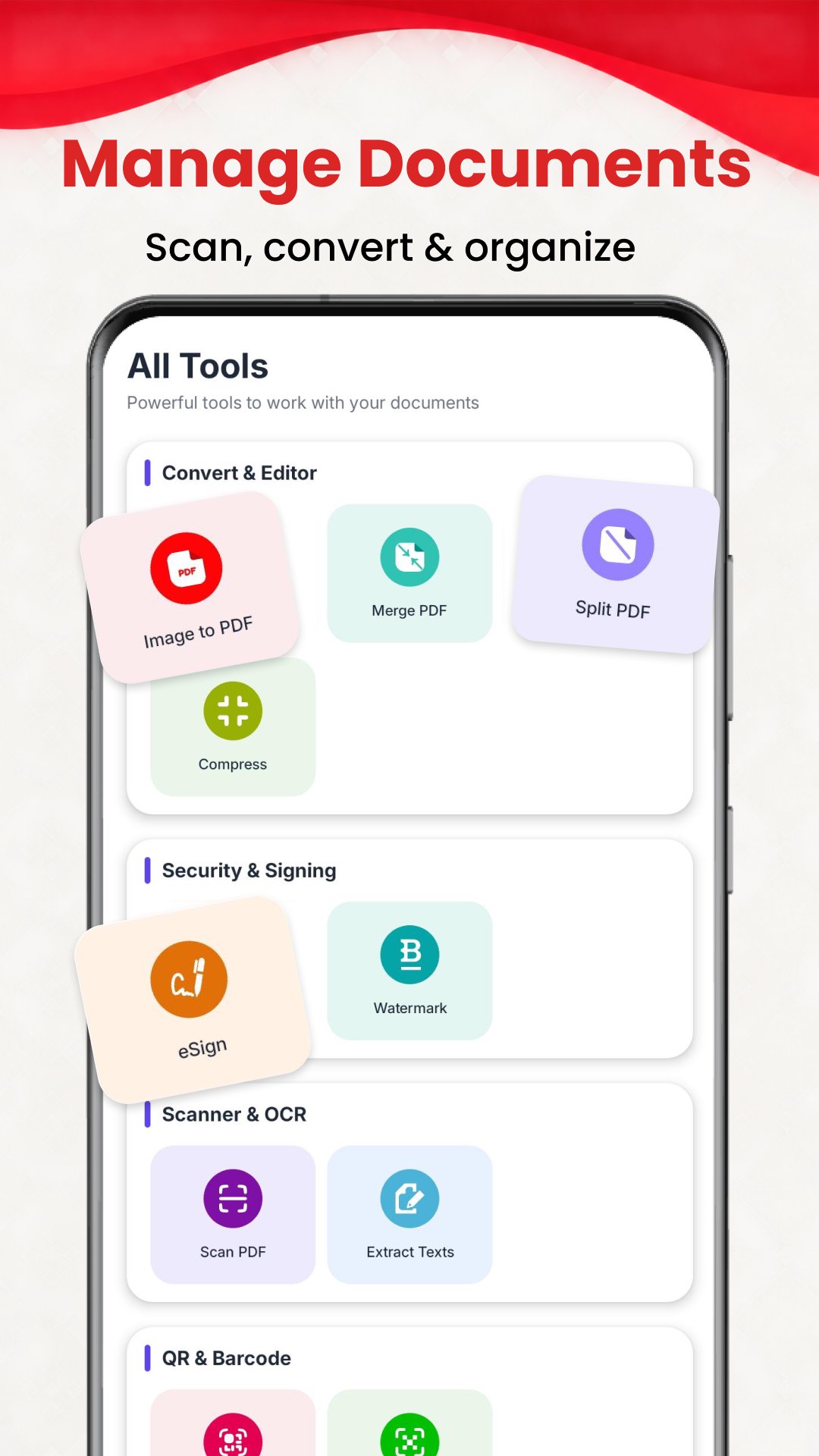
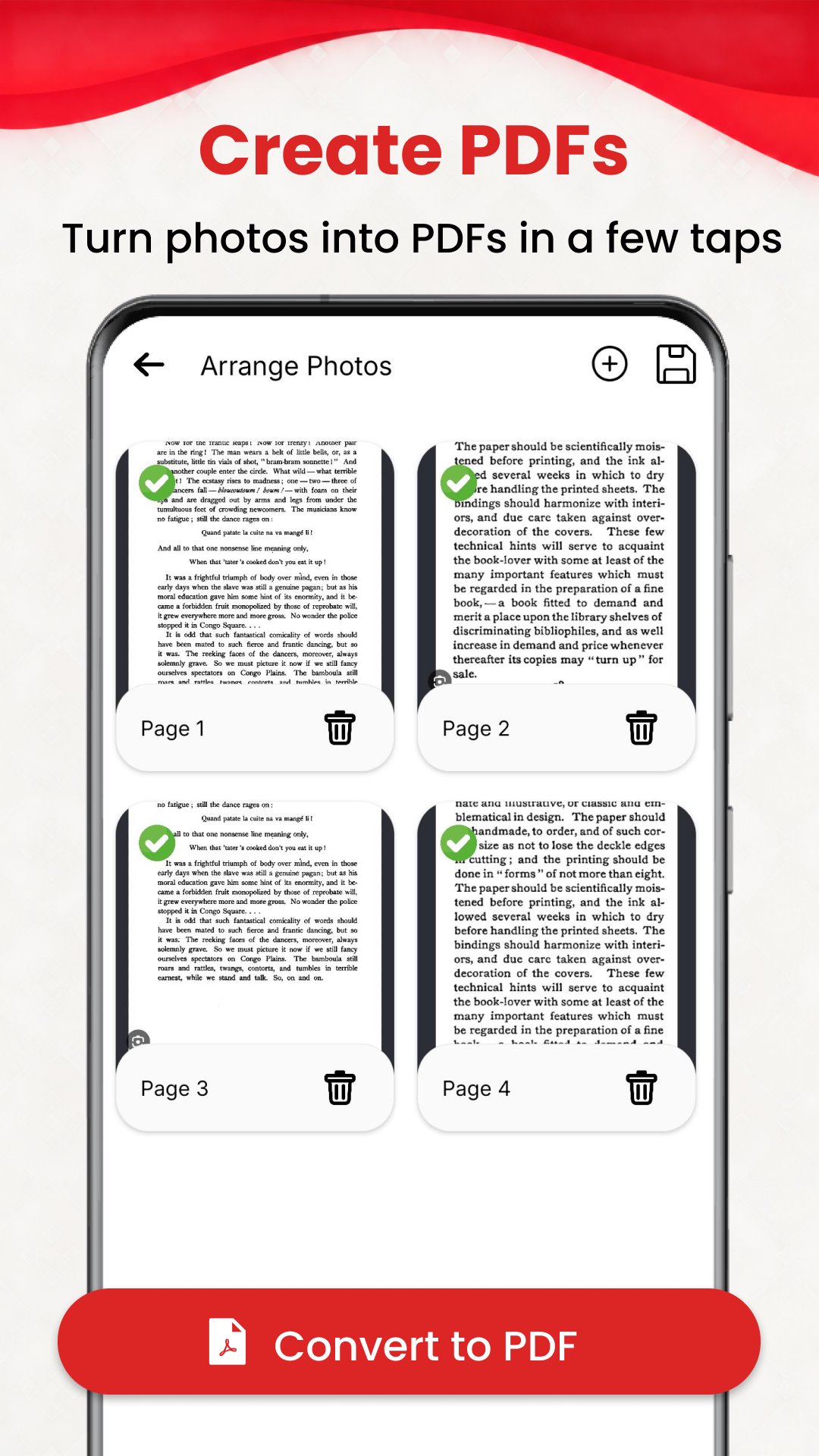
Create PDF files from images, merge documents, split PDFs, add watermarks and use PDF compression tools when needed. Manage your documents easily from one convenient place.
Use built-in OCR to extract text from scanned documents directly on your device. Capture text, then copy or share the extracted content without manually typing it.
Sign documents with the built-in eSign tools. Draw and save your signature, then apply it to supported PDFs and documents whenever needed.
Scan QR codes in real time or create QR codes from text, URLs, vCards and MeCards.
Keep your documents organized with tags, folders, favorites and search. Move, copy or delete files, add rich-text notes, and protect important favorites with PIN or biometric locking where supported.
Key Features
• PDF Scanner – Scan documents, books, IDs and photos
• Document Scanner – Automatic edge detection and manual cropping
• Batch Scanning – Scan and manage multiple pages
• Gallery Import – Import images and create documents
• Image to PDF – Convert images into PDF files
• PDF Merge – Combine multiple PDF documents
• PDF Split – Separate PDF pages
• PDF Watermark – Add watermarks to supported PDFs
• PDF Compression – Compress supported PDF documents
• OCR Scanner – Extract text from scanned documents
• Capture to Text – Copy or share extracted text
• eSign PDF – Draw, save and apply signatures
• QR Scanner – Scan QR codes with your camera
• QR Generator – Create QR codes for text, URLs, vCards and MeCards
• Document Manager – Search, move, copy and delete documents
• Tags & Folders – Organize documents your way
• Favorites – Quickly access important documents
• PIN & Biometric Lock – Protect selected favorites
• Notes – Add rich-text notes to documents
• ID Card Tools – Arrange and present ID card images
• Dark Mode – Use the app comfortably in low-light conditions
From scanning documents and creating PDFs to extracting text, signing files, scanning QR codes and organizing your documents, PDF Reader AI: Scanner, Editor brings essential document tools together in one app.
Download and enjoy with free pdf reader
Avance
Etiquetas
EducaciónInformación
Desarrollador
Arkay Apps
La última versión
205.0
Última actualización
2026-09-08
Categoría
Educación
Disponible en
Google Play
Mostrar más
Cómo jugar PDF Reader AI: Scanner, Editor con GameLoop en PC
1. Descargue GameLoop desde el sitio web oficial, luego ejecute el archivo exe para instalar GameLoop.
2. Abra GameLoop y busque "PDF Reader AI: Scanner, Editor", busque PDF Reader AI: Scanner, Editor en los resultados de búsqueda y haga clic en "Instalar".
3. Disfruta jugando PDF Reader AI: Scanner, Editor en GameLoop.
Minimum requirements
OS
Windows 8.1 64-bit or Windows 10 64-bit
GPU
GTX 1050
CPU
i3-8300
Memory
8GB RAM
Storage
1GB available space
Recommended requirements
OS
Windows 8.1 64-bit or Windows 10 64-bit
GPU
GTX 1050
CPU
i3-9320
Memory
16GB RAM
Storage
1GB available space