
Apk Editor Pro para PC
Ben techs
Descarga Apk Editor Pro en PC con GameLoop Emulator
Apk Editor Pro en PC
Apk Editor Pro, proveniente del desarrollador Ben techs, se ejecuta en el sistema Android en el pasado.
Ahora, puedes jugar Apk Editor Pro en PC con GameLoop sin problemas.
Descárgalo en la biblioteca de GameLoop o en los resultados de búsqueda. No más mirar la batería o llamadas frustrantes en el momento equivocado nunca más.
Simplemente disfrute de Apk Editor Pro PC en la pantalla grande de forma gratuita!
Apk Editor Pro Introducción
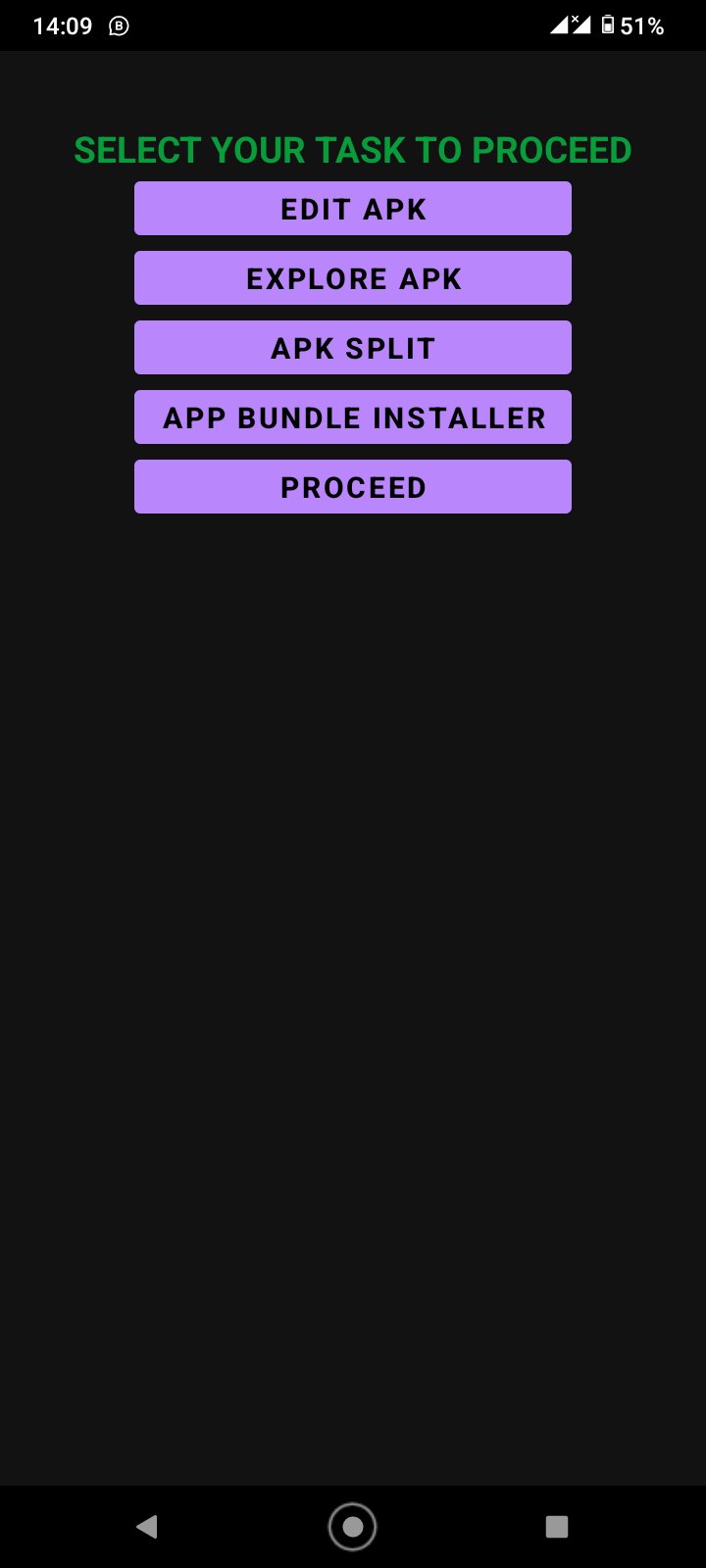
Core Modules Implemented
APK Manager:
Installed Application Scanner: Scans all installed user and system packages on the device, displaying app icons, SDK version targets, package IDs, sizes, and installation timestamps.
Storage & Backup Explorer: Scans device /Download and backup directories for raw .apk packages.
One-Tap Actions: Quick extraction of APKs to local backups, direct app launching, native sharing via Android intent, and deep metadata inspection.
APK Analyzer:
Binary AXML Decompiler: Decodes binary AndroidManifest.xml into syntax-highlighted XML with line numbering and copy functionality.
Multi-DEX Bytecode Analyzer: Extracts and inspects classes.dex and multi-DEX files, computing class counts, method references, field tables, string pools, and package hierarchies.
Architecture & Native Library Inspector: Detects bundled .so shared libraries across arm64-v8a, armeabi-v7a, x86_64, and x86.
Security Audit & Risk Gauge: Calculates an on-device security risk score and audits critical vulnerability flags (android:debuggable, android:usesCleartextTraffic, unprotected exported components, and dangerous permissions).
Resource Editor:
resources.arsc String Pool Studio: Searchable string resource table with in-place value editing, new string insertion, and bulk find-and-replace.
Drawables & Asset Replacer: Visual asset catalog allowing replacement and extraction of images, mipmaps, and icons.
Manifest App Cloner: Configure cloned package IDs, application display names, version codes, and runtime security toggles.
Raw File Editor: Integrated monospaced code editor for raw JSON, XML, TXT, and configuration files embedded in the APK.
Build & Sign Manager:
Keystore Studio: Manage default AOSP test keys and generate custom RSA 2048/4096-bit keystores with SHA-256 and SHA-1 certificate fingerprints.
4-Byte Zipalign Engine: Align uncompressed data streams for optimal Android runtime execution.
Build Terminal & Installer: Live compilation log stream, SHA-256 integrity verification, and instant package installation and sharing.
Avance

Etiquetas
EducaciónInformación
Desarrollador
Ben techs
La última versión
605.0.0
Última actualización
2026-09-09
Categoría
Educación
Disponible en
Google Play
Mostrar más
Cómo jugar Apk Editor Pro con GameLoop en PC
1. Descargue GameLoop desde el sitio web oficial, luego ejecute el archivo exe para instalar GameLoop.
2. Abra GameLoop y busque "Apk Editor Pro", busque Apk Editor Pro en los resultados de búsqueda y haga clic en "Instalar".
3. Disfruta jugando Apk Editor Pro en GameLoop.
Minimum requirements
OS
Windows 8.1 64-bit or Windows 10 64-bit
GPU
GTX 1050
CPU
i3-8300
Memory
8GB RAM
Storage
1GB available space
Recommended requirements
OS
Windows 8.1 64-bit or Windows 10 64-bit
GPU
GTX 1050
CPU
i3-9320
Memory
16GB RAM
Storage
1GB available space