
Rakuten Viber Messenger para PC
Viber Media S.à r.l.
Descarga Rakuten Viber Messenger en PC con GameLoop Emulator
Rakuten Viber Messenger en PC
Rakuten Viber Messenger, proveniente del desarrollador Viber Media S.à r.l., se ejecuta en el sistema Android en el pasado.
Ahora, puedes jugar Rakuten Viber Messenger en PC con GameLoop sin problemas.
Descárgalo en la biblioteca de GameLoop o en los resultados de búsqueda. No más mirar la batería o llamadas frustrantes en el momento equivocado nunca más.
Simplemente disfrute de Rakuten Viber Messenger PC en la pantalla grande de forma gratuita!
Rakuten Viber Messenger Introducción
Rakuten Viber Messenger is a messaging and calling app for chats, group messaging, voice and video calls, communities, channels, and international calls in one app. Stay connected with friends, family, and people around the world over a simple, expressive messenger built for secure messaging and everyday communication.
Send messages, photos, and files
Send text messages, instant voice and video messages, photos, videos, stickers, GIFs, contacts, and files in one chat app. React to messages instantly with thousands of emojis, so you can respond without typing. Personalize chats with custom stickers, reactions, and emojis. Share photos, notes, contact details, and files inside any conversation.
Make voice and video calls
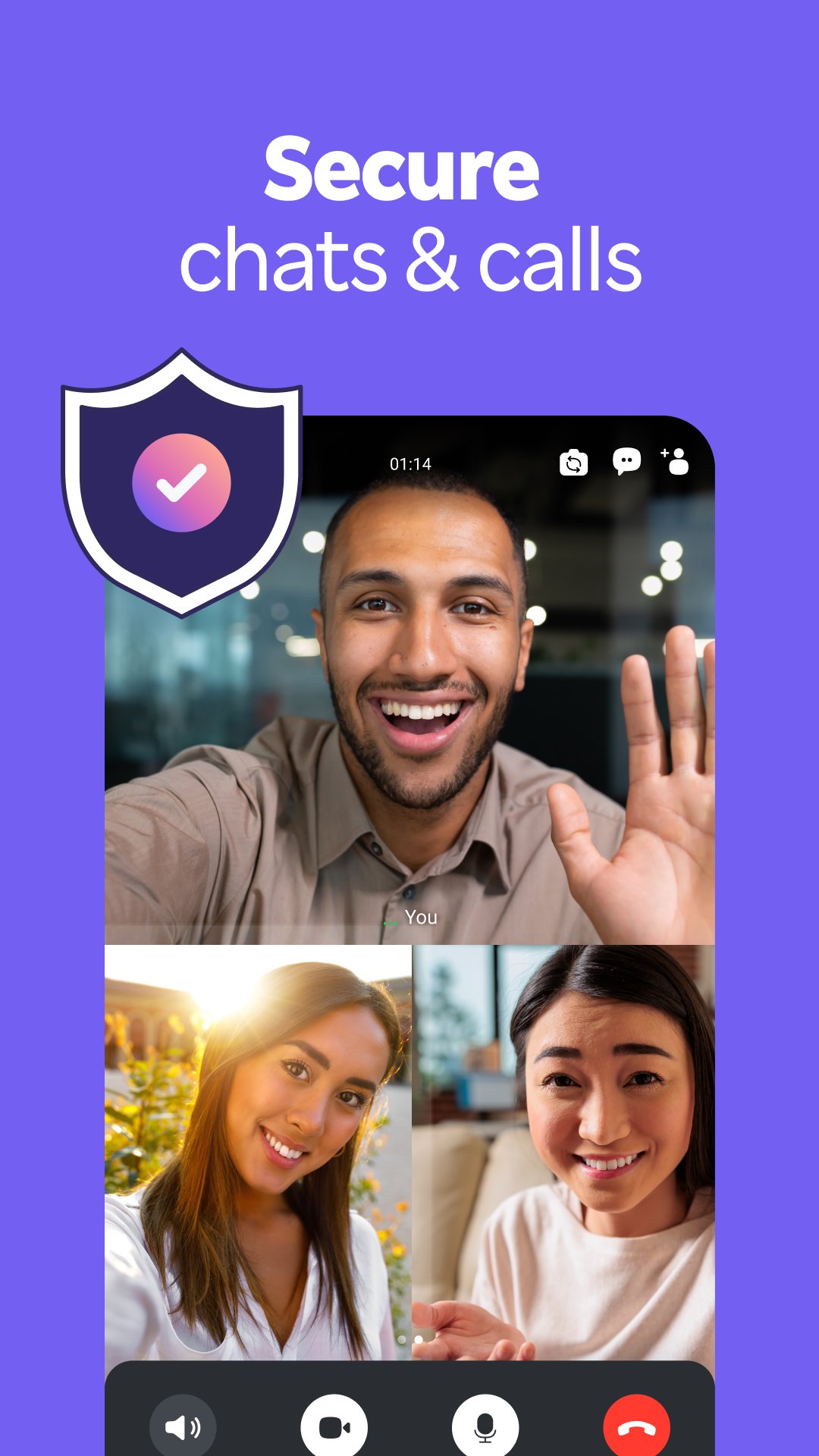
Make voice and video calls to any Viber contact, anywhere in the world, on mobile or desktop. Enjoy clear sound and smooth calling between friends, family, and colleagues. Start a group video call with up to 60 people at once, use Group Call links on the desktop, and keep the conversation going across devices.
Group chats, communities, and channels
Open group chats with up to 250 members and stay organized with polls, quizzes, @mentions, and reactions. Discover communities and channels for sports, news, photos, music, and other interests. Follow topics you care about or start your own community to connect with people who share them. Build groups around hobbies, schools, teams, or local interests.
Private chats and end-to-end encryption
End-to-end encryption is on by default for one-to-one chats, group chats, voice calls, and video calls between Viber users. Encrypted chats stay private between you and the people you talk to. Use disappearing messages with a custom timer, hide chats, and edit or delete messages you have already sent. Manage your privacy from one settings screen.
International calls with Viber Out
Use Viber Out to call landlines and mobile numbers in countries where the service is available. Choose a Viber Out subscription for a single destination, or buy minutes to call any international phone number you need. Save international contacts for quick calling later.
Express yourself with stickers, GIFs, and lenses
Make every chat fun with over 55,000 stickers, animated GIFs, and Viber lenses. Create custom stickers, react to messages with emojis, and personalize chats with photos and themes. Chatting feels more personal with expressive media.
Notes and reminders
Forward useful messages, save links, add notes, and set reminders so you never miss important tasks or events. Keep everything organized inside your messenger.
Rakuten Viber Messenger is part of the Rakuten Group, a global leader in e-commerce and financial services.
Terms and policies: https://www.viber.com/terms/
Avance
Etiquetas
ComunicacionesInformación
Desarrollador
Viber Media S.à r.l.
La última versión
28.9.1.0
Última actualización
2026-09-24
Categoría
Comunicaciones
Mostrar más
Cómo jugar Rakuten Viber Messenger con GameLoop en PC
1. Descargue GameLoop desde el sitio web oficial, luego ejecute el archivo exe para instalar GameLoop.
2. Abra GameLoop y busque "Rakuten Viber Messenger", busque Rakuten Viber Messenger en los resultados de búsqueda y haga clic en "Instalar".
3. Disfruta jugando Rakuten Viber Messenger en GameLoop.
Minimum requirements
OS
Windows 8.1 64-bit or Windows 10 64-bit
GPU
GTX 1050
CPU
i3-8300
Memory
8GB RAM
Storage
1GB available space
Recommended requirements
OS
Windows 8.1 64-bit or Windows 10 64-bit
GPU
GTX 1050
CPU
i3-9320
Memory
16GB RAM
Storage
1GB available space