Tricky Bridge: Learn & Play para PC
Forklift Studios LLC
Descarga Tricky Bridge: Learn & Play en PC con GameLoop Emulator
Tricky Bridge: Learn & Play en PC
Tricky Bridge: Learn & Play, proveniente del desarrollador Forklift Studios LLC, se ejecuta en el sistema Android en el pasado.
Ahora, puedes jugar Tricky Bridge: Learn & Play en PC con GameLoop sin problemas.
Descárgalo en la biblioteca de GameLoop o en los resultados de búsqueda. No más mirar la batería o llamadas frustrantes en el momento equivocado nunca más.
Simplemente disfrute de Tricky Bridge: Learn & Play PC en la pantalla grande de forma gratuita!
Tricky Bridge: Learn & Play Introducción
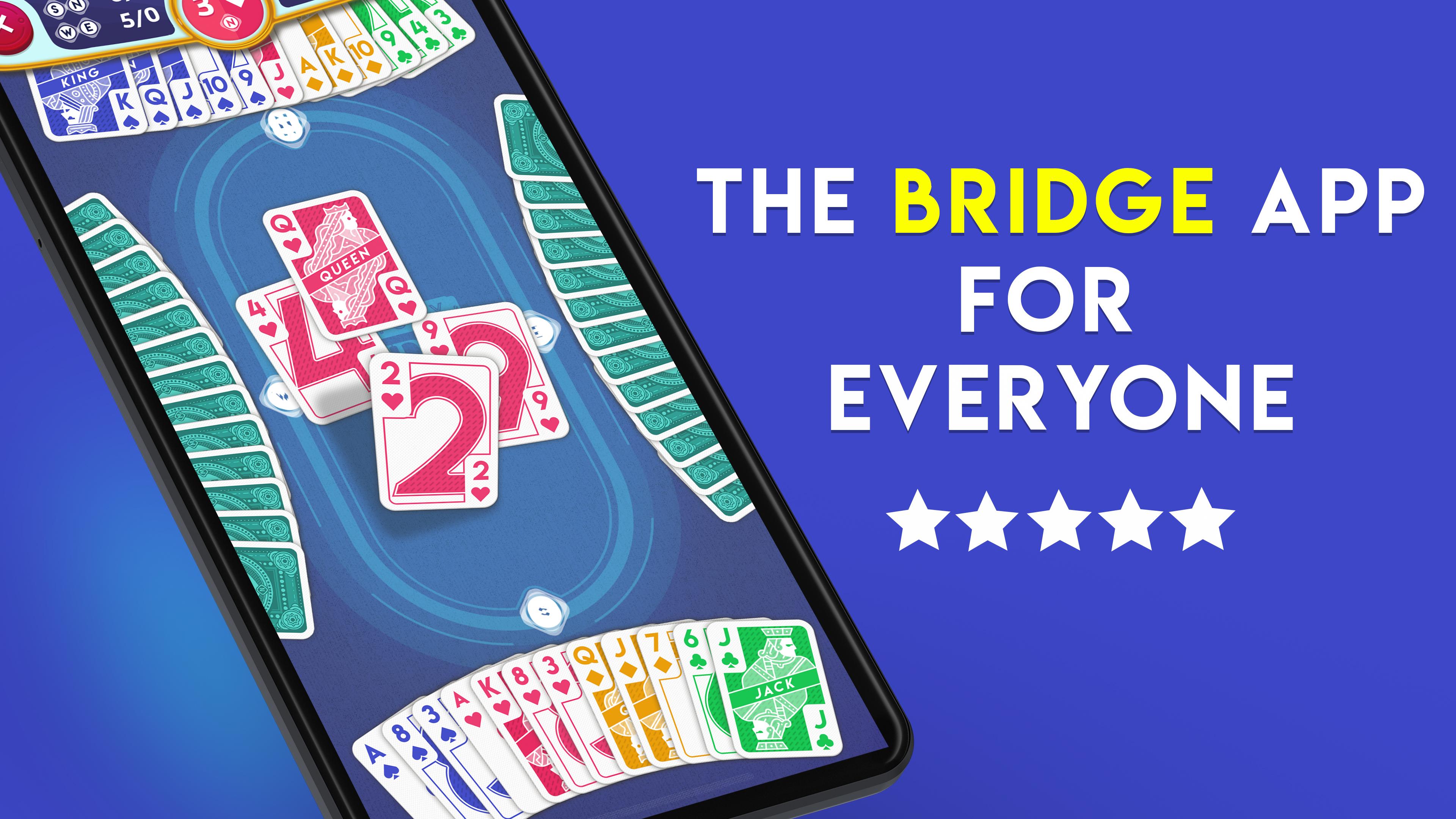
Learn Bridge, practice solo, and play anytime! It's the classic card game and the ultimate mind sport. Develop your skills or just play, and compete in tournaments at your level in the app that's built for all types of players!
FOR BEGINNERS
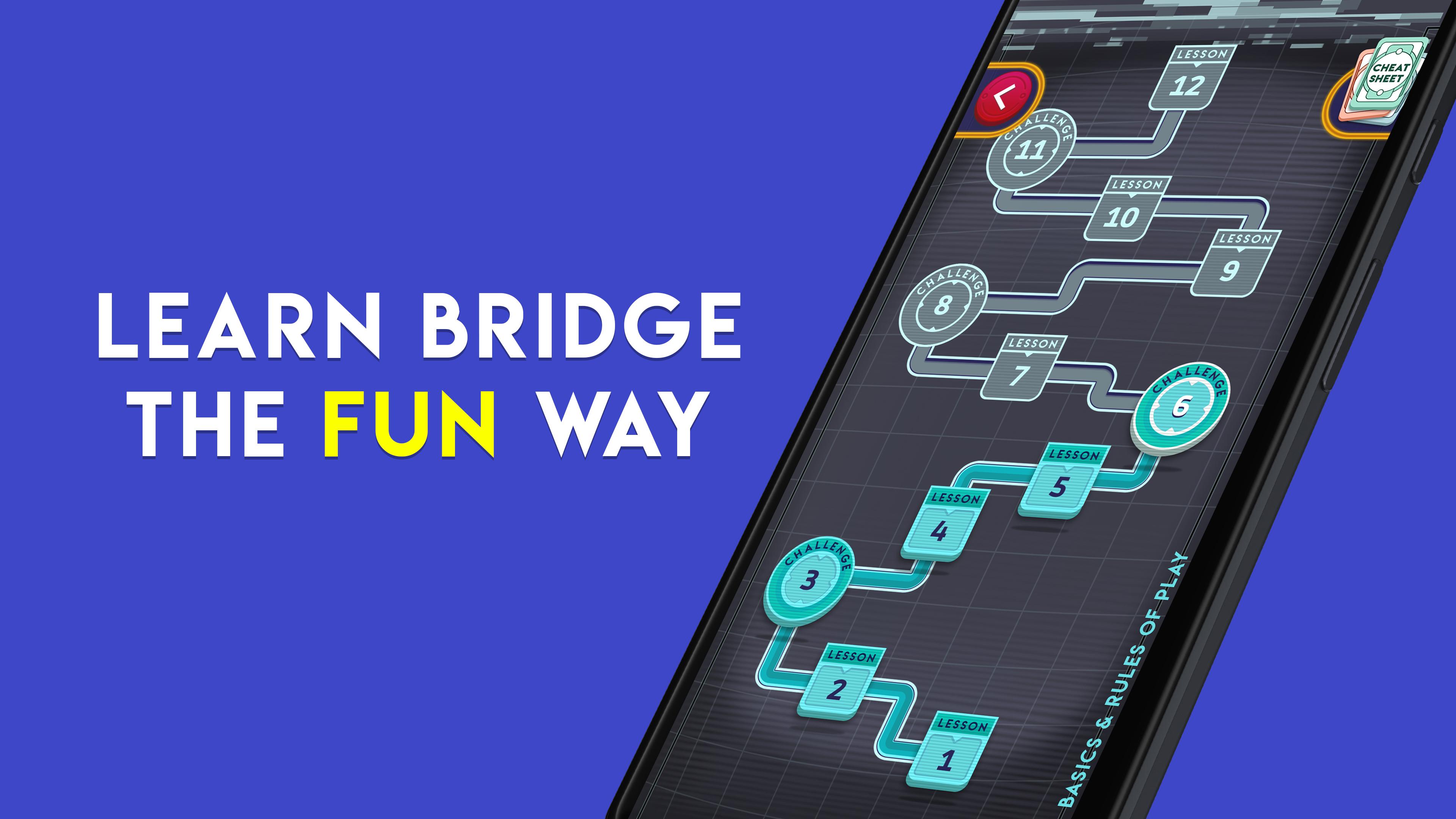
Just starting out? This app teaches the bridge card game from the very beginning! Learn through a series of 57 fun, free beginner lessons and quickly grasp the fundamentals of bidding, play, and strategy. Improve your bidding and play skills through the free, unlimited Practice Mode, and learn bridge card game further by playing with robots, even if you don't have an internet connection. We make it free, easy, and fun to learn how to play!
FOR EXPERIENCED PLAYERS
Play duplicate contract bridge with excellent robot AI (SAYC or 2/1 bidding systems, both customizable) based on a World Champion program, and enjoy fun, stratified duplicate bot tournaments online. Work your way up the ladder from Rookie to Grand Master. Play the bridge card game anytime, 24/7! Learn what any bid means by tapping on it to pop open a description.
Modes:
- Lessons for beginners (completely new? You're in the right place!)
- Practice Mode (solo play with bots, includes hints), totally free
- Quick Tournaments (MP scoring, stratified)
- Daily Tournaments (MP scoring)
- Knockouts (IMP scoring, stratified)
Avance
Etiquetas
CasualUn solo jugadorRealistaDesconectadoTarjetas clásicasInformación
Desarrollador
Forklift Studios LLC
La última versión
1.43
Última actualización
2025-10-13
Categoría
Cartas
Disponible en
Google Play
Mostrar más
Cómo jugar Tricky Bridge: Learn & Play con GameLoop en PC
1. Descargue GameLoop desde el sitio web oficial, luego ejecute el archivo exe para instalar GameLoop.
2. Abra GameLoop y busque "Tricky Bridge: Learn & Play", busque Tricky Bridge: Learn & Play en los resultados de búsqueda y haga clic en "Instalar".
3. Disfruta jugando Tricky Bridge: Learn & Play en GameLoop.
Minimum requirements
OS
Windows 8.1 64-bit or Windows 10 64-bit
GPU
GTX 1050
CPU
i3-8300
Memory
8GB RAM
Storage
1GB available space
Recommended requirements
OS
Windows 8.1 64-bit or Windows 10 64-bit
GPU
GTX 1050
CPU
i3-9320
Memory
16GB RAM
Storage
1GB available space