
ROAMpay™ X5 para PC
ROAM Data
Descarga ROAMpay™ X5 en PC con GameLoop Emulator
ROAMpay™ X5 en PC
ROAMpay™ X5, proveniente del desarrollador ROAM Data, se ejecuta en el sistema Android en el pasado.
Ahora, puedes jugar ROAMpay™ X5 en PC con GameLoop sin problemas.
Descárgalo en la biblioteca de GameLoop o en los resultados de búsqueda. No más mirar la batería o llamadas frustrantes en el momento equivocado nunca más.
Simplemente disfrute de ROAMpay™ X5 PC en la pantalla grande de forma gratuita!
ROAMpay™ X5 Introducción
Start accepting payments on the go! ROAMpay X5 goes beyond enabling mobile payment acceptance, transforming your phone or tablet into a true mobile point of sale device. ROAMpay X5 is complete with all the tools you need to manage your business, including a product catalog and customized receipts.
Reduce liability and qualify for lower transaction rates when used with any of Ingenico's E2E-encrypted secure mobile card readers. Accept in-store EMV transactions using our newest card readers, the Moby/8500 (PIN-enabled) and the Moby/5500. Legacy card readers including the Moby/3000, RP350x, RP457, RP450BT, RP757, and G4x/G5x are also supported.
GETTING STARTED
The application currently does not support signing up in-app. Please contact your merchant service provider or the Worldline help desk at https://worldline.com/en-us/home/main-navigation/git for your credentials or to partner with us. This application is free but requires that you have a merchant account.
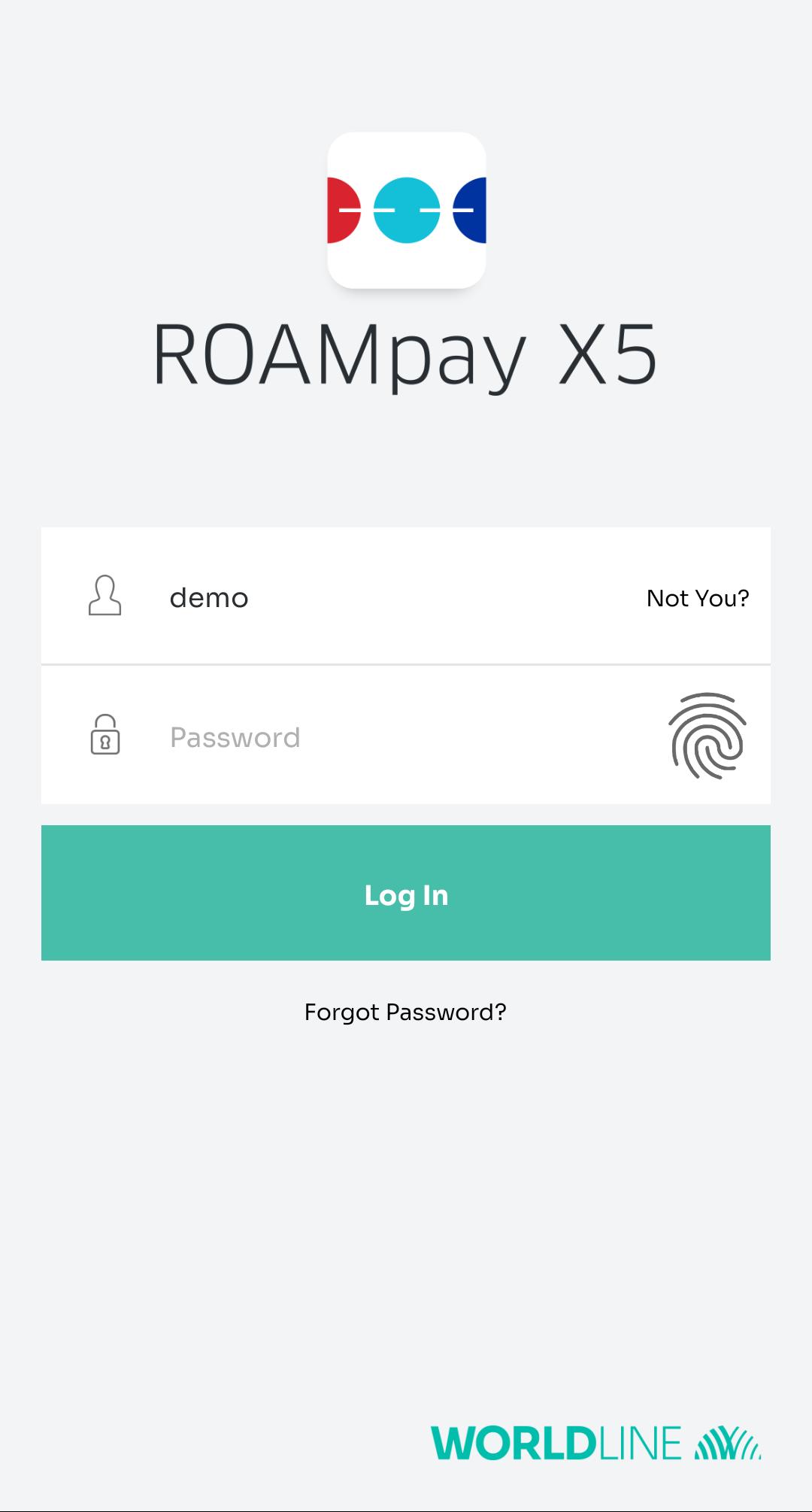
A demo account is available to view the different features of the application but cannot process transactions. To access this functionality, enter ‘demo’ as the username with any text as the password.
APPLICATION FEATURES
• NEW! Use biometrics to quickly log in to your merchant account and take payments even faster. You must have biometrics set up on your device and a single merchant account per device.
• Accept NFC/contactless payments and mobile wallets like Apple Pay and Android Pay using compatible readers.
• Store and Forward support allows you to accept payments in areas of poor reception or restricted WiFi and process them later. *
• QuickChip support - allows your customers to remove their EMV-chip cards earlier in the transaction process, shorting customer interaction time with the card reader. *
• Configure tax, discounts, and tip for both cash and card transactions with custom set values, enabling additional income for front-line merchants and flexibility for your workflows. *
• Record cash payments for a singular view of all sales and revenue.
• Have customers sign right on your phone or tablet.
• Swipe magstripe cards or key in card information to process all major cards.
• Send customized receipts via email with your logo, message for your customers, and contact information.
• Record transaction notes, invoice IDs, and custom reference values
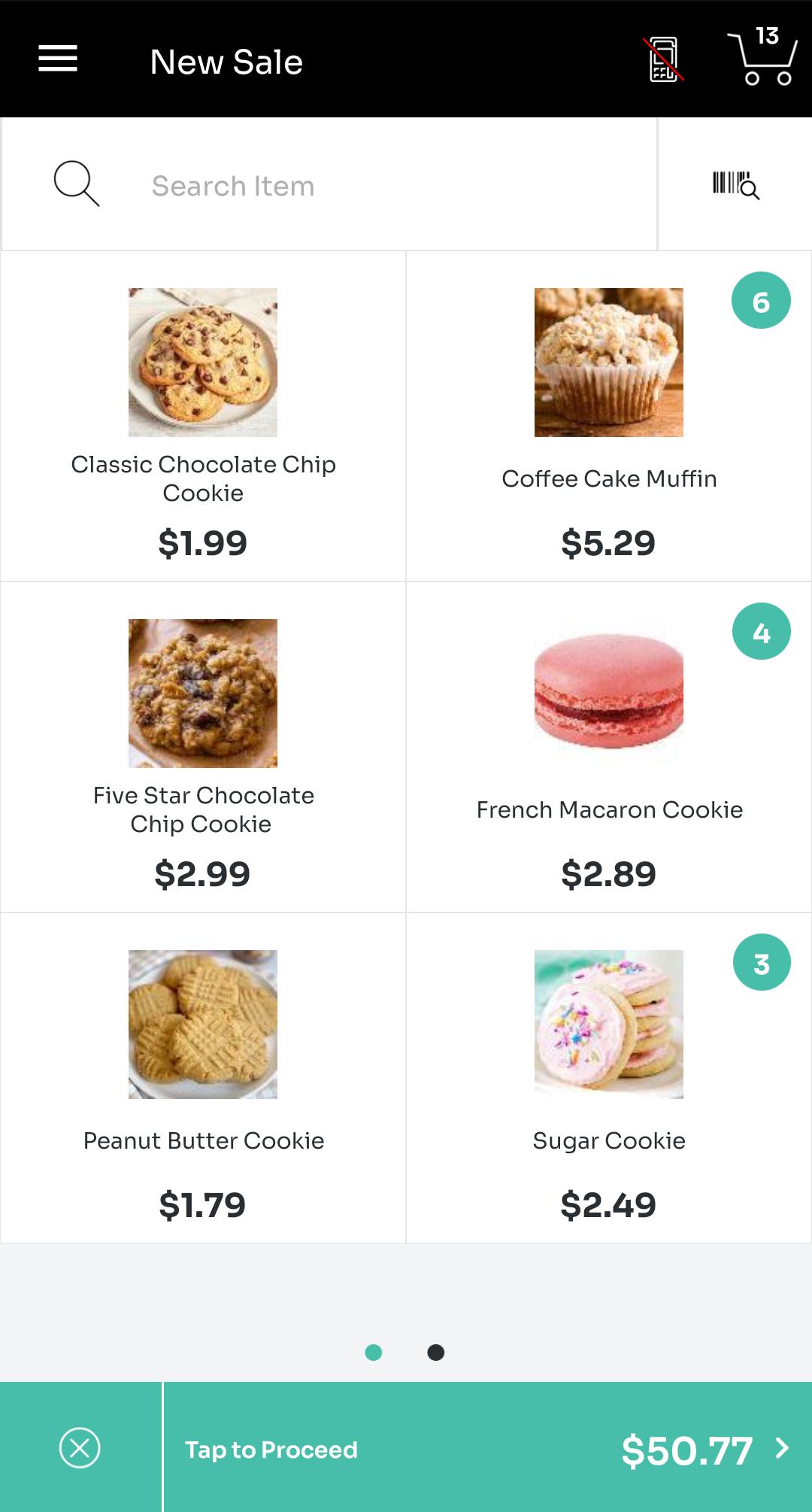
• Manage a catalog of products with photos, names, and prices.
• Support for barcode scanning.
• Issue refunds / voids for previous transactions. View previous transaction history, totals, and daily summaries.
• Enterprise-ready and configurable to support merchants of all sizes.
• ROAMmerchant Merchant Portal for self-service reporting & management.
* Contact your service provider to confirm availability.
For additional information, please visit the help center at https://grow.na.bambora.com/roam-developer/helpcenter
Avance
Etiquetas
EmpresaInformación
Desarrollador
ROAM Data
La última versión
6.2.2.1
Última actualización
2025-04-01
Categoría
Empresa
Disponible en
Google Play
Mostrar más
Cómo jugar ROAMpay™ X5 con GameLoop en PC
1. Descargue GameLoop desde el sitio web oficial, luego ejecute el archivo exe para instalar GameLoop.
2. Abra GameLoop y busque "ROAMpay™ X5", busque ROAMpay™ X5 en los resultados de búsqueda y haga clic en "Instalar".
3. Disfruta jugando ROAMpay™ X5 en GameLoop.
Minimum requirements
OS
Windows 8.1 64-bit or Windows 10 64-bit
GPU
GTX 1050
CPU
i3-8300
Memory
8GB RAM
Storage
1GB available space
Recommended requirements
OS
Windows 8.1 64-bit or Windows 10 64-bit
GPU
GTX 1050
CPU
i3-9320
Memory
16GB RAM
Storage
1GB available space