Quick Quotation Maker para PC
Micra Solution
Descarga Quick Quotation Maker en PC con GameLoop Emulator
Quick Quotation Maker en PC
Quick Quotation Maker, proveniente del desarrollador Micra Solution, se ejecuta en el sistema Android en el pasado.
Ahora, puedes jugar Quick Quotation Maker en PC con GameLoop sin problemas.
Descárgalo en la biblioteca de GameLoop o en los resultados de búsqueda. No más mirar la batería o llamadas frustrantes en el momento equivocado nunca más.
Simplemente disfrute de Quick Quotation Maker PC en la pantalla grande de forma gratuita!
Quick Quotation Maker Introducción
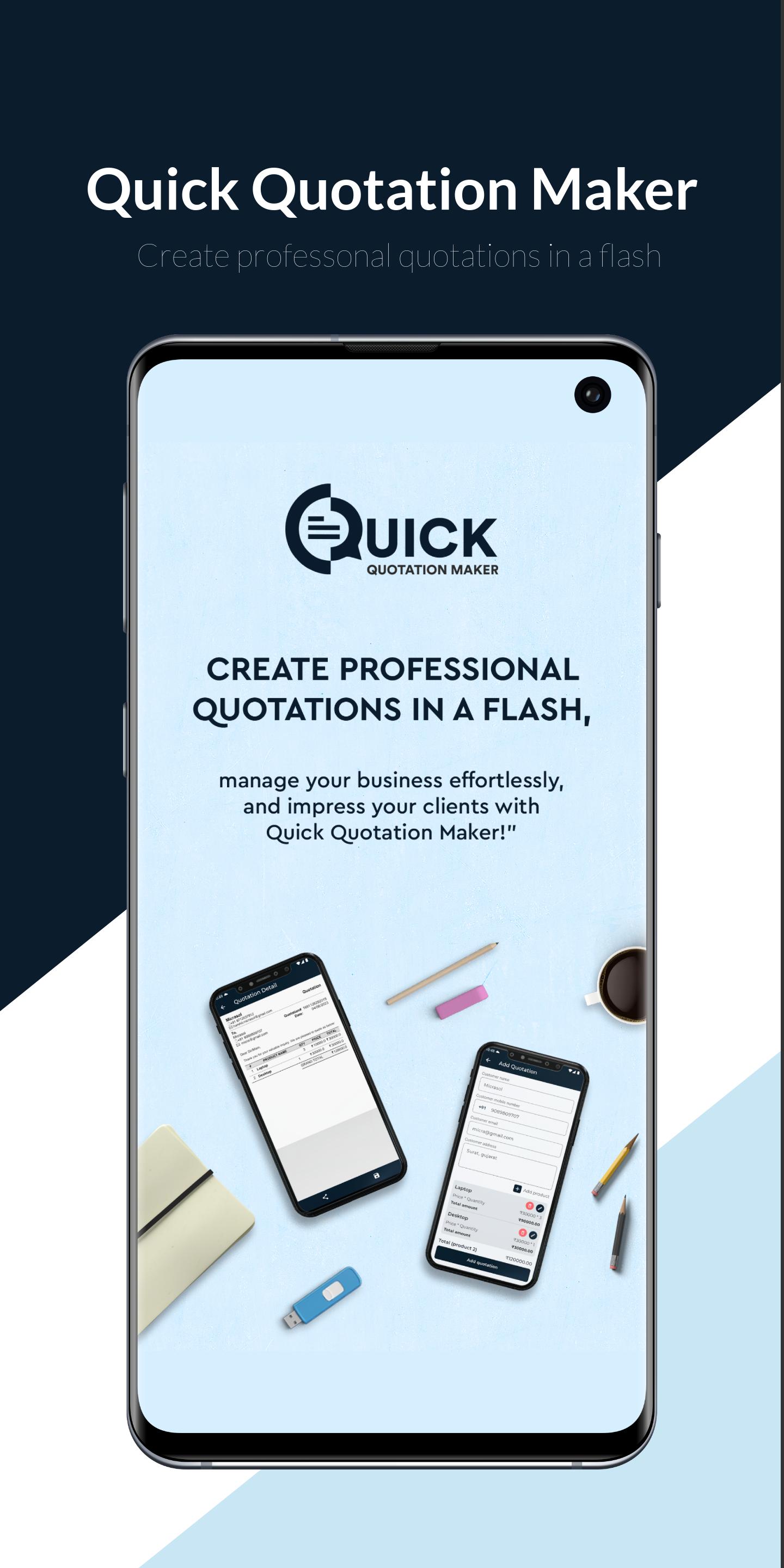
Quick Quotation Maker is a powerful and user-friendly mobile application designed to simplify your business operations by streamlining the quotation generation process. Whether you are a small business owner, freelancer, or sales professional. Quick Quotation Maker is the perfect tool to create professional quotations on the go.
Key Features:
Business Profile:
Create and manage your business profile, including company information, logo, contact details, and signature. This ensures that your quotations have a consistent and professional look, representing your brand in the best possible way.
Product Management:
Efficiently manage your product catalogue within the app. Add, edit, or delete products with ease, complete with details like product name, description, unit price, and any applicable taxes.
Make Quotation:
Craft personalised quotations effortlessly with the intuitive quotation maker. Choose the customer, select products from your catalogue, and specify the quotation date. Easily calculate the total cost, including taxes, and generate a clear and concise quotation for your customers.
Quotation List:
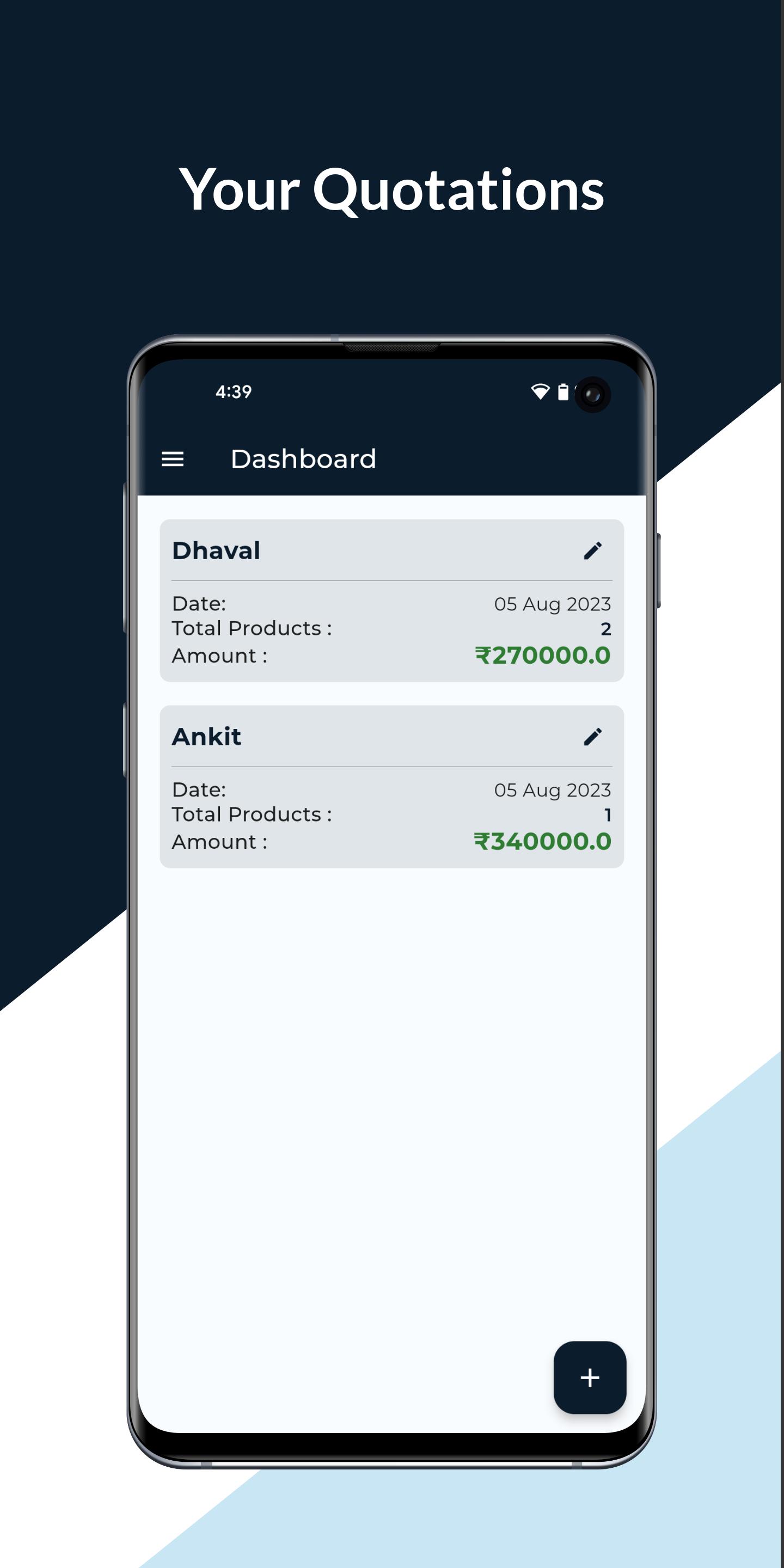
Access and organize all your past quotations in one place. The app maintains a comprehensive list of all the quotations you've created, allowing you to quickly retrieve and review them whenever needed.
PDF Generate:
Transform your quotations into professional PDF documents with just a tap. Share the PDF directly with customers via email or other communication platforms, ensuring a polished and consistent presentation.
Backup Data:
Your data is precious, and we understand that. QuotaMaker Pro provides a secure backup and restores functionality, allowing you to save your data to the cloud and retrieve it whenever required. Never worry about losing important information again!
Use App Without Internet:
No internet connection? No problem! QuotaMaker Pro works seamlessly offline, enabling you to access your product catalog, create, view, and edit quotations anytime, anywhere, even in areas with limited connectivity.
Why Choose Quick Quotation Maker?
• Time-Saving: Streamline your quotation process and create professional quotes quickly, enabling you to focus on growing your business.
• Brand Representation: Maintain a consistent brand image with personalised business profiles and professional PDFs.
• Productivity Boost: Manage products, customers, and quotations efficiently from a single app, minimising administrative tasks.
• Offline Accessibility: Work even when offline, ensuring your business doesn't stop due to connectivity issues.
Quick Quotation Maker revolutionises the way you create quotations, making it a must-have tool for businesses of all sizes. Download now and experience the future of quotation management!
Avance
Etiquetas
EmpresaInformación
Desarrollador
Micra Solution
La última versión
1.0.3
Última actualización
2024-10-23
Categoría
Empresa
Disponible en
Google Play
Mostrar más
Cómo jugar Quick Quotation Maker con GameLoop en PC
1. Descargue GameLoop desde el sitio web oficial, luego ejecute el archivo exe para instalar GameLoop.
2. Abra GameLoop y busque "Quick Quotation Maker", busque Quick Quotation Maker en los resultados de búsqueda y haga clic en "Instalar".
3. Disfruta jugando Quick Quotation Maker en GameLoop.
Minimum requirements
OS
Windows 8.1 64-bit or Windows 10 64-bit
GPU
GTX 1050
CPU
i3-8300
Memory
8GB RAM
Storage
1GB available space
Recommended requirements
OS
Windows 8.1 64-bit or Windows 10 64-bit
GPU
GTX 1050
CPU
i3-9320
Memory
16GB RAM
Storage
1GB available space