
Chess Openings para PC
Free Chess Apps
Descarga Chess Openings en PC con GameLoop Emulator
Chess Openings en PC
Chess Openings, proveniente del desarrollador Free Chess Apps, se ejecuta en el sistema Android en el pasado.
Ahora, puedes jugar Chess Openings en PC con GameLoop sin problemas.
Descárgalo en la biblioteca de GameLoop o en los resultados de búsqueda. No más mirar la batería o llamadas frustrantes en el momento equivocado nunca más.
Simplemente disfrute de Chess Openings PC en la pantalla grande de forma gratuita!
Chess Openings Introducción
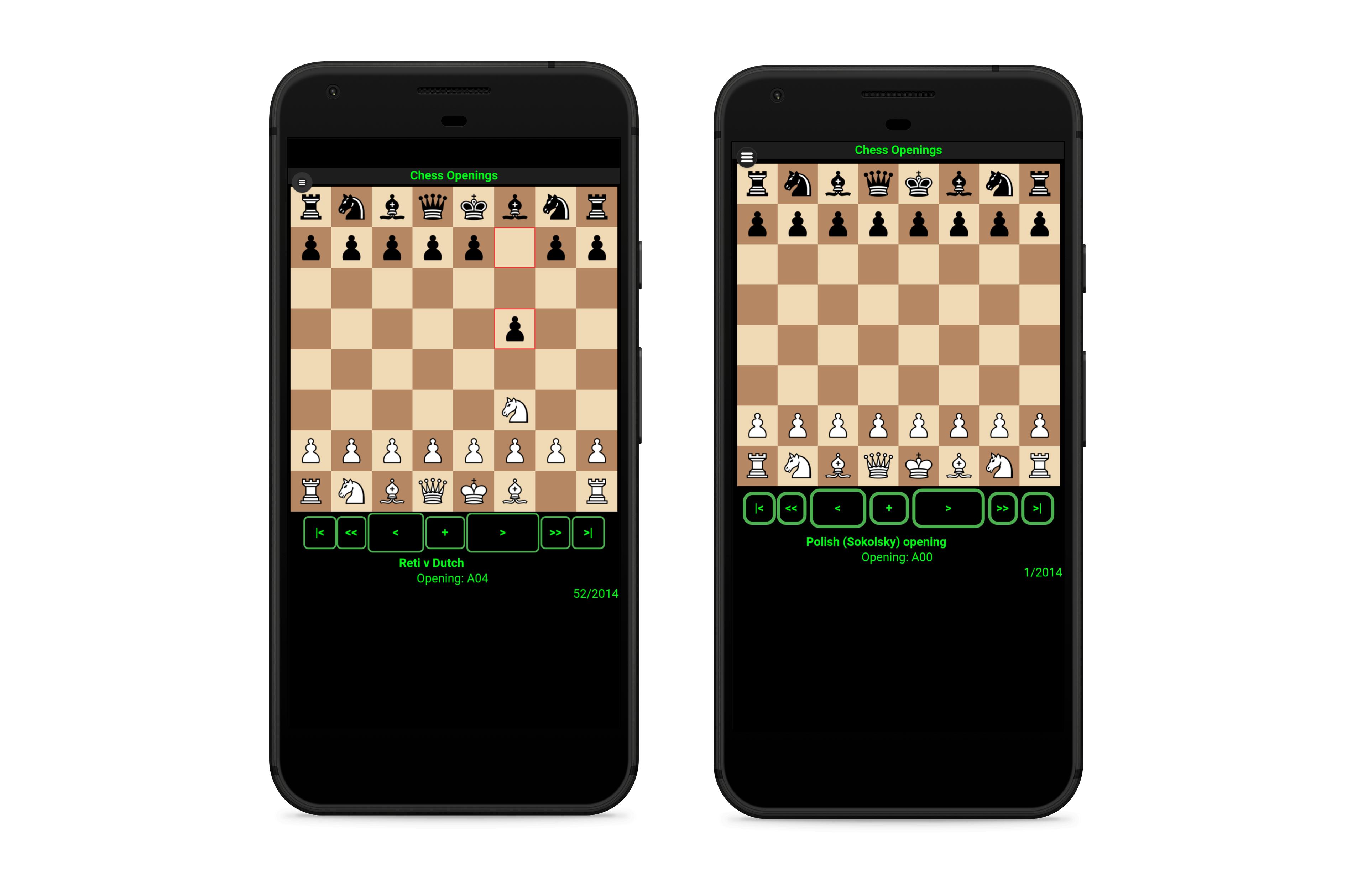
♚ Watch and Learn your favorite chess openings from the extensive database of more than 2.000 chess openings.
♚ Play from more than 1000 chess openings Vs Stockfish Chess Engine with 10 levels (3300 ELO Chess Engine).
♚ Learn the openings watching video tutorials with a custom chess board at your fingertips.
♚ Analize any chess opening from the database. Get a score from a top level chess engine for every opening and a suggested line with the best possible moves.
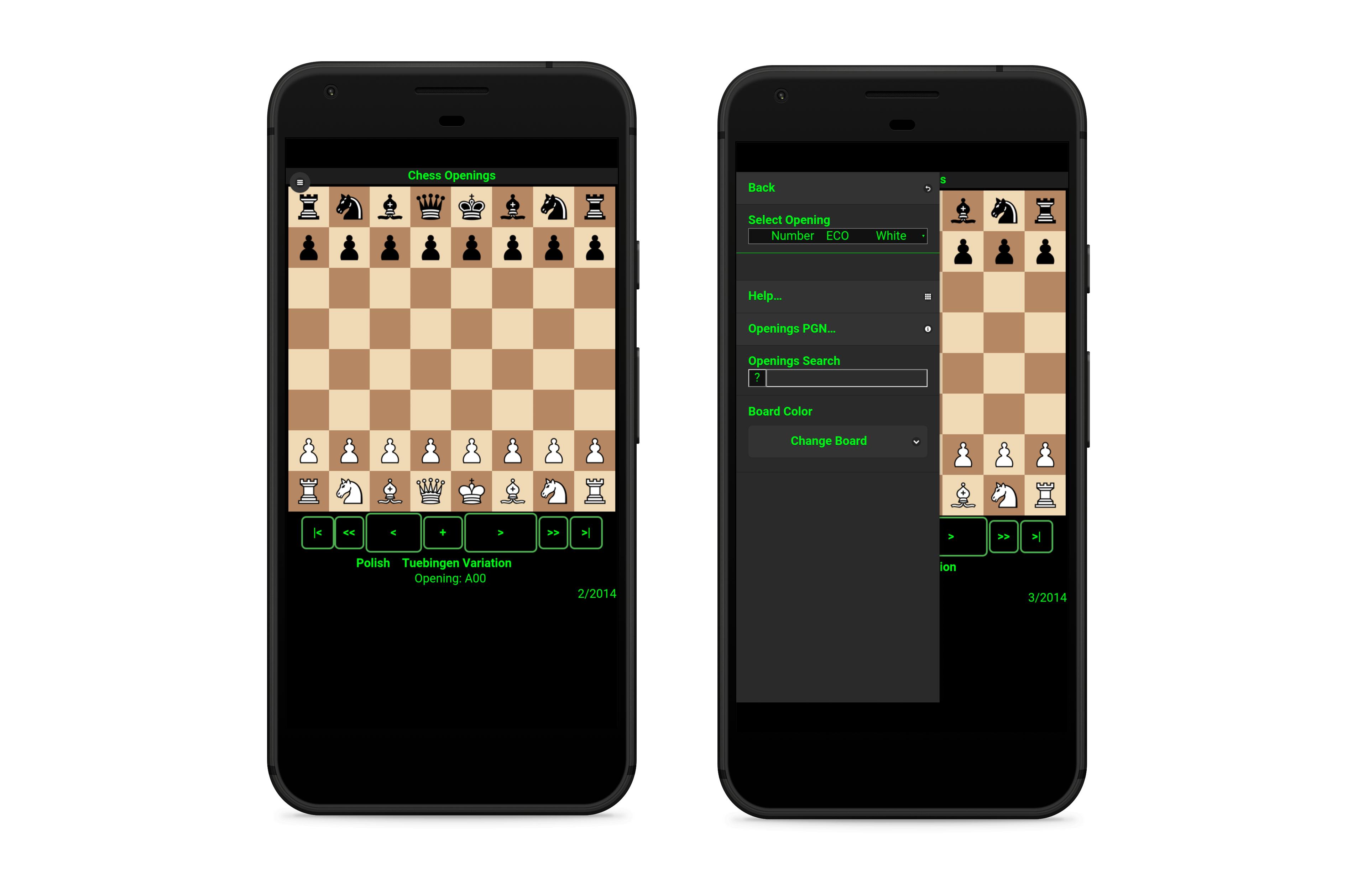
♚Learn every move, advance, go back or go to the first or final move.
♚Search for your favorite openings with name, ECO or keyword.
♚Undo any move while you play against the stockfish chess engine. Get a evaluation score for the current position while playing.
♚In the learning mode you can play vs a top level chess engine (lozza, 2450 ELO) from any position in the custom board. Play white or flip the board and play with black pieces. Analyze any position and get a evaluation score and suggested lines.
♚In the custom board you can set any position with the pieces. You can move the pieces without restrictions, the board don't follow standard chess rules so you can adjust and reset positions at any time making it simple to follow chess tutorial videos.
Avance
Etiquetas
Juegos de mesaInformación
Desarrollador
Free Chess Apps
La última versión
1.2.0
Última actualización
2019-09-09
Categoría
Juegos de mesa
Disponible en
Google Play
Mostrar más
Cómo jugar Chess Openings con GameLoop en PC
1. Descargue GameLoop desde el sitio web oficial, luego ejecute el archivo exe para instalar GameLoop.
2. Abra GameLoop y busque "Chess Openings", busque Chess Openings en los resultados de búsqueda y haga clic en "Instalar".
3. Disfruta jugando Chess Openings en GameLoop.
Minimum requirements
OS
Windows 8.1 64-bit or Windows 10 64-bit
GPU
GTX 1050
CPU
i3-8300
Memory
8GB RAM
Storage
1GB available space
Recommended requirements
OS
Windows 8.1 64-bit or Windows 10 64-bit
GPU
GTX 1050
CPU
i3-9320
Memory
16GB RAM
Storage
1GB available space