
Pinball DMD Screen // Viewer para PC
Sharpin Pinball
Descarga Pinball DMD Screen // Viewer en PC con GameLoop Emulator
Pinball DMD Screen // Viewer en PC
Pinball DMD Screen // Viewer, proveniente del desarrollador Sharpin Pinball, se ejecuta en el sistema Android en el pasado.
Ahora, puedes jugar Pinball DMD Screen // Viewer en PC con GameLoop sin problemas.
Descárgalo en la biblioteca de GameLoop o en los resultados de búsqueda. No más mirar la batería o llamadas frustrantes en el momento equivocado nunca más.
Simplemente disfrute de Pinball DMD Screen // Viewer PC en la pantalla grande de forma gratuita!
Pinball DMD Screen // Viewer Introducción
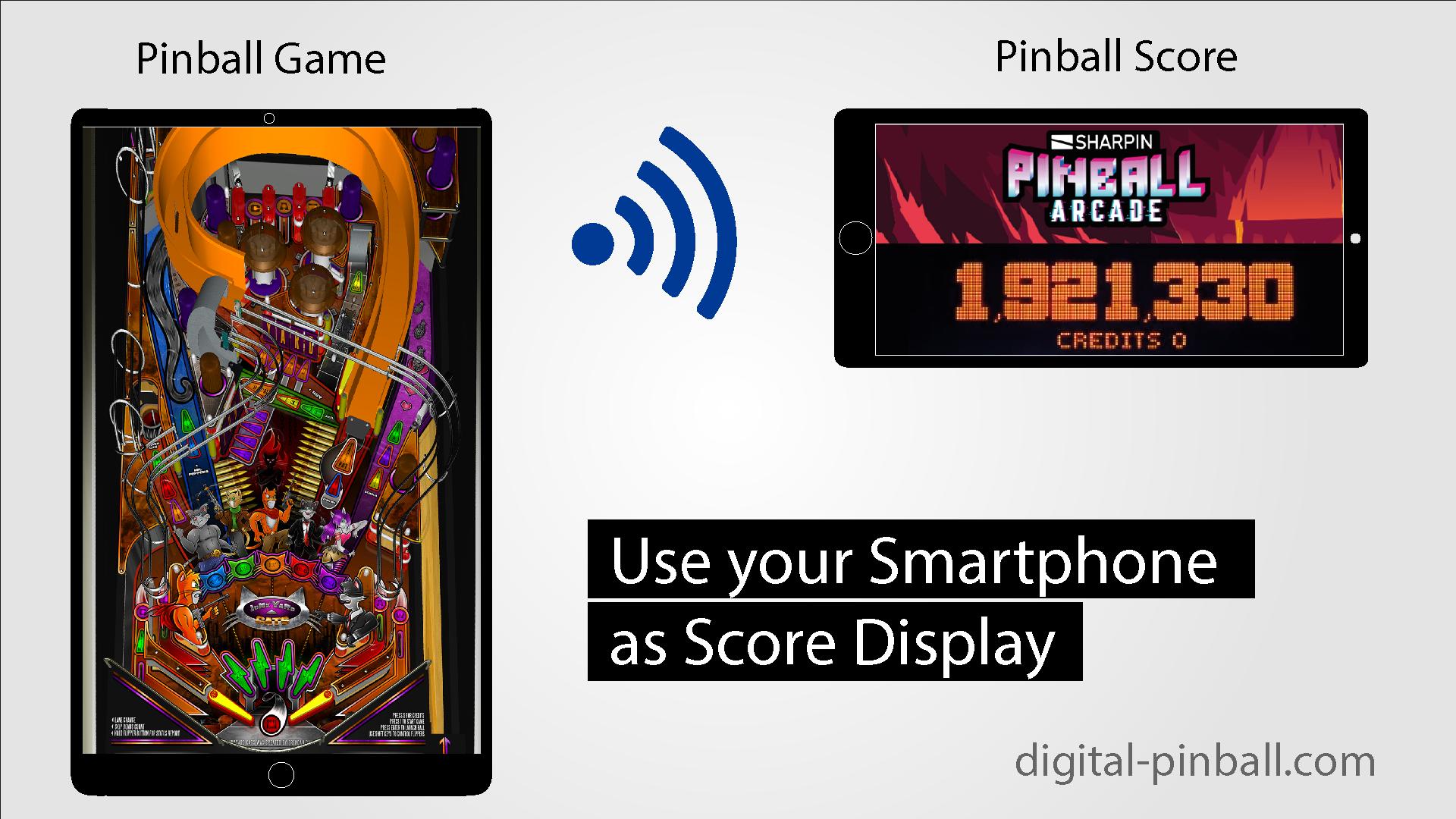
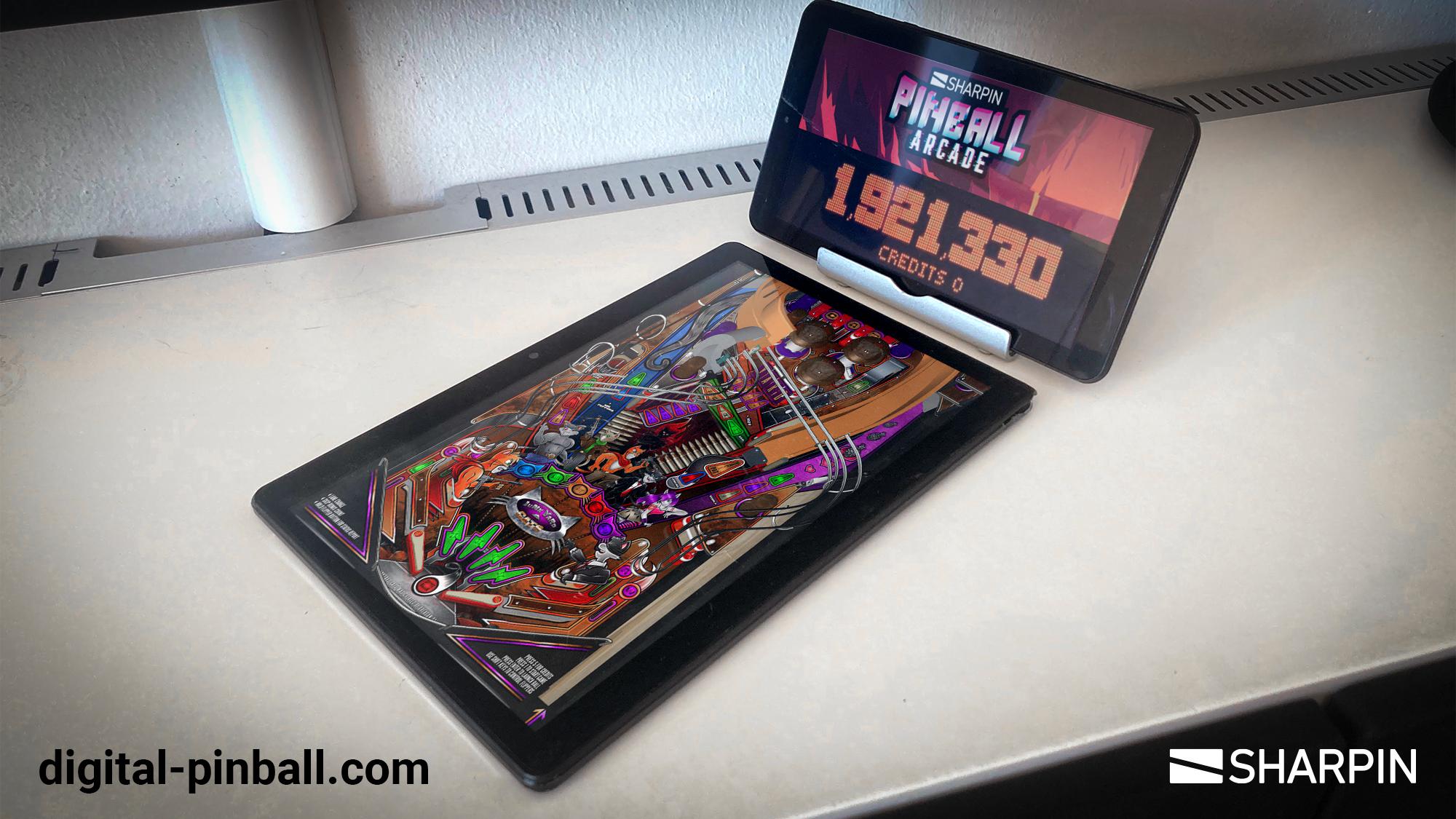
Display your game score on a second device.
Mirror and enlarge important areas of your game to a second device.
Copy the score, game stats, map or whatever you think is helpful to a second device and enlarge the desired area.
This way you will have core information of your game enlarged on a separate device.
Usecase: Second Screen for Pinball Games
- You need to install 2 apps.
- Install the sender app on the device you play the game.
- Install the score app on the device you want to display the score.
- To connect both apps please open the apps on each device and login.
- Also make sure both devices are in the same WIFI network.
Setup guide: https://www.digital-pinball.com/app-help
Avance
Etiquetas
Sala de juegosInformación
Desarrollador
Sharpin Pinball
La última versión
1.0
Última actualización
2022-08-10
Categoría
Sala de juegos
Disponible en
Google Play
Mostrar más
Cómo jugar Pinball DMD Screen // Viewer con GameLoop en PC
1. Descargue GameLoop desde el sitio web oficial, luego ejecute el archivo exe para instalar GameLoop.
2. Abra GameLoop y busque "Pinball DMD Screen // Viewer", busque Pinball DMD Screen // Viewer en los resultados de búsqueda y haga clic en "Instalar".
3. Disfruta jugando Pinball DMD Screen // Viewer en GameLoop.
Minimum requirements
OS
Windows 8.1 64-bit or Windows 10 64-bit
GPU
GTX 1050
CPU
i3-8300
Memory
8GB RAM
Storage
1GB available space
Recommended requirements
OS
Windows 8.1 64-bit or Windows 10 64-bit
GPU
GTX 1050
CPU
i3-9320
Memory
16GB RAM
Storage
1GB available space