Exploration Eerskraft para PC
y2n Skyland
Descarga Exploration Eerskraft en PC con GameLoop Emulator
Exploration Eerskraft en PC
Exploration Eerskraft, proveniente del desarrollador y2n Skyland, se ejecuta en el sistema Android en el pasado.
Ahora, puedes jugar Exploration Eerskraft en PC con GameLoop sin problemas.
Descárgalo en la biblioteca de GameLoop o en los resultados de búsqueda. No más mirar la batería o llamadas frustrantes en el momento equivocado nunca más.
Simplemente disfrute de Exploration Eerskraft PC en la pantalla grande de forma gratuita!
Exploration Eerskraft Introducción
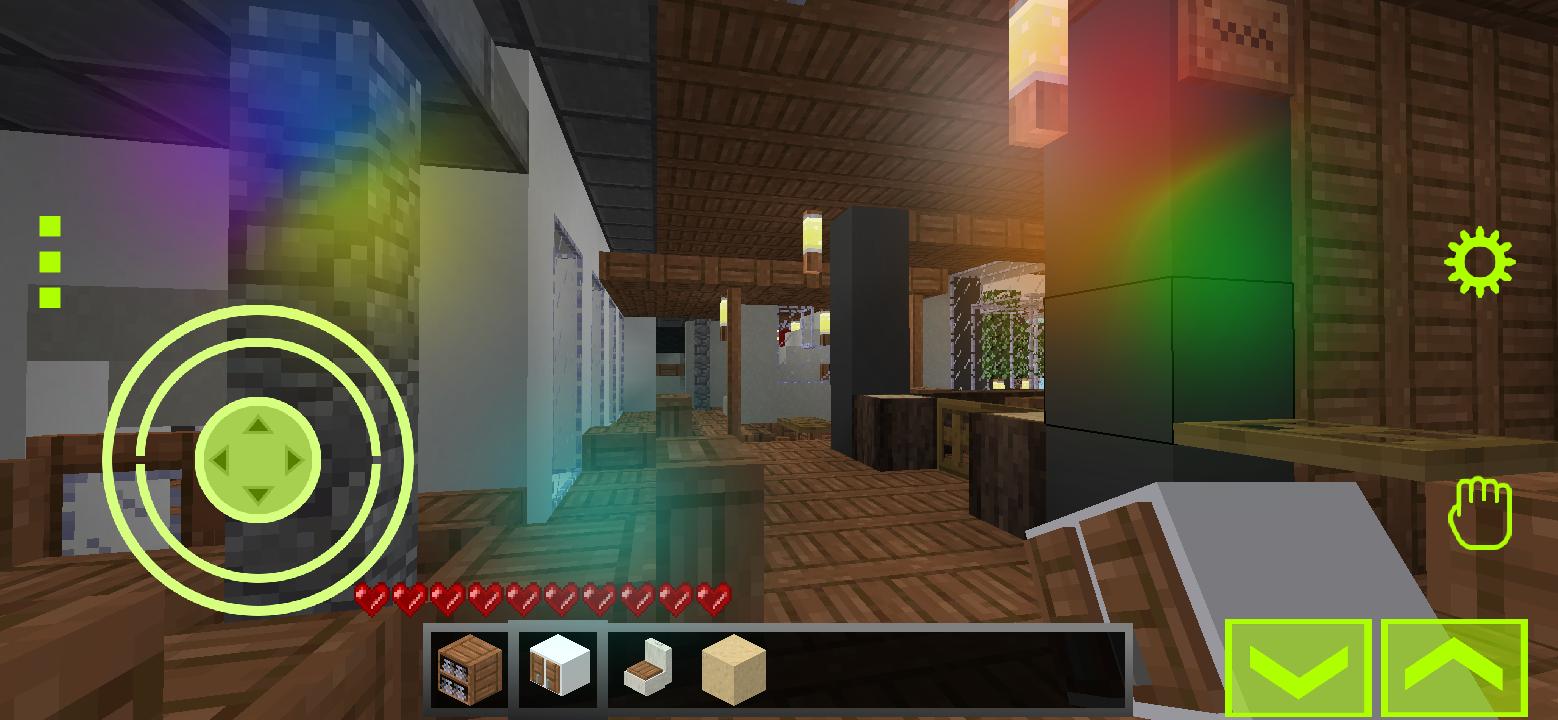
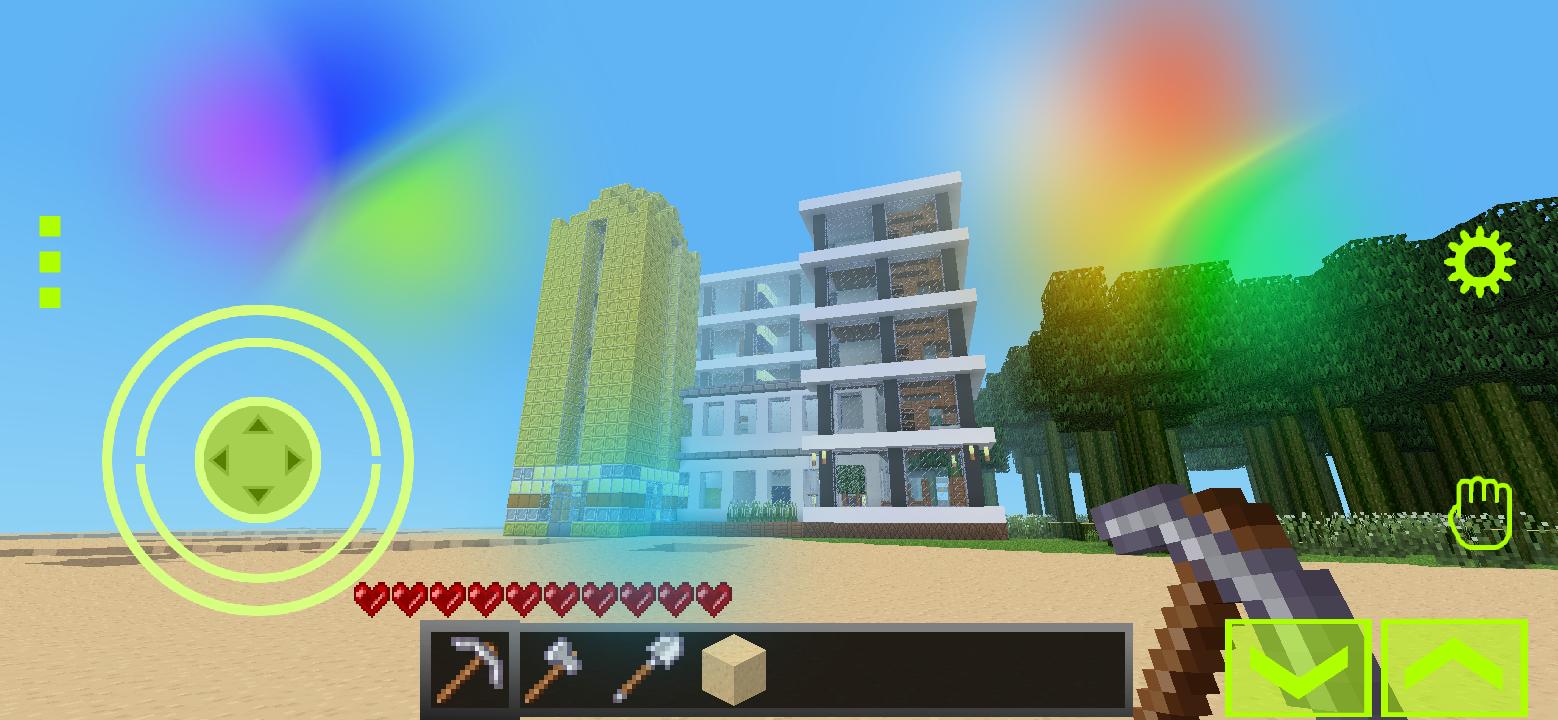
One of the best building open world games simple and easy make huge luxury structure building We’ve put together a guide on how to make your dream Eerskraft house a reality. Read on for tips and tricks on building everything from cozy cottages to grand castles.
The Basics of Building a House in Eerskraft
Building your own house in Eerskraft is a great way to express yourself and make your own personal mark on the game. But before you can get started, it's important to understand the basics of building a house in Eerskraft. There are a few things to consider when starting out, such as what type of materials you'll need, where you'd like to build, and the shape of your house. Knowing the fundamentals of building a house in Eerskraft will help you make the most out of this creative process and ensure that your masterpiece looks just the way you want it to. Designing Your Eerskraft House is an important part of the home building process. There are a few basic steps you should follow when creating your dream home in Eerskraft. Start by deciding on a theme that fits your style. Think about what kind of aesthetic you want for the house, such as modern, traditional, rustic, or even futuristic. After deciding on a theme, sketch out a floor plan for the house and decide on the size and shape of each room. Then, create a list of materials needed for building the house and make sure to include enough blocks to cover the walls, floors, and ceilings. Finally, start building your house one block at a time until you’ve created your perfect Eerskraft home. When it comes to inspiring ideas for your Eerskraft house, the possibilities are endless! From rustic cabins to luxurious mansions, there's something for everyone. Take a look at some of the most popular Eerskraft house ideas. For instance, a librarian desert house is a great way to bring a bit of fantasy into your world. You can also use light colored terracotta blocks to make a beautiful treehouse or build a castle-like structure using sandstone. And if you're feeling really creative, why not construct an entire city in the style of Game of Thrones? Whatever you choose, these inspiring ideas and examples will help you create the perfect Eerskraft house for your world! Creating a modern-style house in Eerskraft is a great way to give your builds a unique look and feel. With its sleek lines and angular shapes, modern architecture is both eye-catching and stylish. To create a modern-style house in Eerskraft, you'll need to think carefully about your design. Start by planning the layout, then use blocks like quartz and stone to create an attractive exterior. Finally, decorate the interior with modern furniture and decorations for the perfect modern look. With a bit of practice and creativity, you'll soon be able to create stunning modern homes in Eerskraft.
Avance
Etiquetas
AventuraInformación
Desarrollador
y2n Skyland
La última versión
Mecraft Building Block
Última actualización
2023-05-01
Categoría
Aventura
Disponible en
Google Play
Mostrar más
Cómo jugar Exploration Eerskraft con GameLoop en PC
1. Descargue GameLoop desde el sitio web oficial, luego ejecute el archivo exe para instalar GameLoop.
2. Abra GameLoop y busque "Exploration Eerskraft", busque Exploration Eerskraft en los resultados de búsqueda y haga clic en "Instalar".
3. Disfruta jugando Exploration Eerskraft en GameLoop.
Minimum requirements
OS
Windows 8.1 64-bit or Windows 10 64-bit
GPU
GTX 1050
CPU
i3-8300
Memory
8GB RAM
Storage
1GB available space
Recommended requirements
OS
Windows 8.1 64-bit or Windows 10 64-bit
GPU
GTX 1050
CPU
i3-9320
Memory
16GB RAM
Storage
1GB available space