
PilotWeather Lite para PC
Sparkling Apps
Baixe PilotWeather Lite no PC com o emulador GameLoop
PilotWeather Lite no PC
PilotWeather Lite, vindo do desenvolvedor Sparkling Apps, está rodando no sistema Android no passado.
Agora, você pode jogar PilotWeather Lite no PC com GameLoop sem problemas.
Faça o download na biblioteca GameLoop ou nos resultados da pesquisa. Chega de ficar de olho na bateria ou fazer chamadas frustrantes na hora errada.
Apenas aproveite o PilotWeather Lite PC na tela grande gratuitamente!
PilotWeather Lite Introdução
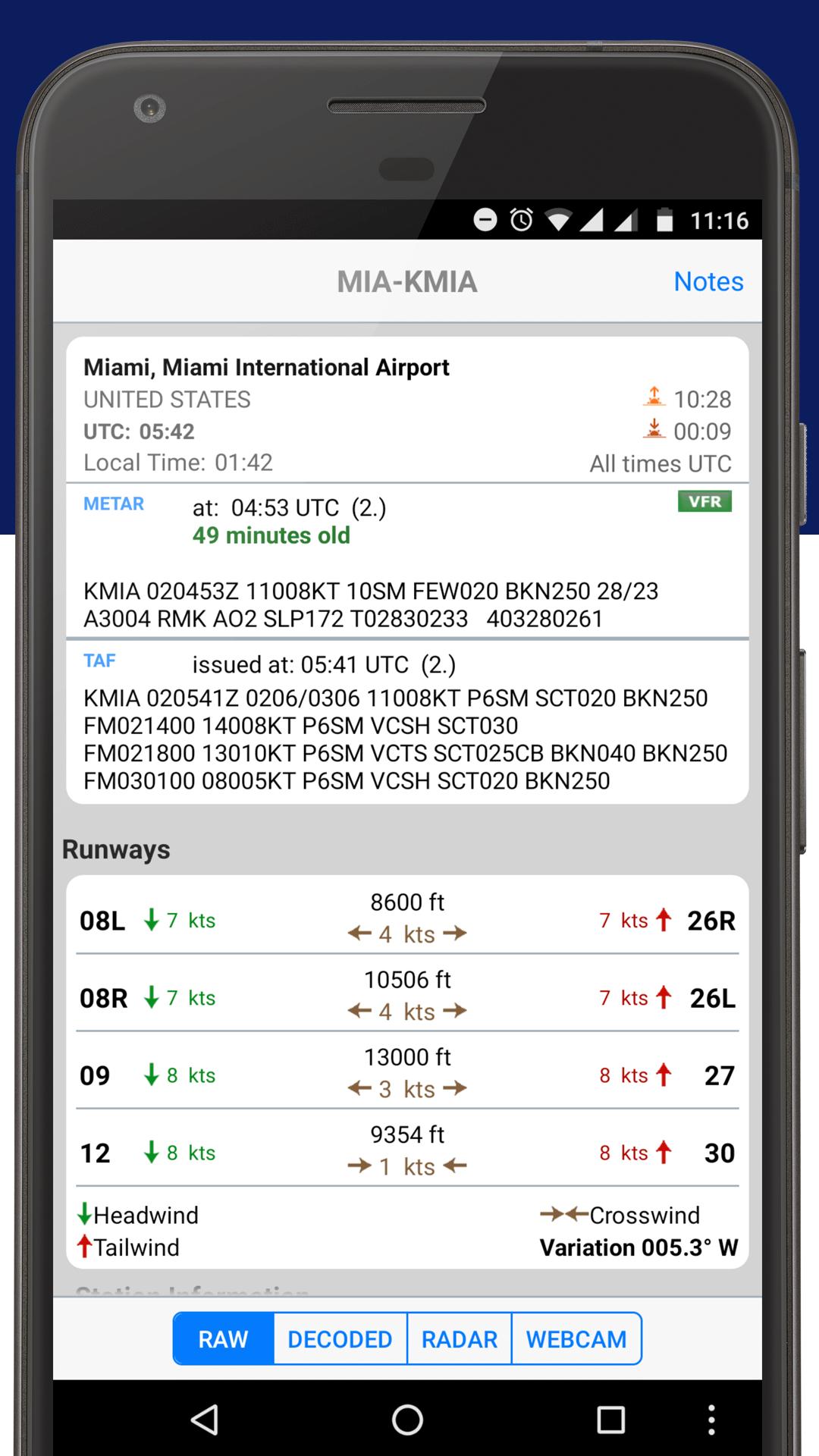
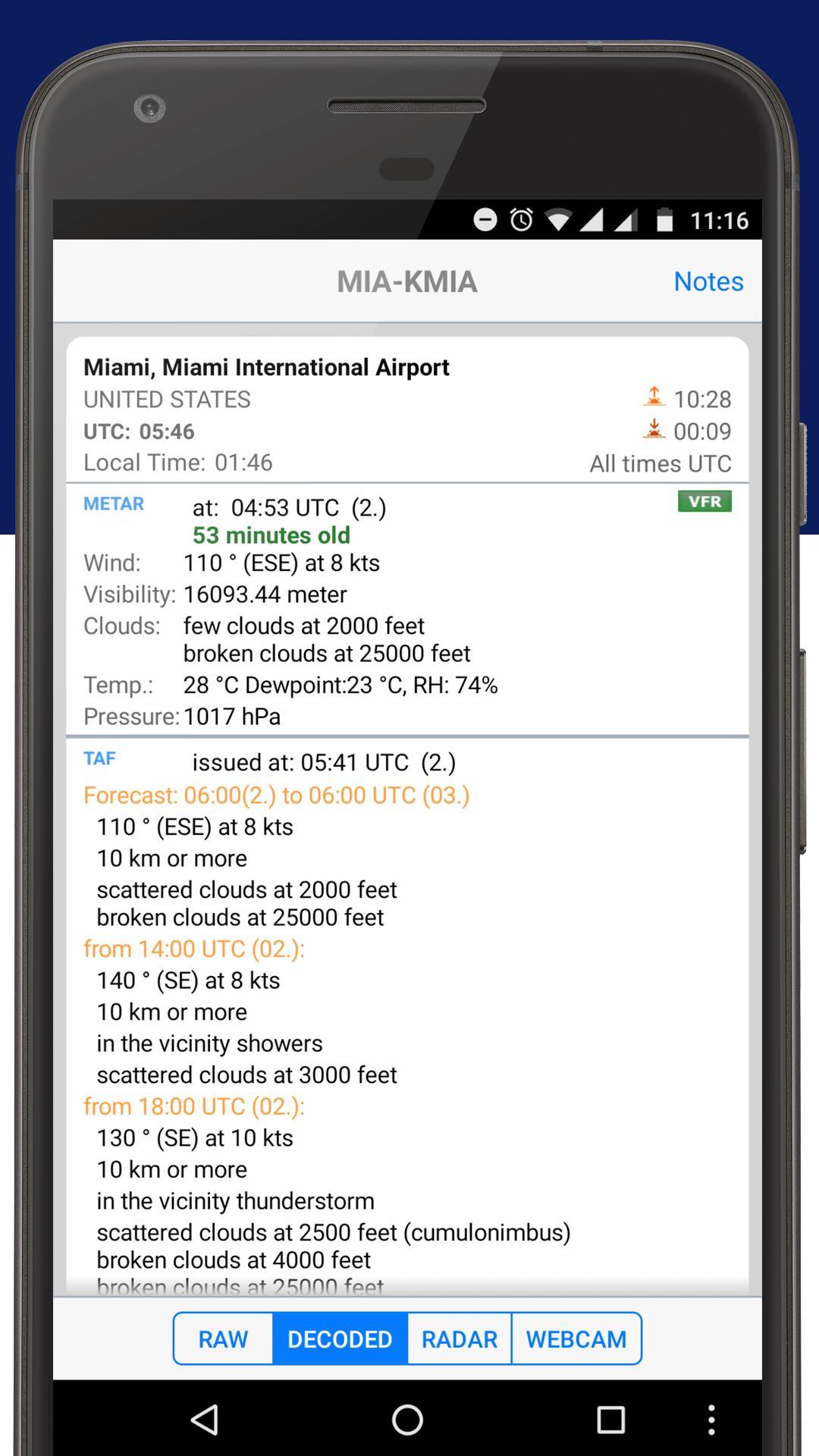
Get current and precise weather conditions (METAR) as well as weather forecasts (TAF), which are used by pilots for their flight preparations. You can choose worldwide airport weather stations from the built-in database by either name, ICAO or IATA code. Data will be shown in its original format or fully decoded into easy understandable texts.
** NOTE: in order to display temperatures in Fahrenheit, switch off "Show original units"!
Features:
- shows additional information like sunrise/sunset, station location/elevation, timezone, and daylight saving adjustment
- optionally displays all times in GMT or in the station's local time
- supports US and metric units
- display/adding of nearby stations
NEW: Also check out our latest 'Sky MET', a visually stunning and feature rich application for pilots, by pilots.
Visualizar
Tag
ClimaEm formação
Desenvolvedor
Sparkling Apps
Última versão
5.22
Ultima atualização
2023-12-18
Categoria
Clima
Disponível em
Google Play
Mostre mais
Como jogar PilotWeather Lite com GameLoop no PC
1. Baixe o GameLoop do site oficial e execute o arquivo exe para instalar o GameLoop.
2. Abra o GameLoop e procure por “PilotWeather Lite”, encontre PilotWeather Lite nos resultados da pesquisa e clique em “Install”.
3. Divirta-se jogando PilotWeather Lite no GameLoop.
Minimum requirements
OS
Windows 8.1 64-bit or Windows 10 64-bit
GPU
GTX 1050
CPU
i3-8300
Memory
8GB RAM
Storage
1GB available space
Recommended requirements
OS
Windows 8.1 64-bit or Windows 10 64-bit
GPU
GTX 1050
CPU
i3-9320
Memory
16GB RAM
Storage
1GB available space