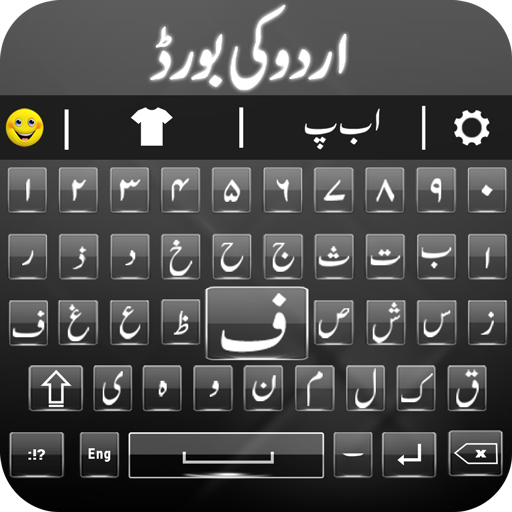
Urdu English Keyboard - اردو para PC
Soloftech.AppSol
Baixe Urdu English Keyboard - اردو no PC com o emulador GameLoop
Urdu English Keyboard - اردو no PC
Urdu English Keyboard - اردو, vindo do desenvolvedor Soloftech.AppSol, está rodando no sistema Android no passado.
Agora, você pode jogar Urdu English Keyboard - اردو no PC com GameLoop sem problemas.
Faça o download na biblioteca GameLoop ou nos resultados da pesquisa. Chega de ficar de olho na bateria ou fazer chamadas frustrantes na hora errada.
Apenas aproveite o Urdu English Keyboard - اردو PC na tela grande gratuitamente!
Urdu English Keyboard - اردو Introdução
Urdu Keyboard is the best Urdu language kybord, Urdu dictionary, send Urdu SMS to friends & family in اردو کی بورڈ. Write Roman Urdu in Urdu English Keyboard. Easy keyboard for Urdu typing in ordo keyboard. Urdu English, kibord is best urdukeybord for Urdu zubaan with colorful background keyboard themes. Urdu typing, kybord farsi special design for those people who love Urdu Language. Urdu speech to Urdu text, English keyboard enhance typing experience with Urdu voice keyboard.
اوردو کیبورد کی مدد سے اردو زبان میں پیغام بھیجے۔
This easy Urdu, kaybord is a complete pak urdu keyboard with all Urdu words & Urdu alphabets placed on qwerty keyboard. Send Urdu status and Urdu message with Urdu kibod is no longer difficult. Write Urdu anywhere with Urdu English keypad app. Type Urdu text, Urdu emails, Urdu shayari, and Urdu quotes in kiya keyboard in noori nastaleeq. Urdu keyboard for android has English Urdu dictionary.
Urdu Keyboard - Voice Typing supports Urdu English kebod. Hindi keyboard is perfect for Urdu learning, Urdu typing, and chatting. Easily switch between English & Urdu with a single click. Noori nastaleeq keyboard has Urdu words like Asslam-o-Alaikum, Bismillah, MashALLAH, JazakAllah. Urdu Keypad application is a customizable. Change key board themes, turning on/off vibration, keypad sound, Urdu word suggestion, etc.
آسانی سے ٹائپ کریں رومن اردو میں اور وہ خود نستعلیق اردو الفاظ میں تبدیل ہو جائیں گے۔
Features of Urdu Keyboard - اردو الفاظ والا کی بورڈ:
✔ Urdu dictionary
✔ Urdu English keyboard
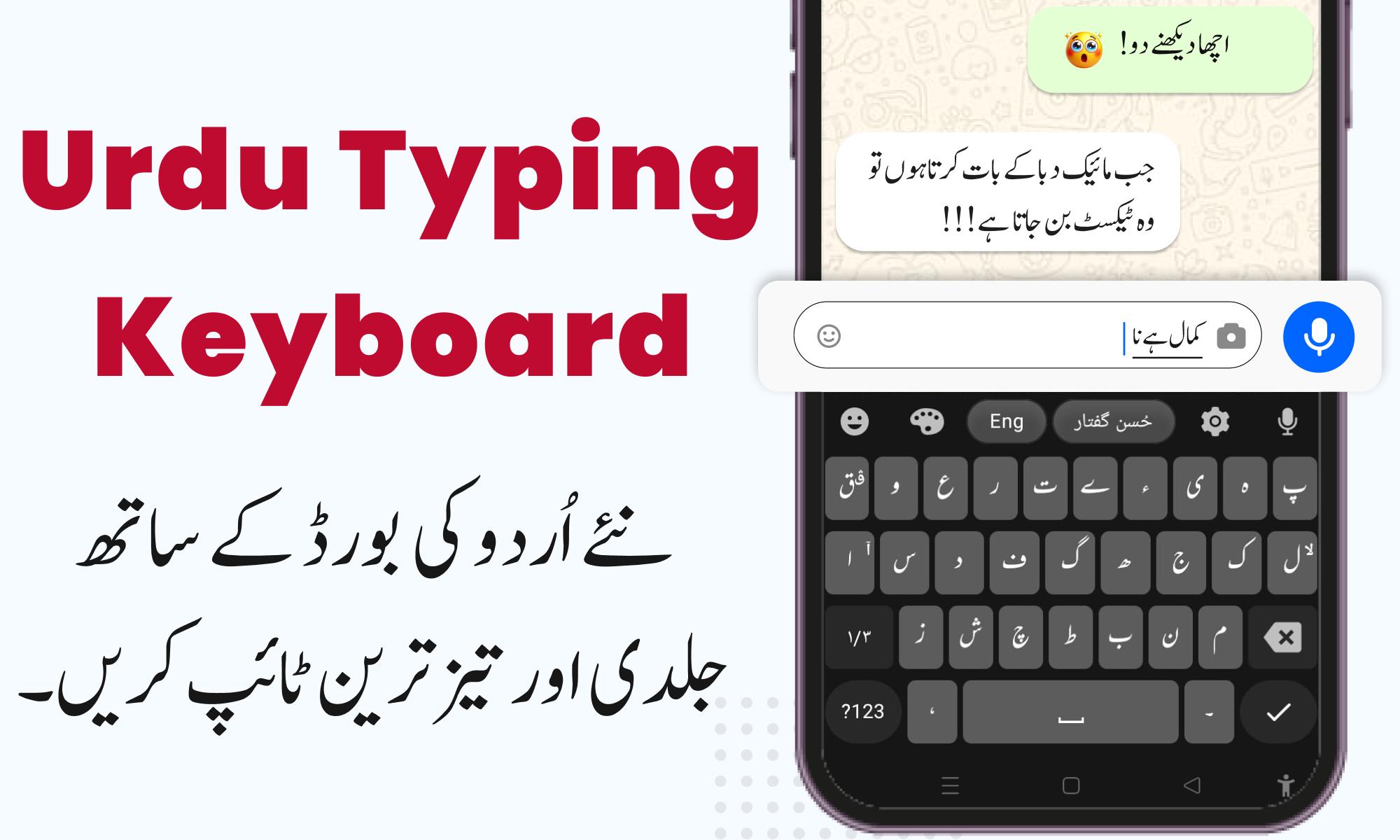
✔ Husn e Guftaar (حُسْن گفتار)
✔ Urdu keyboard text resizer
✔ Easy Urdu is completely free
✔ Urdu voice typing - Urdu speech to text
✔ Make urdu posts with urdu designer app
✔ Urdu word prediction & auto-correction Urdu text
✔ Urdu words suggestions keypad app, inpage layout (ا ب پ)
✔ Switch between Urdu to English and English to Urdu Keyboard & get full access to the Urdu language
✔ Urdu English Keyboard for android have collection of themes & enjoy your chat using Urdu free keyboards
✔ Send urdu message, Urdu greetings, Urdu shayari & Islamic quotes using Urdu Status
Urdu easy keyboard can type اردو easily using your voice. Urdu speech to Urdu text will be written on the screen. Urdu typing keyboard has hundreds of built-in emojis, gifs, smileys and Urdu stickers. Make your Urdu conversation more realistic and expressive with emojis and smiles.
Ordo keyboard works just like Urdu to English trainer with roman Urdu kibod aap. If you are looking for an Urdu voice keyboard for WhatsApp or an Urdu voice typing keyboard for Facebook, translator Urdu to English keyboard will be the best choice for you. Urdu board with stylish Urdu key board is compatible with all Urdu app. Write ordu anywhere easily.
How to Use does Urdu Voice Keyboard:
1️⃣ Enable Urdu Eng Keyboard from the application.
2️⃣ Select Urdu keyboard اردو کی بورڈ from the app.
3️⃣ After selecting, set the Urdu keyboard as the default keyboard of your phone.
Data Protection and Privacy Policy:
We assure you that we do not use any of your personal information, such as name, address, credit card, etc. We only use keystrokes to show you the best suggestions for your next words. For more information, visit the privacy policy page.
Visualizar

Tag
FerramentasProdutividadeEm formação
Desenvolvedor
Soloftech.AppSol
Última versão
5.7
Ultima atualização
2025-05-06
Categoria
Ferramentas
Disponível em
Google Play
Mostre mais
Como jogar Urdu English Keyboard - اردو com GameLoop no PC
1. Baixe o GameLoop do site oficial e execute o arquivo exe para instalar o GameLoop.
2. Abra o GameLoop e procure por “Urdu English Keyboard - اردو”, encontre Urdu English Keyboard - اردو nos resultados da pesquisa e clique em “Install”.
3. Divirta-se jogando Urdu English Keyboard - اردو no GameLoop.
Minimum requirements
OS
Windows 8.1 64-bit or Windows 10 64-bit
GPU
GTX 1050
CPU
i3-8300
Memory
8GB RAM
Storage
1GB available space
Recommended requirements
OS
Windows 8.1 64-bit or Windows 10 64-bit
GPU
GTX 1050
CPU
i3-9320
Memory
16GB RAM
Storage
1GB available space