
TS School para PC
NIC eGov Mobile Apps
Baixe TS School no PC com o emulador GameLoop
TS School no PC
TS School, vindo do desenvolvedor NIC eGov Mobile Apps, está rodando no sistema Android no passado.
Agora, você pode jogar TS School no PC com GameLoop sem problemas.
Faça o download na biblioteca GameLoop ou nos resultados da pesquisa. Chega de ficar de olho na bateria ou fazer chamadas frustrantes na hora errada.
Apenas aproveite o TS School PC na tela grande gratuitamente!
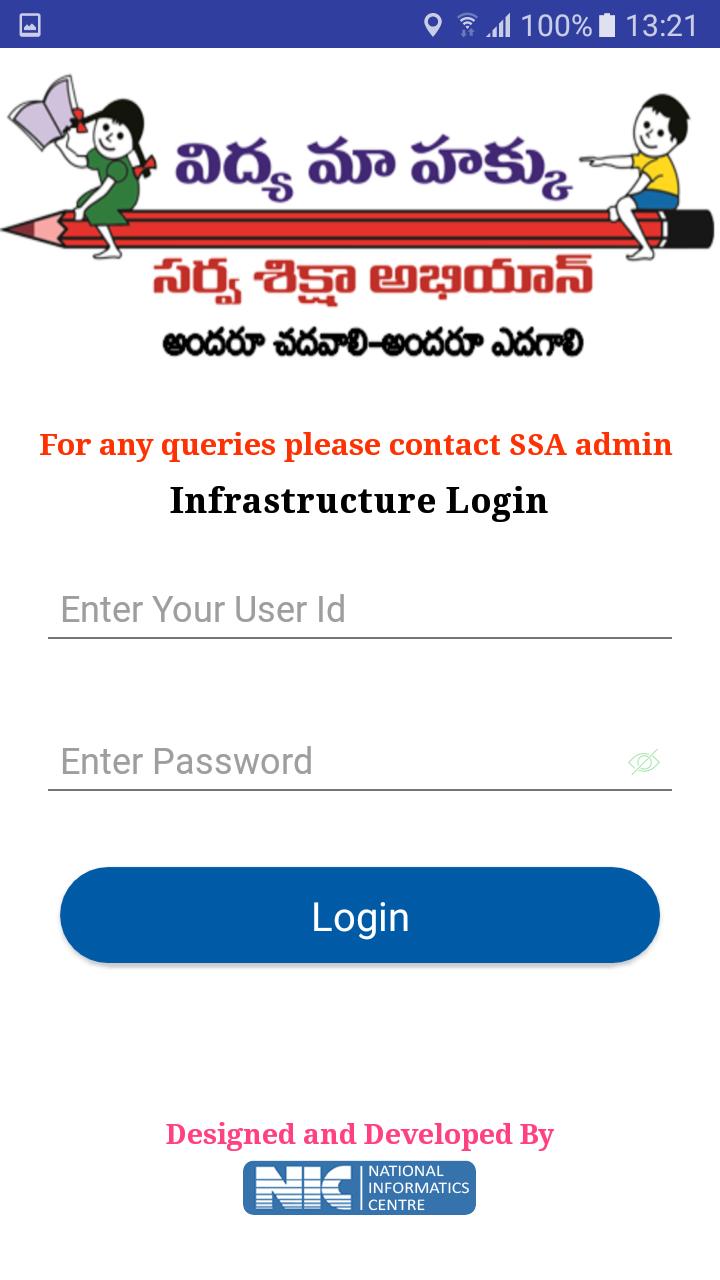
TS School Introdução
TS School Version 5.5
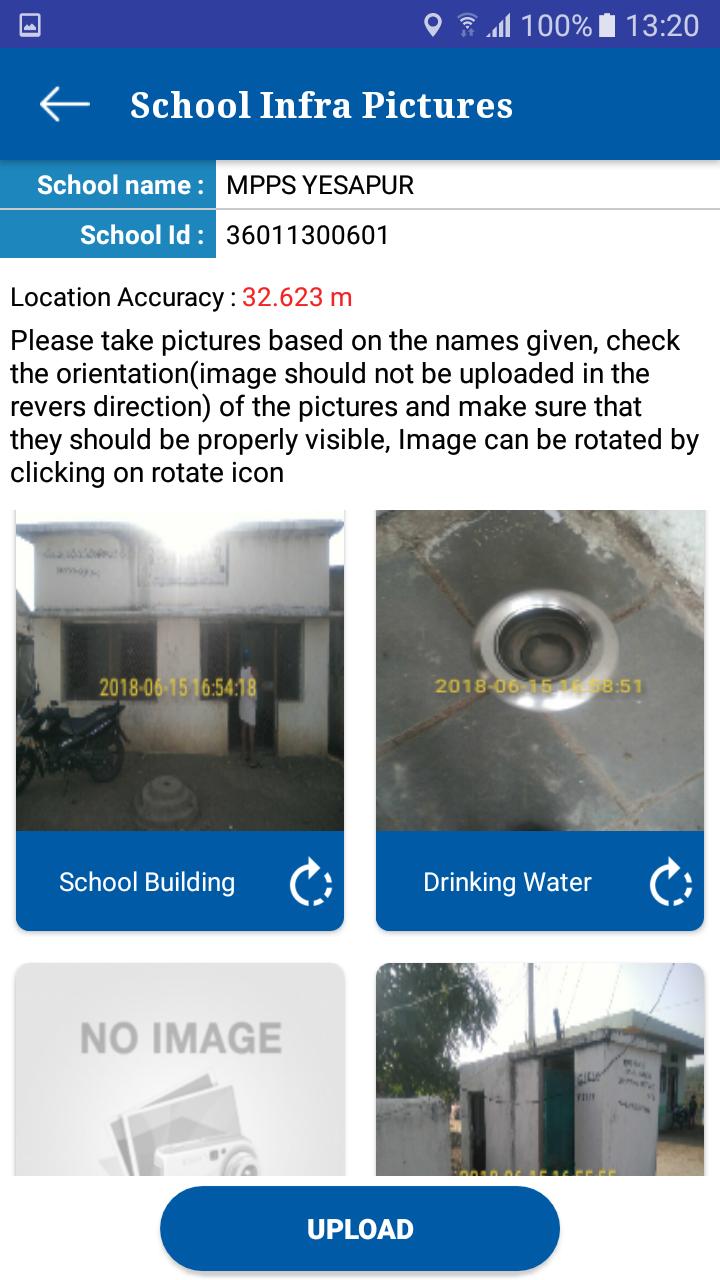
1. School Infrastructure
Visuals of School infrastructure like school building, class rooms, drinking water facility, compound wall, and kitchen shed etc. can be uploaded using this app.
2. School Monitoring
Toilet Monitoring: School HMs can upload the visuals of toilets at regular intervals. Authorities can monitor the functional status of toilets from time to time. It helps to track the status of individual toilets.
Attendance Monitoring: this module helps to school HM to enter the Attendance of the school children’s and employees
3. School Visit
This module allows to capture various school details like enrollment, attendance of children/teachers, syllabus covered, status of toilets, midday meal etc.
These parameters are stored in centralized database for generation of analysis reports for monitoring.
Visualizar
Em formação
Desenvolvedor
NIC eGov Mobile Apps
Última versão
5.5
Ultima atualização
2019-06-26
Categoria
Ferramentas
Disponível em
Google Play
Mostre mais
Como jogar TS School com GameLoop no PC
1. Baixe o GameLoop do site oficial e execute o arquivo exe para instalar o GameLoop.
2. Abra o GameLoop e procure por “TS School”, encontre TS School nos resultados da pesquisa e clique em “Install”.
3. Divirta-se jogando TS School no GameLoop.
Minimum requirements
OS
Windows 8.1 64-bit or Windows 10 64-bit
GPU
GTX 1050
CPU
i3-8300
Memory
8GB RAM
Storage
1GB available space
Recommended requirements
OS
Windows 8.1 64-bit or Windows 10 64-bit
GPU
GTX 1050
CPU
i3-9320
Memory
16GB RAM
Storage
1GB available space