Torrent Remote para PC
TorrentApps
Baixe Torrent Remote no PC com o emulador GameLoop
Torrent Remote no PC
Torrent Remote, vindo do desenvolvedor TorrentApps, está rodando no sistema Android no passado.
Agora, você pode jogar Torrent Remote no PC com GameLoop sem problemas.
Faça o download na biblioteca GameLoop ou nos resultados da pesquisa. Chega de ficar de olho na bateria ou fazer chamadas frustrantes na hora errada.
Apenas aproveite o Torrent Remote PC na tela grande gratuitamente!
Torrent Remote Introdução
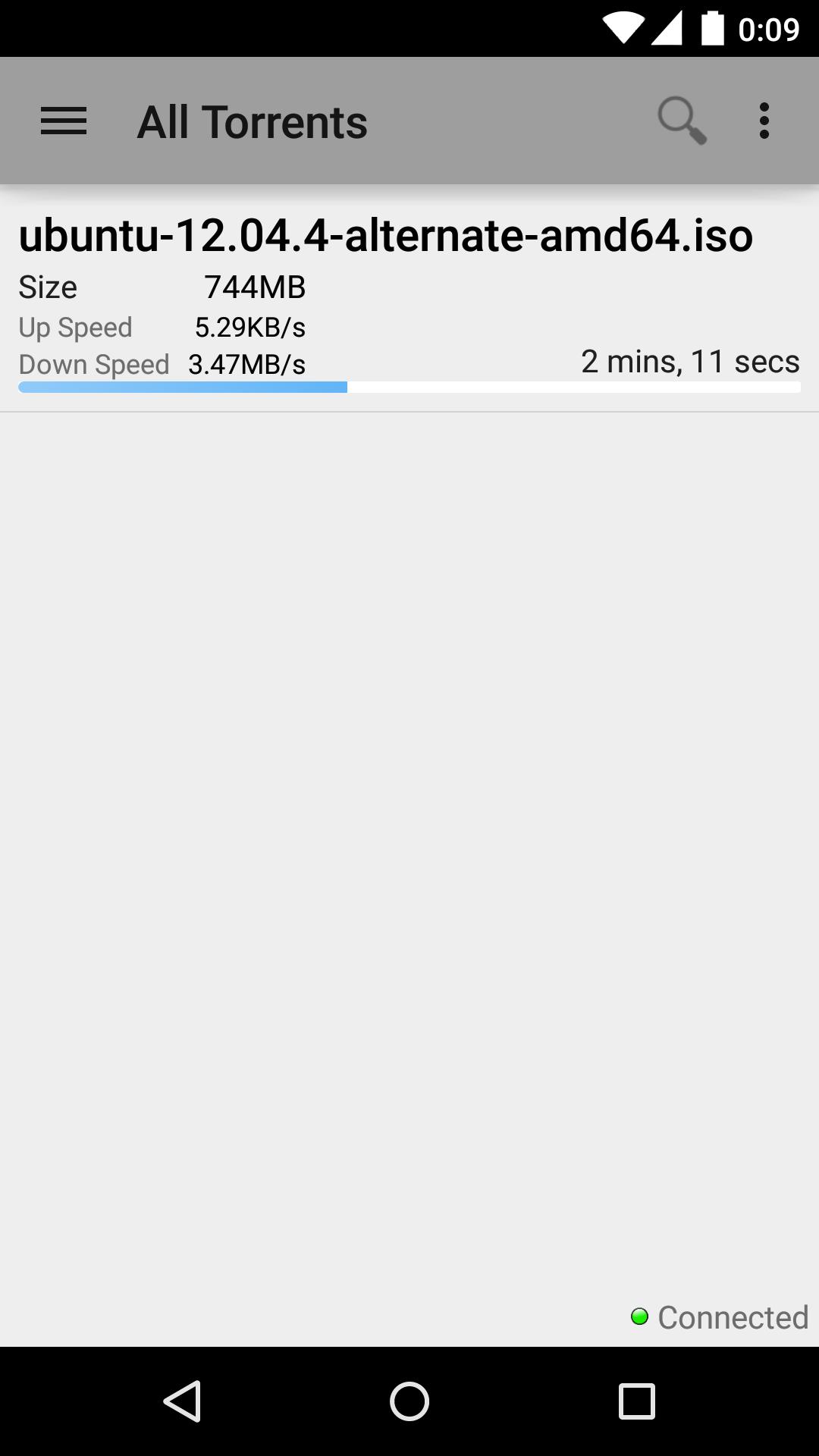
Remotely manage the uTorrent PC client from your phone \ tablet!
Disappointed with the design of the official uTorrent client, constantly being logged off and just not working? No? Just me then. That's why I made this app though.
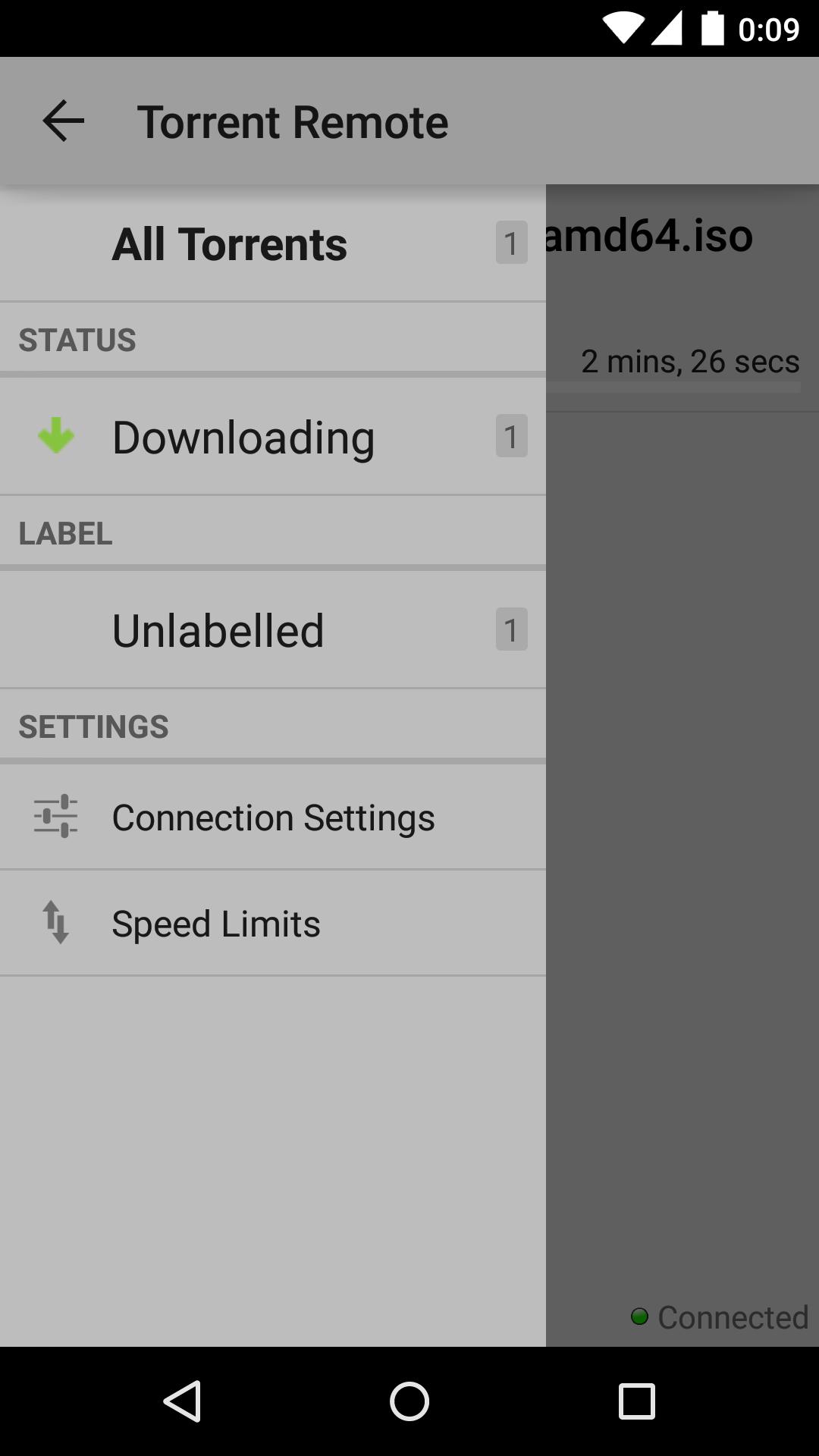
Do all the simple things as well as manage labels and control the global upload, download speed limits!
Please Note
You need to have the WebUI set up and working for this client to be able to communicate with uTorrent.
http://www.utorrent.com/help/guides/webui
Google+ Community for Torrent Search & Torrent Remote https://plus.google.com/communities/110679715148692772503
Visualizar
Em formação
Desenvolvedor
TorrentApps
Última versão
0.988
Ultima atualização
2016-11-05
Categoria
Ferramentas
Disponível em
Google Play
Mostre mais
Como jogar Torrent Remote com GameLoop no PC
1. Baixe o GameLoop do site oficial e execute o arquivo exe para instalar o GameLoop.
2. Abra o GameLoop e procure por “Torrent Remote”, encontre Torrent Remote nos resultados da pesquisa e clique em “Install”.
3. Divirta-se jogando Torrent Remote no GameLoop.
Minimum requirements
OS
Windows 8.1 64-bit or Windows 10 64-bit
GPU
GTX 1050
CPU
i3-8300
Memory
8GB RAM
Storage
1GB available space
Recommended requirements
OS
Windows 8.1 64-bit or Windows 10 64-bit
GPU
GTX 1050
CPU
i3-9320
Memory
16GB RAM
Storage
1GB available space