
SMS Tracker para PC
TheHar
Baixe SMS Tracker no PC com o emulador GameLoop
SMS Tracker no PC
SMS Tracker, vindo do desenvolvedor TheHar, está rodando no sistema Android no passado.
Agora, você pode jogar SMS Tracker no PC com GameLoop sem problemas.
Faça o download na biblioteca GameLoop ou nos resultados da pesquisa. Chega de ficar de olho na bateria ou fazer chamadas frustrantes na hora errada.
Apenas aproveite o SMS Tracker PC na tela grande gratuitamente!
SMS Tracker Introdução
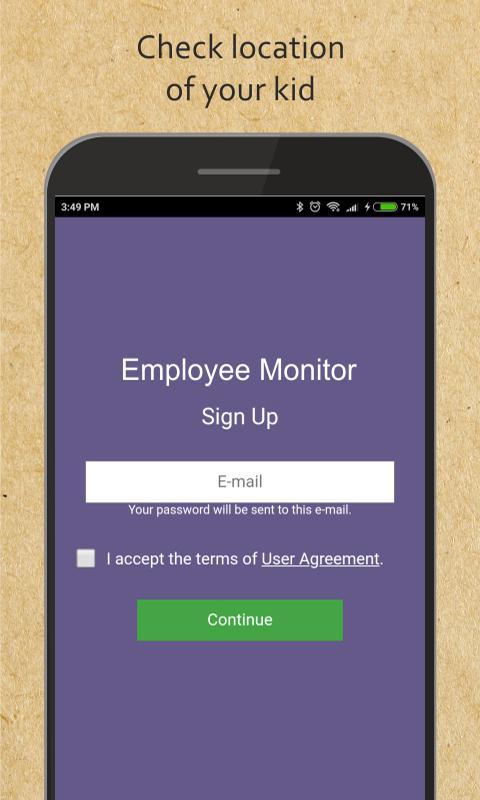
Employee Monitor – SMS tracker
In business work time is important, time is money. Our app will help you monitor work time of your employees to save time and save money.
Notify the users of work phones that you are going to install the app. It will teach your employees to use their time at work wisely, to reduce time spent on messengers and arrive to work in time.
Work time saving features:
• set geofences
• view time when employees arrive to work
• see time when they leave work
• check tracks during business hours
• check work phone calls history
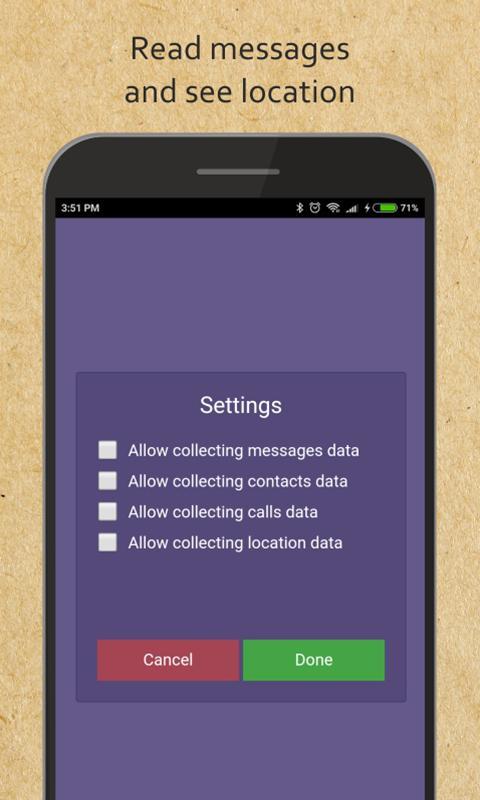
• view text messages and calls
• sms tracker
• work cell phone tracker
• collect work contact lists in one account
Visualizar
Em formação
Desenvolvedor
TheHar
Última versão
1.5.3
Ultima atualização
2019-01-08
Categoria
Ferramentas
Disponível em
Google Play
Mostre mais
Como jogar SMS Tracker com GameLoop no PC
1. Baixe o GameLoop do site oficial e execute o arquivo exe para instalar o GameLoop.
2. Abra o GameLoop e procure por “SMS Tracker”, encontre SMS Tracker nos resultados da pesquisa e clique em “Install”.
3. Divirta-se jogando SMS Tracker no GameLoop.
Minimum requirements
OS
Windows 8.1 64-bit or Windows 10 64-bit
GPU
GTX 1050
CPU
i3-8300
Memory
8GB RAM
Storage
1GB available space
Recommended requirements
OS
Windows 8.1 64-bit or Windows 10 64-bit
GPU
GTX 1050
CPU
i3-9320
Memory
16GB RAM
Storage
1GB available space