
Smart Wake Up Device - One tap screen on off para PC
Mandeep & Bros Co.
Baixe Smart Wake Up Device - One tap screen on off no PC com o emulador GameLoop
Smart Wake Up Device - One tap screen on off no PC
Smart Wake Up Device - One tap screen on off, vindo do desenvolvedor Mandeep & Bros Co., está rodando no sistema Android no passado.
Agora, você pode jogar Smart Wake Up Device - One tap screen on off no PC com GameLoop sem problemas.
Faça o download na biblioteca GameLoop ou nos resultados da pesquisa. Chega de ficar de olho na bateria ou fazer chamadas frustrantes na hora errada.
Apenas aproveite o Smart Wake Up Device - One tap screen on off PC na tela grande gratuitamente!
Smart Wake Up Device - One tap screen on off Introdução
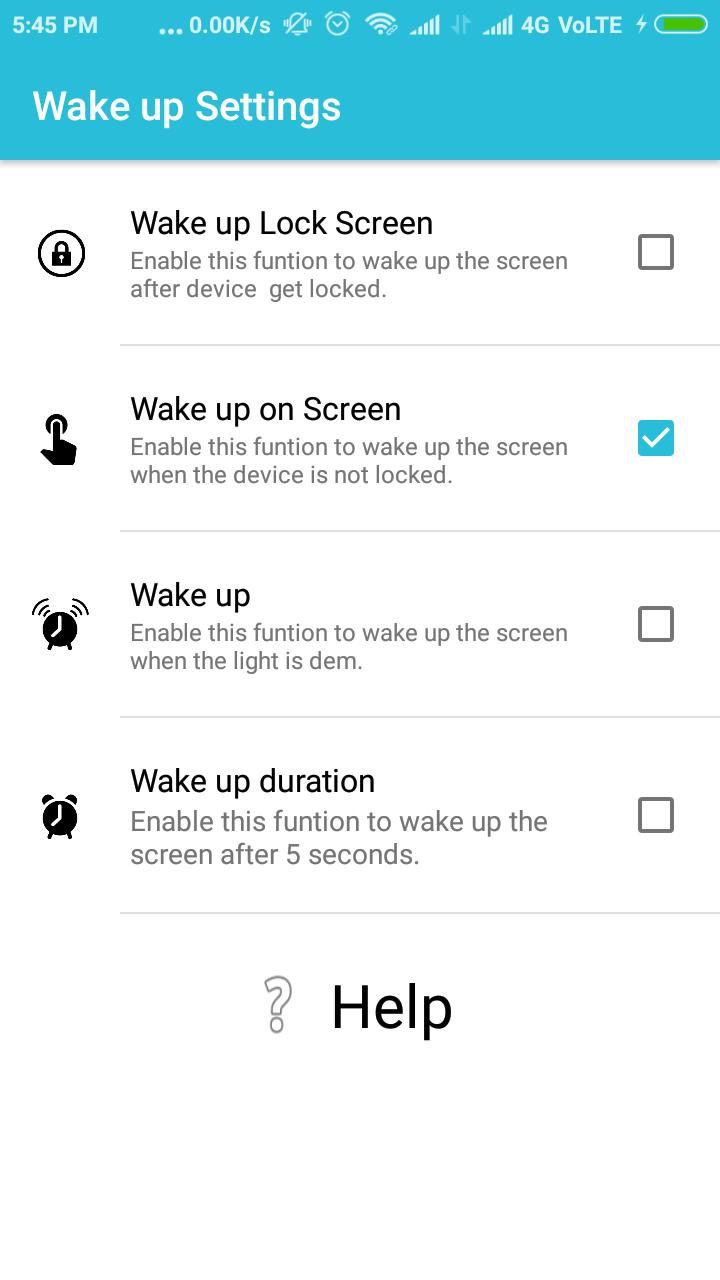
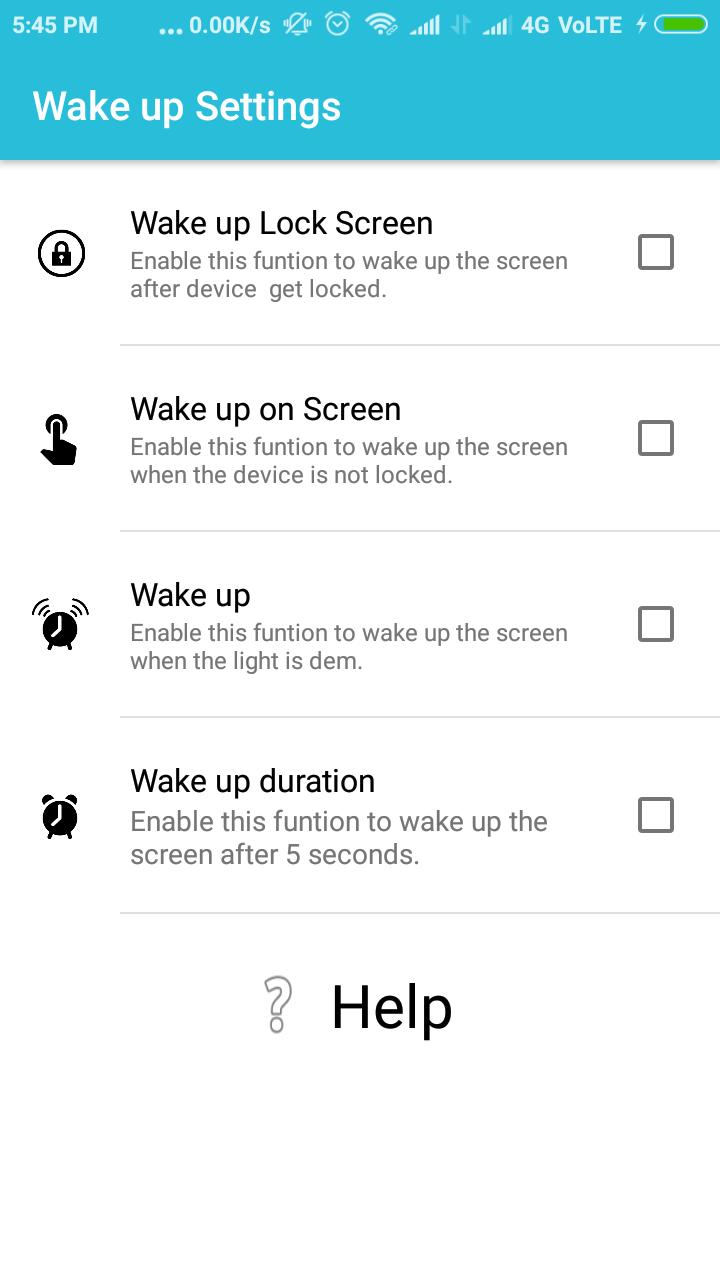
With this app you can wake up your device to make it more smarter.
Now no need to click unlock button everytime just tilt your device and get it go with this smart wake up device manager.
Download the app and be smarter.
Visualizar
Em formação
Desenvolvedor
Mandeep & Bros Co.
Última versão
1.1
Ultima atualização
2017-09-04
Categoria
Ferramentas
Disponível em
Google Play
Mostre mais
Como jogar Smart Wake Up Device - One tap screen on off com GameLoop no PC
1. Baixe o GameLoop do site oficial e execute o arquivo exe para instalar o GameLoop.
2. Abra o GameLoop e procure por “Smart Wake Up Device - One tap screen on off”, encontre Smart Wake Up Device - One tap screen on off nos resultados da pesquisa e clique em “Install”.
3. Divirta-se jogando Smart Wake Up Device - One tap screen on off no GameLoop.
Minimum requirements
OS
Windows 8.1 64-bit or Windows 10 64-bit
GPU
GTX 1050
CPU
i3-8300
Memory
8GB RAM
Storage
1GB available space
Recommended requirements
OS
Windows 8.1 64-bit or Windows 10 64-bit
GPU
GTX 1050
CPU
i3-9320
Memory
16GB RAM
Storage
1GB available space