
Smart Cooler: Mobile Cooling Master para PC
Mobo Widget
Baixe Smart Cooler: Mobile Cooling Master no PC com o emulador GameLoop
Smart Cooler: Mobile Cooling Master no PC
Smart Cooler: Mobile Cooling Master, vindo do desenvolvedor Mobo Widget, está rodando no sistema Android no passado.
Agora, você pode jogar Smart Cooler: Mobile Cooling Master no PC com GameLoop sem problemas.
Faça o download na biblioteca GameLoop ou nos resultados da pesquisa. Chega de ficar de olho na bateria ou fazer chamadas frustrantes na hora errada.
Apenas aproveite o Smart Cooler: Mobile Cooling Master PC na tela grande gratuitamente!
Smart Cooler: Mobile Cooling Master Introdução
Smart Cooler: Mobile Cooling Master is a simple cooling app that reduce your CPU usage and cool down your phone in just one tap. With real-time temperature monitor and heating app controlling, Smart Cooler can keep your phone cooling and extend the life of your phone, especially the phone CPU.
Smart Cooler Features:
❄ Real-time Temperature Monitor
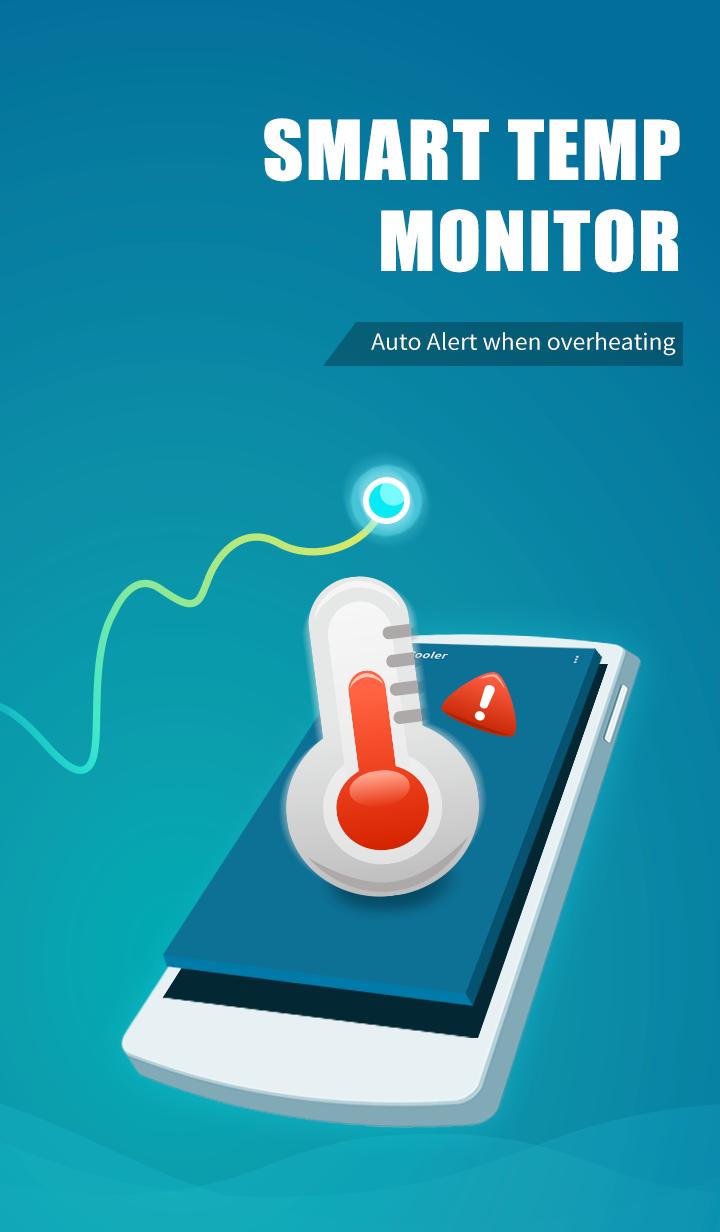
Monitors and logs the device temperature in real time, displays temperature changes and alerts you when it's overheating.
❄ Find Heat Apps Base On Exact Algorithms
High CPU usage causes overheating. Just one tap to scan the CPU status and find the overheating apps.
❄ One-Tap To Cool Down
Monitors the usage of CPU and Detects and disables overheating apps with one simple tap to reduce CPU usage and cool down CPU temperature. Moreover, you can choose any apps to keep.
❄ Smart Cooling
Cool down your mobile smartly and keep your phone safe and cool!
All the features listed above are available for free.
Install Smart Cooler now to keep your phone cooling! Please feel at ease to contact us via mobowidget@gmail.com if you have any feedback about our product & service.
⚠ Say No to Malicious ads
Devoted to bring a better mobile experience, MoboWidget Team developed Smart Cooler for people who need it. MoboWidget only cooperates with authorized affiliates and will never apply any kind of malicious promotions. If you believer you have encountered these ads, please help us to fight against these ads. Please report these advertising links and screenshots of these ads to us via mobowidget@gmail.com.
MoboWidget appreciates the support of every user!
Visualizar

Em formação
Desenvolvedor
Mobo Widget
Última versão
1.7.11
Ultima atualização
2018-06-14
Categoria
Ferramentas
Disponível em
Google Play
Mostre mais
Como jogar Smart Cooler: Mobile Cooling Master com GameLoop no PC
1. Baixe o GameLoop do site oficial e execute o arquivo exe para instalar o GameLoop.
2. Abra o GameLoop e procure por “Smart Cooler: Mobile Cooling Master”, encontre Smart Cooler: Mobile Cooling Master nos resultados da pesquisa e clique em “Install”.
3. Divirta-se jogando Smart Cooler: Mobile Cooling Master no GameLoop.
Minimum requirements
OS
Windows 8.1 64-bit or Windows 10 64-bit
GPU
GTX 1050
CPU
i3-8300
Memory
8GB RAM
Storage
1GB available space
Recommended requirements
OS
Windows 8.1 64-bit or Windows 10 64-bit
GPU
GTX 1050
CPU
i3-9320
Memory
16GB RAM
Storage
1GB available space