Skull Keyboard para PC
Live Keyboard Lab
Baixe Skull Keyboard no PC com o emulador GameLoop
Skull Keyboard no PC
Skull Keyboard, vindo do desenvolvedor Live Keyboard Lab, está rodando no sistema Android no passado.
Agora, você pode jogar Skull Keyboard no PC com GameLoop sem problemas.
Faça o download na biblioteca GameLoop ou nos resultados da pesquisa. Chega de ficar de olho na bateria ou fazer chamadas frustrantes na hora errada.
Apenas aproveite o Skull Keyboard PC na tela grande gratuitamente!
Skull Keyboard Introdução
❤ Skull Keyboard ❤
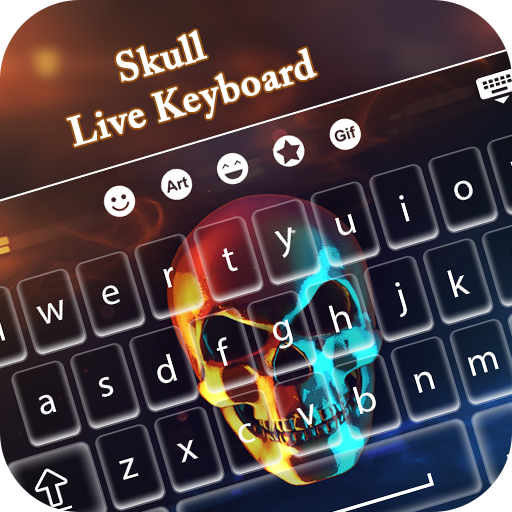
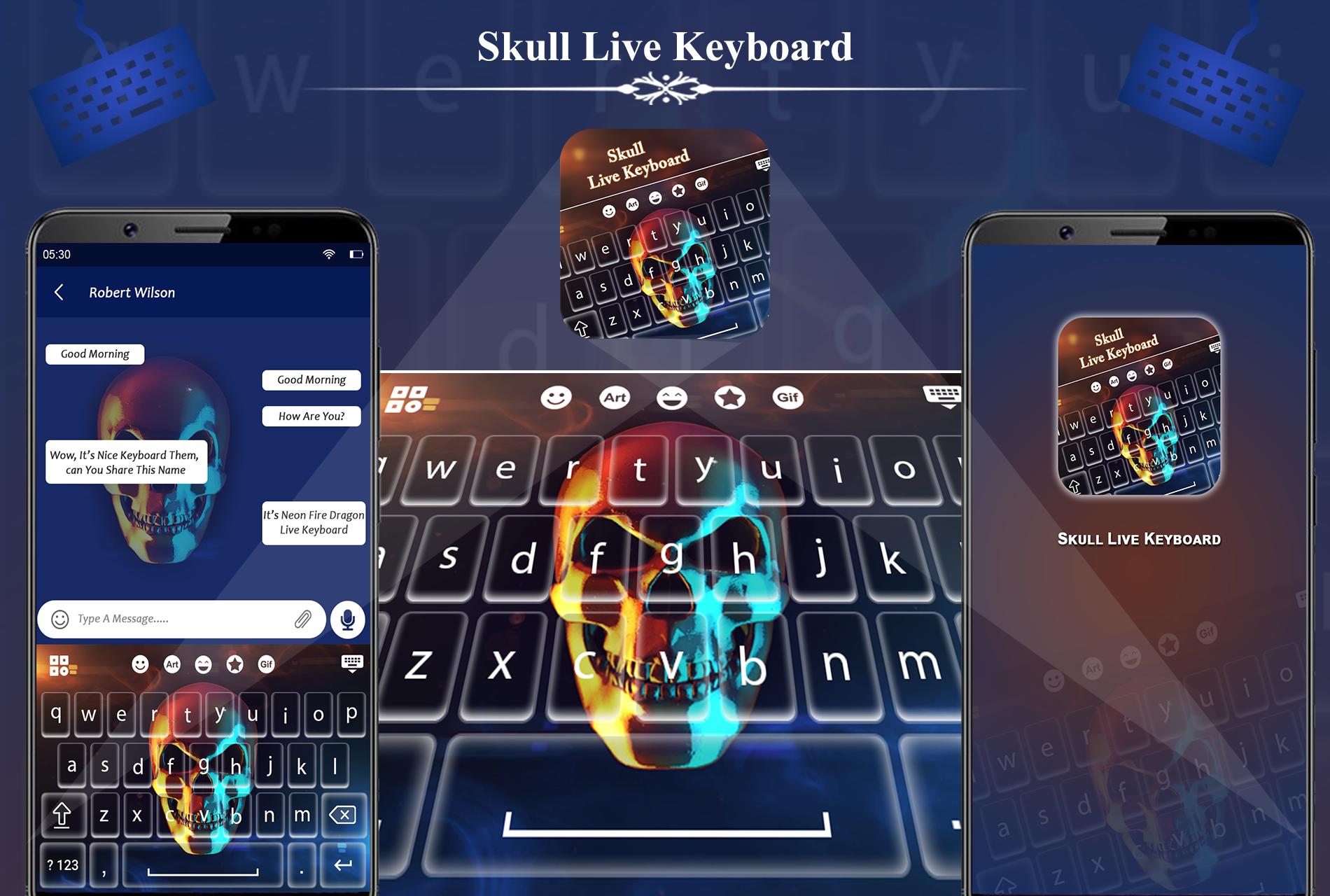
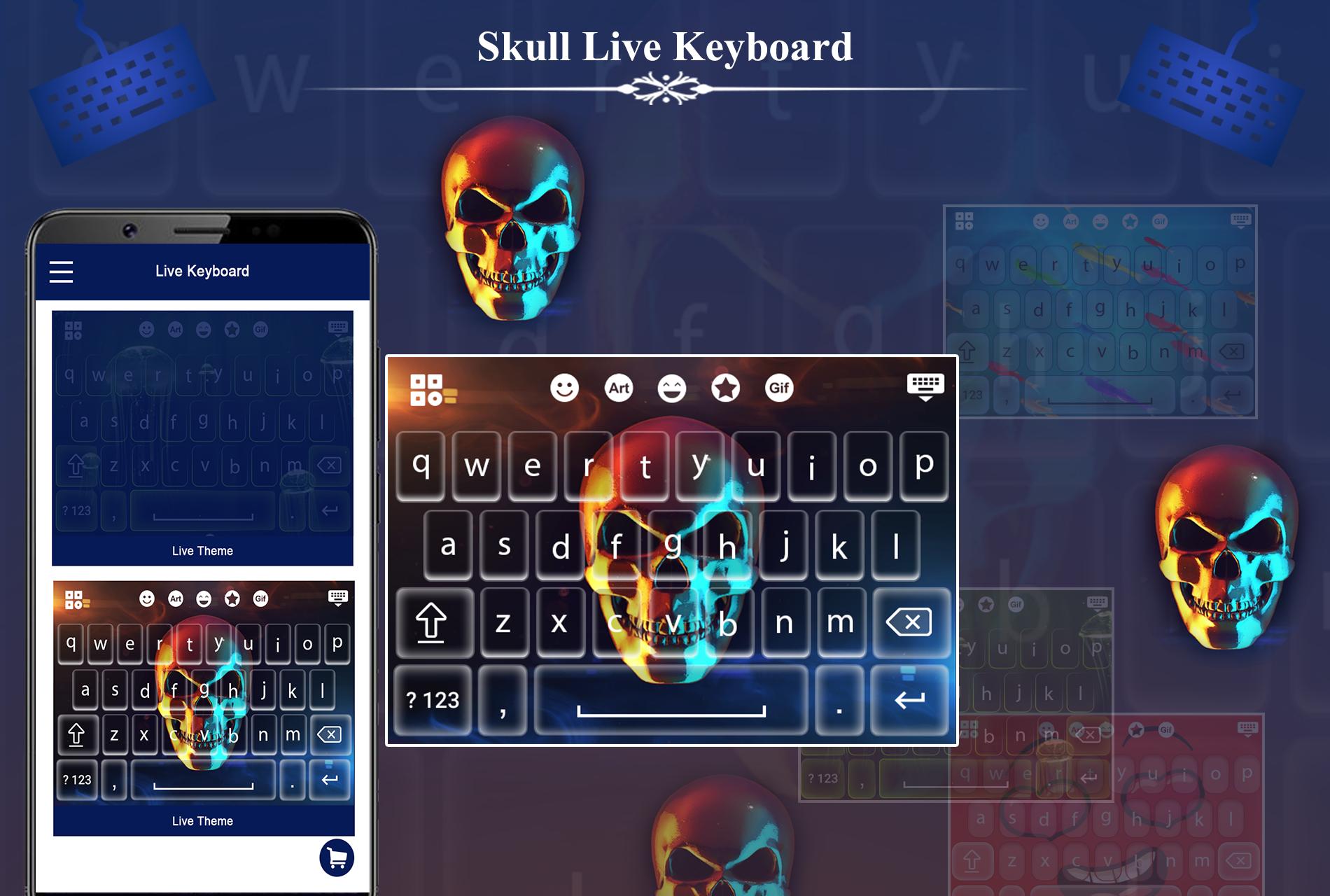
Skull Keyboard transforms your default keyboard into an unique and beautiful one. Enjoy the amazing graphics and the cool animation. It's free and easy to install.
Skull keyboard is smart android keyboard themes with animation. Skull keyboard provide keyboard with animation effect.
Skull Keyboard is a theme designed for Live Keyboard. To activate the theme follow the instructions bellow.
❤ First Install Live Keyboard from store.
❤ Enable and Switch Live keyboard.
❤ Open skull keyboard theme and apply it.
❤❤ Skull Keyboard Features ❤❤
❤ Easy to setup.
❤ Skull animated themes.
❤ 1000+ Sticker and GIF.
❤ Word Suggestion.
❤ 30+ Unique Sound on key press.
❤ Support Emojication and 1500+ cool emojis.
❤ Support Different Languages.
Skull Keyboard is also known as Skull animated Keyboard, Skull Keyboard, skull live keyboard, Skull Live Keypad, Skull Keyboard 2019 etc .
If you enjoy the app, please share it with your friends and leave a review. We appreciate your feedback.
Visualizar
Tag
FerramentasEm formação
Desenvolvedor
Live Keyboard Lab
Última versão
1.0
Ultima atualização
2018-08-06
Categoria
Ferramentas
Disponível em
Google Play
Mostre mais
Como jogar Skull Keyboard com GameLoop no PC
1. Baixe o GameLoop do site oficial e execute o arquivo exe para instalar o GameLoop.
2. Abra o GameLoop e procure por “Skull Keyboard”, encontre Skull Keyboard nos resultados da pesquisa e clique em “Install”.
3. Divirta-se jogando Skull Keyboard no GameLoop.
Minimum requirements
OS
Windows 8.1 64-bit or Windows 10 64-bit
GPU
GTX 1050
CPU
i3-8300
Memory
8GB RAM
Storage
1GB available space
Recommended requirements
OS
Windows 8.1 64-bit or Windows 10 64-bit
GPU
GTX 1050
CPU
i3-9320
Memory
16GB RAM
Storage
1GB available space