QR Code & Barcode Scanner para PC
Easy To Use (OnMobi)
Baixe QR Code & Barcode Scanner no PC com o emulador GameLoop
QR Code & Barcode Scanner no PC
QR Code & Barcode Scanner, vindo do desenvolvedor Easy To Use (OnMobi), está rodando no sistema Android no passado.
Agora, você pode jogar QR Code & Barcode Scanner no PC com GameLoop sem problemas.
Faça o download na biblioteca GameLoop ou nos resultados da pesquisa. Chega de ficar de olho na bateria ou fazer chamadas frustrantes na hora errada.
Apenas aproveite o QR Code & Barcode Scanner PC na tela grande gratuitamente!
QR Code & Barcode Scanner Introdução
QR X2 is a modern and free QR code scanner and barcode scanner app, with all the features you need.
Developed by a team of professional engineers, this is the smart QR code and barcode scanner app (easy to use) for Android phone that you can find on Google Play Store 👍 💪
Features:
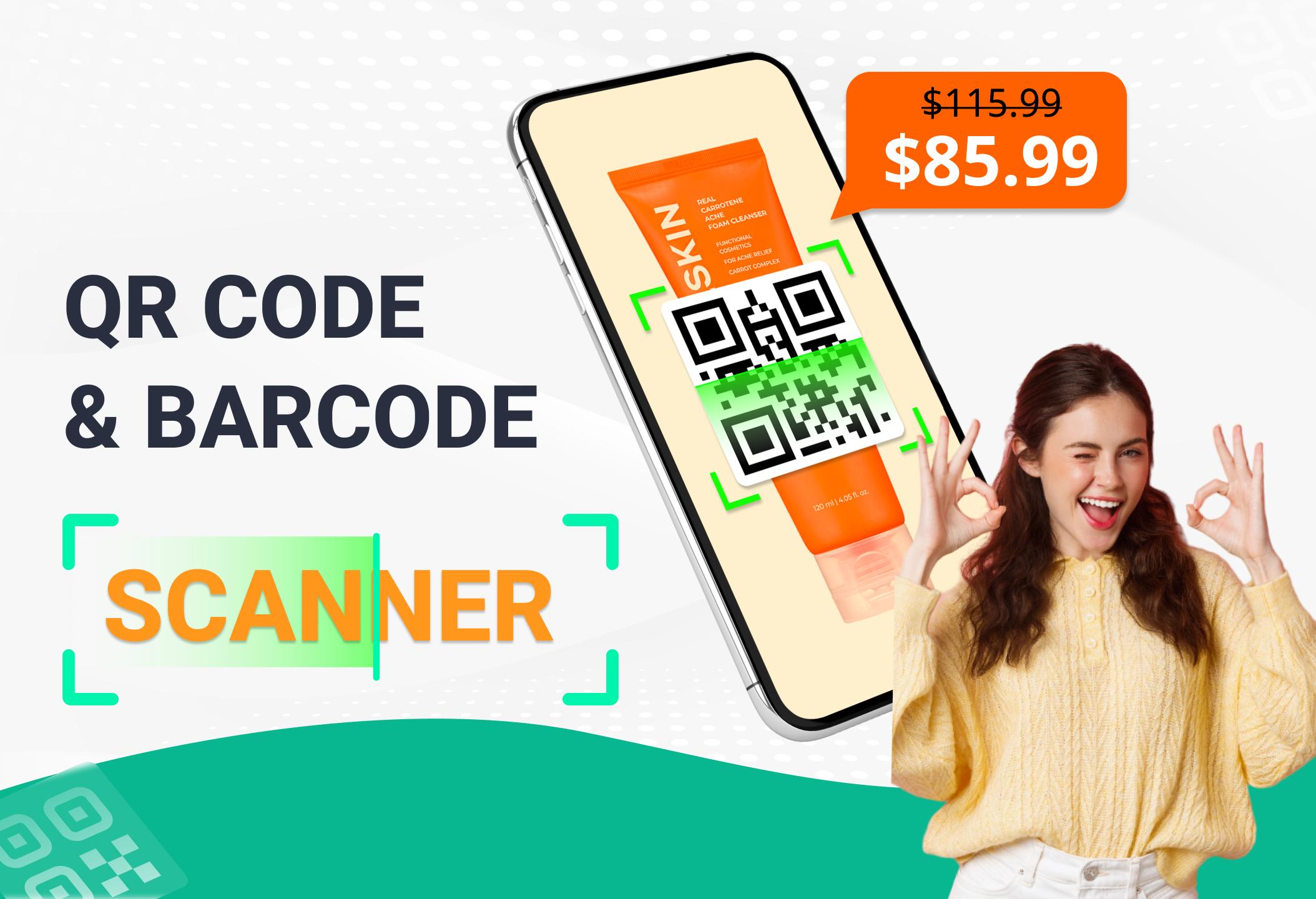
✓ Scan and read all types of QR / barcode including text, url, product, contact, email, location, Wi-Fi and many other formats.
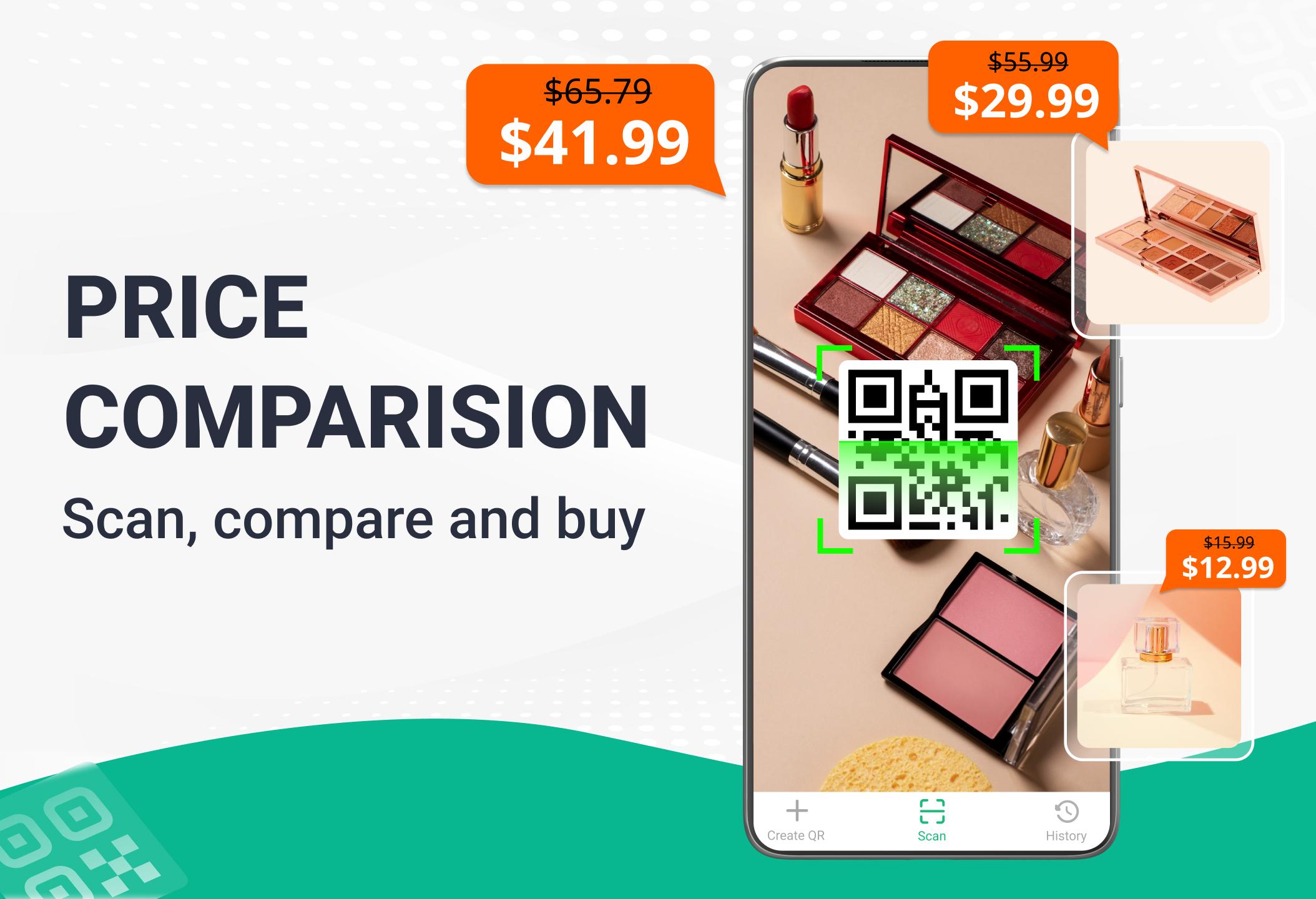
✓ Scan product barcodes in stores and compare prices online to save money.
Check product information quickly from popular online services: Amazon, eBay and Google - 100% FREE.
✓ Scan QR codes anywhere and receive information quickly.
✓ After scanning and automatically decoding, you will be given the relevant options to take the appropriate action. Helps you to check information and prices of products, open website URL, connect to WiFi, read vCards etc.
✓ View scan history easily, add annotation to results and can export to TXT, CSV files.
✓ Built-in FREE QR code generation, easy code storage and sharing after creation.
Try it now - the fastest QR code scanner & barcode scanner app.
📮 Contact us
Please contact the email below if you have any suggestions or feedback:
onmobivn@gmail.com
Visualizar
Tag
FerramentasEm formação
Desenvolvedor
Easy To Use (OnMobi)
Última versão
6.9.7
Ultima atualização
2025-08-14
Categoria
Ferramentas
Disponível em
Google Play
Mostre mais
Como jogar QR Code & Barcode Scanner com GameLoop no PC
1. Baixe o GameLoop do site oficial e execute o arquivo exe para instalar o GameLoop.
2. Abra o GameLoop e procure por “QR Code & Barcode Scanner”, encontre QR Code & Barcode Scanner nos resultados da pesquisa e clique em “Install”.
3. Divirta-se jogando QR Code & Barcode Scanner no GameLoop.
Minimum requirements
OS
Windows 8.1 64-bit or Windows 10 64-bit
GPU
GTX 1050
CPU
i3-8300
Memory
8GB RAM
Storage
1GB available space
Recommended requirements
OS
Windows 8.1 64-bit or Windows 10 64-bit
GPU
GTX 1050
CPU
i3-9320
Memory
16GB RAM
Storage
1GB available space