Ps Tunnel Plus para PC
PsTell Tech
Baixe Ps Tunnel Plus no PC com o emulador GameLoop
Ps Tunnel Plus no PC
Ps Tunnel Plus, vindo do desenvolvedor PsTell Tech, está rodando no sistema Android no passado.
Agora, você pode jogar Ps Tunnel Plus no PC com GameLoop sem problemas.
Faça o download na biblioteca GameLoop ou nos resultados da pesquisa. Chega de ficar de olho na bateria ou fazer chamadas frustrantes na hora errada.
Apenas aproveite o Ps Tunnel Plus PC na tela grande gratuitamente!
Ps Tunnel Plus Introdução
Stay Private and Anonymous
Ps Tunnel Plus can serve as a Wi-Fi hotspot protector for Android when
connecting to public Wi-Fi. your online information privacy is well-protected
even when connected
to an unsecure network. Allowing you to browse the internet anonymously and keep
your IP address and online data private and untouched.
securing your data and privacy to the next level. Public networks,
school Wi-Fi, cellular data no matter which network you are using,
you can always enjoy a secure and unlimited internet access with Ps Tunnel Plus anytime,
anywhere.
Ps Tunnel Plus provides unlimited free VPN proxy premium service.
Ultrafast Global VPN Servers
Ps Tunnel Plus automatically connects you to the nearest and fastest server. Enjoy the
seamless VPN connection with the fastest and most stable access to worldwide servers.
Cross-Platform Capacity
Ps Tunnel Plus works simultaneously across major platforms for all your devices:
smart phones,
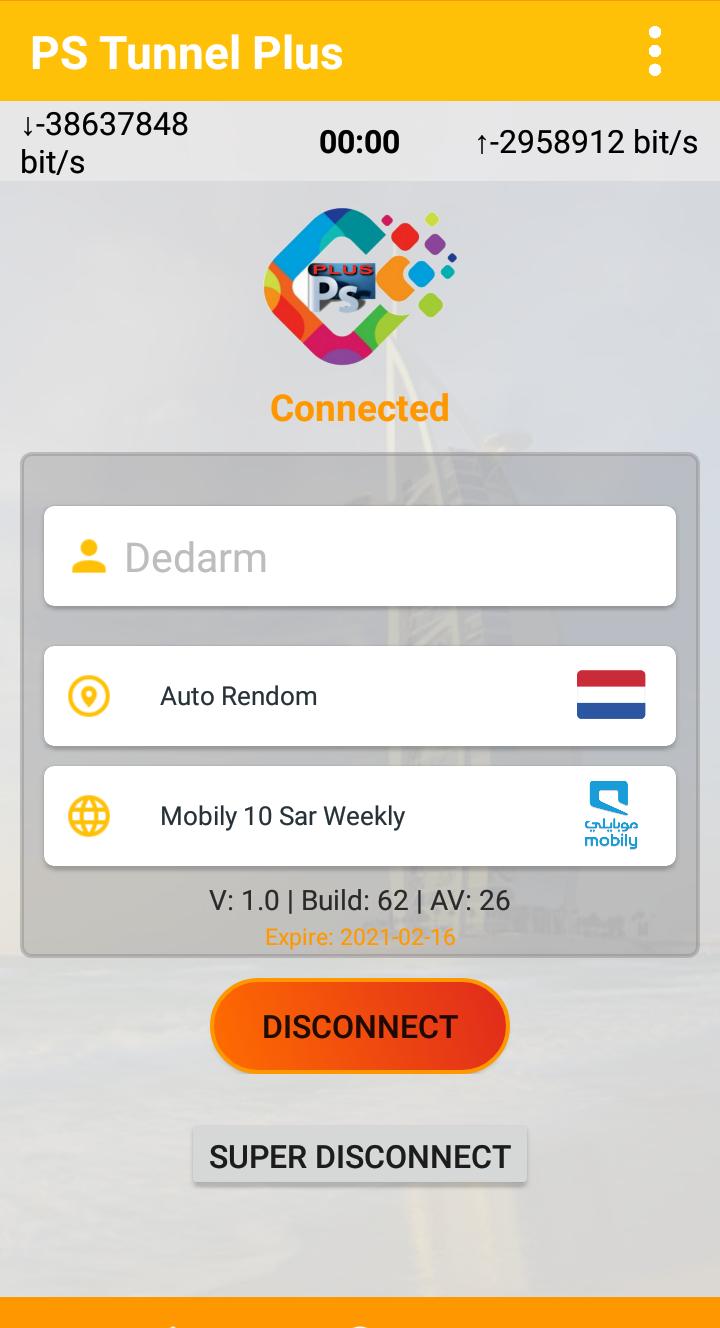
A single tap of the Connection button is all it takes to start a secure and stable
VPN connection.
Visualizar
Em formação
Desenvolvedor
PsTell Tech
Última versão
2
Ultima atualização
2021-02-19
Categoria
Ferramentas
Disponível em
Google Play
Mostre mais
Como jogar Ps Tunnel Plus com GameLoop no PC
1. Baixe o GameLoop do site oficial e execute o arquivo exe para instalar o GameLoop.
2. Abra o GameLoop e procure por “Ps Tunnel Plus”, encontre Ps Tunnel Plus nos resultados da pesquisa e clique em “Install”.
3. Divirta-se jogando Ps Tunnel Plus no GameLoop.
Minimum requirements
OS
Windows 8.1 64-bit or Windows 10 64-bit
GPU
GTX 1050
CPU
i3-8300
Memory
8GB RAM
Storage
1GB available space
Recommended requirements
OS
Windows 8.1 64-bit or Windows 10 64-bit
GPU
GTX 1050
CPU
i3-9320
Memory
16GB RAM
Storage
1GB available space