
Nix QC para PC
Nix Sensor Ltd.
Baixe Nix QC no PC com o emulador GameLoop
Nix QC no PC
Nix QC, vindo do desenvolvedor Nix Sensor Ltd., está rodando no sistema Android no passado.
Agora, você pode jogar Nix QC no PC com GameLoop sem problemas.
Faça o download na biblioteca GameLoop ou nos resultados da pesquisa. Chega de ficar de olho na bateria ou fazer chamadas frustrantes na hora errada.
Apenas aproveite o Nix QC PC na tela grande gratuitamente!
Nix QC Introdução
The Nix QC app is companion to the Nix QC and Nix Spectro 2 color measurement devices.
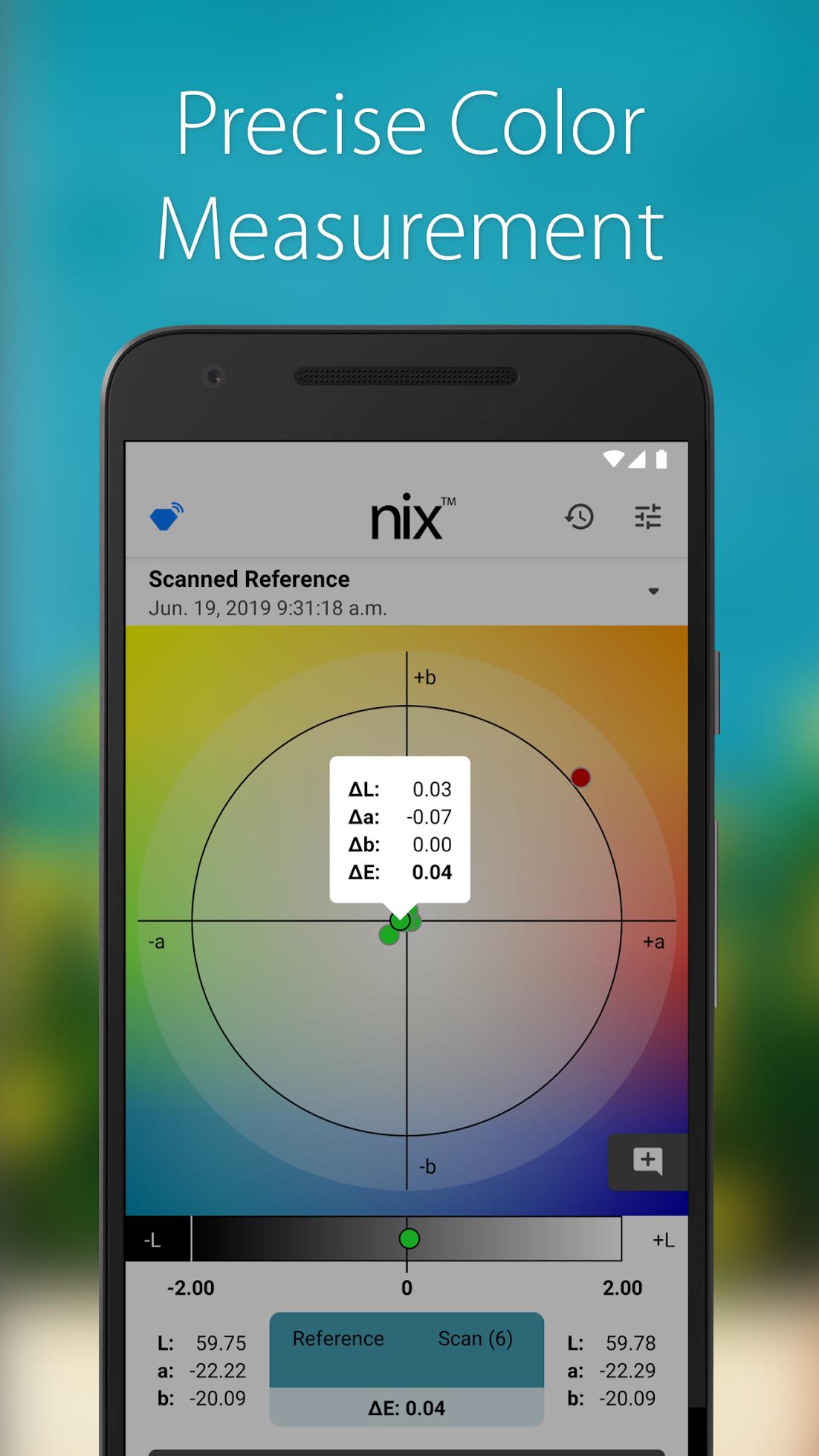
The Nix QC is a compact, powerful color measurement tool, capable of fitting into any industry workflow. It streamlines the color management process and allows you to visualize detailed scan data quickly and efficiently within your set parameters. Perform quality analysis on the go with our wireless measurement solution.
Scan line samples with the Nix QC and graph your data within the app. Easily modify the pass/fail threshold according to your protocol to ensure high quality results. If scanned data falls outside of the set parameters, the user will be alerted and the data point will be marked as failed.
For support on using the Nix QC app or for guidance on how to set appropriate thresholds, contact our team of color experts at qc.support@nixsensor.com.
Visualizar
Tag
FerramentasEm formação
Desenvolvedor
Nix Sensor Ltd.
Última versão
1.5.0
Ultima atualização
2022-02-17
Categoria
Ferramentas
Disponível em
Google Play
Mostre mais
Como jogar Nix QC com GameLoop no PC
1. Baixe o GameLoop do site oficial e execute o arquivo exe para instalar o GameLoop.
2. Abra o GameLoop e procure por “Nix QC”, encontre Nix QC nos resultados da pesquisa e clique em “Install”.
3. Divirta-se jogando Nix QC no GameLoop.
Minimum requirements
OS
Windows 8.1 64-bit or Windows 10 64-bit
GPU
GTX 1050
CPU
i3-8300
Memory
8GB RAM
Storage
1GB available space
Recommended requirements
OS
Windows 8.1 64-bit or Windows 10 64-bit
GPU
GTX 1050
CPU
i3-9320
Memory
16GB RAM
Storage
1GB available space