iOS Launcher: Control Center para PC
MuVid Apps
Baixe iOS Launcher: Control Center no PC com o emulador GameLoop
iOS Launcher: Control Center no PC
iOS Launcher: Control Center, vindo do desenvolvedor MuVid Apps, está rodando no sistema Android no passado.
Agora, você pode jogar iOS Launcher: Control Center no PC com GameLoop sem problemas.
Faça o download na biblioteca GameLoop ou nos resultados da pesquisa. Chega de ficar de olho na bateria ou fazer chamadas frustrantes na hora errada.
Apenas aproveite o iOS Launcher: Control Center PC na tela grande gratuitamente!
iOS Launcher: Control Center Introdução
Are You Lover of I phone? You wants to convert your android mobile in ios?
You are at the right place. This Android Application is designed for all iphone lover who want experience Apple Phone on Android.. This ios Luncher is makes your phone better than before.
Control Center: you can swipe up to open control center, set wifi, Brightness, Volume, flashlight, etc.
Weather and Suggestion widget: We provide a Weather and Suggestion widget, you can get the weather forecast in recent days.
Smart search: Simple search by swiping down anywhere on the screen.
In Our Application We Provide various Stylish Theme Adaptive to the themes you select, which can bring you smooth interface like iOS 13 like experience. ios Launcher is a fast and lightweight App designed especially for Android phone launchers and tablet launchers.
This Launcher is totally free for all android user. You can fell like your phone is iphone 13.
Features of iOS Launcher:-
- Beautiful Wallpaper to decorate your android screen.
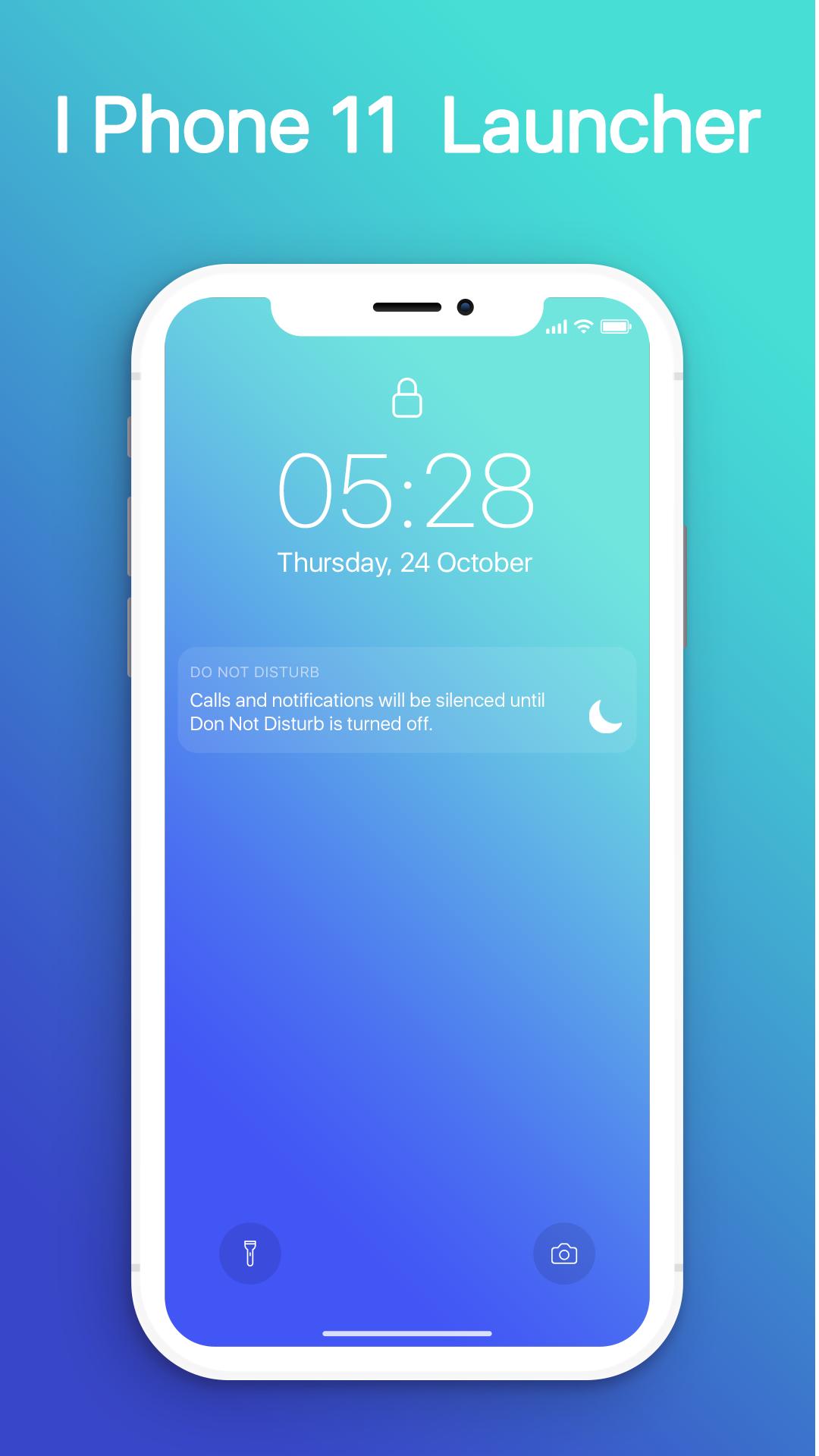
- Swipe down to display notification bar like iPhone 13.
- Control Center like iOS 13.
- Hide application use 3D touch or add in app settings.
- Smart Search: quickly find anything on your device.
- Free to use.
- Stylish Theme, icon pack for iOS 13.
- Notification Center: Show you notification history.
Visualizar
Em formação
Desenvolvedor
MuVid Apps
Última versão
1.3
Ultima atualização
2019-11-16
Categoria
Ferramentas
Disponível em
Google Play
Mostre mais
Como jogar iOS Launcher: Control Center com GameLoop no PC
1. Baixe o GameLoop do site oficial e execute o arquivo exe para instalar o GameLoop.
2. Abra o GameLoop e procure por “iOS Launcher: Control Center”, encontre iOS Launcher: Control Center nos resultados da pesquisa e clique em “Install”.
3. Divirta-se jogando iOS Launcher: Control Center no GameLoop.
Minimum requirements
OS
Windows 8.1 64-bit or Windows 10 64-bit
GPU
GTX 1050
CPU
i3-8300
Memory
8GB RAM
Storage
1GB available space
Recommended requirements
OS
Windows 8.1 64-bit or Windows 10 64-bit
GPU
GTX 1050
CPU
i3-9320
Memory
16GB RAM
Storage
1GB available space