Graphic Optimizer for PUBG, 60FPS (GFX Tool) para PC
harborism
Baixe Graphic Optimizer for PUBG, 60FPS (GFX Tool) no PC com o emulador GameLoop
Graphic Optimizer for PUBG, 60FPS (GFX Tool) no PC
Graphic Optimizer for PUBG, 60FPS (GFX Tool), vindo do desenvolvedor harborism, está rodando no sistema Android no passado.
Agora, você pode jogar Graphic Optimizer for PUBG, 60FPS (GFX Tool) no PC com GameLoop sem problemas.
Faça o download na biblioteca GameLoop ou nos resultados da pesquisa. Chega de ficar de olho na bateria ou fazer chamadas frustrantes na hora errada.
Apenas aproveite o Graphic Optimizer for PUBG, 60FPS (GFX Tool) PC na tela grande gratuitamente!
Graphic Optimizer for PUBG, 60FPS (GFX Tool) Introdução
- i know its hard to battleground with low smartphone setup
introducing the brand GFX Graphic Tool for "Winner, winner, chicken dinner."
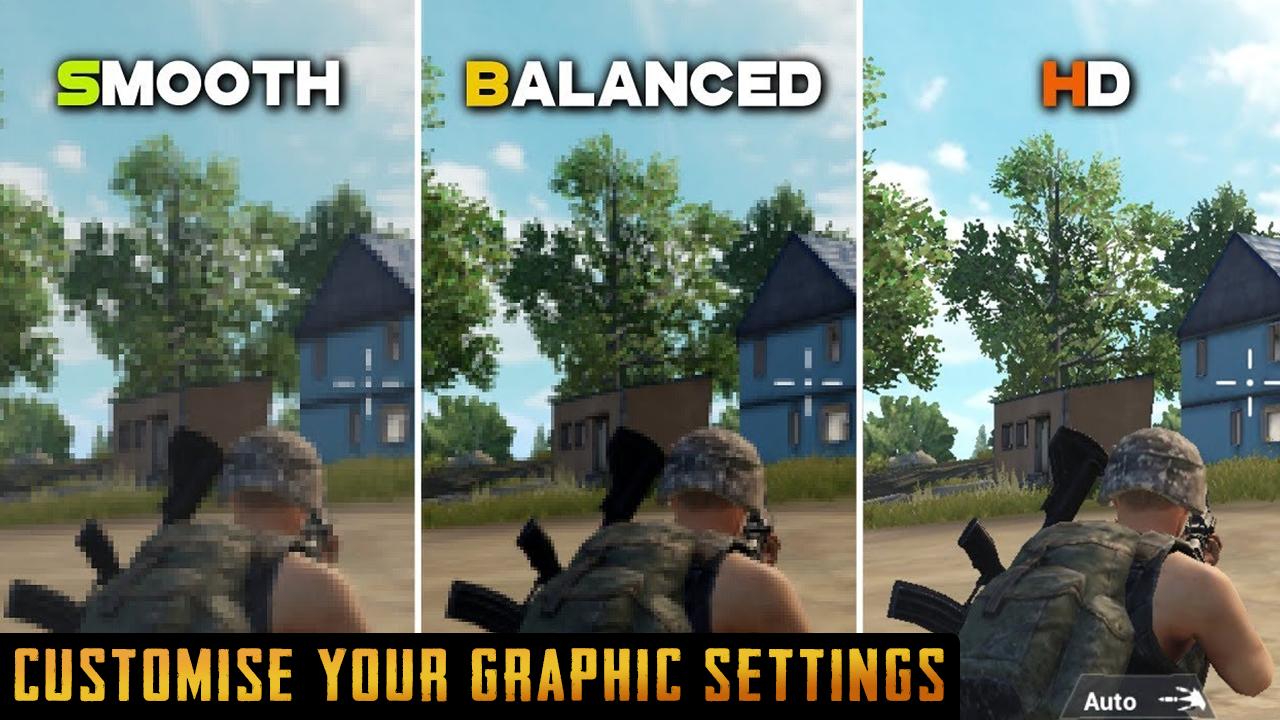
this is a Battlegrounds optimizer for realistic graphics settings with shadows enabled even on Med range devices.
Problems with the game after using GFX? - Reset screen in game graphics settings and close game.
Best GFX Tool: Currently rank #1 GFX Tool on Google Play Store.
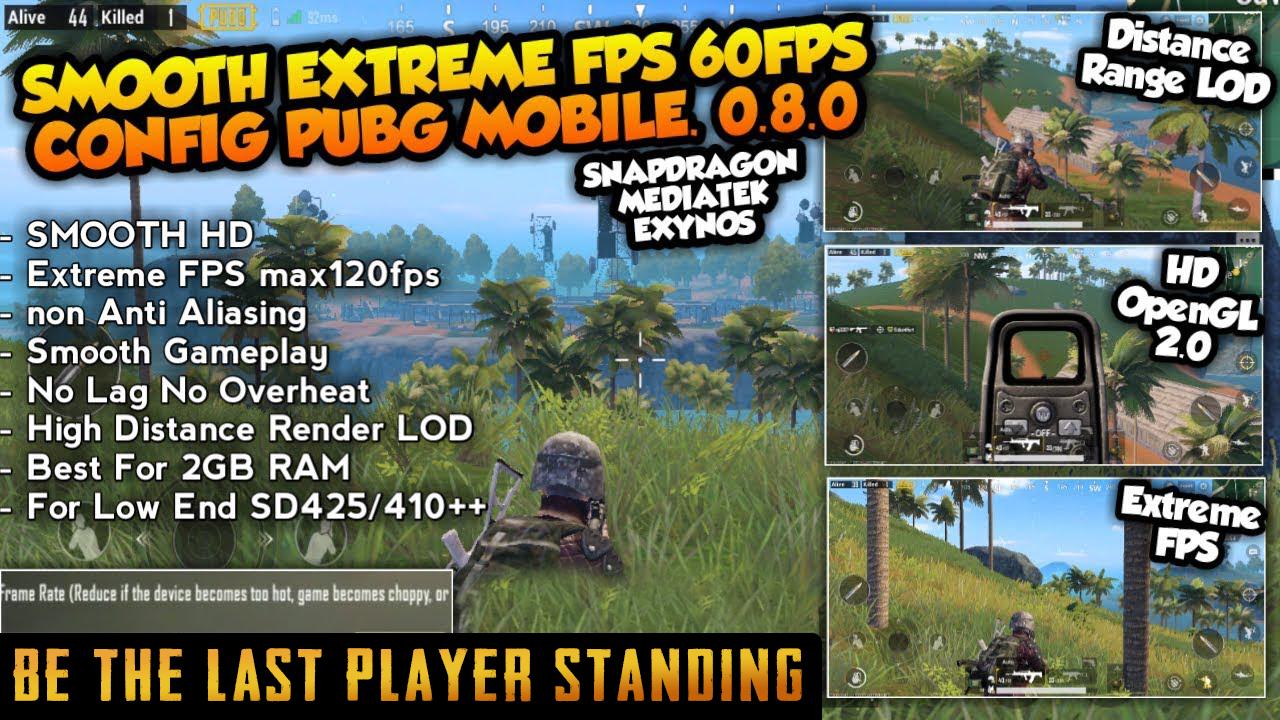
The Most awsome Advanced GFX Tool for optimising battleground gaming experience with high quality resolution with 60FPS by using our gfx tool.
You can now get winner winner chicken dinner easily and play fast and smooth with the help of our PUBG graphic tool.
this is a gfx tool for enhancing graphics
Advanced Features:
- Play with no lag
- Boost in background while you play
- Use PUBG game booster to gain graphics performance.
- Release memory as much as possible
- Fully optimized to boost game speed by 60%
Use of PUB Gfx tool DOES NOT leads to BAN
Reduce the CPU load while playing Battleground !
No heating for 820 snapdragon !
No heating for 821 snapdragon !
No heating for 801 snapdragon !
do not worry gfx tool for pubg will help you optimise your gaming speed and lag and increase the times you get chiken winner dinner
✔️Graphics Rendering Level: Enhance the quality of graphics.
✔️Detail Mode: Change the detail of graphics with different profiles.
✔️Light Effects: Enable/disable light effects in Battlegrounds game.
✔️Save My Layout & Sensitivity Settings: Prevent resetting of Battlegrounds game layout & sensitivity settings.
App options:
the ability to Change resolution
Unlock HDR graphics on low end devices to get more winner winner chiken dinner
Unlock the extreme FPS levels on all Battleground levels
Change graphics style FPS settings
Enable or disable shadow witg our gfx tool
Enable or disable GPU optimization for Battleground royale
DISCLAIMER:
Use at your own risk. Battlegrounds does not cause ban despite being a third party app because it uses codes that already exists in the game but BAGT is not made by Tencent and we will not take responsibility of anything that might happen to your account such as account suspension or account ban.
Visualizar
Em formação
Desenvolvedor
harborism
Última versão
9.9
Ultima atualização
2019-03-20
Categoria
Ferramentas
Disponível em
Google Play
Mostre mais
Como jogar Graphic Optimizer for PUBG, 60FPS (GFX Tool) com GameLoop no PC
1. Baixe o GameLoop do site oficial e execute o arquivo exe para instalar o GameLoop.
2. Abra o GameLoop e procure por “Graphic Optimizer for PUBG, 60FPS (GFX Tool)”, encontre Graphic Optimizer for PUBG, 60FPS (GFX Tool) nos resultados da pesquisa e clique em “Install”.
3. Divirta-se jogando Graphic Optimizer for PUBG, 60FPS (GFX Tool) no GameLoop.
Minimum requirements
OS
Windows 8.1 64-bit or Windows 10 64-bit
GPU
GTX 1050
CPU
i3-8300
Memory
8GB RAM
Storage
1GB available space
Recommended requirements
OS
Windows 8.1 64-bit or Windows 10 64-bit
GPU
GTX 1050
CPU
i3-9320
Memory
16GB RAM
Storage
1GB available space