EdiPlug para PC
Edimax Technology Co., Ltd.
Baixe EdiPlug no PC com o emulador GameLoop
EdiPlug no PC
EdiPlug, vindo do desenvolvedor Edimax Technology Co., Ltd., está rodando no sistema Android no passado.
Agora, você pode jogar EdiPlug no PC com GameLoop sem problemas.
Faça o download na biblioteca GameLoop ou nos resultados da pesquisa. Chega de ficar de olho na bateria ou fazer chamadas frustrantes na hora errada.
Apenas aproveite o EdiPlug PC na tela grande gratuitamente!
EdiPlug Introdução
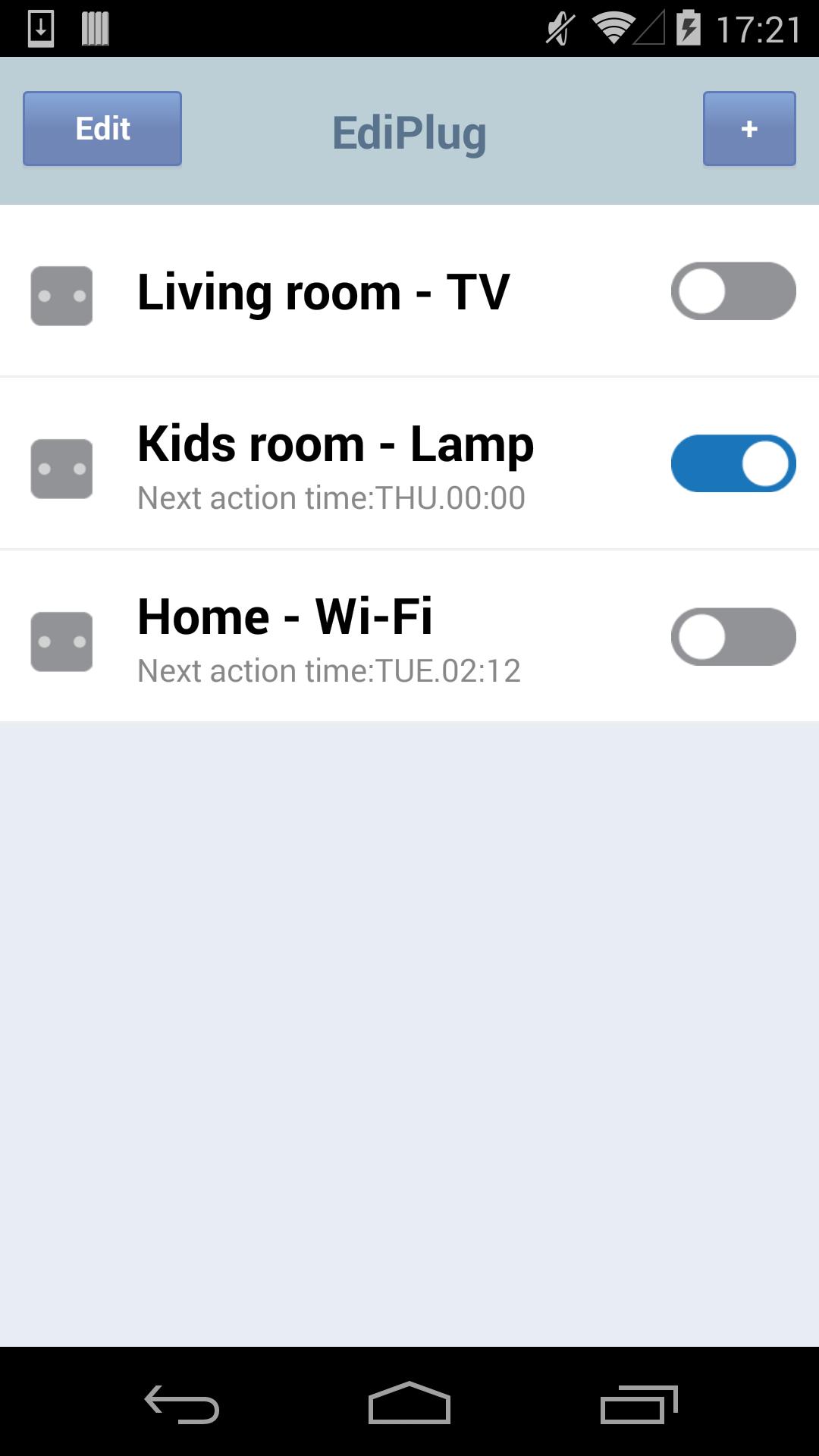
The App connects people to their homes, and the things they use every day. Designed to make homes more dynamic, functional and work better for modern lifestyles, EdiPlug App give users intelligent control over all of their home electronics that plugged in smart plug. The smart plug plugs into any wall socket and enables you to switch a connected electronic device on/off from your smart phone. Just plug the device into the smart plug and see how smart plug can work for you and your home on EdiPLug App.
A smart plug is just the beginning. Add more smart plug and bring your home to life in imaginative, inventive ways – it’s up to you. EdiPlug App can monitor, control all of the electronic devices connected to smart plug around your home.
Switch on the lights, coffee machine, Xbox, or anything you want – from your smartphone. Check the status while you’re out and switch them on or off anywhere, anytime. Never worry about forgetting to turn something off when you go out again. Smart plug is super-fast and stays connected 24/7.
Visualizar
Em formação
Desenvolvedor
Edimax Technology Co., Ltd.
Última versão
1.9.4
Ultima atualização
2017-06-30
Categoria
Ferramentas
Disponível em
Google Play
Mostre mais
Como jogar EdiPlug com GameLoop no PC
1. Baixe o GameLoop do site oficial e execute o arquivo exe para instalar o GameLoop.
2. Abra o GameLoop e procure por “EdiPlug”, encontre EdiPlug nos resultados da pesquisa e clique em “Install”.
3. Divirta-se jogando EdiPlug no GameLoop.
Minimum requirements
OS
Windows 8.1 64-bit or Windows 10 64-bit
GPU
GTX 1050
CPU
i3-8300
Memory
8GB RAM
Storage
1GB available space
Recommended requirements
OS
Windows 8.1 64-bit or Windows 10 64-bit
GPU
GTX 1050
CPU
i3-9320
Memory
16GB RAM
Storage
1GB available space