
Cool VPN - Fast VPN Proxy para PC
Yogi Techno
Baixe Cool VPN - Fast VPN Proxy no PC com o emulador GameLoop
Cool VPN - Fast VPN Proxy no PC
Cool VPN - Fast VPN Proxy, vindo do desenvolvedor Yogi Techno, está rodando no sistema Android no passado.
Agora, você pode jogar Cool VPN - Fast VPN Proxy no PC com GameLoop sem problemas.
Faça o download na biblioteca GameLoop ou nos resultados da pesquisa. Chega de ficar de olho na bateria ou fazer chamadas frustrantes na hora errada.
Apenas aproveite o Cool VPN - Fast VPN Proxy PC na tela grande gratuitamente!
Cool VPN - Fast VPN Proxy Introdução
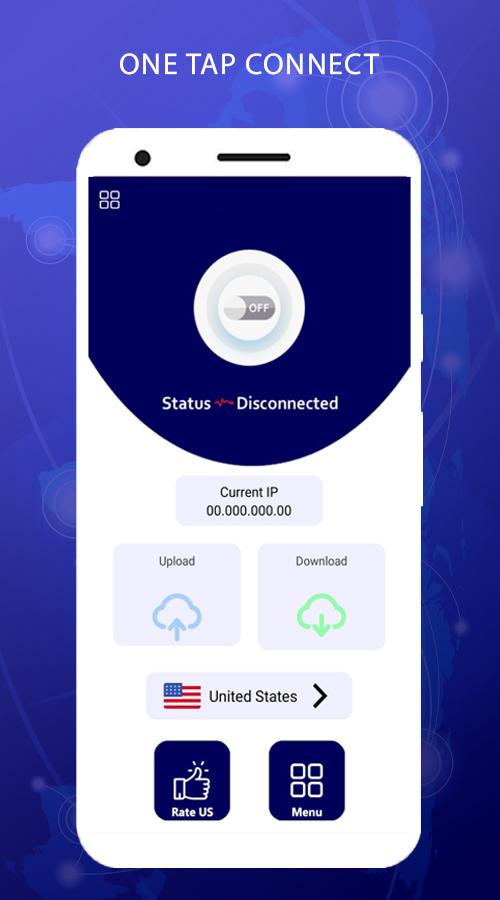
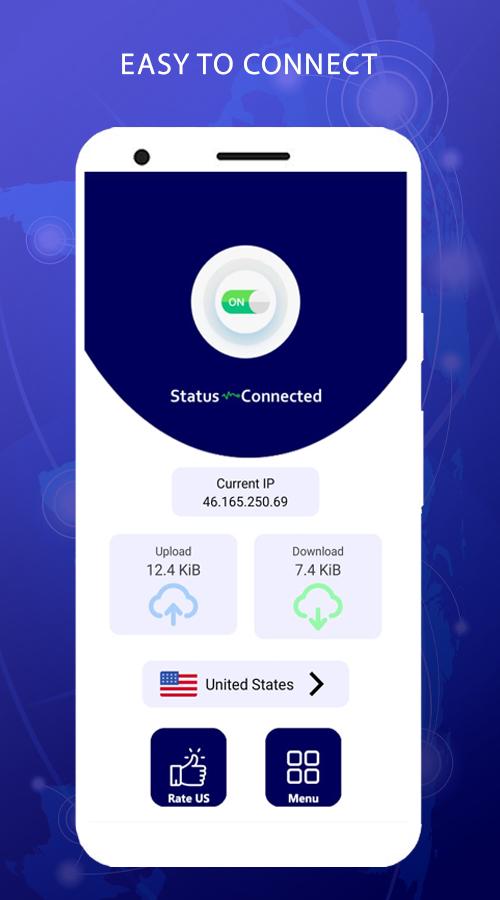
Cool VPN is a lightening-fast app which provides free VPN proxy service. No need to make any configuration, just simply click on one button, you can access the Internet securely and anonymously.
Cool VPN FEATURES :-
- Cool your connection on public Wi-Fi
Our private encryption VPN ‘tunnel’ prevents hackers from stealing your data via public/open Wi-Fi hotspots. Secure your Wi-Fi and privacy with our highly secure VPN service.
- Anonymous browsing
Browse websites anonymously and get private access. Use it to hide and anonymize your banking logins, chats, emails and payments.
- Choose your location
You can use Cool VPN to connect to servers around the world to access more online content, browse websites anonymously and get private access. Connect to servers through 1000+ popular locations in 65+ countries around the world.
Visualizar
Tag
FerramentasEm formação
Desenvolvedor
Yogi Techno
Última versão
1.0
Ultima atualização
2022-01-08
Categoria
Ferramentas
Disponível em
Google Play
Mostre mais
Como jogar Cool VPN - Fast VPN Proxy com GameLoop no PC
1. Baixe o GameLoop do site oficial e execute o arquivo exe para instalar o GameLoop.
2. Abra o GameLoop e procure por “Cool VPN - Fast VPN Proxy”, encontre Cool VPN - Fast VPN Proxy nos resultados da pesquisa e clique em “Install”.
3. Divirta-se jogando Cool VPN - Fast VPN Proxy no GameLoop.
Minimum requirements
OS
Windows 8.1 64-bit or Windows 10 64-bit
GPU
GTX 1050
CPU
i3-8300
Memory
8GB RAM
Storage
1GB available space
Recommended requirements
OS
Windows 8.1 64-bit or Windows 10 64-bit
GPU
GTX 1050
CPU
i3-9320
Memory
16GB RAM
Storage
1GB available space