Boot Animations Changer para PC
Engineering Hub
Baixe Boot Animations Changer no PC com o emulador GameLoop
Boot Animations Changer no PC
Boot Animations Changer, vindo do desenvolvedor Engineering Hub, está rodando no sistema Android no passado.
Agora, você pode jogar Boot Animations Changer no PC com GameLoop sem problemas.
Faça o download na biblioteca GameLoop ou nos resultados da pesquisa. Chega de ficar de olho na bateria ou fazer chamadas frustrantes na hora errada.
Apenas aproveite o Boot Animations Changer PC na tela grande gratuitamente!
Boot Animations Changer Introdução
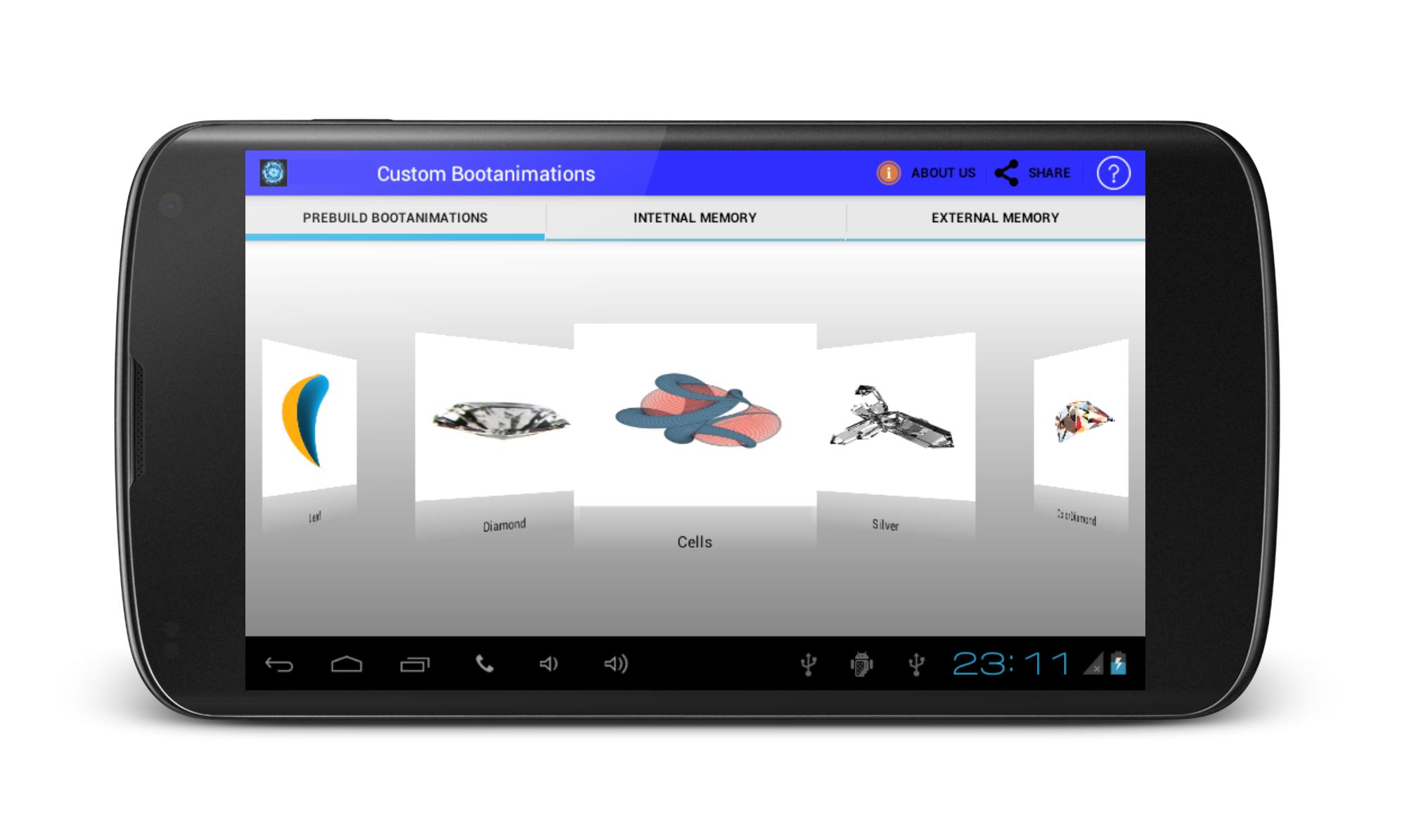
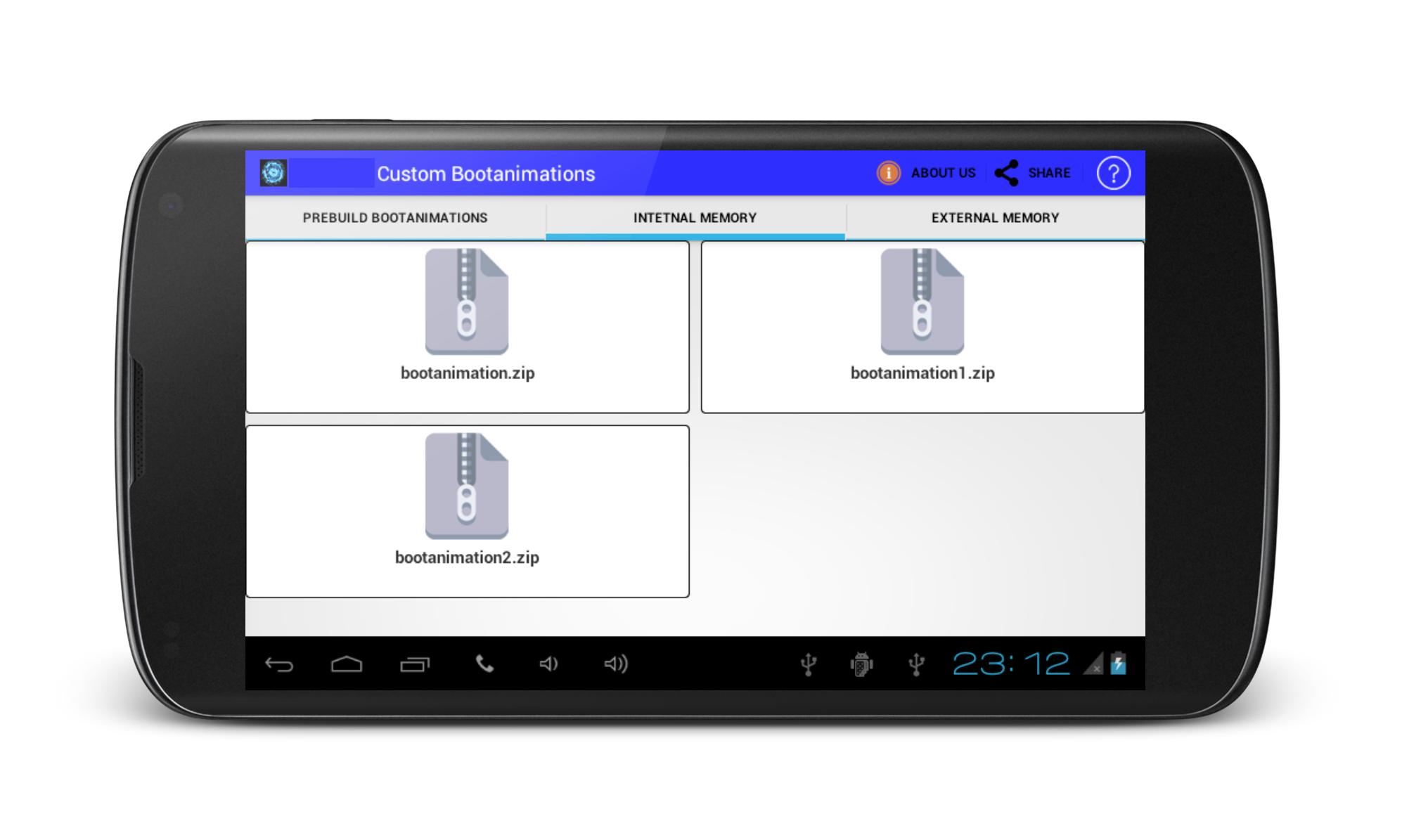
Custom BootAnimations is ROM Tool Box.If you are geting bored with your traditional boot animations on your phone, get change your phone pree-build custom boot animations if your device is rooted.Custom bootanimations Changer offered various types of pree installed bootanimations in applications. Install boot animations using sd card, But your phone must be rooted.
Note: It also works on non rooted device if your android device directory structure contain local folder.
Disclaimer:
Android OS has few places where boot anmimations can be installed.Many mobile manufacturer designed own Custom ROM & Kernel so it,s directory structure may be differ. So it may not work here. May be boot animation file format be diffrent from zip file so there it may failure to work.
Unfortunately,We have not tested on every device.We have tested on devices which owned.
Visualizar
Em formação
Desenvolvedor
Engineering Hub
Última versão
1.6
Ultima atualização
2016-08-29
Categoria
Ferramentas
Disponível em
Google Play
Mostre mais
Como jogar Boot Animations Changer com GameLoop no PC
1. Baixe o GameLoop do site oficial e execute o arquivo exe para instalar o GameLoop.
2. Abra o GameLoop e procure por “Boot Animations Changer”, encontre Boot Animations Changer nos resultados da pesquisa e clique em “Install”.
3. Divirta-se jogando Boot Animations Changer no GameLoop.
Minimum requirements
OS
Windows 8.1 64-bit or Windows 10 64-bit
GPU
GTX 1050
CPU
i3-8300
Memory
8GB RAM
Storage
1GB available space
Recommended requirements
OS
Windows 8.1 64-bit or Windows 10 64-bit
GPU
GTX 1050
CPU
i3-9320
Memory
16GB RAM
Storage
1GB available space