Back Button - Anywhere para PC
Nu-Kob
Baixe Back Button - Anywhere no PC com o emulador GameLoop
Back Button - Anywhere no PC
Back Button - Anywhere, vindo do desenvolvedor Nu-Kob, está rodando no sistema Android no passado.
Agora, você pode jogar Back Button - Anywhere no PC com GameLoop sem problemas.
Faça o download na biblioteca GameLoop ou nos resultados da pesquisa. Chega de ficar de olho na bateria ou fazer chamadas frustrantes na hora errada.
Apenas aproveite o Back Button - Anywhere PC na tela grande gratuitamente!
Back Button - Anywhere Introdução
“Back Button - Anywhere” is an easy touch tool that can replace a failed and broken back button.
It's fast, smooth, and totally FREE.
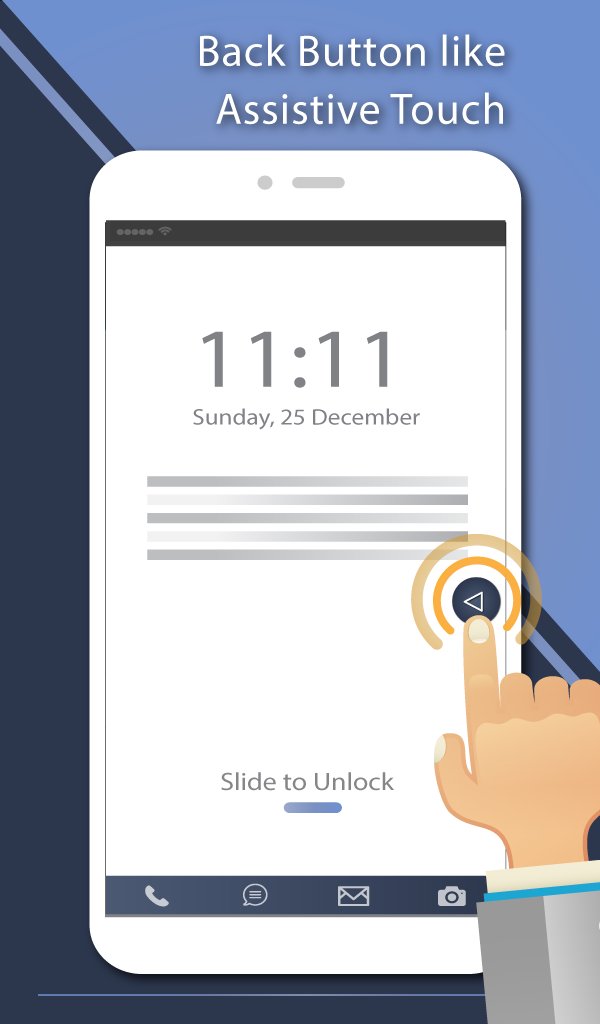
This app provides several features, themes and colors to make awesome back button. It is easy to press or long press on a button like assistive touch. You can also drag the button to anywhere on screen.
◄◄ Key Features ◄◄
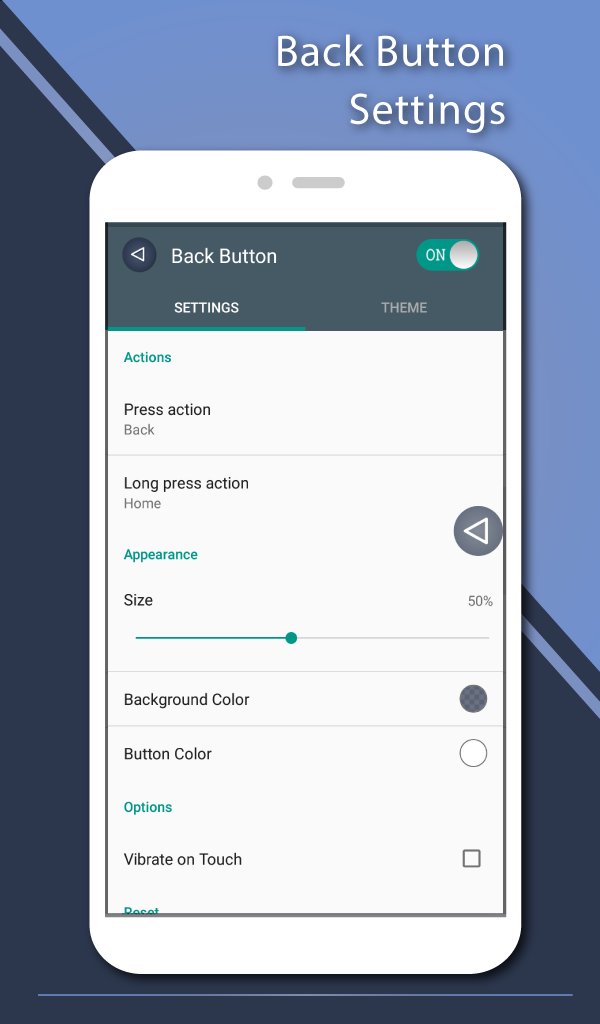
- Ability to change color of background and icon
- Ability to change icon of Back Button easily with many pretty theme
- You can move the button to anywhere on screen
- Gesture Setting for Floating Button (One click, Double click and Long click)
- Ability to set vibrate on touch
- Vertical and horizontal support
- Several theme support
◄◄ Support command for press and long press actions ◄◄
- Back
- Home
- Recents
- Lock screen (require Device Administrator activation)
- Toggle Wi-Fi on/off
- Power menu
- Split screen
- Launch camera
- Open volume control
- Voice command
- Web search
- Toggle notification panel
- Toggle quick setting panel
- Launch dialer
- Launch web browser
- Launch settings
- Launch this application
- Launch any application on your device
Accessibility Service Usage.
Back Button - Anywhere requires accessibility service permission in order to enable core functionality. The application will not read the sensitive data and any content on your screen. In addition, the application will not collect and share the data from accessibility service with any third-party.
By enabling the service, the application will support commands for press and long press actions with the following features:
- Back action (Core feature)
- Home and Recent actions
- Lock Screen
- Popup notification, Quick settings, Power dialogs
- Toggle split screen
- Take a screenshot
If you disable the accessibility service, the main features cannot work properly.
Frequently asked questions:
How to uninstall this app?
- If you use lock screen function, it requires turning on Device Administration. If you want to uninstall this app, please open app and go to setting. There will be an uninstall menu to help you easily uninstall this application.
Visualizar
Tag
FerramentasEm formação
Desenvolvedor
Nu-Kob
Última versão
2.0.7
Ultima atualização
2024-02-14
Categoria
Ferramentas
Disponível em
Google Play
Mostre mais
Como jogar Back Button - Anywhere com GameLoop no PC
1. Baixe o GameLoop do site oficial e execute o arquivo exe para instalar o GameLoop.
2. Abra o GameLoop e procure por “Back Button - Anywhere”, encontre Back Button - Anywhere nos resultados da pesquisa e clique em “Install”.
3. Divirta-se jogando Back Button - Anywhere no GameLoop.
Minimum requirements
OS
Windows 8.1 64-bit or Windows 10 64-bit
GPU
GTX 1050
CPU
i3-8300
Memory
8GB RAM
Storage
1GB available space
Recommended requirements
OS
Windows 8.1 64-bit or Windows 10 64-bit
GPU
GTX 1050
CPU
i3-9320
Memory
16GB RAM
Storage
1GB available space