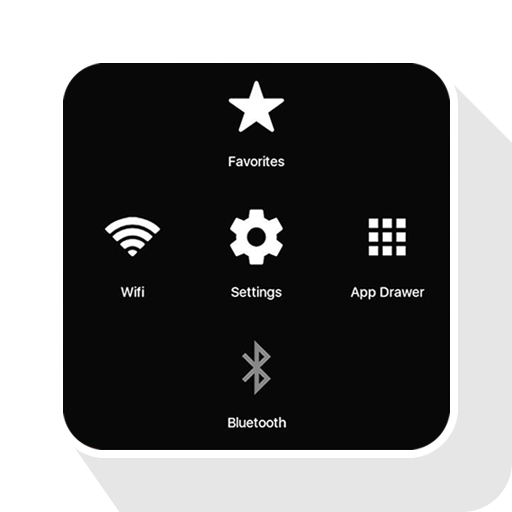
Assistive Touch iOS 15 Bubble para PC
Pak cottage
Baixe Assistive Touch iOS 15 Bubble no PC com o emulador GameLoop
Assistive Touch iOS 15 Bubble no PC
Assistive Touch iOS 15 Bubble, vindo do desenvolvedor Pak cottage, está rodando no sistema Android no passado.
Agora, você pode jogar Assistive Touch iOS 15 Bubble no PC com GameLoop sem problemas.
Faça o download na biblioteca GameLoop ou nos resultados da pesquisa. Chega de ficar de olho na bateria ou fazer chamadas frustrantes na hora errada.
Apenas aproveite o Assistive Touch iOS 15 Bubble PC na tela grande gratuitamente!
Assistive Touch iOS 15 Bubble Introdução
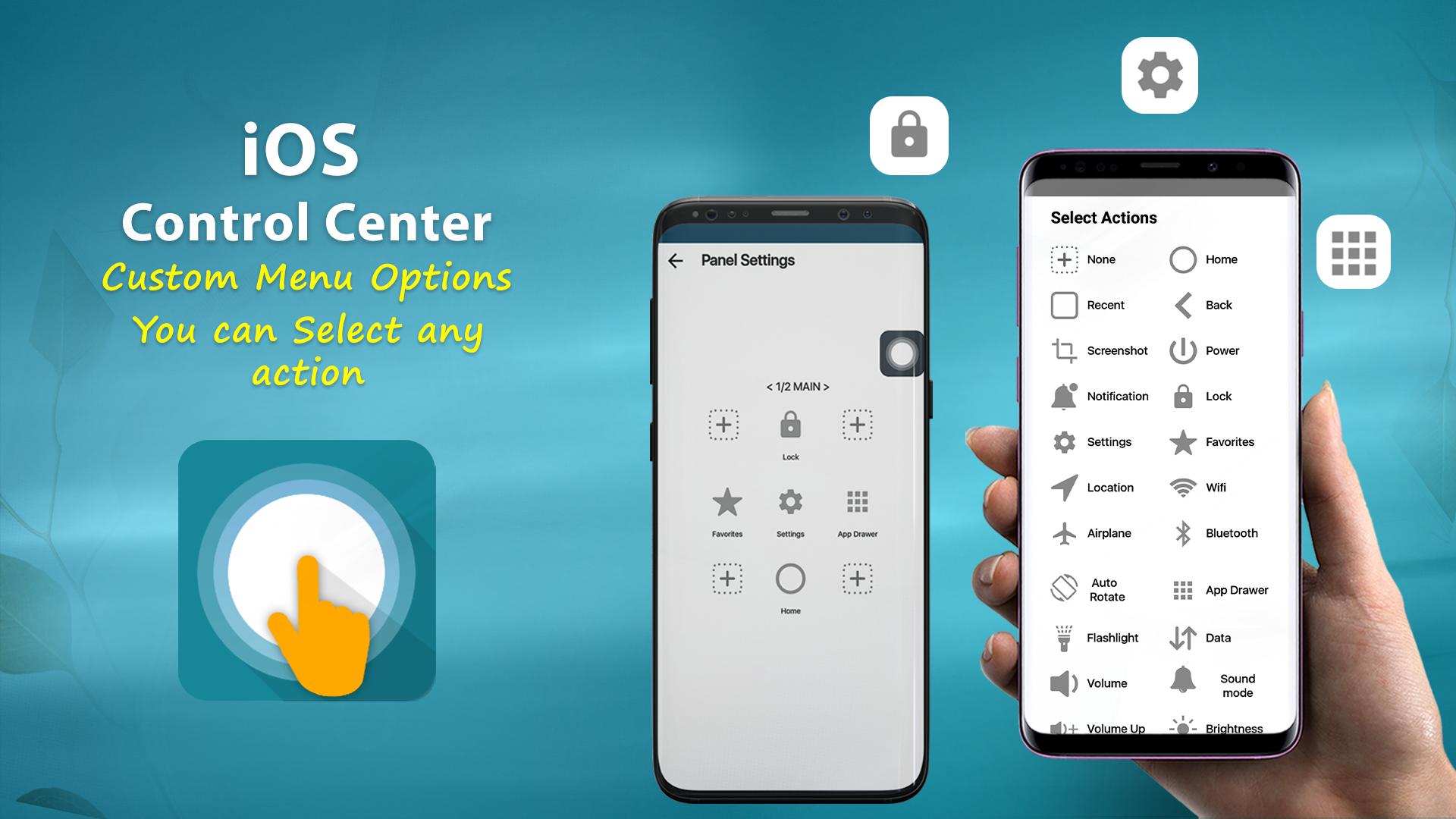
Virtual Home button, easy touch to lock screen and open recent task
- Virtual Volume button, quick touch to change volume and change sound mode
- Virtual Back button
- Clean ram, boost speed, one tap ram booster.
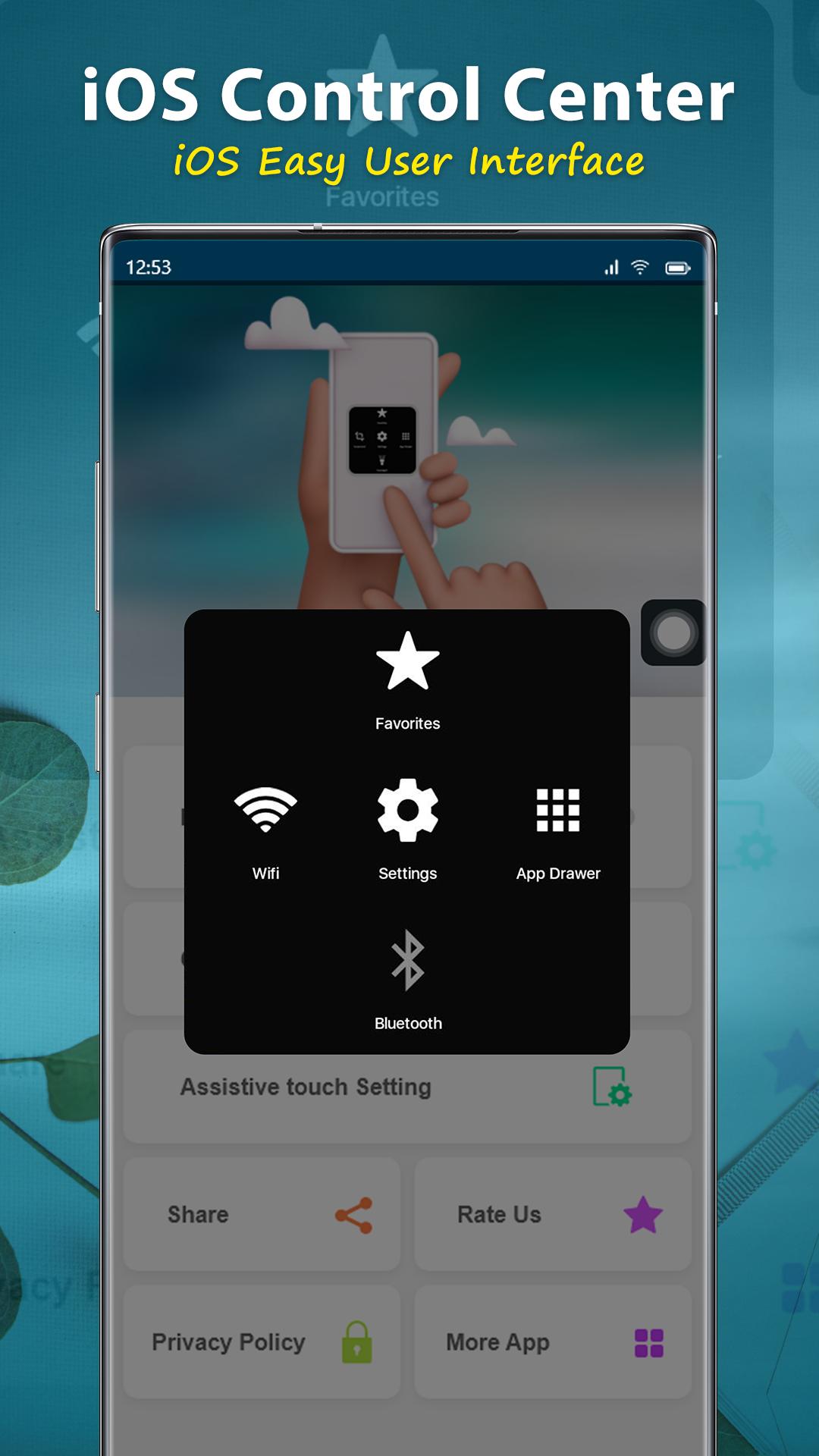
- Easy touch to open your favorite application
- Go to all setting very quick with a touch
NOTE: DON'T REPORT BUGS, SUGGESTION NEW FEATURES VIA COMMENT AND RATE. PLEASE REQUEST BUG FIX AND IMPLEMENT NEW FEATURES VIA EMAIL: pakcottage@gmail.com
Permission Declarations for Assistive Touch:
+ CAMERA: to turn on Flashlight, not take a photo.
+ READ/WRITE_EXTERNAL_STORAGE: To download and save icon for Assistive Touch.
+ DRAW OVER SCREEN: To show Assistive Touch in over all apps.
+ BIND_ACCESSIBILITY_SERVICE: To allow apps to draw in HOME SCREEN. App does not use the permission for any other purpose. The application is only allowed to use this permission with the consent of the user.
- We never publicly disclose any personal or sensitive user data related to financial or payment activities or any government identification numbers, photos and contacts, etc.
This app uses Accessibility services.
Let install and enjoy ^^
Thank for your support
Visualizar
Tag
FerramentasPersonalizaçãoEm formação
Desenvolvedor
Pak cottage
Última versão
1.1.3
Ultima atualização
2022-12-13
Categoria
Ferramentas
Disponível em
Google Play
Mostre mais
Como jogar Assistive Touch iOS 15 Bubble com GameLoop no PC
1. Baixe o GameLoop do site oficial e execute o arquivo exe para instalar o GameLoop.
2. Abra o GameLoop e procure por “Assistive Touch iOS 15 Bubble”, encontre Assistive Touch iOS 15 Bubble nos resultados da pesquisa e clique em “Install”.
3. Divirta-se jogando Assistive Touch iOS 15 Bubble no GameLoop.
Minimum requirements
OS
Windows 8.1 64-bit or Windows 10 64-bit
GPU
GTX 1050
CPU
i3-8300
Memory
8GB RAM
Storage
1GB available space
Recommended requirements
OS
Windows 8.1 64-bit or Windows 10 64-bit
GPU
GTX 1050
CPU
i3-9320
Memory
16GB RAM
Storage
1GB available space