
App Hider - Hide Application para PC
VV Cool
Baixe App Hider - Hide Application no PC com o emulador GameLoop
App Hider - Hide Application no PC
App Hider - Hide Application, vindo do desenvolvedor VV Cool, está rodando no sistema Android no passado.
Agora, você pode jogar App Hider - Hide Application no PC com GameLoop sem problemas.
Faça o download na biblioteca GameLoop ou nos resultados da pesquisa. Chega de ficar de olho na bateria ou fazer chamadas frustrantes na hora errada.
Apenas aproveite o App Hider - Hide Application PC na tela grande gratuitamente!
App Hider - Hide Application Introdução
App Hider - Hide Application
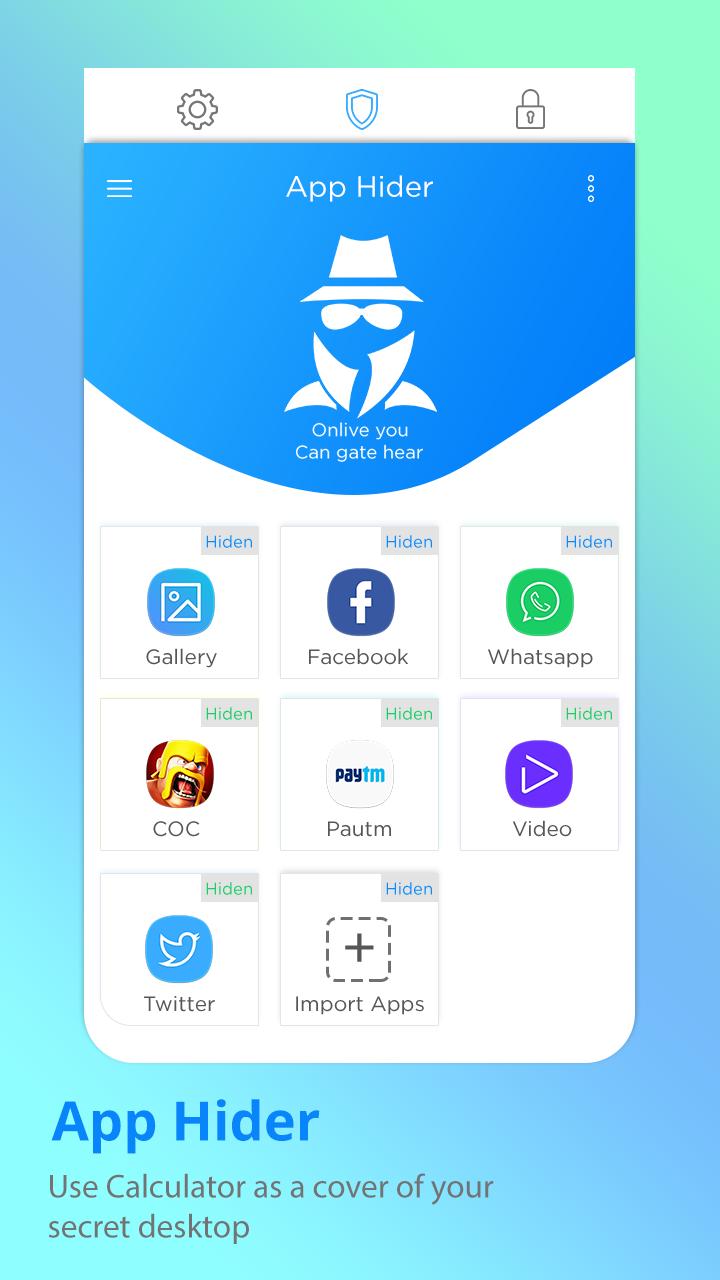
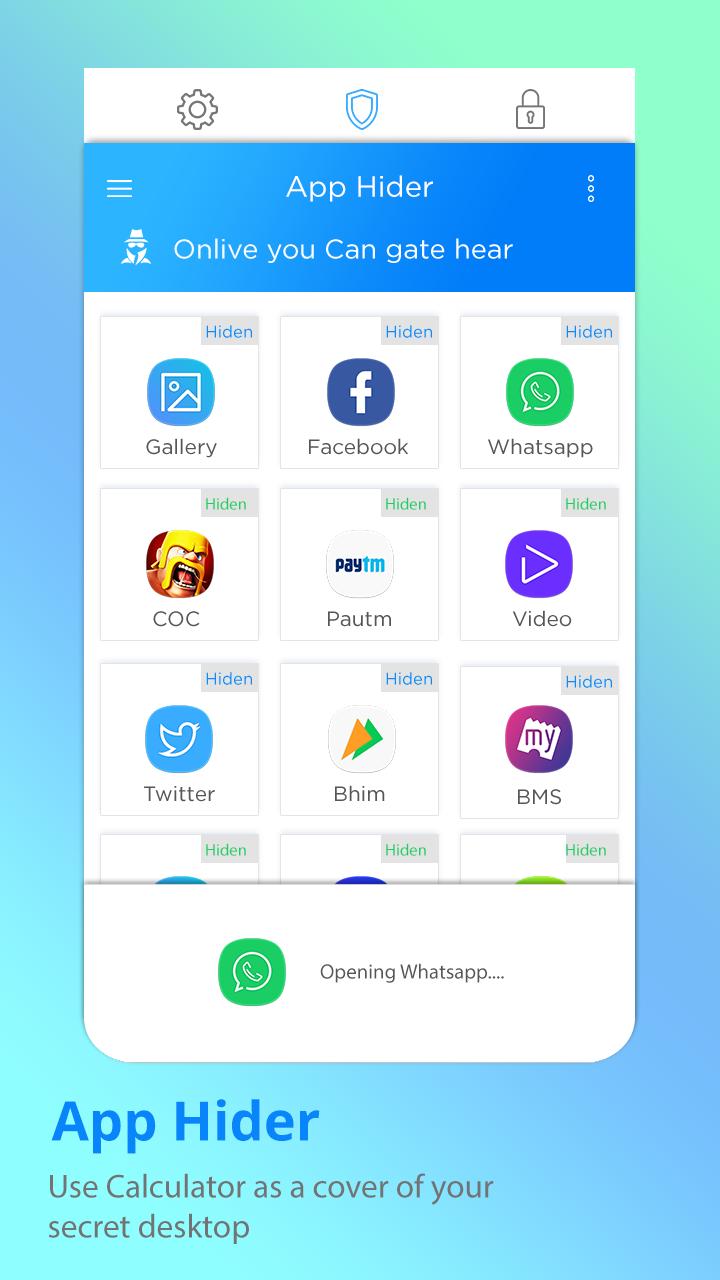
AppLock and App Hider both are different things, because if you lock any app then everybody can see app icon on home screen and launcher screen, but in App Hider no one can see app icon on home screen and launcher screen as icons of apps are not visible.
Your files will be secretly stored in vault and can only be viewed after a Numeric PIN is entered on calculator panel of this app.
Features::
- Hide apps.
- Lock apps.
- Password protection.
- Low background process so less memory will be consumed.
- Lock apps with 4 lock types.
- Hide apps (coming soon).
- Password protection (lock and hide apps with patterns, password, pin and fingerprint).
- Low background process so less memory will be consumed.
- In built launcher (this app is coming with in built own launcher so you can manage apps with good UI).
- Drag drop apps on desktop menus.
Thank You!!!
Visualizar
Em formação
Desenvolvedor
VV Cool
Última versão
1.0.3
Ultima atualização
2018-10-03
Categoria
Ferramentas
Disponível em
Google Play
Mostre mais
Como jogar App Hider - Hide Application com GameLoop no PC
1. Baixe o GameLoop do site oficial e execute o arquivo exe para instalar o GameLoop.
2. Abra o GameLoop e procure por “App Hider - Hide Application”, encontre App Hider - Hide Application nos resultados da pesquisa e clique em “Install”.
3. Divirta-se jogando App Hider - Hide Application no GameLoop.
Minimum requirements
OS
Windows 8.1 64-bit or Windows 10 64-bit
GPU
GTX 1050
CPU
i3-8300
Memory
8GB RAM
Storage
1GB available space
Recommended requirements
OS
Windows 8.1 64-bit or Windows 10 64-bit
GPU
GTX 1050
CPU
i3-9320
Memory
16GB RAM
Storage
1GB available space