
LETS PLAY 247 para PC
Ramoraj Sports
Baixe LETS PLAY 247 no PC com o emulador GameLoop
LETS PLAY 247 no PC
LETS PLAY 247, vindo do desenvolvedor Ramoraj Sports, está rodando no sistema Android no passado.
Agora, você pode jogar LETS PLAY 247 no PC com GameLoop sem problemas.
Faça o download na biblioteca GameLoop ou nos resultados da pesquisa. Chega de ficar de olho na bateria ou fazer chamadas frustrantes na hora errada.
Apenas aproveite o LETS PLAY 247 PC na tela grande gratuitamente!
LETS PLAY 247 Introdução
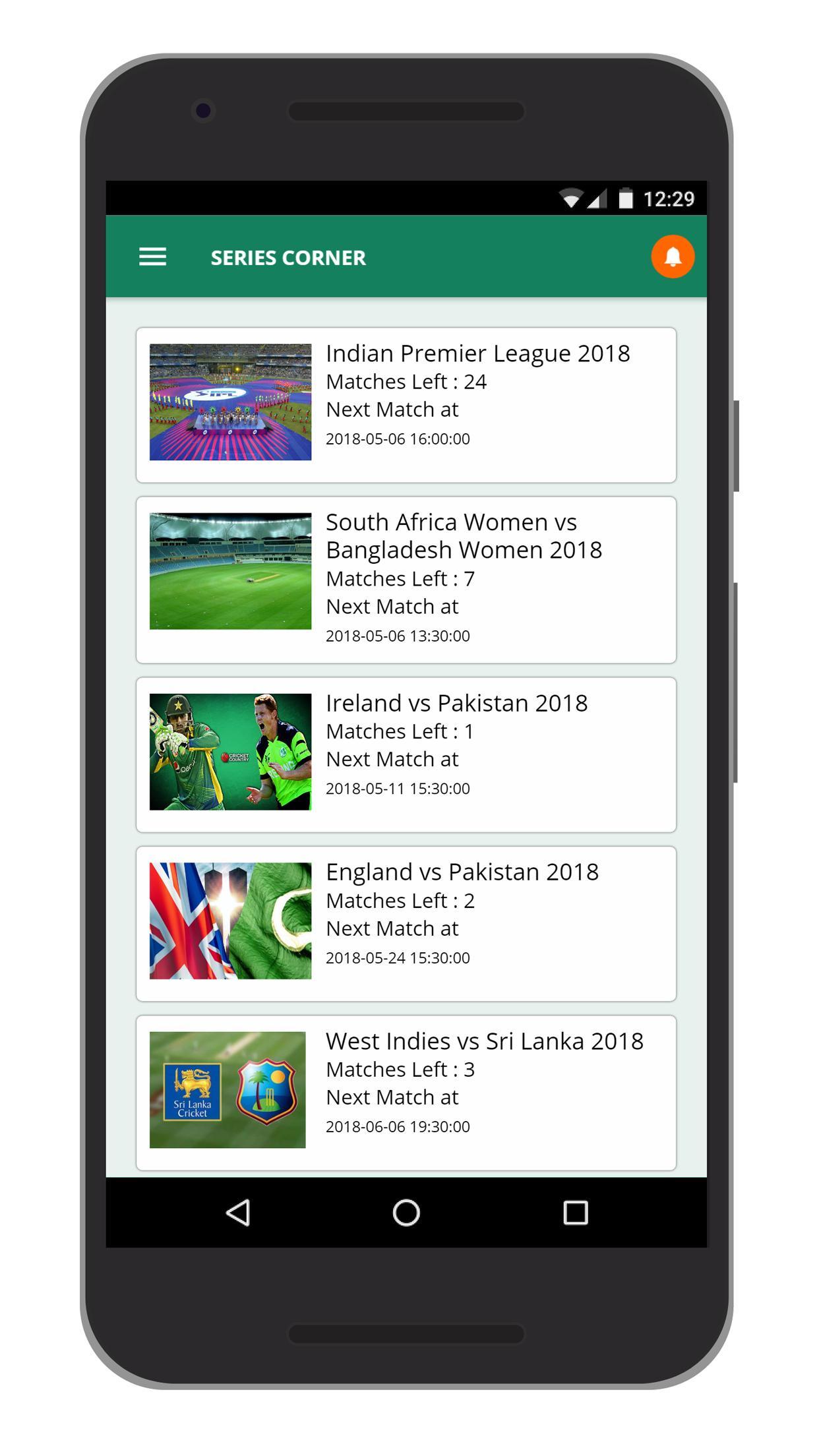
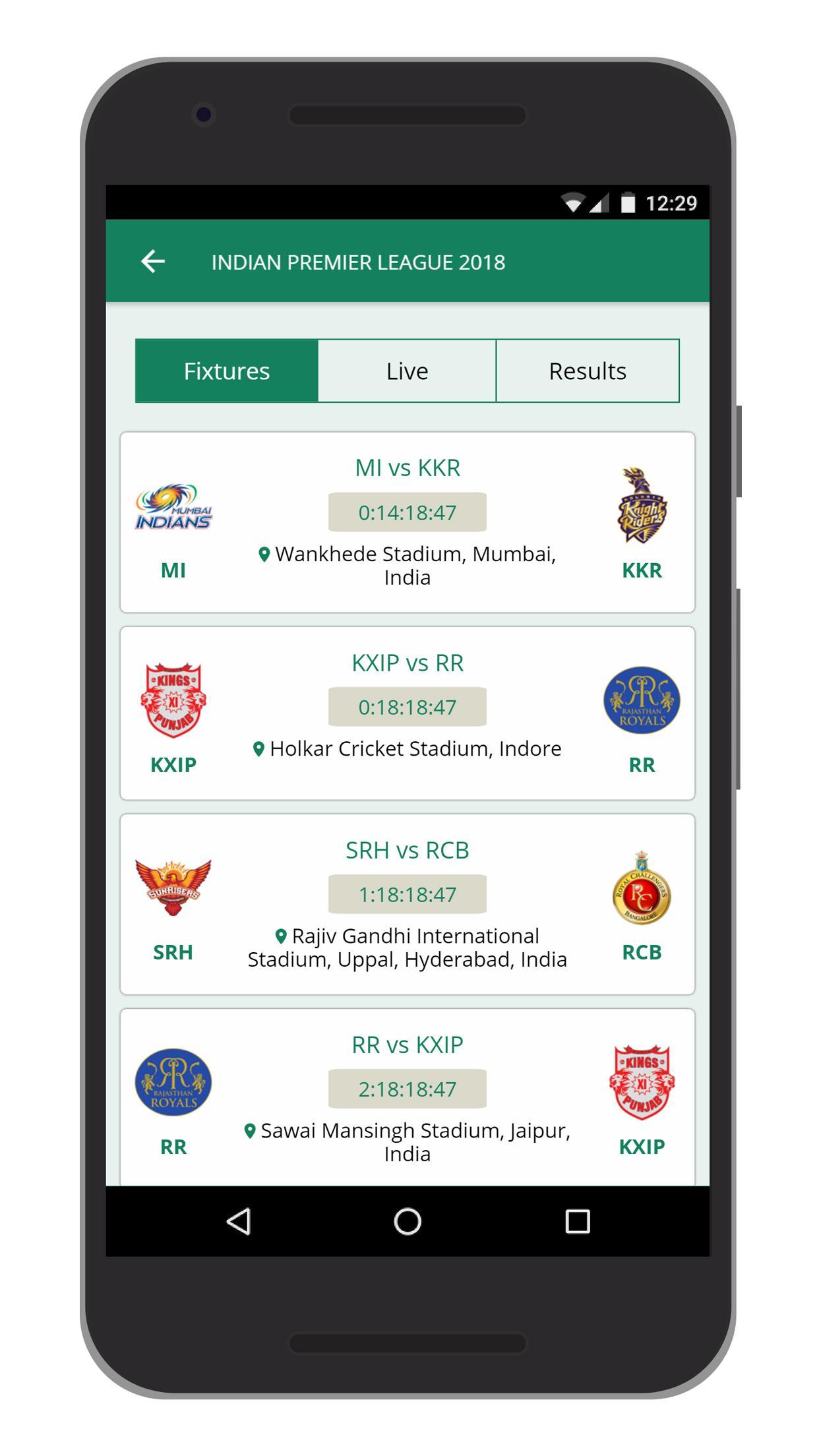
LetsPlay! is built for the best fantasy experience for a cricket fan. The application is available as a mobile app and also as a website. LetsPlay! features best-in-class fantasy game features which are a result of hard research of top fantasy games for various types of sports across the world. With a long-term vision of providing one fantasy platform for all types of sports, LetsPlay! currently delivers the taste of that platform for fantasy cricket. The application is integrated with top information providers in the cricket world to source all necessary information to the end user. The user can choose to join any live cricket game and create their team by picking their favorite 11 players from among all the players (28) from both the playing teams and user need to pick 5 Super Players to accelerate their points in the standings. The user will earn points based on the performance of their team and is ranked among all the users who played the same game. The user will be rewarded based on their rank.
Visualizar
Em formação
Desenvolvedor
Ramoraj Sports
Última versão
0.0.34
Ultima atualização
2019-03-06
Categoria
Esportes
Disponível em
Google Play
Mostre mais
Como jogar LETS PLAY 247 com GameLoop no PC
1. Baixe o GameLoop do site oficial e execute o arquivo exe para instalar o GameLoop.
2. Abra o GameLoop e procure por “LETS PLAY 247”, encontre LETS PLAY 247 nos resultados da pesquisa e clique em “Install”.
3. Divirta-se jogando LETS PLAY 247 no GameLoop.
Minimum requirements
OS
Windows 8.1 64-bit or Windows 10 64-bit
GPU
GTX 1050
CPU
i3-8300
Memory
8GB RAM
Storage
1GB available space
Recommended requirements
OS
Windows 8.1 64-bit or Windows 10 64-bit
GPU
GTX 1050
CPU
i3-9320
Memory
16GB RAM
Storage
1GB available space