
UC Browser Tips Private para PC
CostingPP
Baixe UC Browser Tips Private no PC com o emulador GameLoop
UC Browser Tips Private no PC
UC Browser Tips Private, vindo do desenvolvedor CostingPP, está rodando no sistema Android no passado.
Agora, você pode jogar UC Browser Tips Private no PC com GameLoop sem problemas.
Faça o download na biblioteca GameLoop ou nos resultados da pesquisa. Chega de ficar de olho na bateria ou fazer chamadas frustrantes na hora errada.
Apenas aproveite o UC Browser Tips Private PC na tela grande gratuitamente!
UC Browser Tips Private Introdução
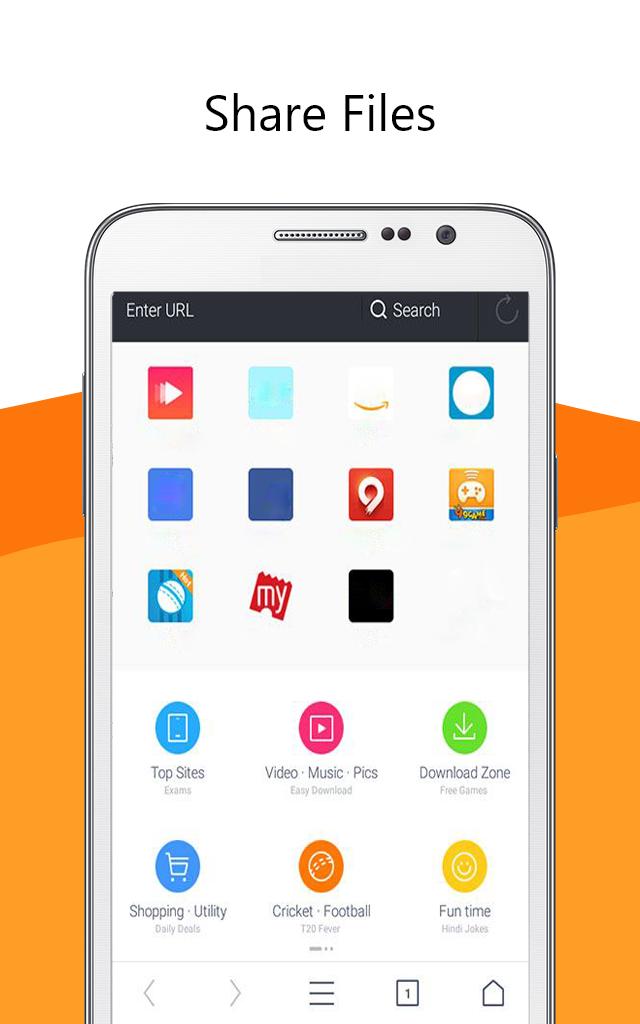
UC Browser software 🌐 is a secure and fast web browser for mobile devices. It is a free mobile browser with a simple and easy-to-use interface. It has a built-in ad blocker, smart downloads, video support, and data saving features.
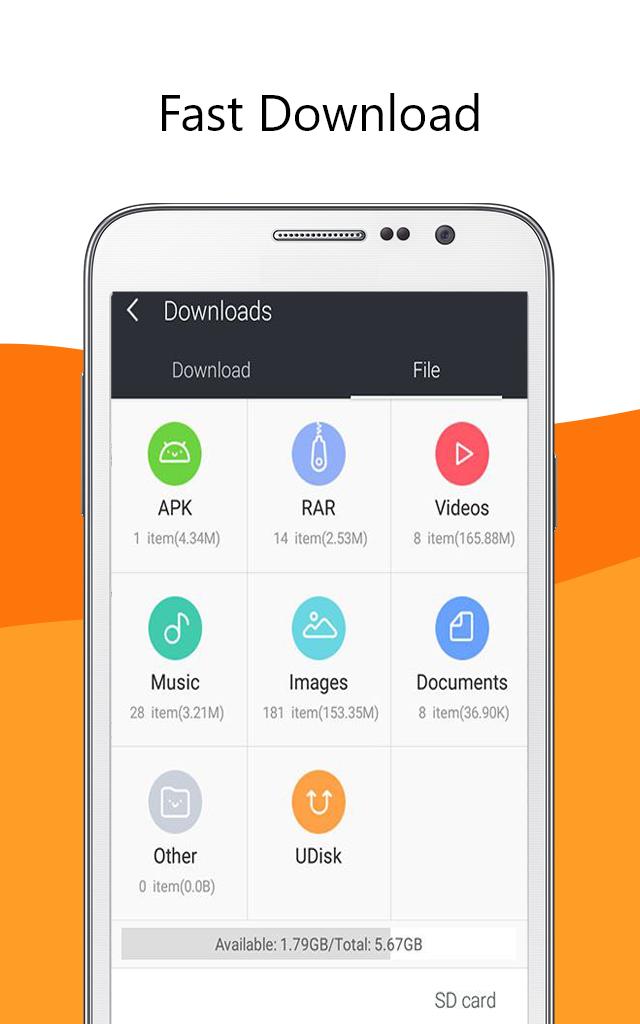
UC Browser app provides fast and secure web browsing with an intuitive and easy to use interface. Its built-in ad blocker blocks🔒 annoying ads, pop-ups, and malware. It also has a smart download feature📥 which allows you to download multiple files in parallel and resume interrupted downloads. It has a secure connection feature which encrypts your data and keeps it safe from snoopers and hackers. It also provides anti-tracking features which protect your privacy by blocking tracking cookies.
Uc browser fast app also supports video streaming 📹with optimized video playback. You can watch online videos without buffering and enjoy a smooth playback experience
Overall, UC Browser is a fast and secure web browser for mobile devices. It has a simple and easy-to-use interface with a built-in ad blocker, smart downloads, video support, and data saving features. It is a great choice for those who want a fast and secure web browsing experience.😉
Disclaimer: ❗
This is an unofficial app. Just be aware of the app and in case of any questions, give us feedback.
Visualizar
Em formação
Desenvolvedor
CostingPP
Última versão
1.0.0
Ultima atualização
2023-03-16
Categoria
Social
Disponível em
Google Play
Mostre mais
Como jogar UC Browser Tips Private com GameLoop no PC
1. Baixe o GameLoop do site oficial e execute o arquivo exe para instalar o GameLoop.
2. Abra o GameLoop e procure por “UC Browser Tips Private”, encontre UC Browser Tips Private nos resultados da pesquisa e clique em “Install”.
3. Divirta-se jogando UC Browser Tips Private no GameLoop.
Minimum requirements
OS
Windows 8.1 64-bit or Windows 10 64-bit
GPU
GTX 1050
CPU
i3-8300
Memory
8GB RAM
Storage
1GB available space
Recommended requirements
OS
Windows 8.1 64-bit or Windows 10 64-bit
GPU
GTX 1050
CPU
i3-9320
Memory
16GB RAM
Storage
1GB available space