
Congrats Stickers para PC
Ka Rim
Baixe Congrats Stickers no PC com o emulador GameLoop
Congrats Stickers no PC
Congrats Stickers, vindo do desenvolvedor Ka Rim, está rodando no sistema Android no passado.
Agora, você pode jogar Congrats Stickers no PC com GameLoop sem problemas.
Faça o download na biblioteca GameLoop ou nos resultados da pesquisa. Chega de ficar de olho na bateria ou fazer chamadas frustrantes na hora errada.
Apenas aproveite o Congrats Stickers PC na tela grande gratuitamente!
Congrats Stickers Introdução
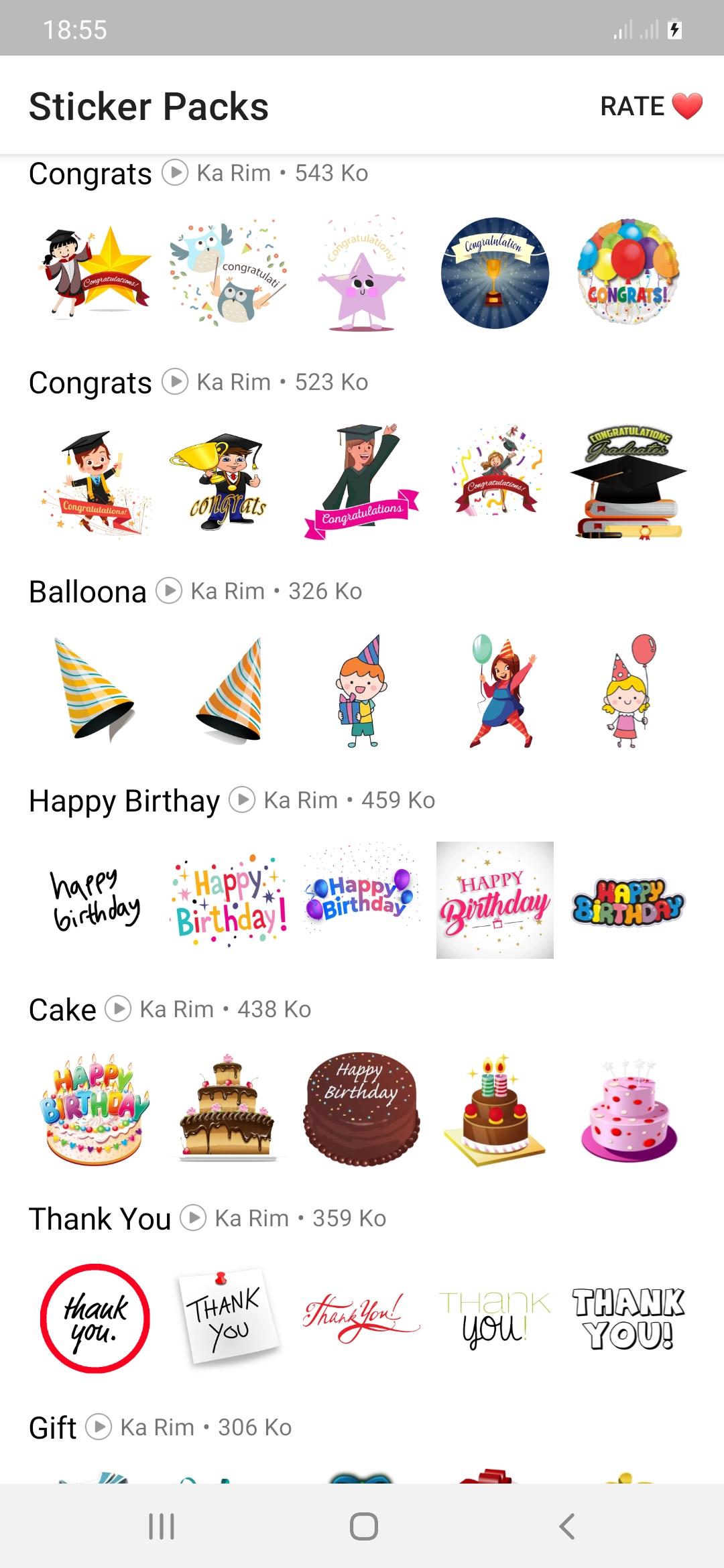
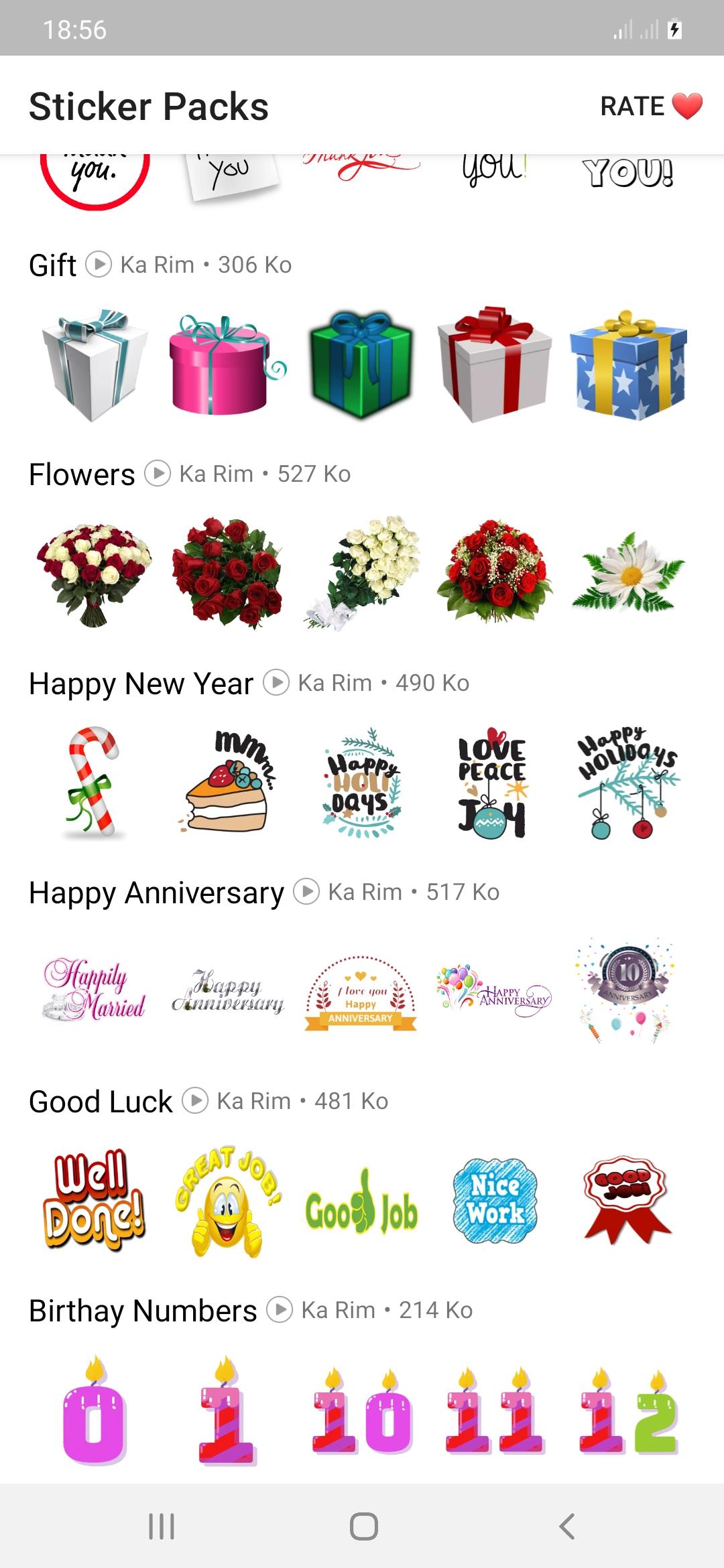
Now you can say congratulations to anyone on occasions such as congratulations on the wedding,
Congratulations on the anniversary, congratulations on the promotion, congratulations on
Graduation, congratulations to parents, congratulations for passing any exam, you will also be good at many occasions, happy birthday, presents, new year, flower stickers, cake, etc.
how to use:
- Download and open this app
- Tap on any sticker set you want.
- Select "Add to WhatsApp"
- Confirm your work
- Open WhatsApp and go to the chat
- Tap on the Emoji icon
- You will see a new sticker icon at the bottom and you can now use this best sticker pack.
Download the best thank you stickers for whatsapp and enjoy it with your friends.
Our goal is to provide you with an application that meets your needs while ensuring an excellent user experience.
Any request to remove a sticker will be honored. If you feel there is a right to a copyright infringement, please contact us.
karimfado00@gmail.com
Visualizar
Tag
SocialEm formação
Desenvolvedor
Ka Rim
Última versão
version V.1.2
Ultima atualização
2022-06-20
Categoria
Social
Disponível em
Google Play
Mostre mais
Como jogar Congrats Stickers com GameLoop no PC
1. Baixe o GameLoop do site oficial e execute o arquivo exe para instalar o GameLoop.
2. Abra o GameLoop e procure por “Congrats Stickers”, encontre Congrats Stickers nos resultados da pesquisa e clique em “Install”.
3. Divirta-se jogando Congrats Stickers no GameLoop.
Minimum requirements
OS
Windows 8.1 64-bit or Windows 10 64-bit
GPU
GTX 1050
CPU
i3-8300
Memory
8GB RAM
Storage
1GB available space
Recommended requirements
OS
Windows 8.1 64-bit or Windows 10 64-bit
GPU
GTX 1050
CPU
i3-9320
Memory
16GB RAM
Storage
1GB available space