
status saver for whatsapp para PC
arab web
Baixe status saver for whatsapp no PC com o emulador GameLoop
status saver for whatsapp no PC
status saver for whatsapp, vindo do desenvolvedor arab web, está rodando no sistema Android no passado.
Agora, você pode jogar status saver for whatsapp no PC com GameLoop sem problemas.
Faça o download na biblioteca GameLoop ou nos resultados da pesquisa. Chega de ficar de olho na bateria ou fazer chamadas frustrantes na hora errada.
Apenas aproveite o status saver for whatsapp PC na tela grande gratuitamente!
status saver for whatsapp Introdução
Did you like the status of your friends?
And do you want to save it to your phone?
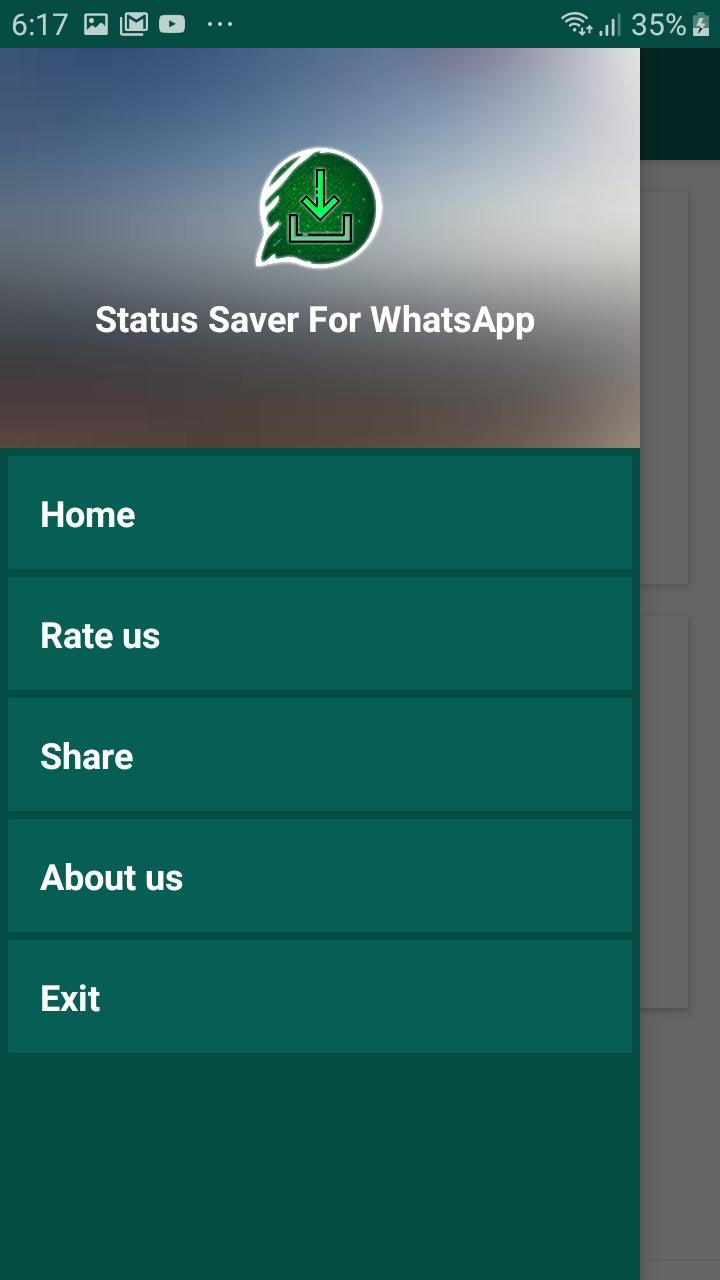
with the status saver for whatsapp application it's very easy to save all statuses of your friends.
HOW TO USE?
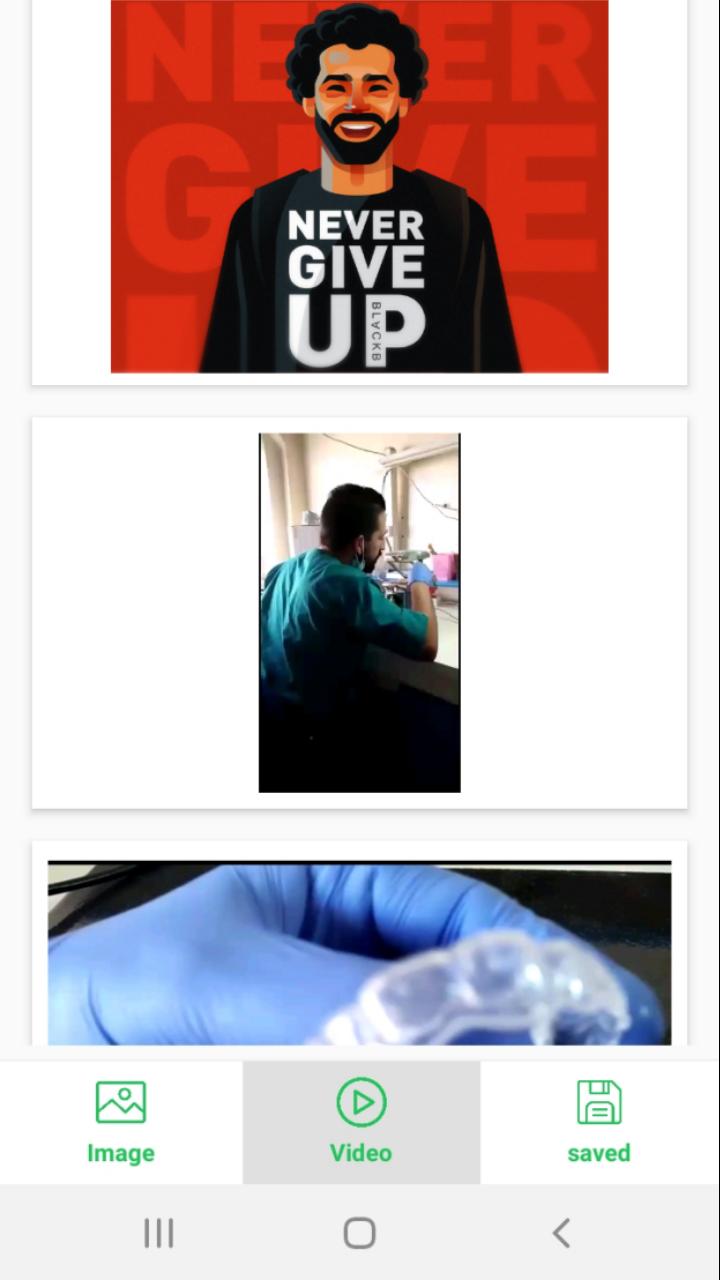
In the app you'll see all the status you've seen in whatsapp.
Click on the image or video you want to save.
Click on the save button.
Check the image in status saver folder.
Please ask for permission from your friends before sharing their media. We are not responsible for any kind of re-usage of any media downloaded by the user.
IMPORTANT:
● The "Whatsapp" or "WhatsApp" name is copyright to WhatsApp, Inc. This app is in no way affiliated with, sponsored or endorsed by WhatsApp, Inc.
● This app is an independent one and is not affiliated with any 3rd Party including Whatsapp inc.
App not use to clone or hack anything it just display downloaded files in app
Visualizar
Tag
SocialEm formação
Desenvolvedor
arab web
Última versão
1.0
Ultima atualização
2019-09-27
Categoria
Social
Disponível em
Google Play
Mostre mais
Como jogar status saver for whatsapp com GameLoop no PC
1. Baixe o GameLoop do site oficial e execute o arquivo exe para instalar o GameLoop.
2. Abra o GameLoop e procure por “status saver for whatsapp”, encontre status saver for whatsapp nos resultados da pesquisa e clique em “Install”.
3. Divirta-se jogando status saver for whatsapp no GameLoop.
Minimum requirements
OS
Windows 8.1 64-bit or Windows 10 64-bit
GPU
GTX 1050
CPU
i3-8300
Memory
8GB RAM
Storage
1GB available space
Recommended requirements
OS
Windows 8.1 64-bit or Windows 10 64-bit
GPU
GTX 1050
CPU
i3-9320
Memory
16GB RAM
Storage
1GB available space