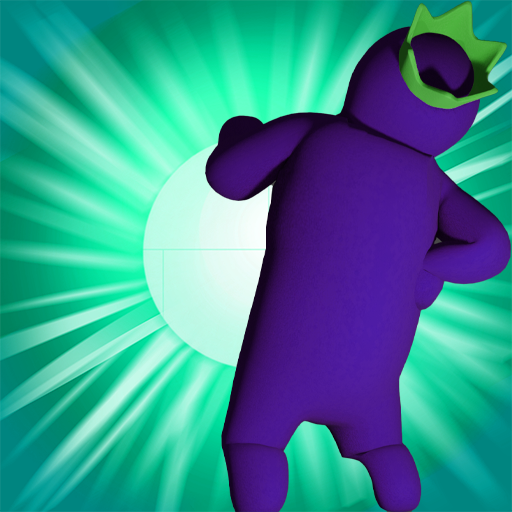
Scary Rainbow Blue House 3D para PC
Nadia Coding
Baixe Scary Rainbow Blue House 3D no PC com o emulador GameLoop
Scary Rainbow Blue House 3D no PC
Scary Rainbow Blue House 3D, vindo do desenvolvedor Nadia Coding, está rodando no sistema Android no passado.
Agora, você pode jogar Scary Rainbow Blue House 3D no PC com GameLoop sem problemas.
Faça o download na biblioteca GameLoop ou nos resultados da pesquisa. Chega de ficar de olho na bateria ou fazer chamadas frustrantes na hora errada.
Apenas aproveite o Scary Rainbow Blue House 3D PC na tela grande gratuitamente!
Scary Rainbow Blue House 3D Introdução
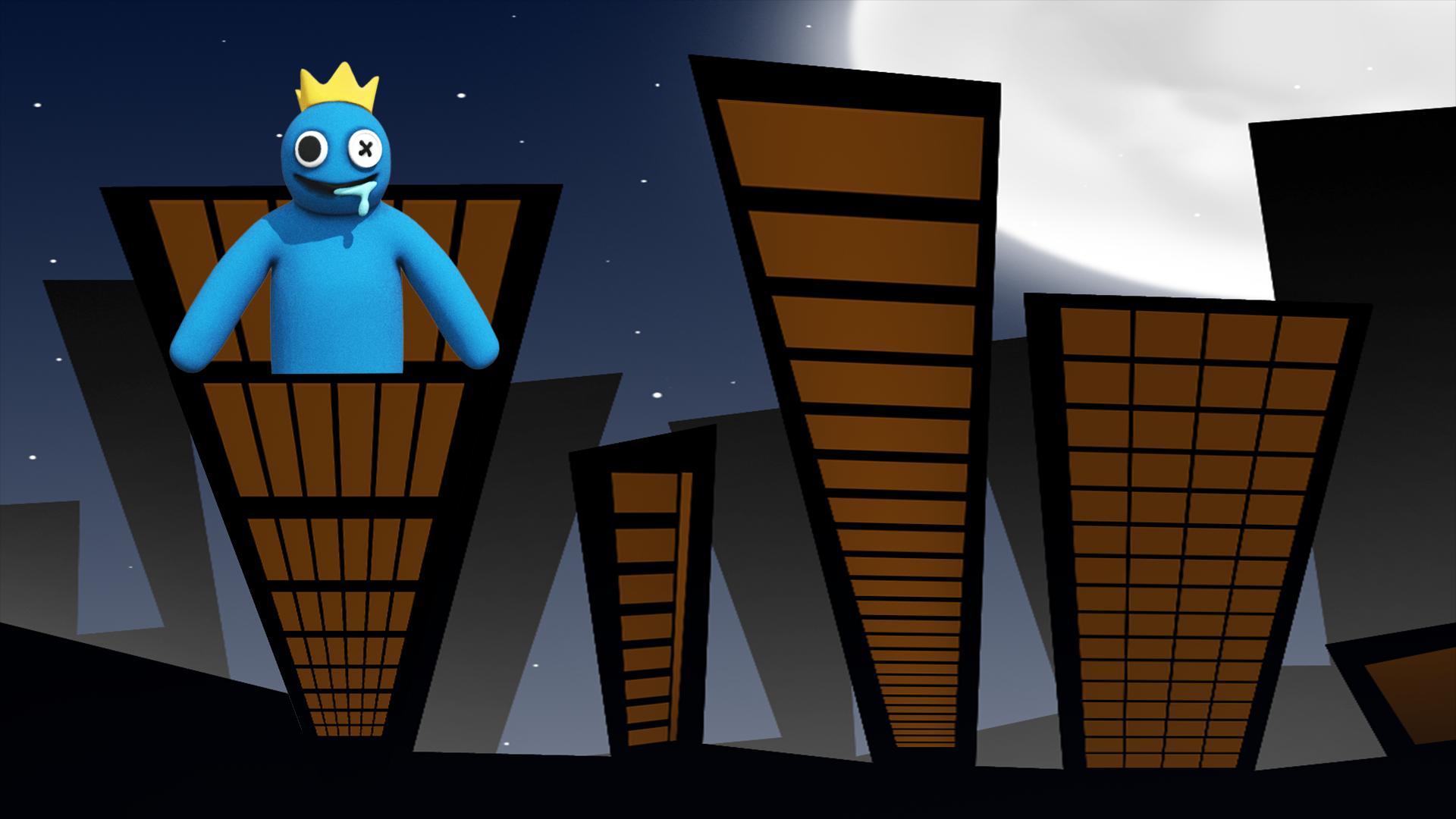
Are you a fan of rainbow friends horror game, then you are in the right game to play. In this rainbow friends blue 3D game you can try your
best skills and technics to escape the scary rainbow home the game begin at the front garden of the rainbow friends chapter 2 house so your
mission will be not that easy because you have to follow the instructions to escape the rainbow friends's house safe and alive, Don't worry
you my be catched some time by the blue rainbow monster but you need to replay the level and try to complete it it and beat the scary blue rainbow friends chapter 2 monster.
Rainbow Game Features:
Clean design and textures
Good and scary sounds that will make live a real experience
Don't be afraid of the scary blue monster and try to beat it
Enjoy Playing This Game.
Visualizar

Tag
SimulaçãoEm formação
Desenvolvedor
Nadia Coding
Última versão
1.1
Ultima atualização
2022-09-20
Categoria
Simulação
Disponível em
Google Play
Mostre mais
Como jogar Scary Rainbow Blue House 3D com GameLoop no PC
1. Baixe o GameLoop do site oficial e execute o arquivo exe para instalar o GameLoop.
2. Abra o GameLoop e procure por “Scary Rainbow Blue House 3D”, encontre Scary Rainbow Blue House 3D nos resultados da pesquisa e clique em “Install”.
3. Divirta-se jogando Scary Rainbow Blue House 3D no GameLoop.
Minimum requirements
OS
Windows 8.1 64-bit or Windows 10 64-bit
GPU
GTX 1050
CPU
i3-8300
Memory
8GB RAM
Storage
1GB available space
Recommended requirements
OS
Windows 8.1 64-bit or Windows 10 64-bit
GPU
GTX 1050
CPU
i3-9320
Memory
16GB RAM
Storage
1GB available space