
TomatoStores para PC
Webkul
Baixe TomatoStores no PC com o emulador GameLoop
TomatoStores no PC
TomatoStores, vindo do desenvolvedor Webkul, está rodando no sistema Android no passado.
Agora, você pode jogar TomatoStores no PC com GameLoop sem problemas.
Faça o download na biblioteca GameLoop ou nos resultados da pesquisa. Chega de ficar de olho na bateria ou fazer chamadas frustrantes na hora errada.
Apenas aproveite o TomatoStores PC na tela grande gratuitamente!
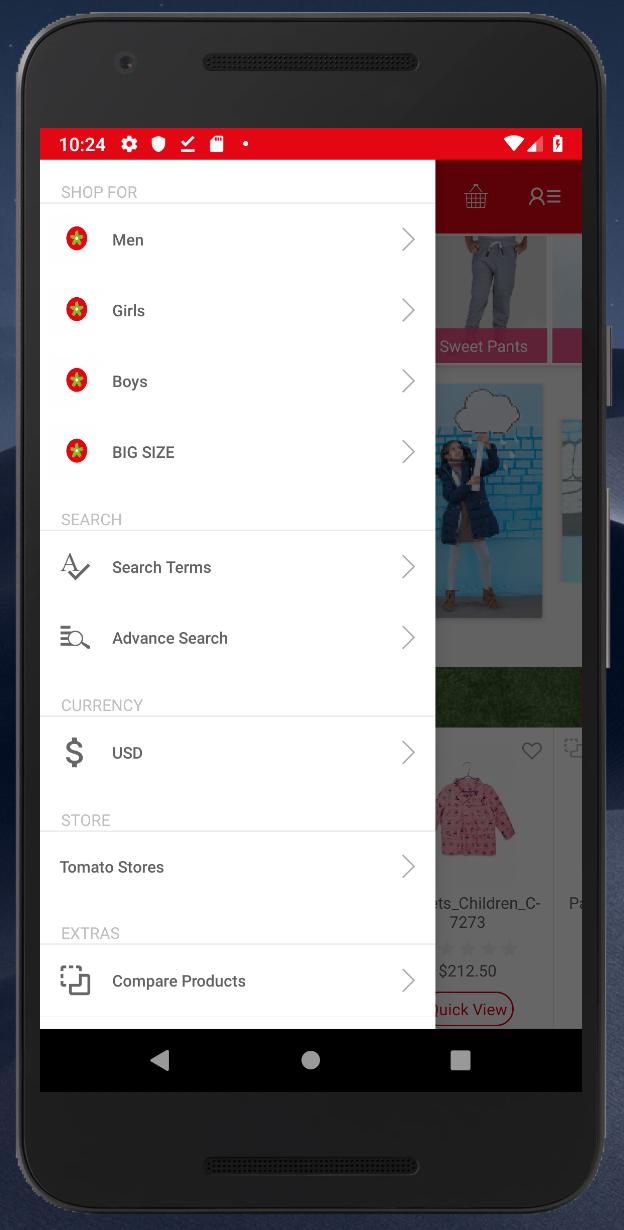
TomatoStores Introdução
Historically, Egyptian clothing was known worldwide for its high-quality materials and manufacturing mastery. Based on that legacy, TOMATO began a journey to build a strong entity and reclaim consumer confidence in the value and modernism of our national products by offering competitive prices and internationally renowned quality.
Established over 20 years ago (1994, to be exact), TOMATO’s policy has been to provide products that are special and unique in the fashion industry. Initially, our activities focused on import and distribution, until we took the turn to the direct customer sales through our extended chain of stores across the country.
Our first store was opened at Loran, Alexandria, where manufacturing perfection and collection diversity were merged with competitive prices. It was not long before we launched other stores in Alexandria and expanded to other governorates
Visualizar

Em formação
Desenvolvedor
Webkul
Última versão
1.01
Ultima atualização
2019-03-04
Categoria
Compras
Disponível em
Google Play
Mostre mais
Como jogar TomatoStores com GameLoop no PC
1. Baixe o GameLoop do site oficial e execute o arquivo exe para instalar o GameLoop.
2. Abra o GameLoop e procure por “TomatoStores”, encontre TomatoStores nos resultados da pesquisa e clique em “Install”.
3. Divirta-se jogando TomatoStores no GameLoop.
Minimum requirements
OS
Windows 8.1 64-bit or Windows 10 64-bit
GPU
GTX 1050
CPU
i3-8300
Memory
8GB RAM
Storage
1GB available space
Recommended requirements
OS
Windows 8.1 64-bit or Windows 10 64-bit
GPU
GTX 1050
CPU
i3-9320
Memory
16GB RAM
Storage
1GB available space