
VoiceClock -Miku- para PC
IceImo-P
Baixe VoiceClock -Miku- no PC com o emulador GameLoop
VoiceClock -Miku- no PC
VoiceClock -Miku-, vindo do desenvolvedor IceImo-P, está rodando no sistema Android no passado.
Agora, você pode jogar VoiceClock -Miku- no PC com GameLoop sem problemas.
Faça o download na biblioteca GameLoop ou nos resultados da pesquisa. Chega de ficar de olho na bateria ou fazer chamadas frustrantes na hora errada.
Apenas aproveite o VoiceClock -Miku- PC na tela grande gratuitamente!
VoiceClock -Miku- Introdução
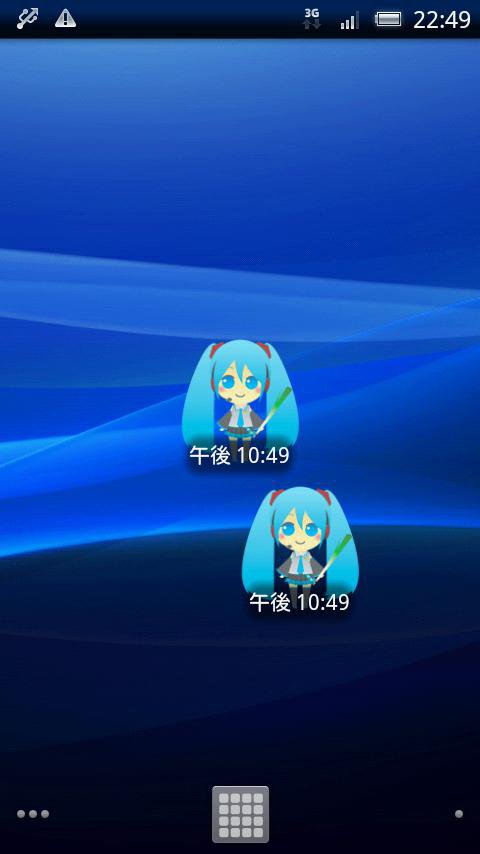
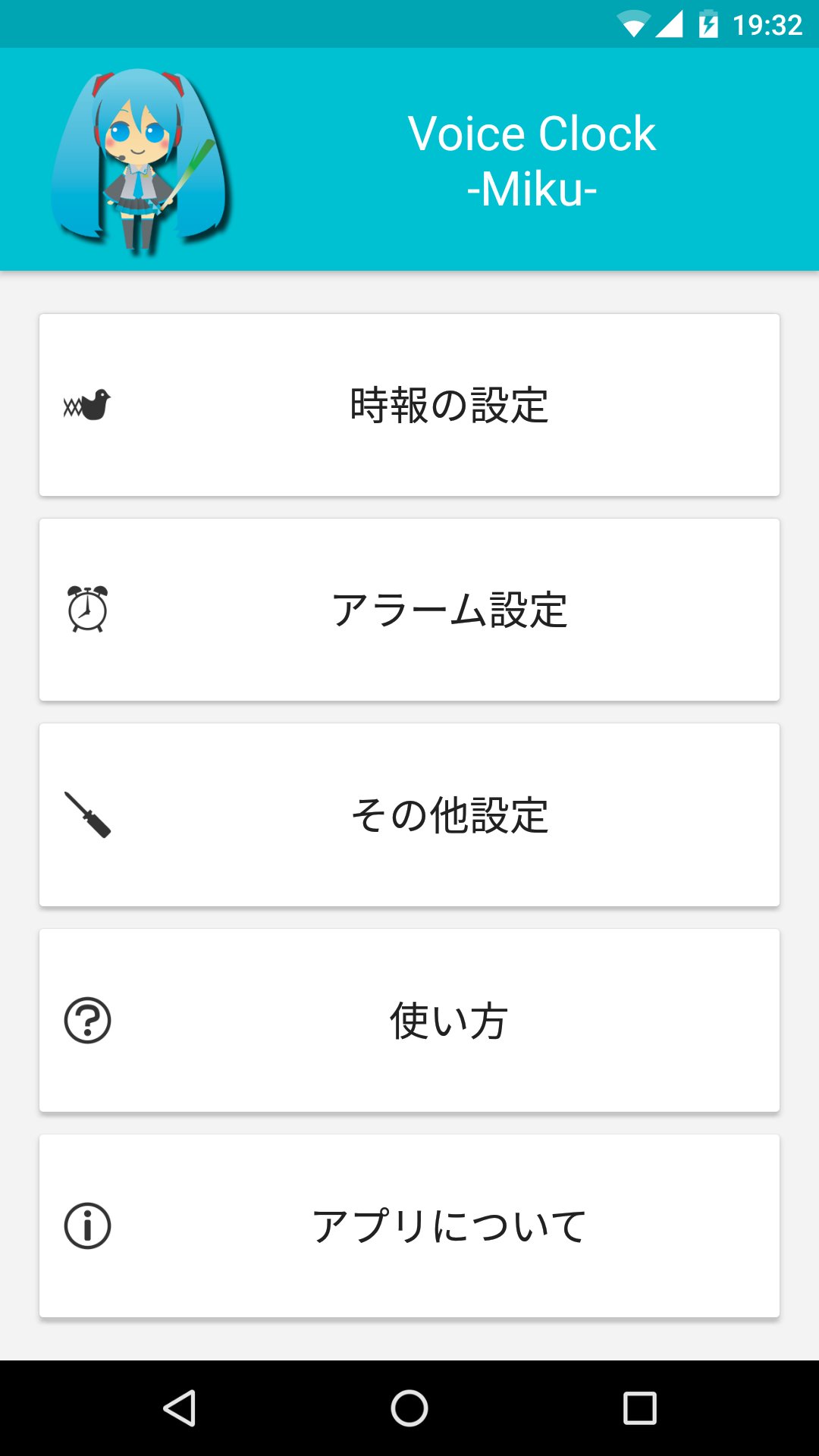
An alarm and time signal app that announces the time with Hatsune Miku's voice.
If you place the widget on the home (standby) screen and tap it, Hatsune Miku's voice will read out the current time.
■ Time signal function
Once every 30 minutes or 1 hour, the watch automatically announces the time by voice.
You can also set the time signal to stop for a specified time, such as when you go to bed, or when you are at school or work.
■Alarm
You can set an alarm that reads out the time.
You can tell the time by voice, so you don't have to look at the clock!
It's convenient for waking up or when you need to keep an eye on your work.
The illustration was borrowed from Piapro by Ezorenge. Thank you.
http://piapro.jp/t/xcNX
*This application is an unofficial fan-made application produced by an individual.
This application uses the name and illustration of the character "Hatsune Miku" from Crypton Future Media, Inc. under the Piapro Character License.
Visualizar
Tag
ProdutividadeEm formação
Desenvolvedor
IceImo-P
Última versão
1.7.0
Ultima atualização
2023-12-01
Categoria
Produtividade
Disponível em
Google Play
Mostre mais
Como jogar VoiceClock -Miku- com GameLoop no PC
1. Baixe o GameLoop do site oficial e execute o arquivo exe para instalar o GameLoop.
2. Abra o GameLoop e procure por “VoiceClock -Miku-”, encontre VoiceClock -Miku- nos resultados da pesquisa e clique em “Install”.
3. Divirta-se jogando VoiceClock -Miku- no GameLoop.
Minimum requirements
OS
Windows 8.1 64-bit or Windows 10 64-bit
GPU
GTX 1050
CPU
i3-8300
Memory
8GB RAM
Storage
1GB available space
Recommended requirements
OS
Windows 8.1 64-bit or Windows 10 64-bit
GPU
GTX 1050
CPU
i3-9320
Memory
16GB RAM
Storage
1GB available space