
Sensitivity Finder para PC
Luke C Nelson
Baixe Sensitivity Finder no PC com o emulador GameLoop
Sensitivity Finder no PC
Sensitivity Finder, vindo do desenvolvedor Luke C Nelson, está rodando no sistema Android no passado.
Agora, você pode jogar Sensitivity Finder no PC com GameLoop sem problemas.
Faça o download na biblioteca GameLoop ou nos resultados da pesquisa. Chega de ficar de olho na bateria ou fazer chamadas frustrantes na hora errada.
Apenas aproveite o Sensitivity Finder PC na tela grande gratuitamente!
Sensitivity Finder Introdução
(This app is designed to be used with the game CS:GO, however, there is no affiliation between this app and Valve Corporation or Counter-Strike Global Offensive)
Need a better sensitivity in CS:GO, but don't where to start?
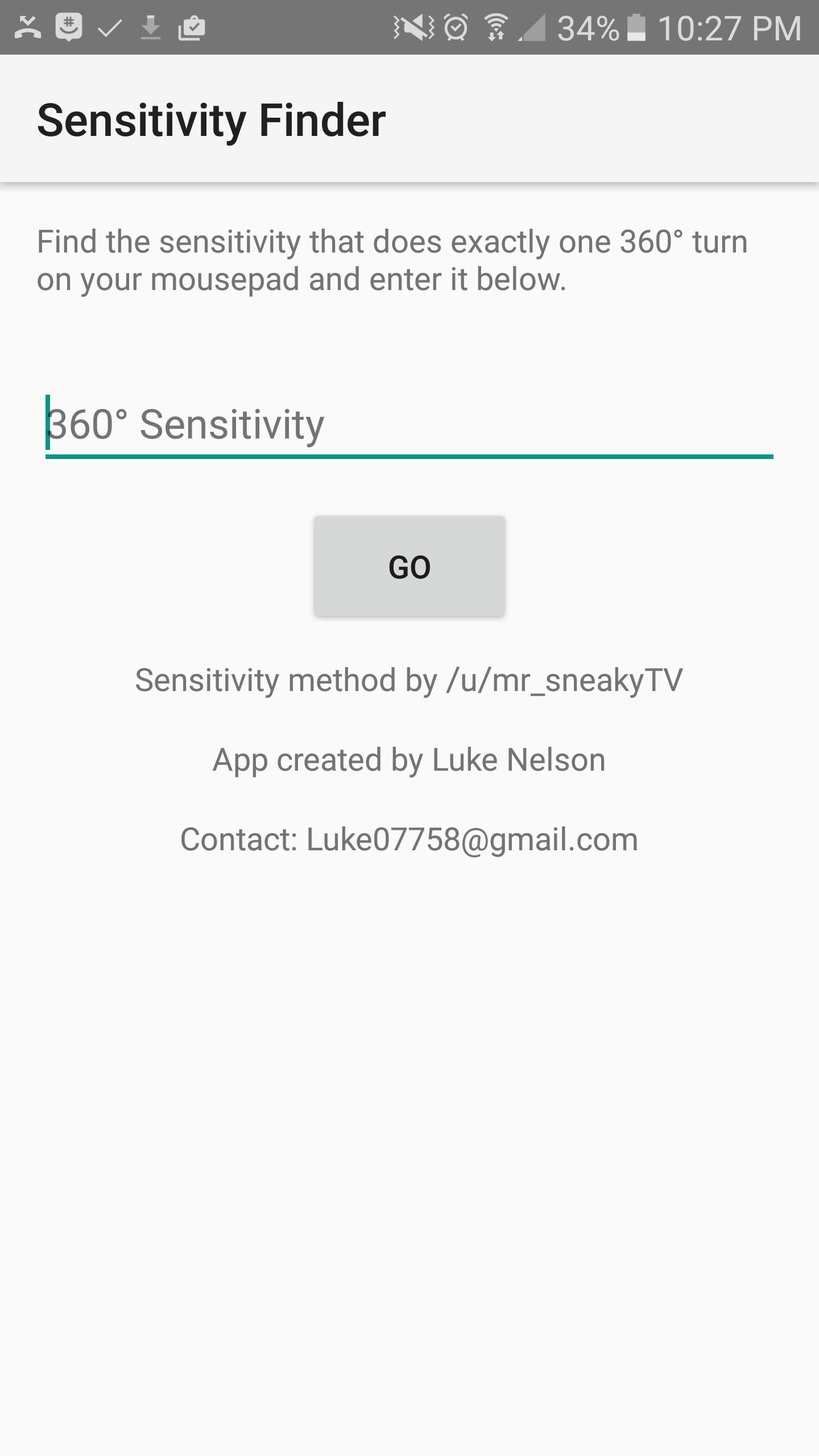
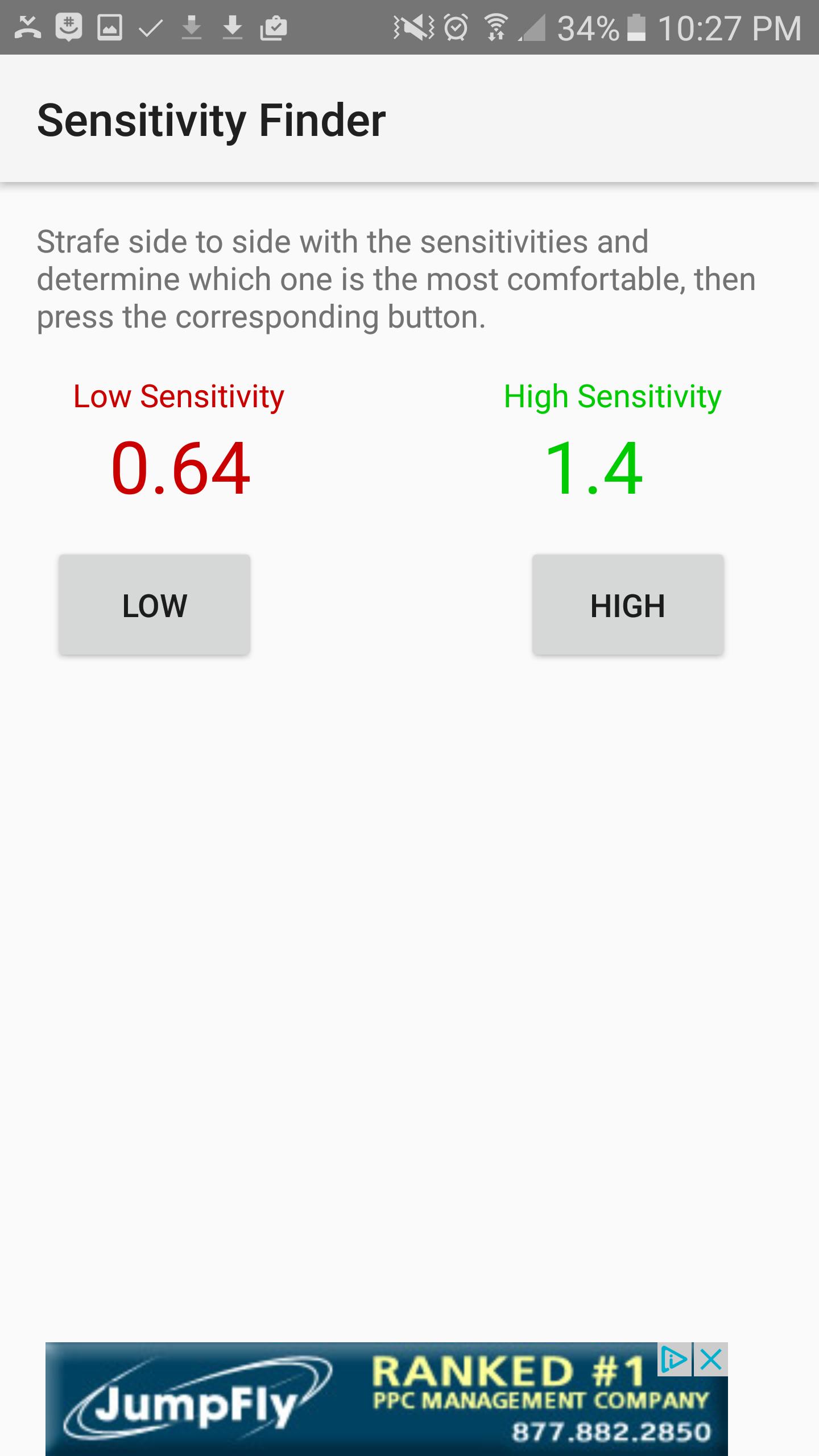
This app will help you find your PERFECT sensitivity to get better at the game. How it works is, you first open the game and find which sensitivity it is that does exactly one 360 degree turn from one side of your mouse pad to the other, and you will enter that sensitivity into the first screen. Next, the app will show you two sensitivities, a Low, colored in red, and a High colored in green. Try each of these sensitivities out and determine which one you like better. I recommend strafing back and forth and trying to keep your crosshair fixed on one point on a wall. Once you figure out which one you like better, select the corresponding High or low button, and the app will show you updated sensitivities, and then you try those sensitivities. Repeat the process over and over until the app finds the perfect sensitivity for you. The entire process takes up to an hour, but it is worth it, and your sensitivity will be much better.
Visualizar
Em formação
Desenvolvedor
Luke C Nelson
Última versão
1.0
Ultima atualização
2017-01-28
Categoria
Produtividade
Disponível em
Google Play
Mostre mais
Como jogar Sensitivity Finder com GameLoop no PC
1. Baixe o GameLoop do site oficial e execute o arquivo exe para instalar o GameLoop.
2. Abra o GameLoop e procure por “Sensitivity Finder”, encontre Sensitivity Finder nos resultados da pesquisa e clique em “Install”.
3. Divirta-se jogando Sensitivity Finder no GameLoop.
Minimum requirements
OS
Windows 8.1 64-bit or Windows 10 64-bit
GPU
GTX 1050
CPU
i3-8300
Memory
8GB RAM
Storage
1GB available space
Recommended requirements
OS
Windows 8.1 64-bit or Windows 10 64-bit
GPU
GTX 1050
CPU
i3-9320
Memory
16GB RAM
Storage
1GB available space