
Montage para PC
DisplayNote Technologies Ltd
Baixe Montage no PC com o emulador GameLoop
Montage no PC
Montage, vindo do desenvolvedor DisplayNote Technologies Ltd, está rodando no sistema Android no passado.
Agora, você pode jogar Montage no PC com GameLoop sem problemas.
Faça o download na biblioteca GameLoop ou nos resultados da pesquisa. Chega de ficar de olho na bateria ou fazer chamadas frustrantes na hora errada.
Apenas aproveite o Montage PC na tela grande gratuitamente!
Montage Introdução
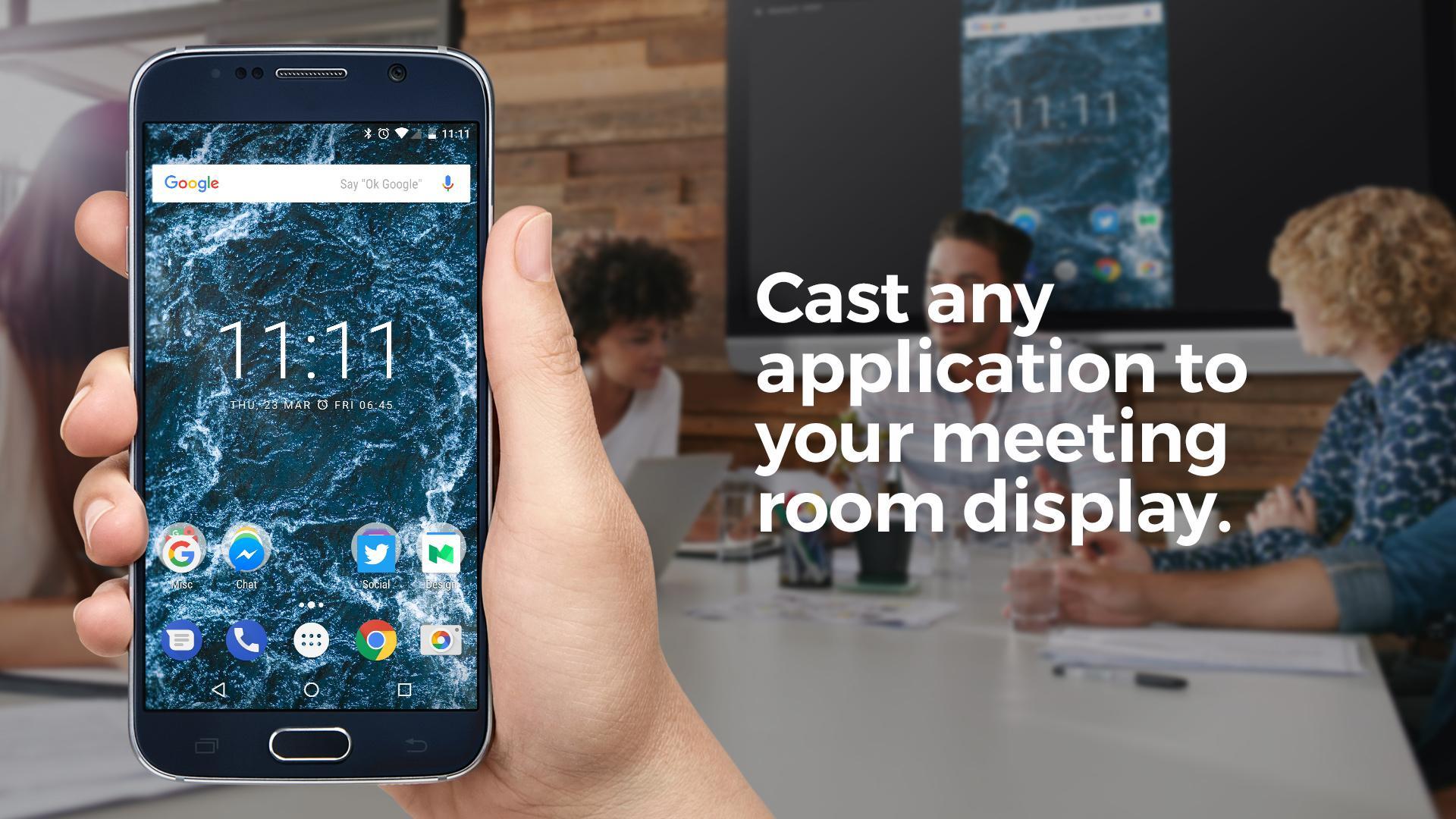
Using the native Android app, meeting attendees can connect to a Montage for Meetings session and cast their Android screen to the main meeting room screen.
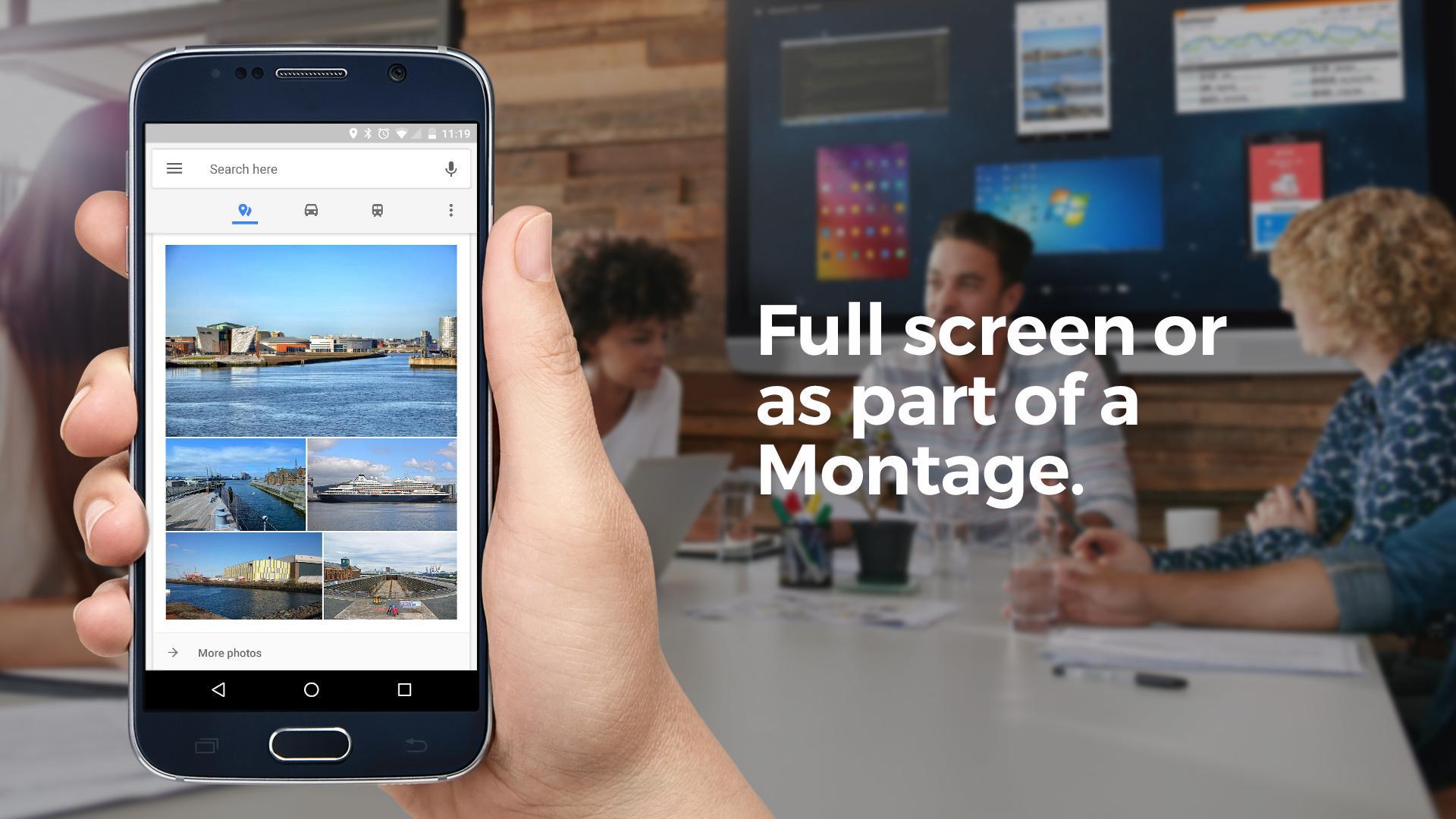
Once connected, they can choose to make their Android device full screen on the meeting room display or view it as part of a Montage alongside other attendee devices.
Users can also draw on the active display, view and draw on a whiteboard and share and receive files.
Montage for Meetings on Android allows users to join a meeting and cast their device both in the meeting room and when remote.
Remote attendees can also use their device camera and microphone to make video and voice calls to others in the meeting room. In addition, remote attendees can view what's happening on the main meeting room screen right from their mobile device.
The Montage for Meetings application works alongside the Montage Wireless Presentation System.
The app also features a menu controller – this means options like ‘make active display, pause session etc can be done via the Android notifications bar.
Visualizar
Em formação
Desenvolvedor
DisplayNote Technologies Ltd
Última versão
2.3.0-6994880
Ultima atualização
2017-11-23
Categoria
Produtividade
Disponível em
Google Play
Mostre mais
Como jogar Montage com GameLoop no PC
1. Baixe o GameLoop do site oficial e execute o arquivo exe para instalar o GameLoop.
2. Abra o GameLoop e procure por “Montage”, encontre Montage nos resultados da pesquisa e clique em “Install”.
3. Divirta-se jogando Montage no GameLoop.
Minimum requirements
OS
Windows 8.1 64-bit or Windows 10 64-bit
GPU
GTX 1050
CPU
i3-8300
Memory
8GB RAM
Storage
1GB available space
Recommended requirements
OS
Windows 8.1 64-bit or Windows 10 64-bit
GPU
GTX 1050
CPU
i3-9320
Memory
16GB RAM
Storage
1GB available space