Low Battery Alert Remover para PC
TK Studio 🌍
Baixe Low Battery Alert Remover no PC com o emulador GameLoop
Low Battery Alert Remover no PC
Low Battery Alert Remover, vindo do desenvolvedor TK Studio 🌍, está rodando no sistema Android no passado.
Agora, você pode jogar Low Battery Alert Remover no PC com GameLoop sem problemas.
Faça o download na biblioteca GameLoop ou nos resultados da pesquisa. Chega de ficar de olho na bateria ou fazer chamadas frustrantes na hora errada.
Apenas aproveite o Low Battery Alert Remover PC na tela grande gratuitamente!
Low Battery Alert Remover Introdução
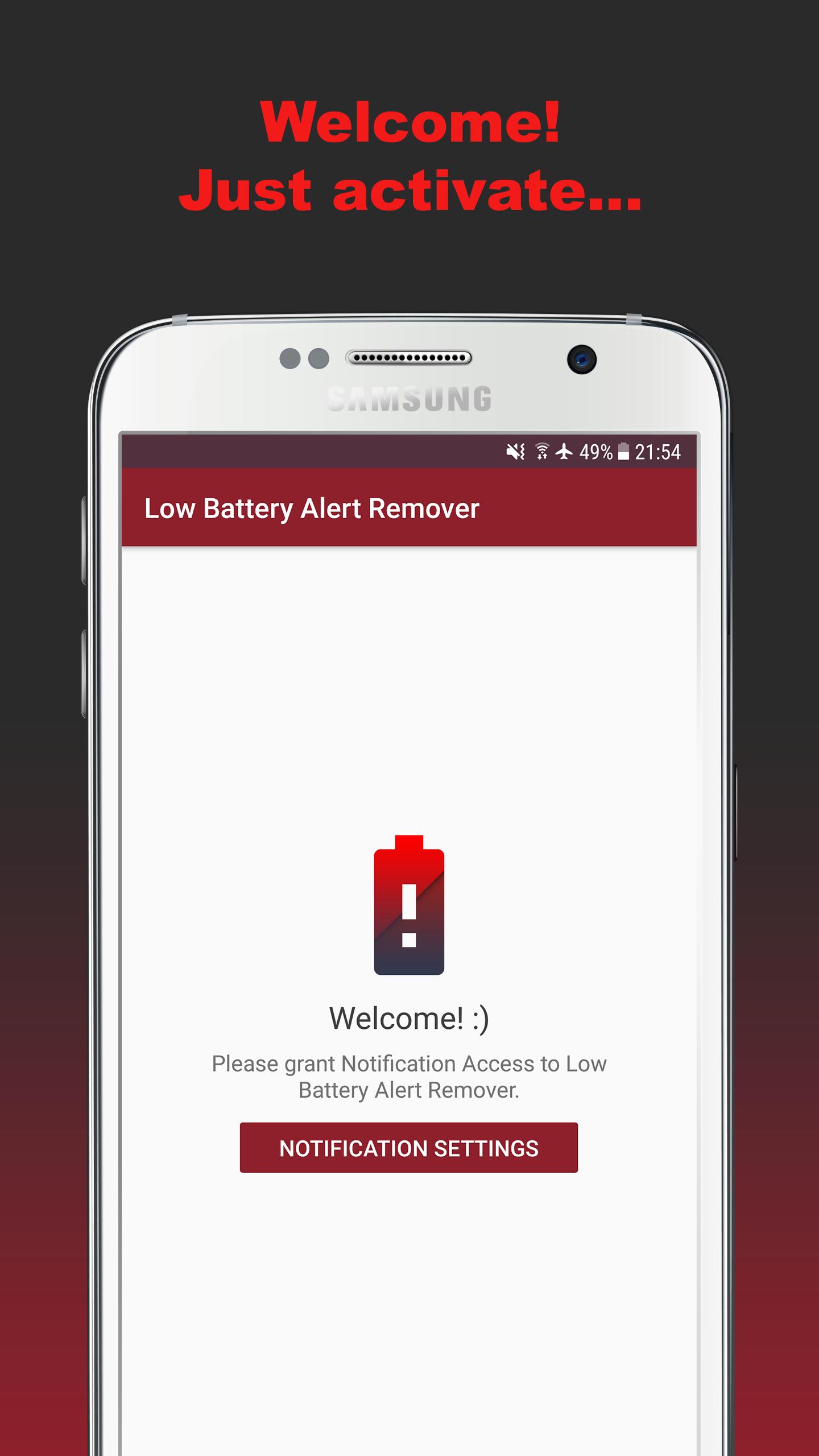
Annoyed by the 5% and 15% "Battery low" warnings of your device?
Then "Low Battery Alert Remover" is perfect for you.
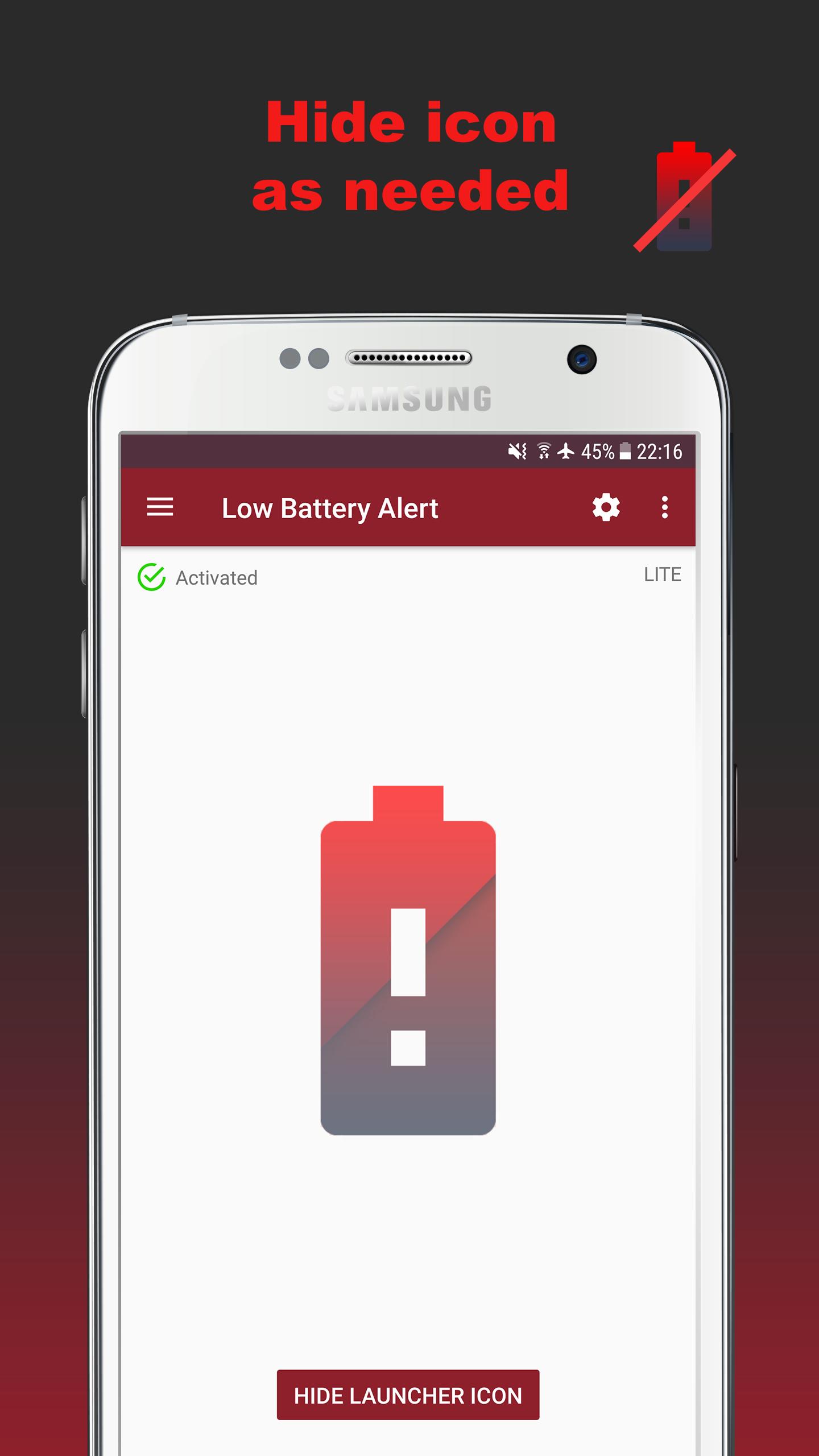
It hides the notification instantly on showing up.
(Should work for all 0-15% low battery notifications and all devices.)
Doesn't work with popups, only with notifications in the notification bar!
Please contact me at 📧tkstudio@web.de if you have an idea or if the app has problems with your device.
Thanks! :)
NOTE: It's impossible to completely disable the notification. That's why the preview of it may show up briefly, but the notification is gone again instantly.
Visualizar
Em formação
Desenvolvedor
TK Studio 🌍
Última versão
2.6
Ultima atualização
2017-10-03
Categoria
Produtividade
Disponível em
Google Play
Mostre mais
Como jogar Low Battery Alert Remover com GameLoop no PC
1. Baixe o GameLoop do site oficial e execute o arquivo exe para instalar o GameLoop.
2. Abra o GameLoop e procure por “Low Battery Alert Remover”, encontre Low Battery Alert Remover nos resultados da pesquisa e clique em “Install”.
3. Divirta-se jogando Low Battery Alert Remover no GameLoop.
Minimum requirements
OS
Windows 8.1 64-bit or Windows 10 64-bit
GPU
GTX 1050
CPU
i3-8300
Memory
8GB RAM
Storage
1GB available space
Recommended requirements
OS
Windows 8.1 64-bit or Windows 10 64-bit
GPU
GTX 1050
CPU
i3-9320
Memory
16GB RAM
Storage
1GB available space