Flowchart Studio para PC
Bianca's House
Baixe Flowchart Studio no PC com o emulador GameLoop
Flowchart Studio no PC
Flowchart Studio, vindo do desenvolvedor Bianca's House, está rodando no sistema Android no passado.
Agora, você pode jogar Flowchart Studio no PC com GameLoop sem problemas.
Faça o download na biblioteca GameLoop ou nos resultados da pesquisa. Chega de ficar de olho na bateria ou fazer chamadas frustrantes na hora errada.
Apenas aproveite o Flowchart Studio PC na tela grande gratuitamente!
Flowchart Studio Introdução
Designed for anyone wanting to design a process, or a complex algorithm, such as planning the "edge cases" of a UI.
The Flowchart is reborn with the new simple Standard Notation.
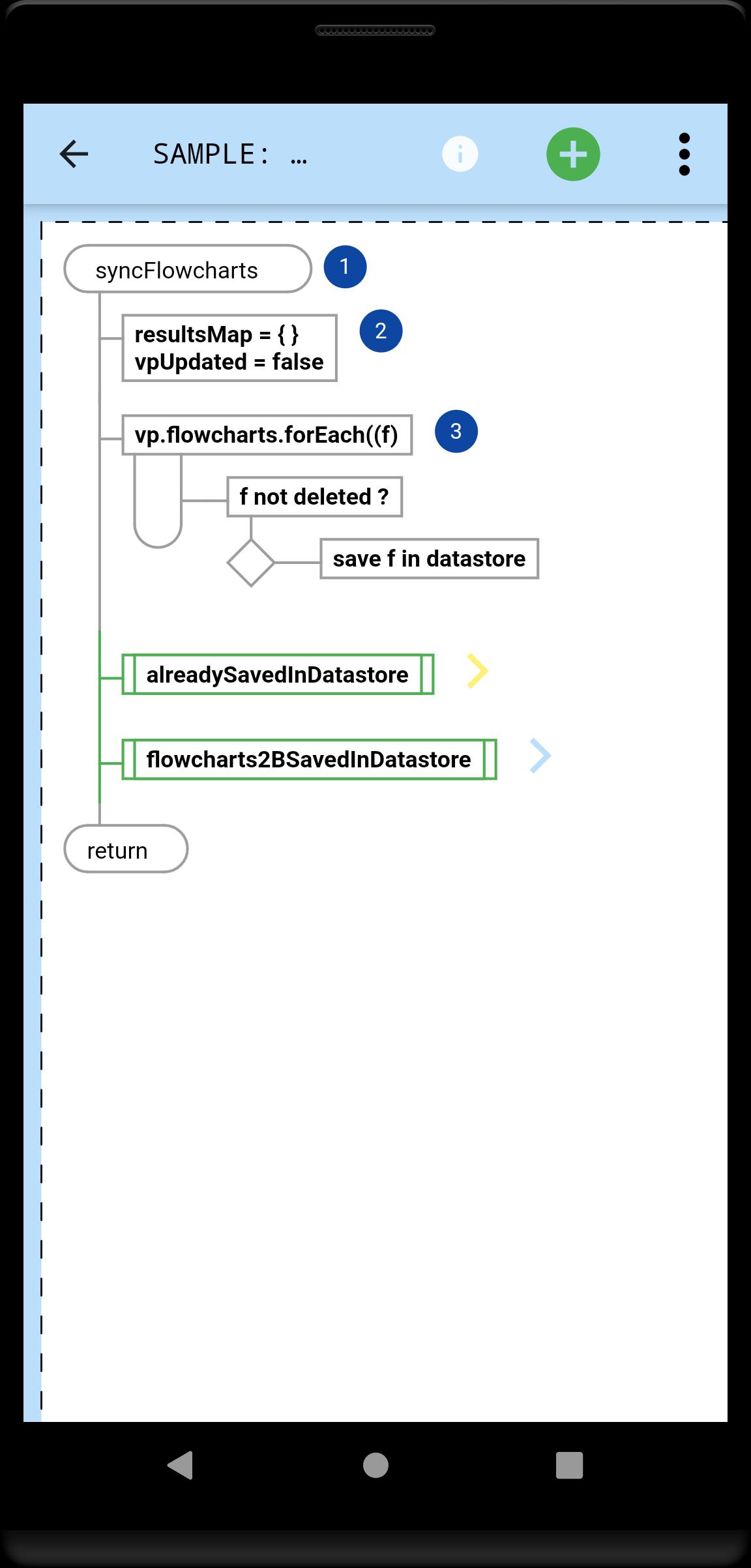
Add and Move steps with drag n drop. For those users who prefer not to drag their fingers across their tablet's screen, the user-interface also works equally well with Point-n-Tap.
You tell the app which steps, and their order: it draws the perfect flowchart.
A Flowchart is a tree of Steps. Coders will instantly be familiar with any flowchart, because they now flow just like their code.
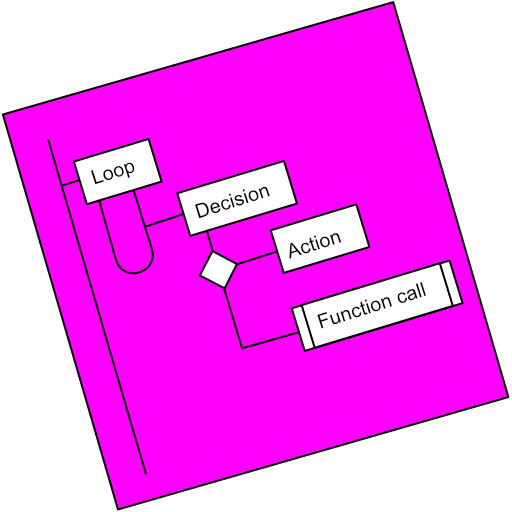
A Step is either a Loop, a Decision or an Action (or Async Action for coders).
Flowcharts can be linked (Function Call steps).
Every step can be annotated with Text and an Image.
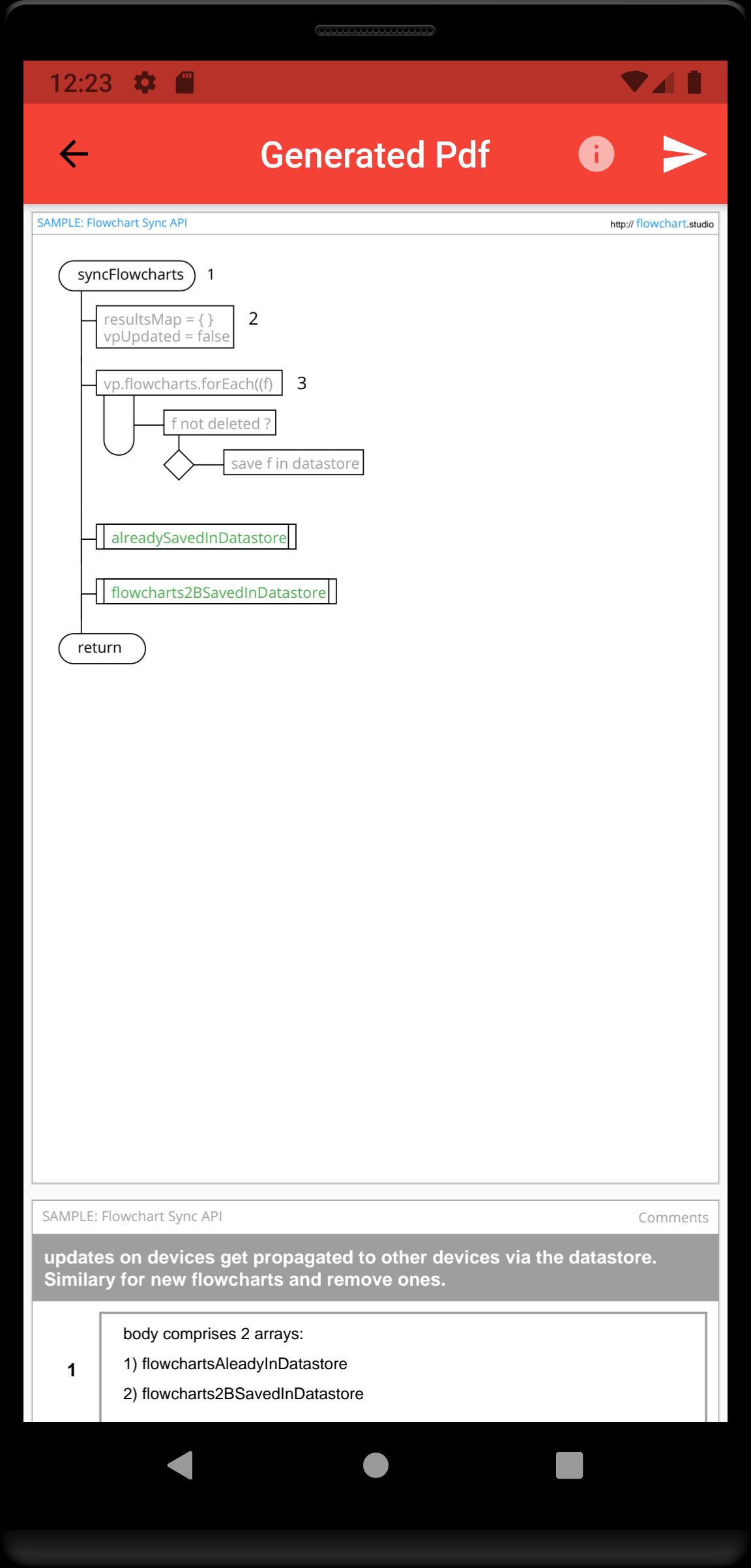
Your step annotations get collated and added to your generated Pdfs.
Your flowcharts are saved on your device, and can be sync'd to our Cloud, allowing you to access them from all your devices.
Visualizar
Tag
ProdutividadeEm formação
Desenvolvedor
Bianca's House
Última versão
1.0.0
Ultima atualização
2022-01-23
Categoria
Produtividade
Disponível em
Google Play
Mostre mais
Como jogar Flowchart Studio com GameLoop no PC
1. Baixe o GameLoop do site oficial e execute o arquivo exe para instalar o GameLoop.
2. Abra o GameLoop e procure por “Flowchart Studio”, encontre Flowchart Studio nos resultados da pesquisa e clique em “Install”.
3. Divirta-se jogando Flowchart Studio no GameLoop.
Minimum requirements
OS
Windows 8.1 64-bit or Windows 10 64-bit
GPU
GTX 1050
CPU
i3-8300
Memory
8GB RAM
Storage
1GB available space
Recommended requirements
OS
Windows 8.1 64-bit or Windows 10 64-bit
GPU
GTX 1050
CPU
i3-9320
Memory
16GB RAM
Storage
1GB available space