Battery Aid 2 para PC
Battery Life Team
Baixe Battery Aid 2 no PC com o emulador GameLoop
Battery Aid 2 no PC
Battery Aid 2, vindo do desenvolvedor Battery Life Team, está rodando no sistema Android no passado.
Agora, você pode jogar Battery Aid 2 no PC com GameLoop sem problemas.
Faça o download na biblioteca GameLoop ou nos resultados da pesquisa. Chega de ficar de olho na bateria ou fazer chamadas frustrantes na hora errada.
Apenas aproveite o Battery Aid 2 PC na tela grande gratuitamente!
Battery Aid 2 Introdução
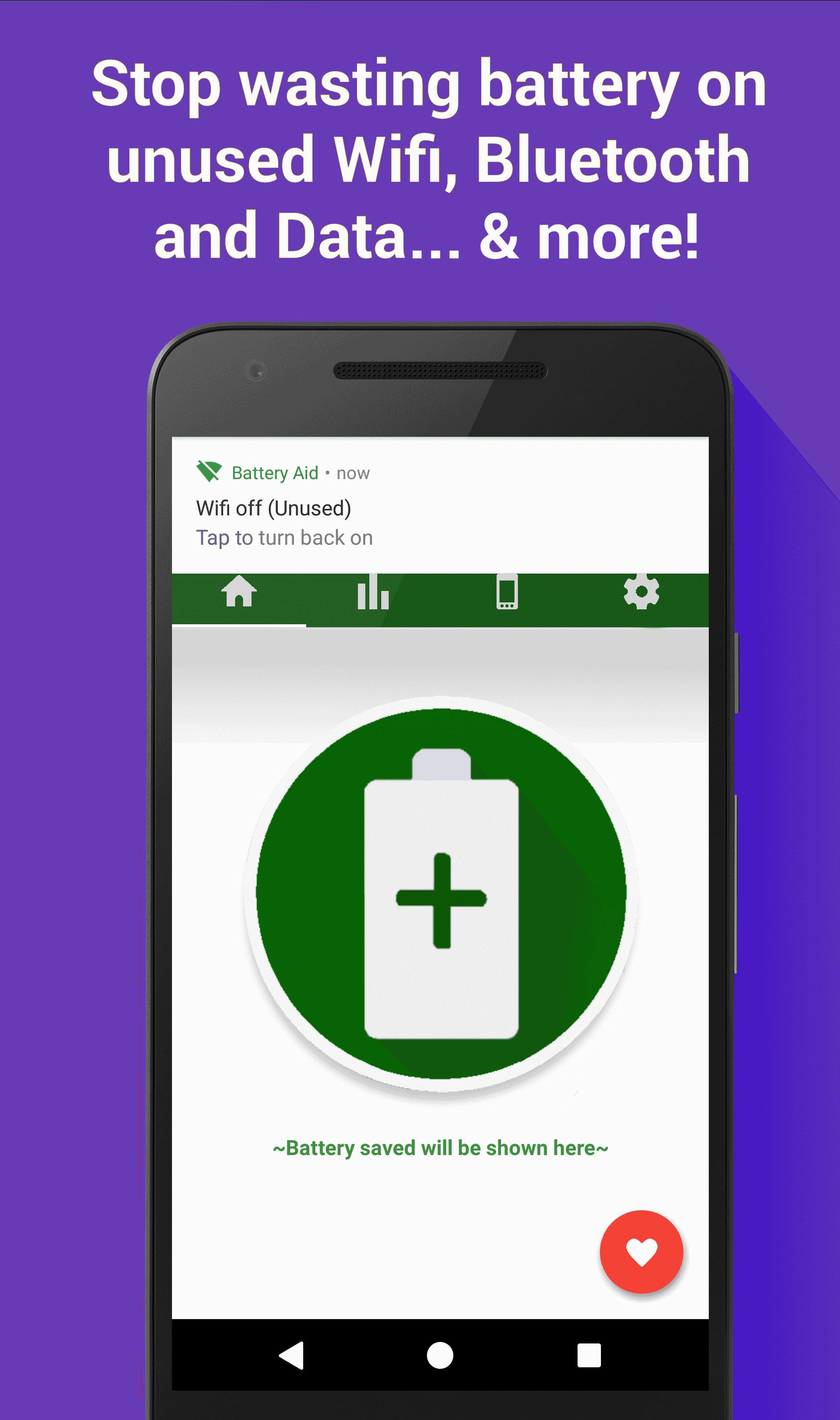
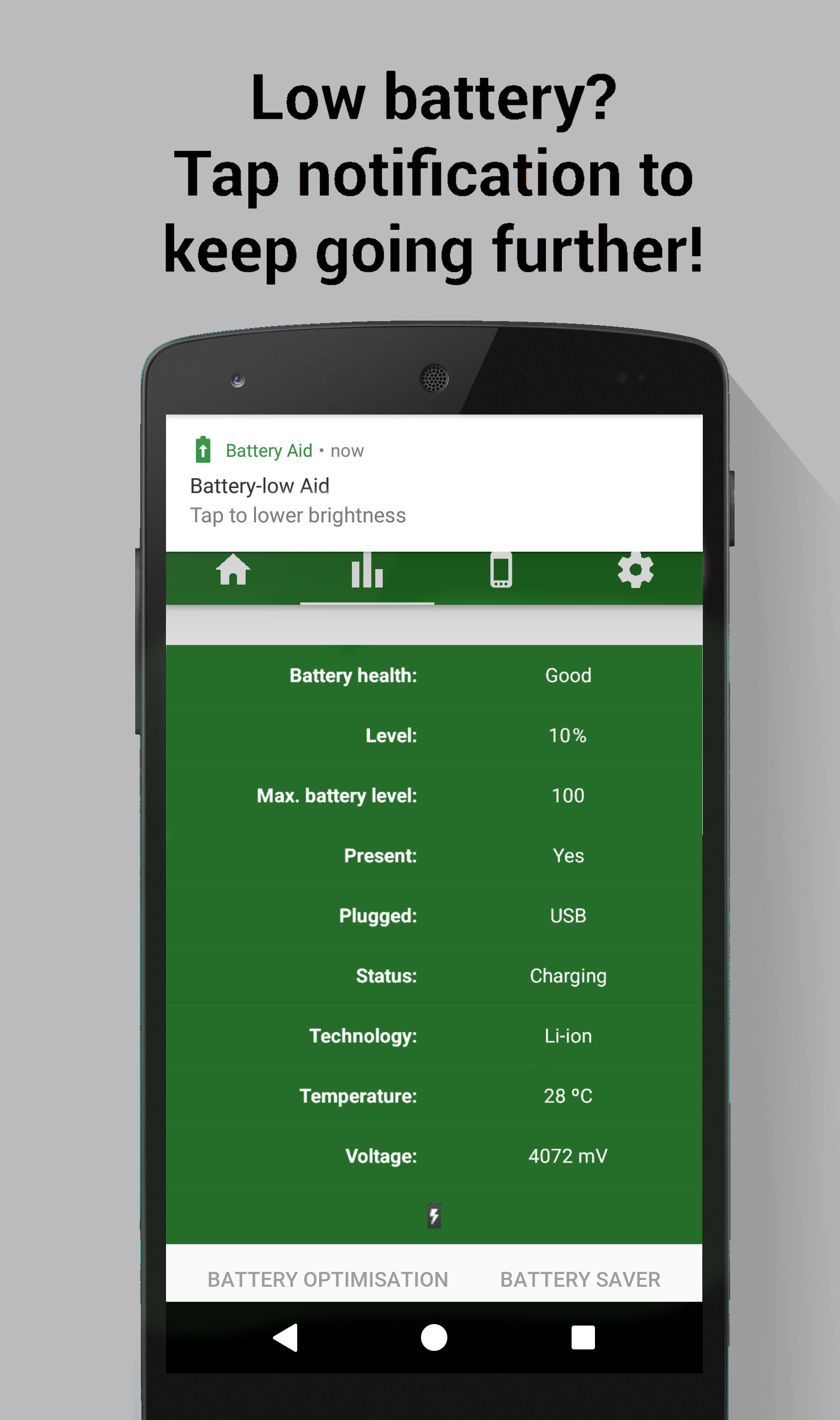
Battery Aid works alongside your device & Battery Saver mode to increase battery life even further. No ads!
TAKES CARE OF EVERYTHING
Turns off Wifi / Bluetooth / Data when not in use, i.e. if device hasn't connected to a Wifi network, or Paired with a Bluetooth device, for the chosen time (5 or 15 minutes). And so much more
WINNER
Battery Aid 2 is a current finalist in the Play Store Material Design awards, and Winner of Ackuna's App Contest!
SUPPORT
• Dedicated Email for support issues
• Support from the developer. We answer every issue
• Regular updates with bug fixes and new features
MORE
• Help crowdsource-translate here: goo.gl/MYvYr5
PERMISSIONS
Wifi, Bluetooth: Aid functionality, Device Info: Modify system settings, Media: Use some stock icons, Identity (G+ Account): +1 button in app
Visualizar
Em formação
Desenvolvedor
Battery Life Team
Última versão
1.1.1
Ultima atualização
2017-02-23
Categoria
Produtividade
Disponível em
Google Play
Mostre mais
Como jogar Battery Aid 2 com GameLoop no PC
1. Baixe o GameLoop do site oficial e execute o arquivo exe para instalar o GameLoop.
2. Abra o GameLoop e procure por “Battery Aid 2”, encontre Battery Aid 2 nos resultados da pesquisa e clique em “Install”.
3. Divirta-se jogando Battery Aid 2 no GameLoop.
Minimum requirements
OS
Windows 8.1 64-bit or Windows 10 64-bit
GPU
GTX 1050
CPU
i3-8300
Memory
8GB RAM
Storage
1GB available space
Recommended requirements
OS
Windows 8.1 64-bit or Windows 10 64-bit
GPU
GTX 1050
CPU
i3-9320
Memory
16GB RAM
Storage
1GB available space